FIXED TEXTA short subtitle line
Fixed subtitles on a stable background
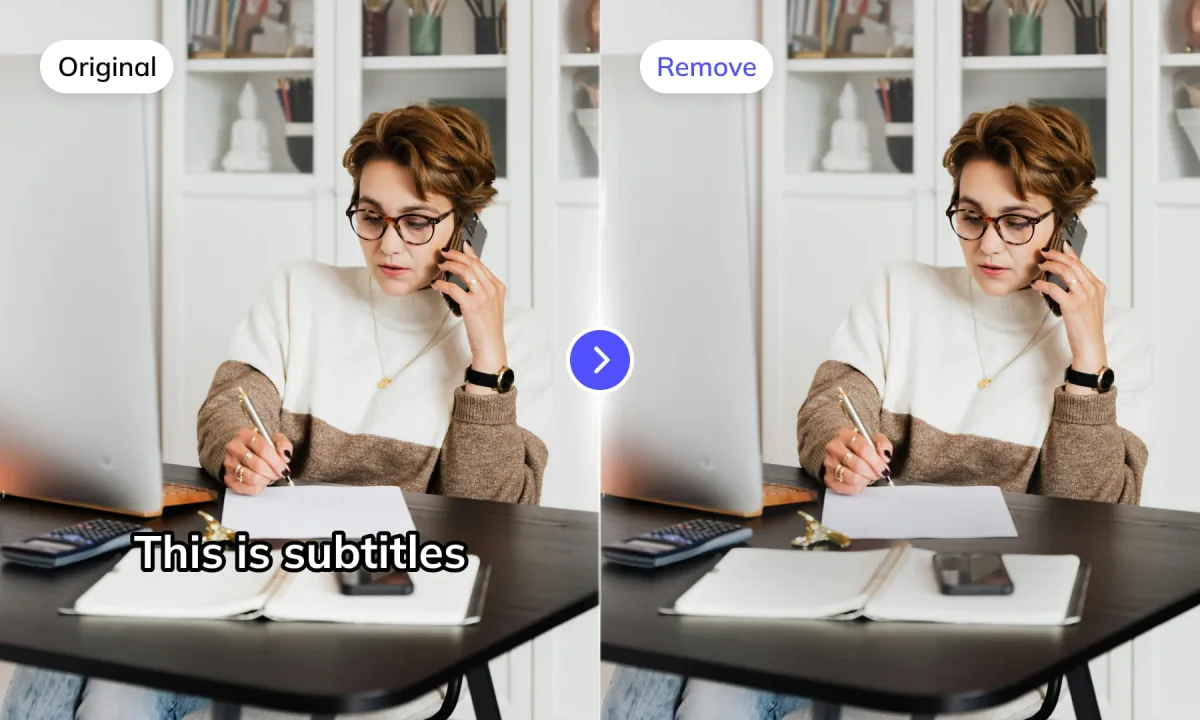
Useful for dialogue subtitles and lower text bands that stay in a predictable area across the shot.
Upload your video, choose how it should be processed, and download the cleaned result.

Choose the situation that matches your footage. Weydub then helps you select the removal scope, review the result, and continue to translation or dubbing.
Remove the original language layer before adding translated subtitles or dubbed audio.
Choose a removal modeClear outdated text, prices, labels, or logos while keeping footage that is still useful.
See production examplesUse a moving-text workflow when subtitles, titles, or overlays change position during a shot.
Check supported targetsTest a representative clip, review the result, then connect approved settings to batch or API processing.
Plan batch deliveryRemove subtitles for ecommerce videos: follow the complete localization workflow
Remove hardcoded subtitles, captions, titles, timestamps, date stamps, lower thirds, and branded overlays. Choose the scope to match their position and movement; region selection also lets you target unwanted people or objects.
Useful for dialogue subtitles and lower text bands that stay in a predictable area across the shot.
Use a moving-text workflow when the text changes position instead of remaining in one fixed region.
Select an unwanted person, face, or object in the frame and remove it from your video.
Region or bounding-box controls help when the target is a known logo, watermark, label, or campaign overlay.
Start with Advanced Lite, our recommended mode. Basic, Advanced Lite, and Advanced Pro are processing modes; Full-screen and Region set where to remove content. Basic also supports Moving text. Check a sample before processing the full batch.
For straightforward removal jobs. Choose the scope that matches the text in your footage.
Our recommended starting point for most video text removal. Test a representative clip before processing the full batch.
For demanding footage where the removal area or background needs more controlled processing.
API and batch processing describe delivery, not a separate quality tier. Read the technical explanation or view the removal API.










From automatic detection to background restoration and batch delivery, Weydub brings the tools for repeatable video cleanup into one browser-based workflow.
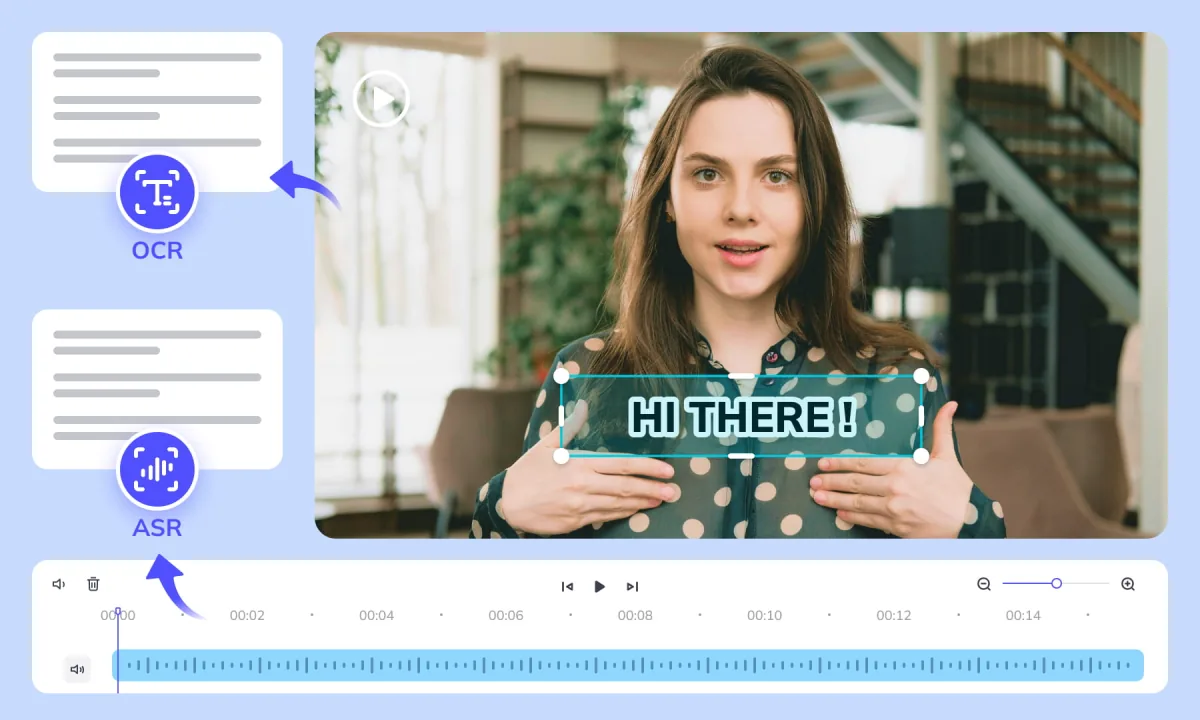
No manual selection is needed for the automatic workflow. Weydub's AI recognizes subtitles, logos, and other on-screen text across the video, then tracks those regions over time before restoring the background.
How OCR and video inpainting remove hardcoded subtitles · When to use multiple removal regions
Remove Subtitles now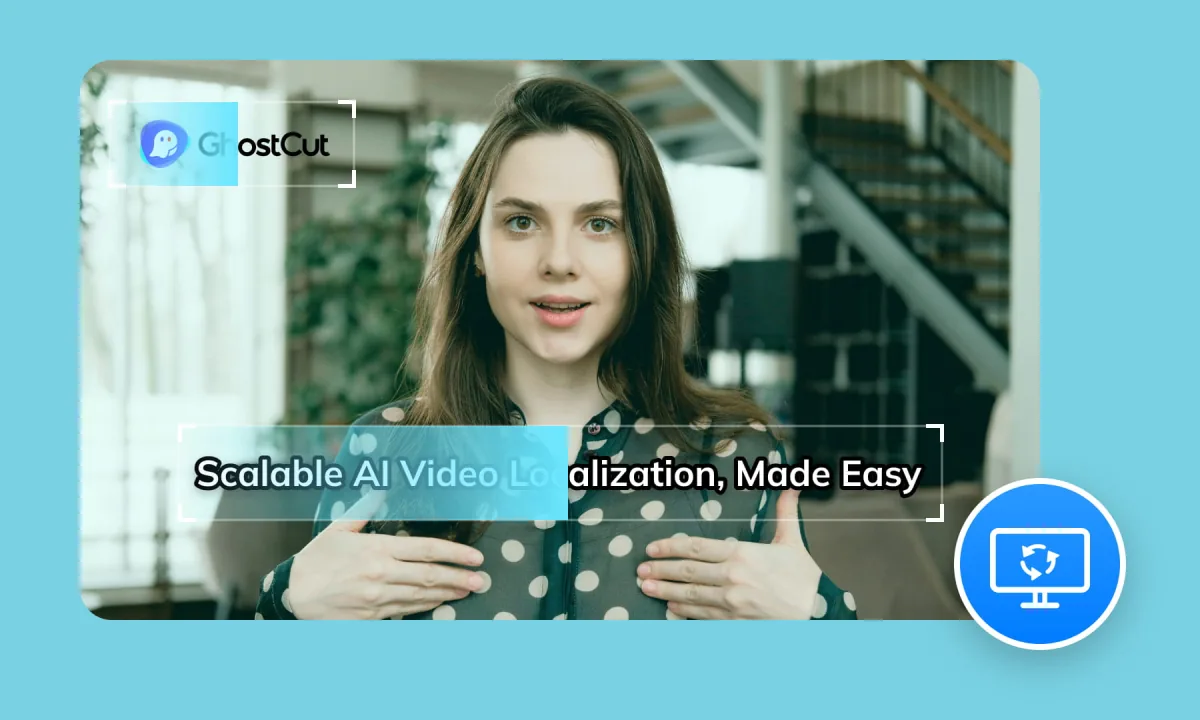
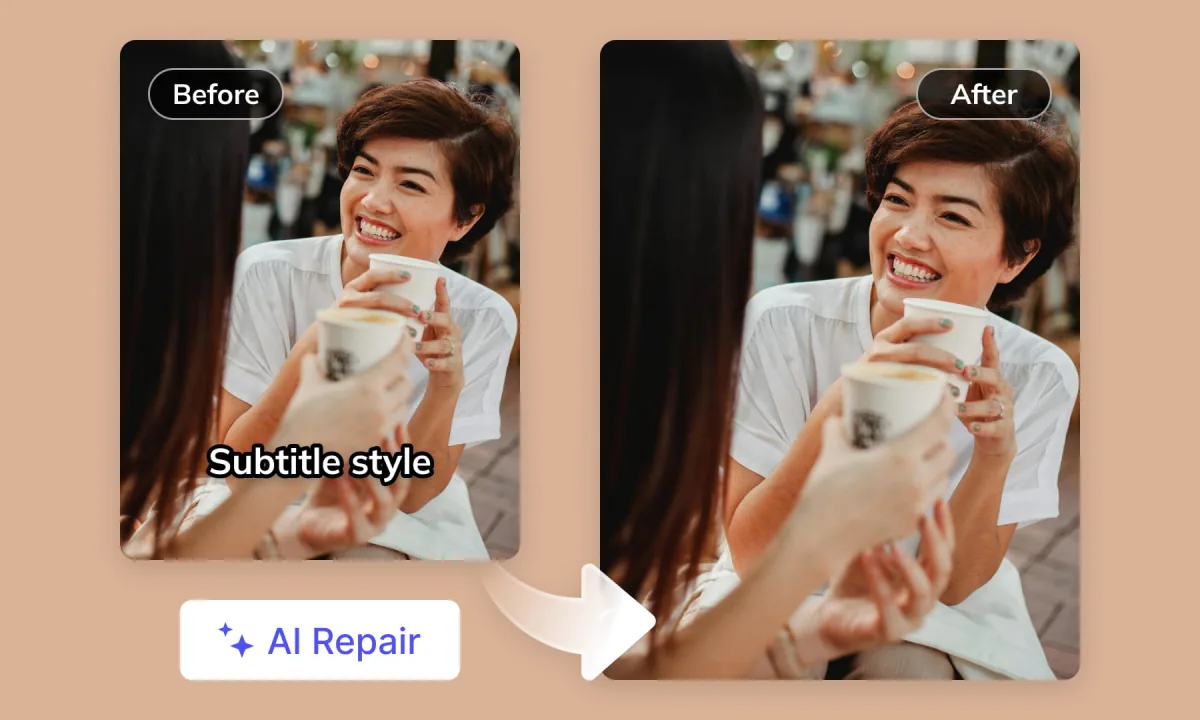
Say goodbye to blurry patches. AI restoration preserves original video quality and removes text without blurring, even on complex backgrounds. Get seamless results every time. Basic, Advanced Lite, and Advanced Pro modes provide different processing options for different footage.
Removing subtitles over faces and hands
Remove Subtitles nowRemove subtitles and on-screen text from MP4, AVI, MOV, and other supported formats. Batch processing supports up to 100 videos, while the API connects text cleanup to automated localization workflows.
API quickstart · Compare pricing
Remove Subtitles now
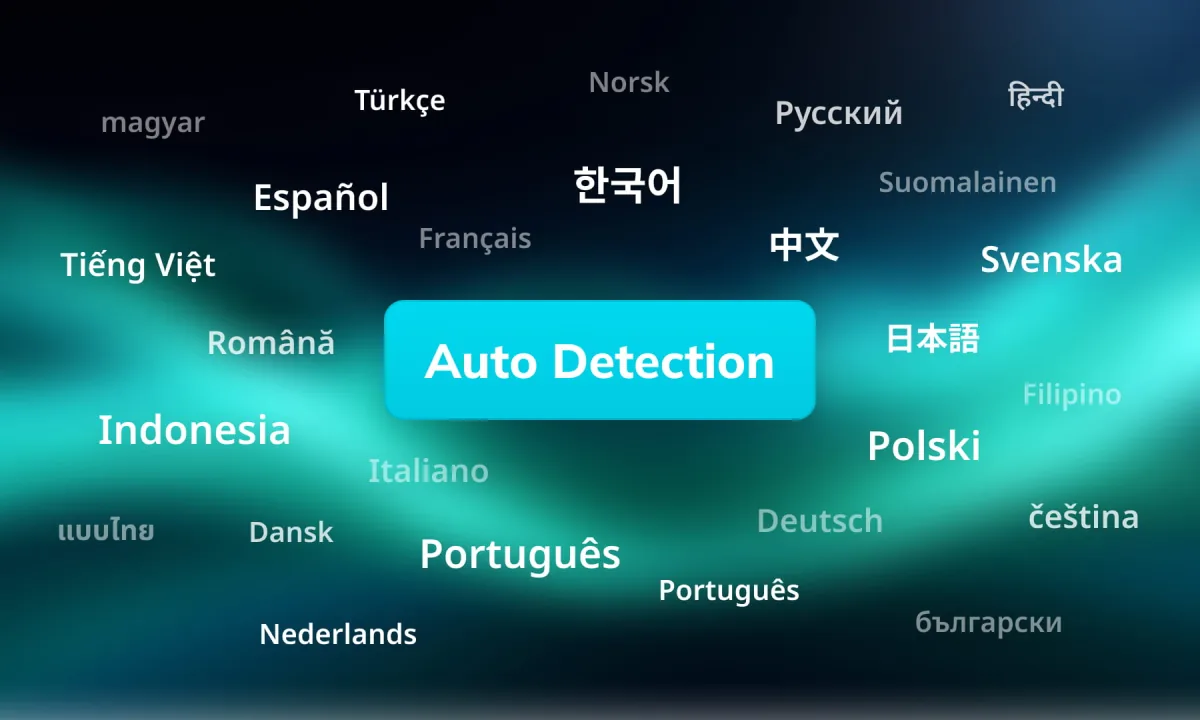
Automatically detect and remove text or subtitles in dozens of languages. This helps teams prepare the same source video for global content reuse and translation.
Remove Subtitles nowChoose Basic, Advanced Lite, or Advanced Pro processing according to the footage, turnaround, and budget. The same workflow supports quick cleanup and more demanding production work.
Remove Subtitles now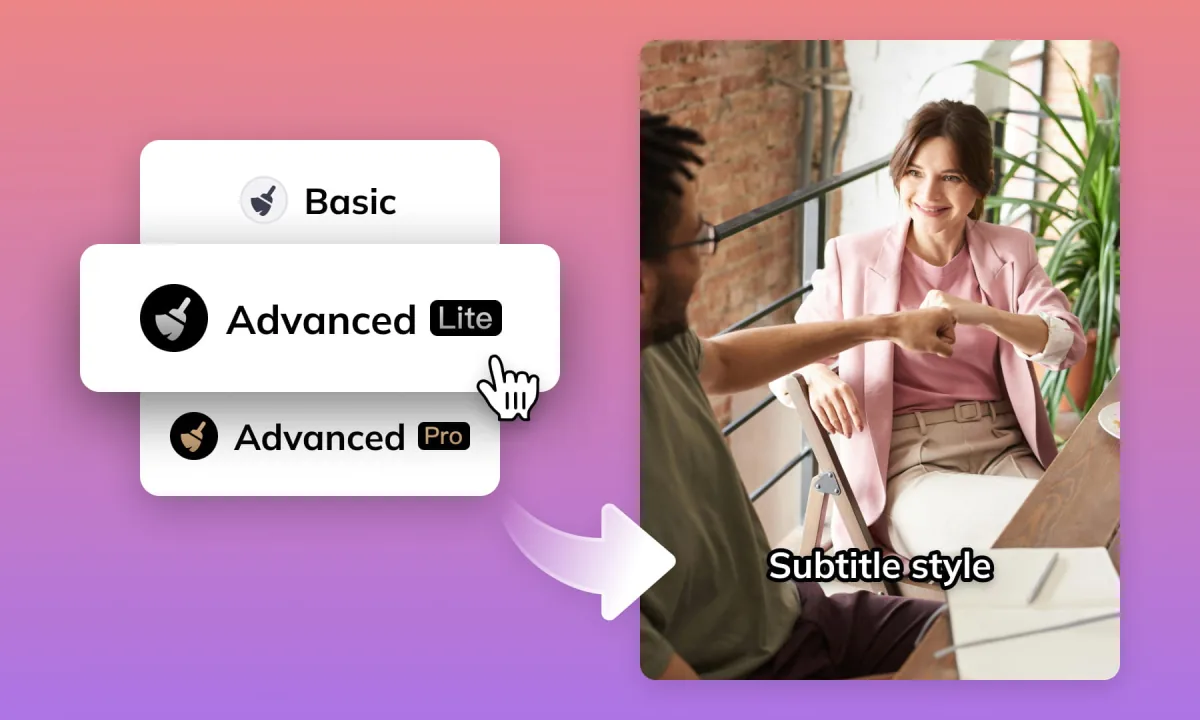
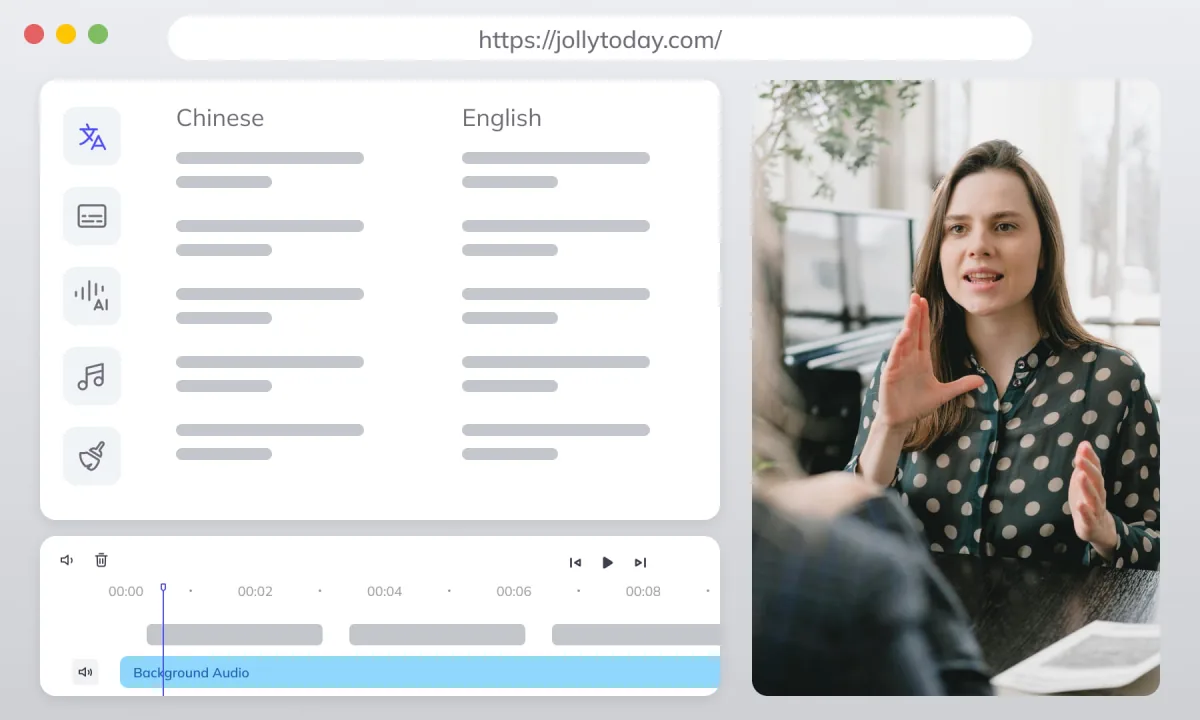
No installation is required. Remove text from video in a browser on Windows, Mac, and supported mobile devices.
Remove Subtitles now




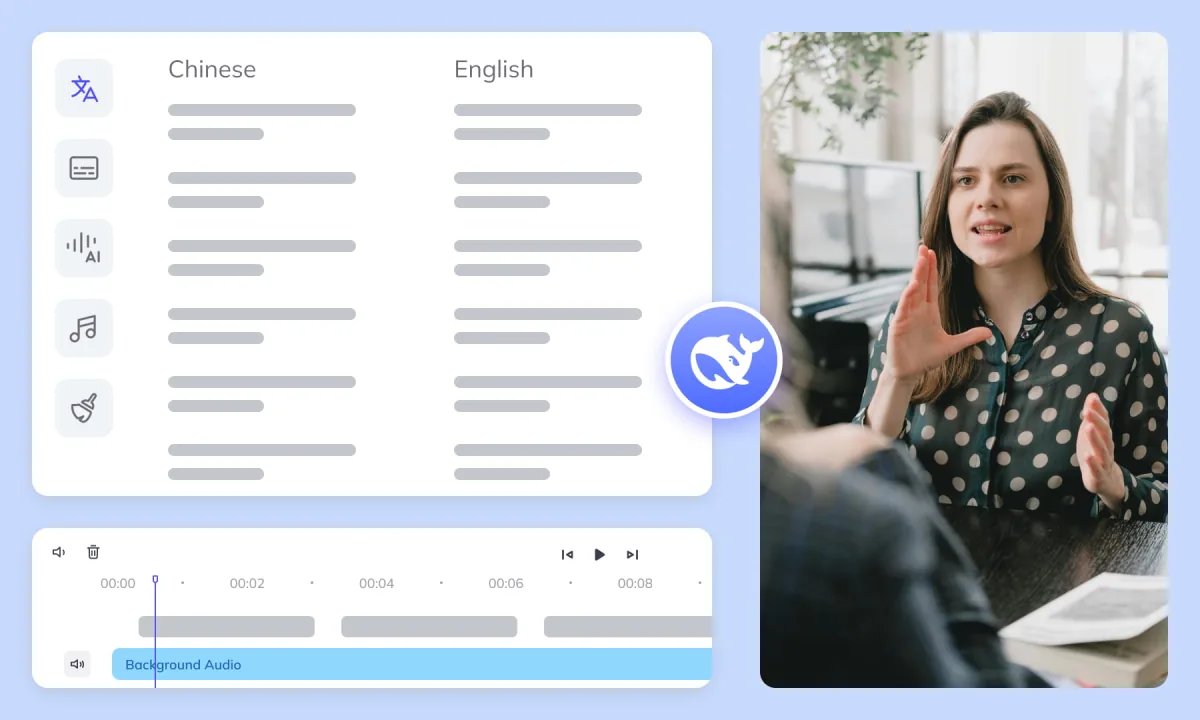
Keep subtitle extraction, translation, dubbing, and delivery connected in one localization workflow. If you need the original on-screen dialogue, use subtitle generation before erasing it. Then prepare the clean video for subtitle translation and AI dubbing and voice workflows.
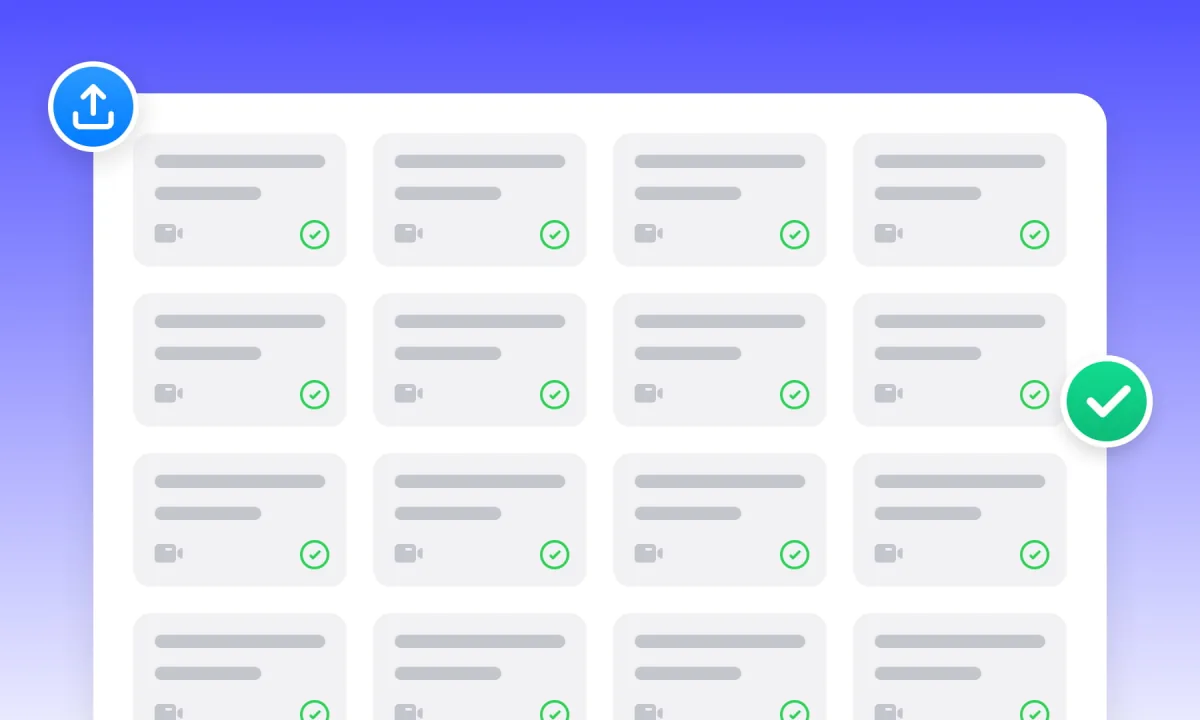
Manage projects and assets. Batch upload, process, and translate hundreds of videos simultaneously, boosting large-scale efficiency.
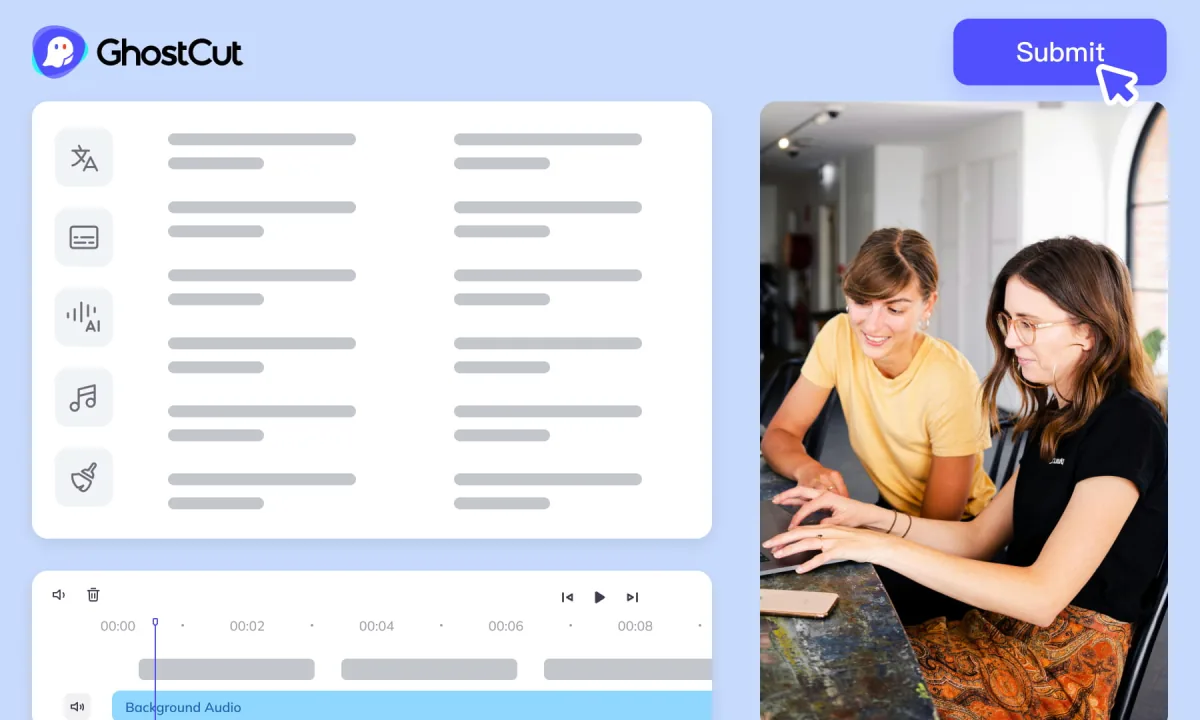
Auto-render and sync video, subtitles, AI dubs, and music. Ensures precise A/V alignment. Export project files compatible with professional NLEs (like PR/CapCut).