
AI Subtitle Translator
Translate an existing subtitle file into another language with Weydub, then inspect the wording, timestamps and line breaks before export. Start from SRT when you already have timed captions. If the words are only visible in the video or spoken in its audio, extract them with OCR or ASR first instead of treating the video as a subtitle file.
Sign in to check supported subtitle formats, languages and current task limits.
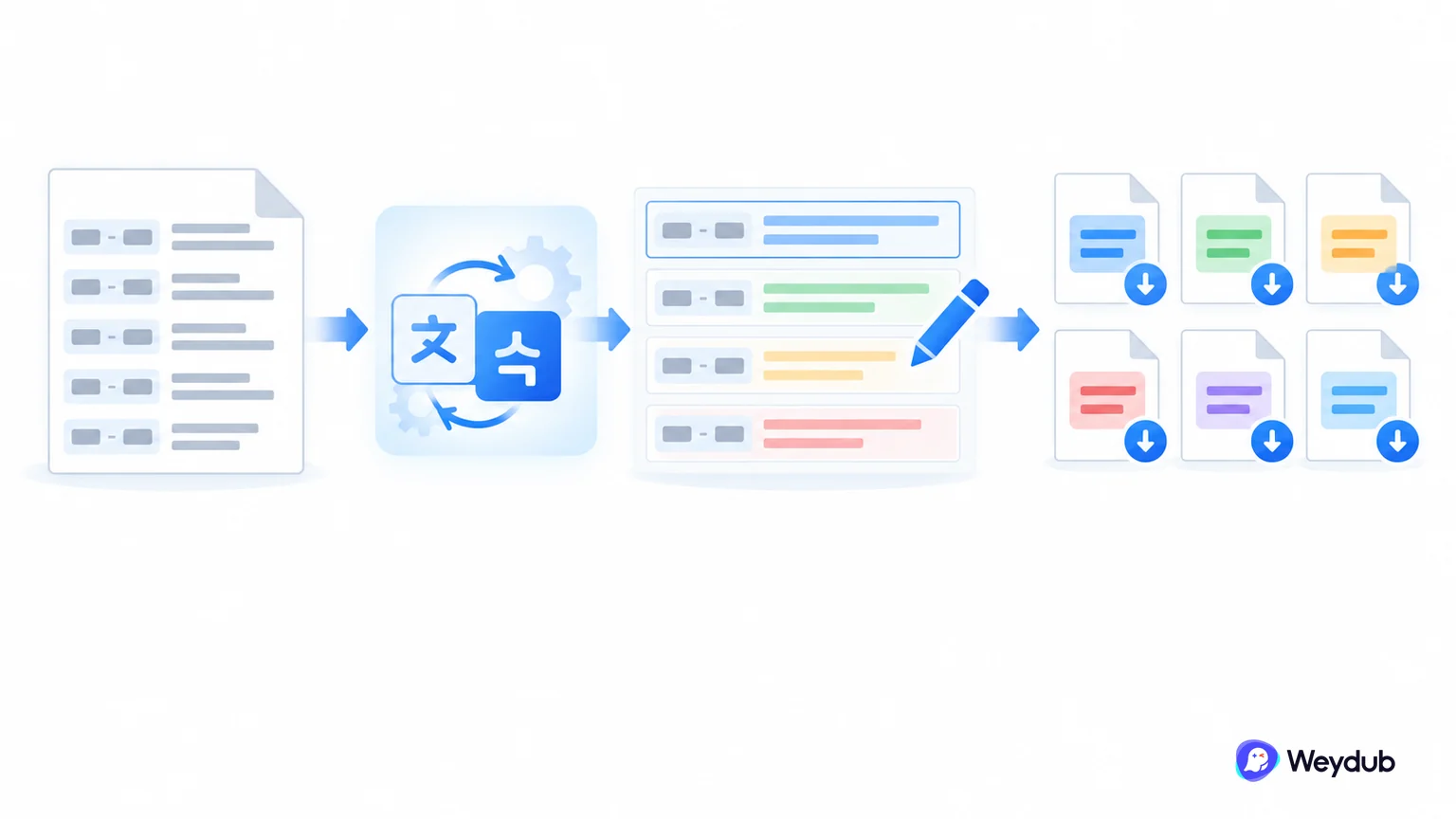
How to Automatically Translate Video Subtitles with AI?
Using Weydub, easily translate subtitles in 3 simple steps
Upload/Generate Subtitle File
- Upload SRT/VTT files from your device, or generate subtitles online.
- Batch upload supported.

Select Translation Settings
- Choose the target language and an available translation mode; check batch limits and any displayed task cost.
- Click "Start Translation" to initiate.

Process & Download
- Follow task progress, then review translated names, numbers and line breaks before downloading.
- Once processed, batch download translated SRTs, or use Weydub online editing and AI dubbing.

Translate a subtitle file or extract subtitles first?
SRT is the documented timed-subtitle path. File import controls also accept VTT; preview imported cues before translation. File acceptance alone does not guarantee every styling feature survives import or export.
| Available input | Next step | Boundary |
|---|---|---|
| SRT subtitle file | Import timed cues and translate their text. | Inspect numbering, encoding and timestamps. |
| VTT subtitle file | Import through a supported file control and inspect the parsed cues. | Verify cue compatibility; do not assume styling round-trips. |
| Video with burned-in subtitles | Extract visible text with OCR first. | This is not direct subtitle-file translation. |
| Audio without captions | Generate timed text with ASR first. | Review the transcript before translating it. |
Keep the meaning and the time window together
Translation can become longer than the source. Keeping a timestamp does not by itself make the translated line readable.
Source cue
The product is ready to ship.
Translation review
Confirm the approved product term, then fit the target-language wording to the available reading time.
Final subtitle
Inspect line breaks, missing characters and alignment with the speaker.
Editorial cue example. It illustrates review decisions, not an automatic translation result.
Review translated subtitles before batch delivery
- ImportInspect the first and last cue, text encoding and timing.
- TranslateSet source and target languages and supply approved names and terms.
- ReviewInspect meaning, punctuation, cue duration and speaker context.
- ExportDownload the supported output and test it in the destination player or editor.
| Problem | What to inspect | Next action |
|---|---|---|
| Text looks broken | Encoding and target-language font coverage. | Correct the file or font, then test the export. |
| A cue is hard to read | Translated length and time on screen. | Rewrite or split the cue without changing its meaning. |
| A character name changes | Glossary and preceding episode context. | Approve a consistent term before repeating the batch. |
Trusted by 2,000,000+ Creators and Businesses Worldwide











Why Choose Weydub for Subtitle Translation?
Translate subtitle files, compare source and target text, and review repeated terms in one workflow. Choose a free or Agent mode where available, and check the cost before submitting.
Free and Agent Translation Modes
Choose the subtitle translation mode available to your account. Free mode and Agent mode have different options; check supported languages, task limits and any displayed cost before submission.
Translate subtitles now

Contextual Translation and Review
Use the available translation mode to create a subtitle draft, then compare it with the source. Review names, specialist terms, tone and punctuation; automated review does not replace your final language check.
Translate subtitles nowAutomatic SRT Check
Review SRT cue numbering, timestamps and translated text before export. Check for missing or empty cues, unexpected language changes and lines that are too long to read during playback.
Translate subtitles now

Translation Optimized for Dubbing
Review translated line length before a dubbing handoff. Where speech-rate adaptation is available, use it to help prepare dialogue, then preview the generated audio with the video to check pacing and synchronization.
Translate subtitles nowBulk Processing & API Available
Process related subtitle files in batches and use the documented API for supported tasks. Confirm task settings and limits, then review each result before publishing a series, course or product campaign.
Translate subtitles now

Choose Your Target Language
Check the target-language list in the selected translation mode. Keep names and terminology consistent across language versions, and ask a fluent reviewer to check wording for the intended audience.
Translate subtitles nowSmart AI Editing
Compare source and translated text in the online editor. Review wording, timing and repeated terms before export. SRT stores text and timestamps; apply fonts and positioning in your player or video composition tool.
Translate subtitles now

Extract Embedded Video Subtitles
If subtitles are burned into the video, use OCR to extract a timed text draft, review recognition errors and then translate it. Translating the extracted file does not erase or replace text already visible in the video.
Translate subtitles nowOne-Stop AI Localization Workbench Far More Than Subtitle Translation
Weydub: Your AI platform for end-to-end video localization. Go beyond subtitles with automated, batch processing for any scale—from single clips to large libraries.
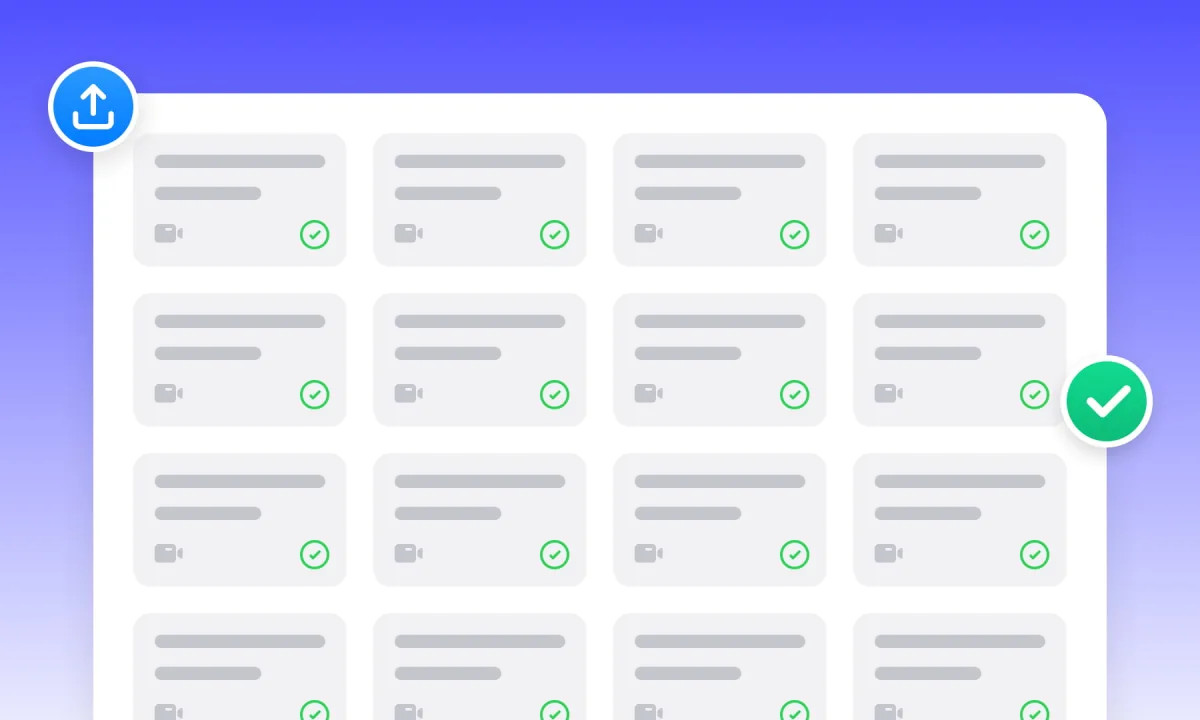
Project Management & Batch Processing
Organize related videos and subtitle files in projects. Check batch limits and task settings, then review each result before delivery.
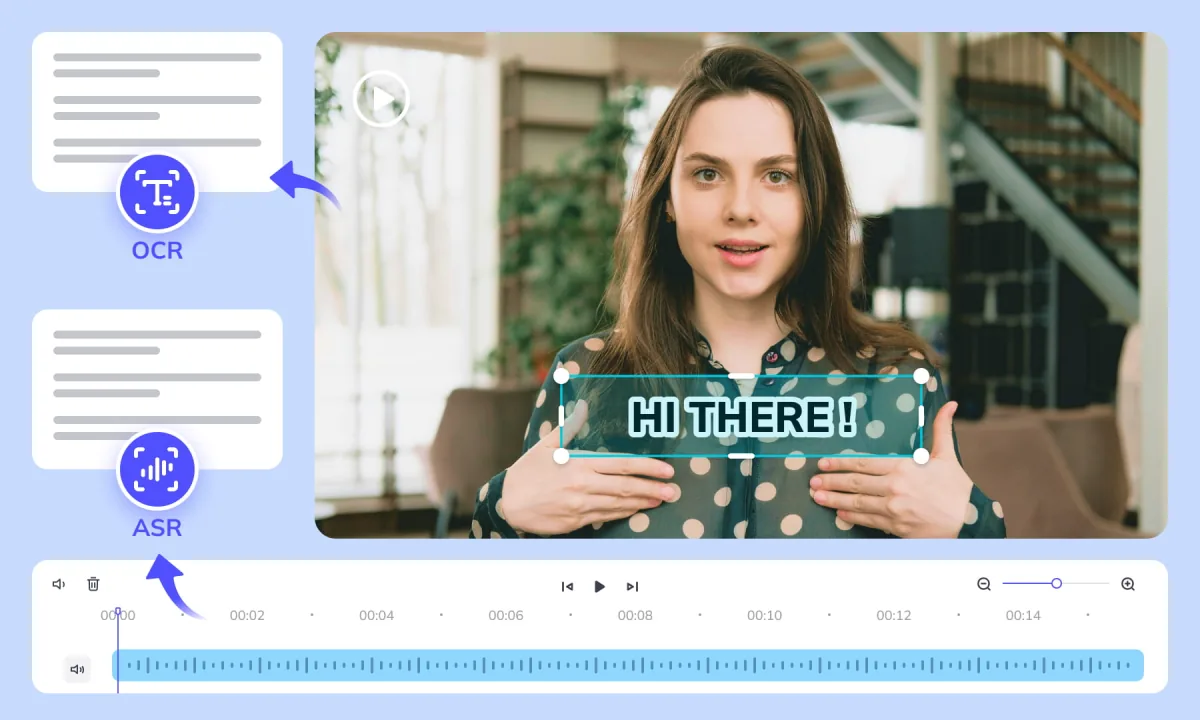
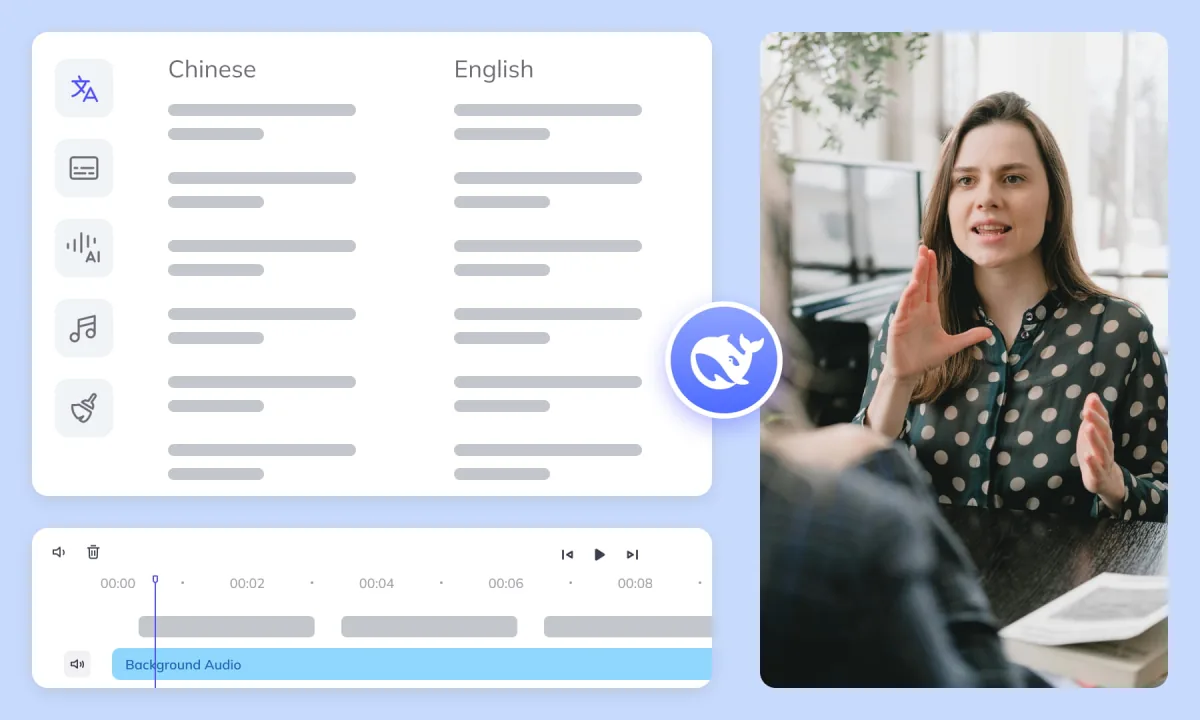
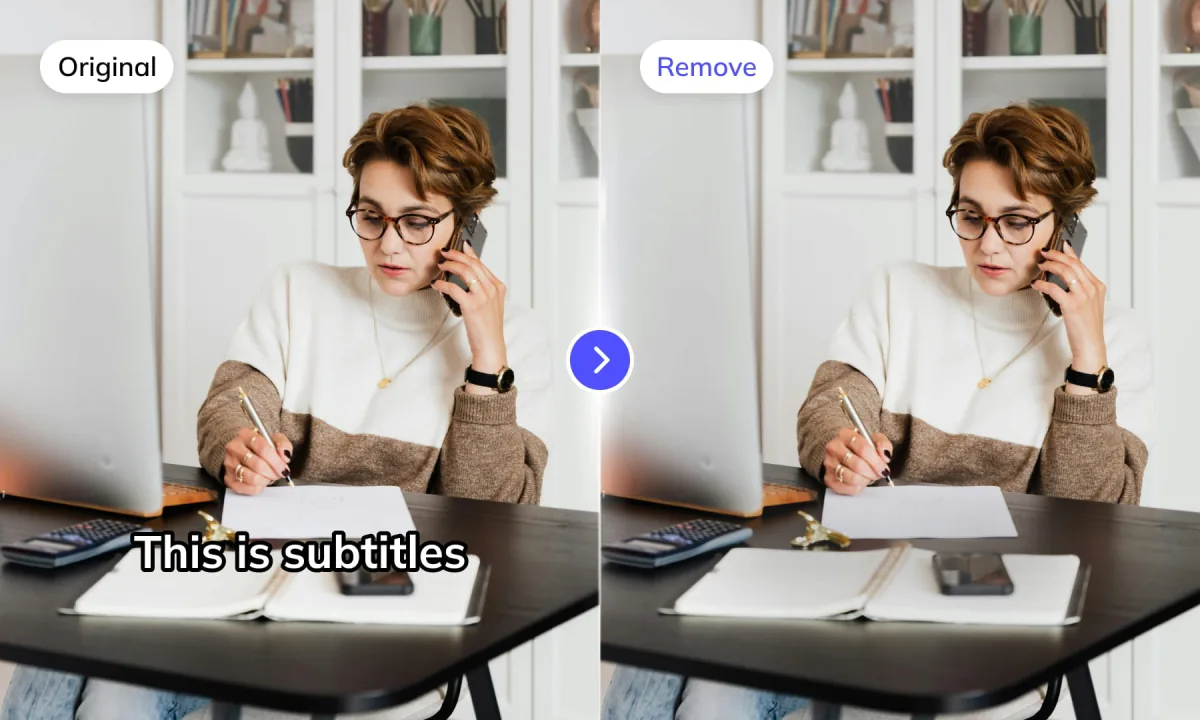

Automated Editing & Export
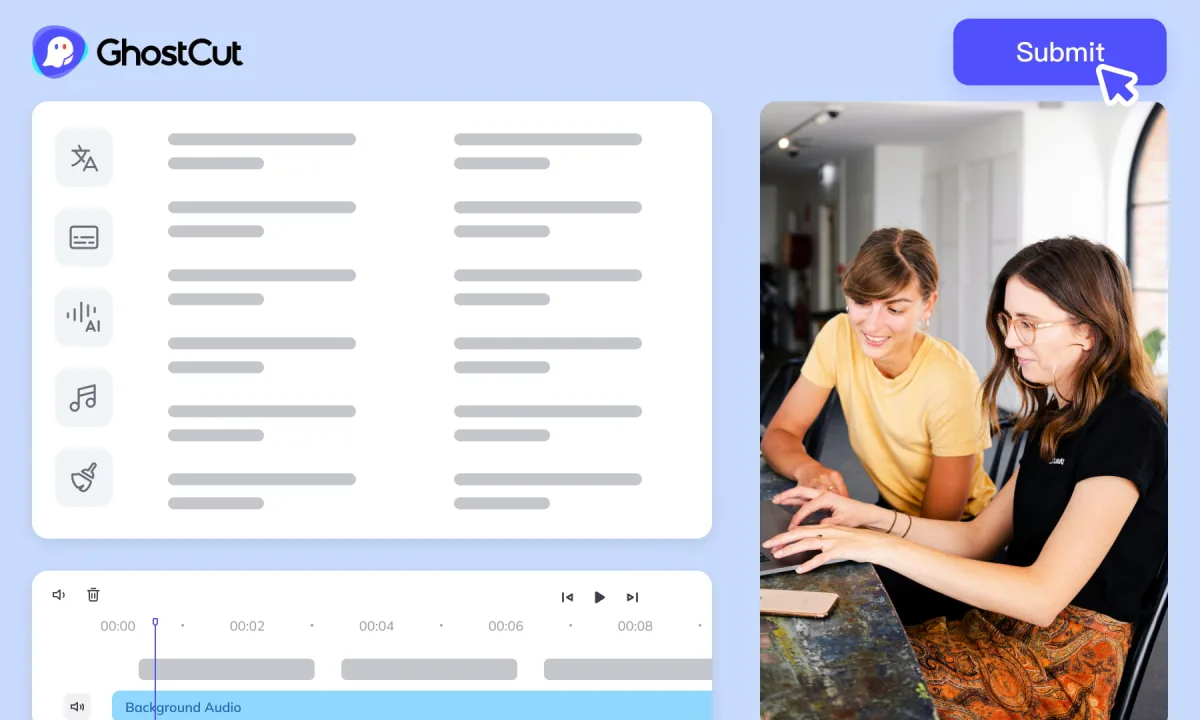
Preview video, subtitles and dubbed audio together before export. Check the output formats available in your selected workflow and the import requirements of the next editing tool.
Subtitle Translation for Different Workflows


Watch and Learn
Frequently Asked Questions
-
Why use Weydub instead of direct LLM subtitle translation?
Weydub connects subtitle translation with file handling, task tracking and online review. Compare source and target text and inspect the exported cues. Choose the workflow that fits your file format and review needs; translation quality still depends on the source and your final checks. -
Do I need an account to translate subtitles?
Sign in to access the subtitle workspace and see the modes available to your account. Free and Agent options may differ by workflow. Check the selected mode, task limits and displayed cost before submitting. -
How is subtitle translation priced, and is there a free option?
A free mode is available in supported subtitle translation workflows. Agent translation and other AI tasks may have separate costs. Check the selected mode and the price shown before submission; free subtitle translation does not make generation, dubbing or video rendering free. -
How long does translation take?
Completion time depends on file length, batch size, selected mode and current service load. Follow progress in the workspace and allow time to review the translated text before export. There is no single completion time for every task. -
Are video subtitles stored on your servers? Are they kept private?
Subtitle processing requires sending your file content to the service. Review the linked Privacy Policy and current account settings for data handling and retention details. Confirm that you are authorized to upload the material and that the terms meet any confidentiality requirements. -
Does free mode mean every translation workflow is unlimited?
No. Free mode does not imply unlimited access to every AI workflow. Language options, batch limits and availability can differ by mode and account. Check the current workspace settings and any displayed cost before starting a task. -
Can you translate embedded (hardcoded) subtitles without an SRT file?
Use OCR to extract visible subtitles into a timed text draft, correct recognition errors and translate the file. This produces translated subtitle text; removing or replacing the original burned-in text requires separate video processing and a preview of the rendered result. -
What should I compare when choosing an AI subtitle translator?
Check supported formats and languages, source-versus-target review, timestamp handling, batch limits and export options. Test a short file containing names, specialist terms and fast dialogue. Compare both the translated meaning and the exported timing before choosing a workflow. -
What's an automatic subtitle translator and how does it work?
An automatic subtitle translator translates the text in subtitle cues for a target language. If you only have audio, generate a draft with ASR first; if text is burned into video frames, extract it with OCR. Review that draft before translation and check timing again after export. -
How accurate is Weydub's automatic subtitle translation?
Accuracy varies with source quality, language pair, terminology and context. Compare the translated text with the source and have a fluent reviewer check names, numbers, tone and ambiguous lines. Preview timing and line breaks separately from the language review. -
What languages does your automatic subtitle translator support?
Open the target-language list in the selected mode to confirm current support. Options for subtitle translation, speech recognition, OCR and dubbing are not necessarily the same. Check both the input workflow and target language before submitting. -
Can I edit the automatically translated subtitles?
Yes. Review and edit translated wording and subtitle timing in the available editor. Check repeated terminology and line breaks before export. An SRT file stores text and timestamps; fonts, colors and positioning are configured in the playback or video composition tool. -
Can I download the translated subtitle file?
Use the download options shown for the completed task and check which subtitle formats are available. Preview the exported file in your destination player, including text encoding, timestamps and line breaks. A subtitle-file download is separate from rendering captions into a video.