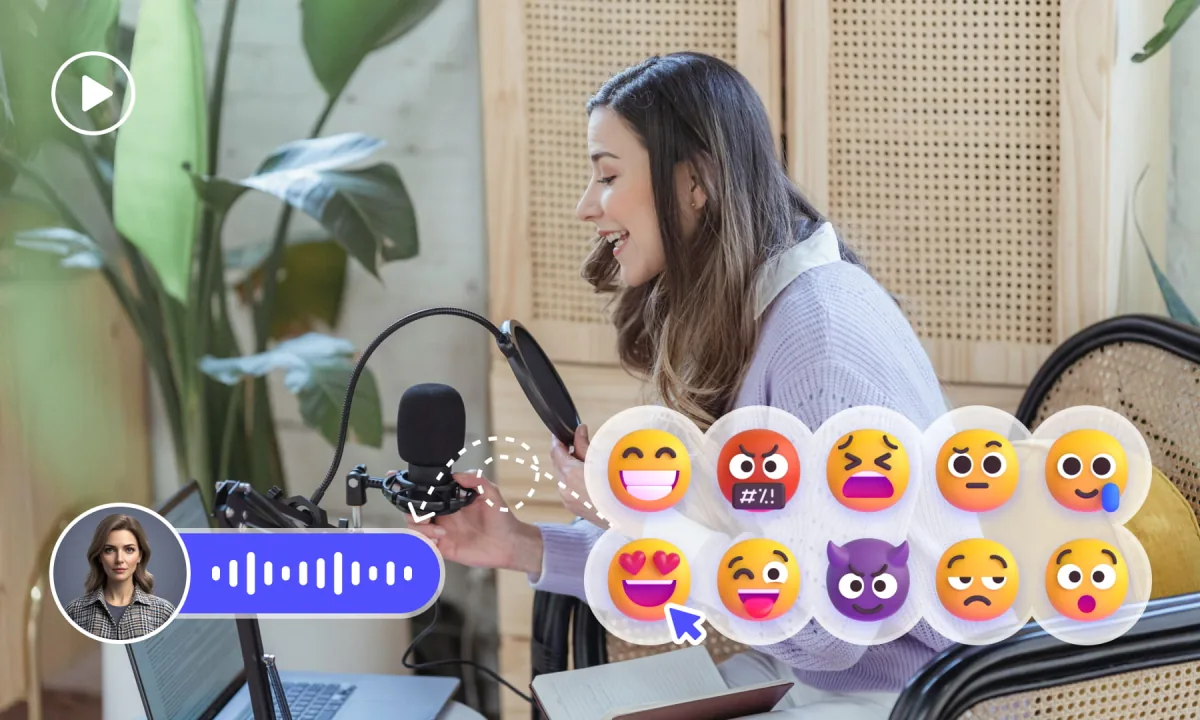
Audio ASR: speech to subtitles
Choose this when the dialogue is in the soundtrack and usable captions are not already visible.
- Select the spoken source language
- Generate and review timed subtitle cues
- Check accents, music, and overlapping voices
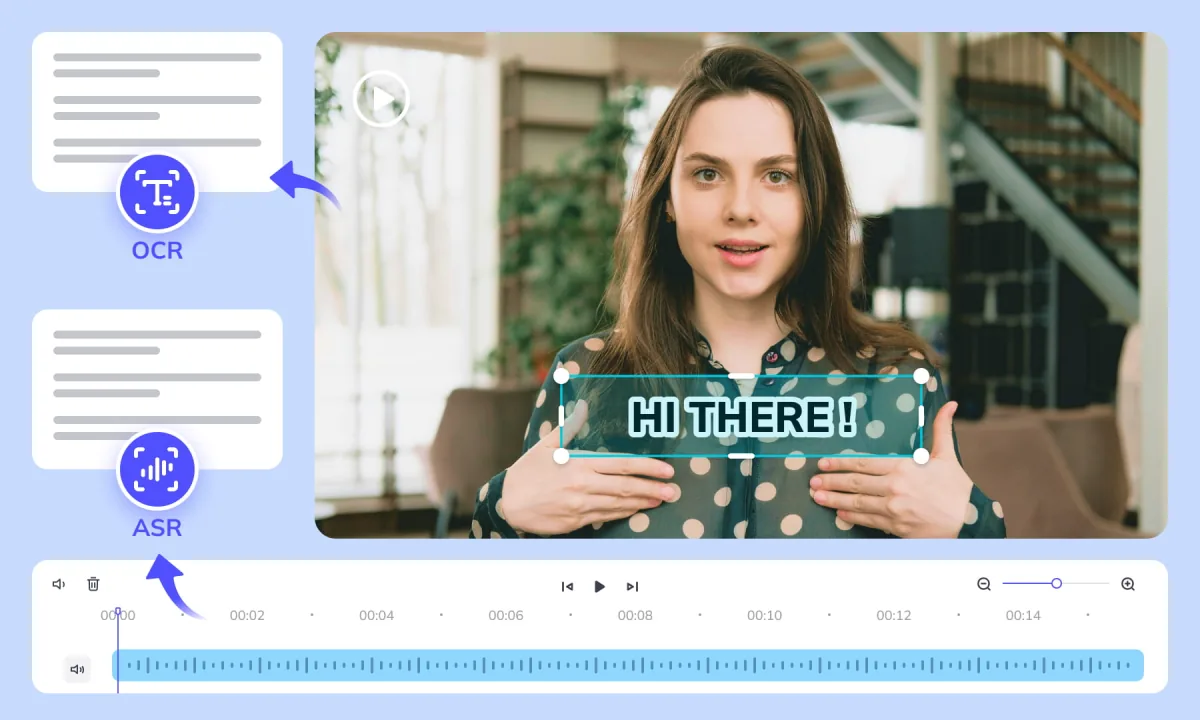
Generate subtitles from speech with ASR, or extract burned-in captions with Video OCR. Review the timed cues and download editable SRT files for publishing, translation, or dubbing.
≤1GB, ≤15min (mp4、avi、mov、mkv、mpg)
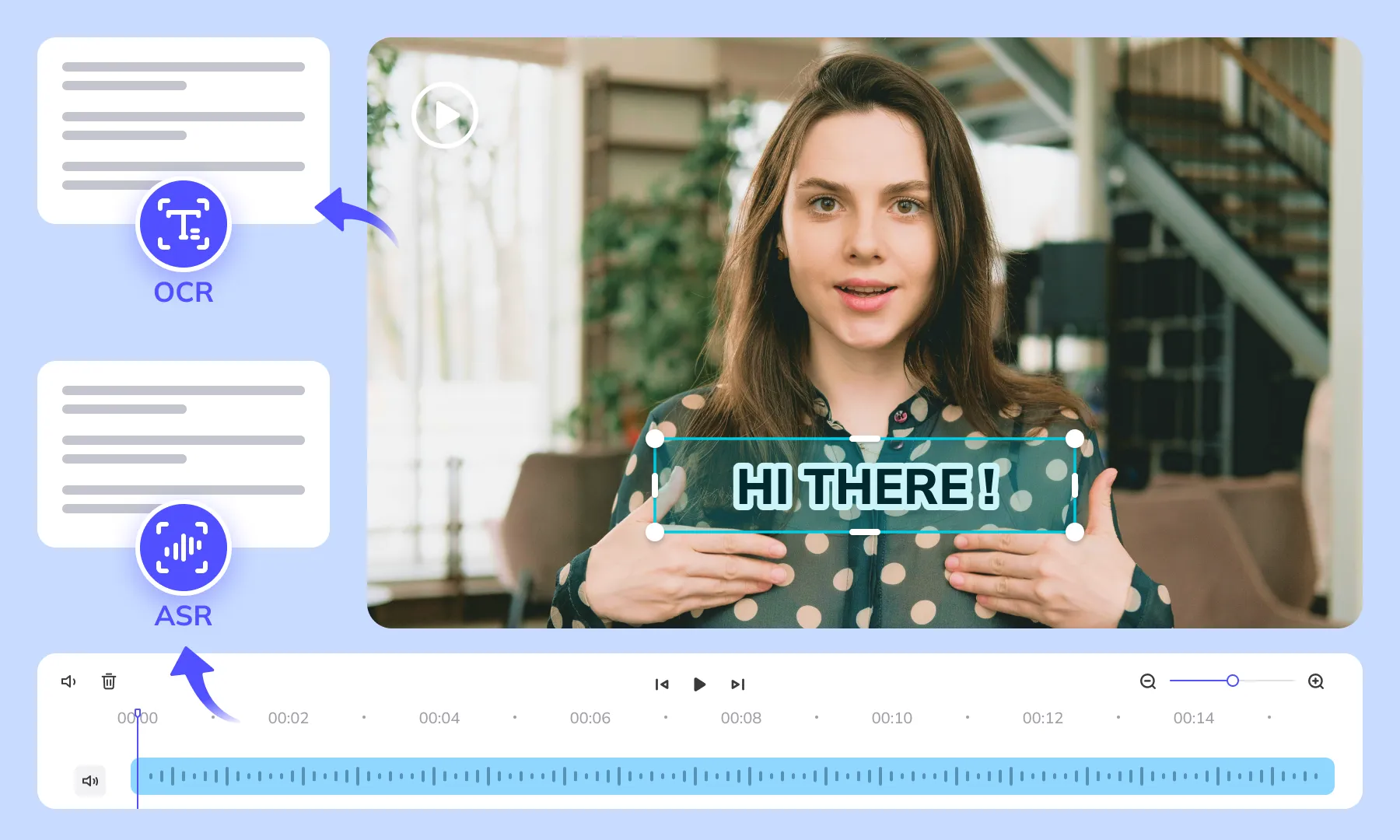
Generate accurate AI subtitles in 3 easy steps with Weydub
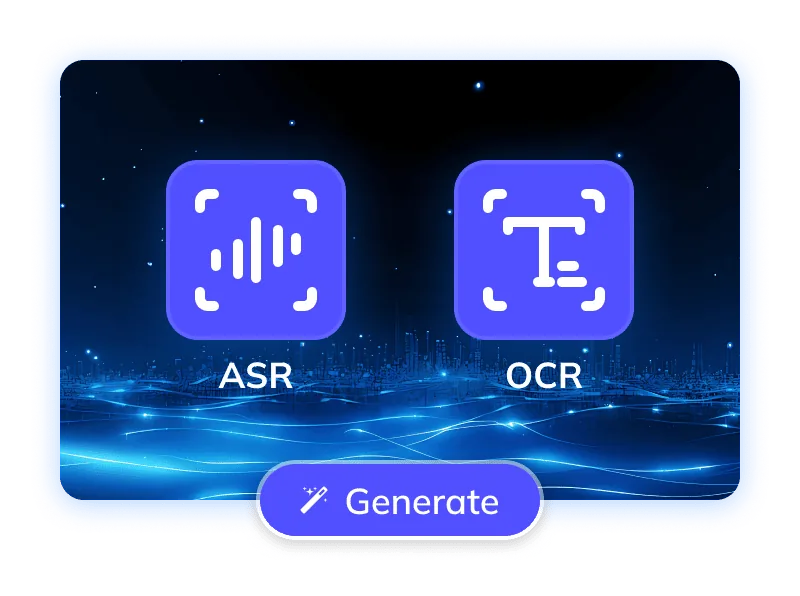
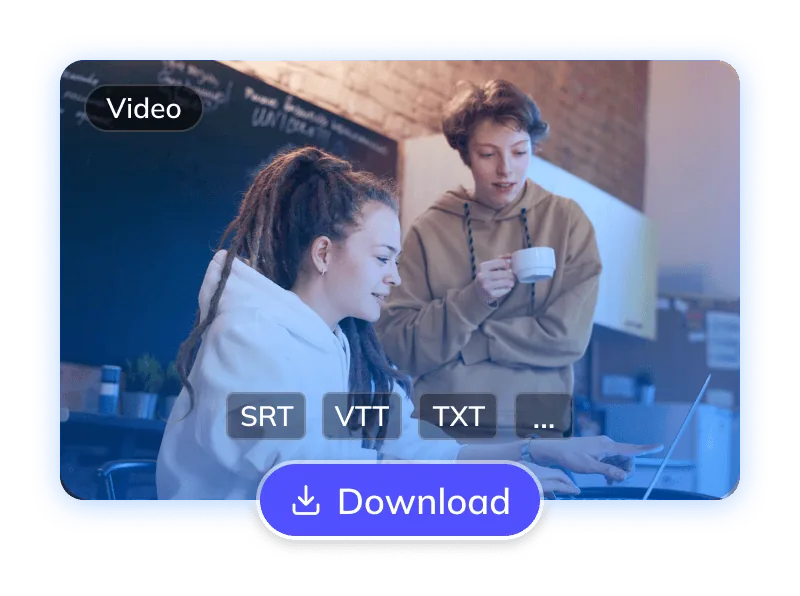
Use the source that contains the dialogue you need. Audio ASR and Video OCR are separate modes: one listens to speech, the other reads visible subtitles.
| Source or task | Where to start |
|---|---|
| A video with clear dialogue | Start with ASR. Review specialist terms, names, and quiet speech. |
| A subtitled short drama | Start with OCR when the visible subtitles are the source you want to recover. Check subtitle region and line boundaries. |
| Noisy speech but readable captions | Consider OCR rather than relying on the noisy audio alone. The modes do not automatically fuse into one result. |
| Several speakers | Use supported speaker labeling and review speaker changes against the video before dubbing. |
















A useful subtitle file needs more than recognized words. Weydub provides separate OCR and ASR workflows, timed cues, contextual review, and speaker controls to prepare subtitles for editing and localization.
Learn how Weydub turns Video OCR or audio ASR into timed, subtitle-ready SRT files.
| Published test metric | Weydub Video OCR | Audio-only ASR baseline |
|---|---|---|
| Character accuracy | 98.25% | 92.14% |
| Strict reference-cue exact recall | 98.92% | 67.74% |
From Weydub's 10-episode short-drama comparison against an editorial subtitle reference. The audio baseline used ElevenLabs Scribe v2 on separated vocals. Read the test setup and results.
Clear dialogue helps speech recognition. Background music, overlapping voices and distortion can still affect the result; compare uncertain words with the original audio.
Generate subtitles now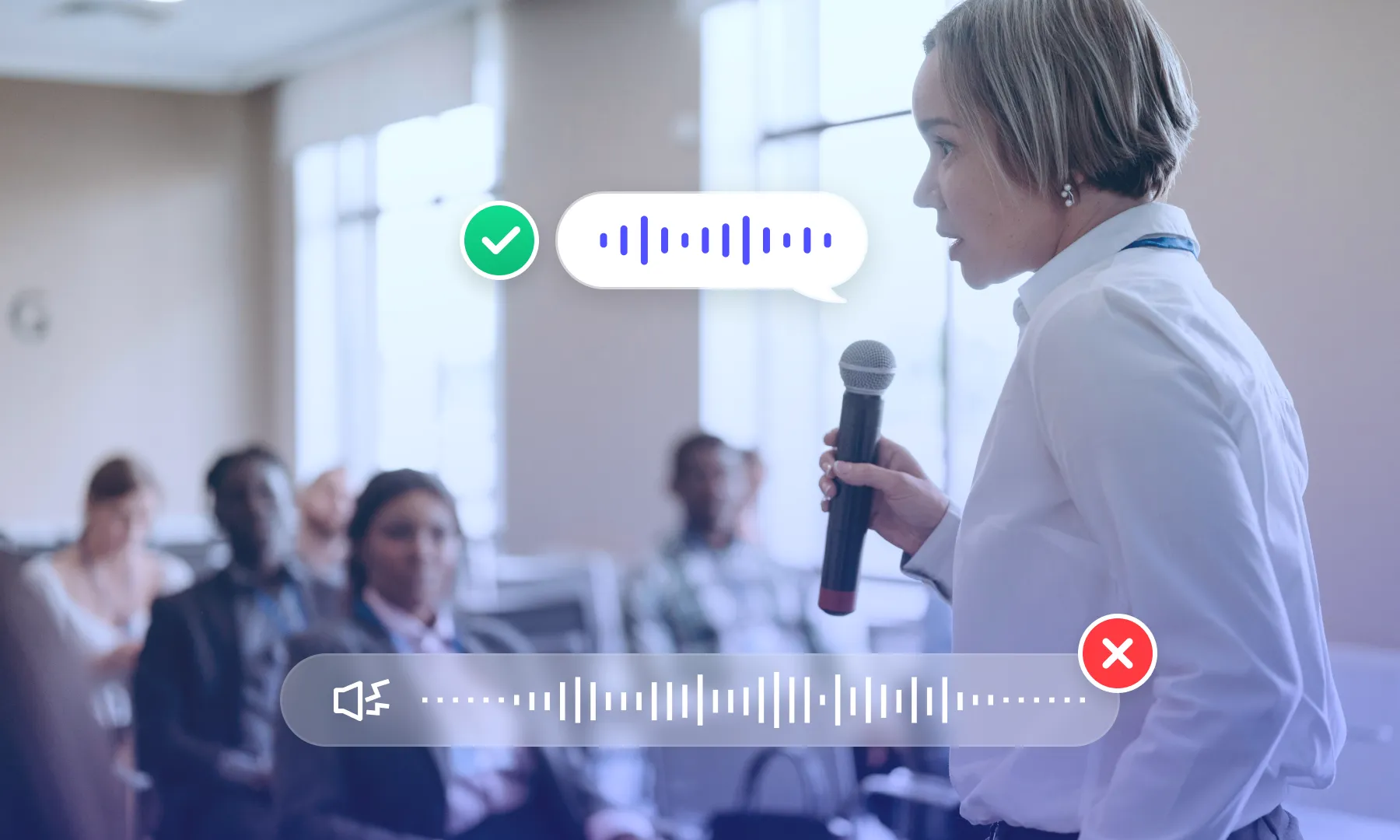
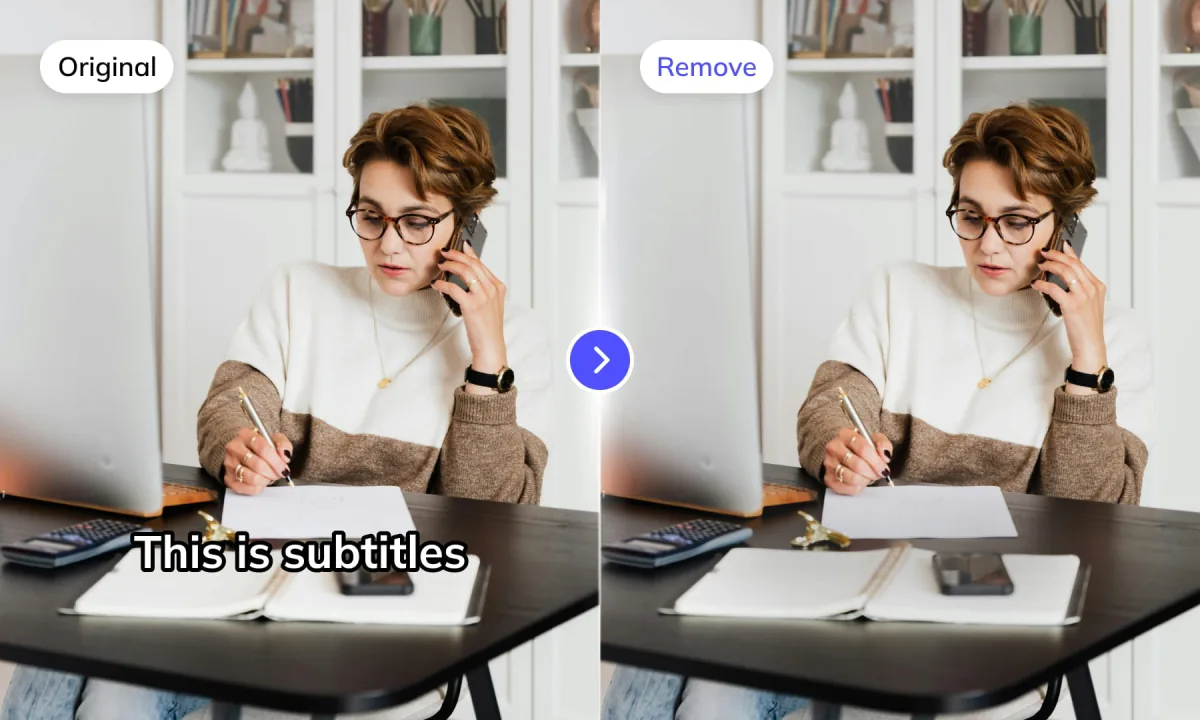
Subtitle segmentation helps separate visible text into timed cues. Review the selected subtitle region and check product labels or scene text that should not become dialogue subtitles.
Generate subtitles nowSelect the recognition settings for the source material instead of treating every video alike. Dialogue recorded in a quiet room, emotional short-drama speech, and subtitles embedded in the picture create different recognition and review needs.
Generate subtitles now
LLM calibration can help review context and wording. Check names, numbers and specialist terms against the source because automated corrections can also introduce errors.
Generate subtitles nowChoose Video OCR to read subtitles already visible in the frames. Choose audio ASR to transcribe the soundtrack. Both produce editable timed cues, but they use different source signals and controls. Compare a short sample when the best source is unclear.
Generate subtitles now

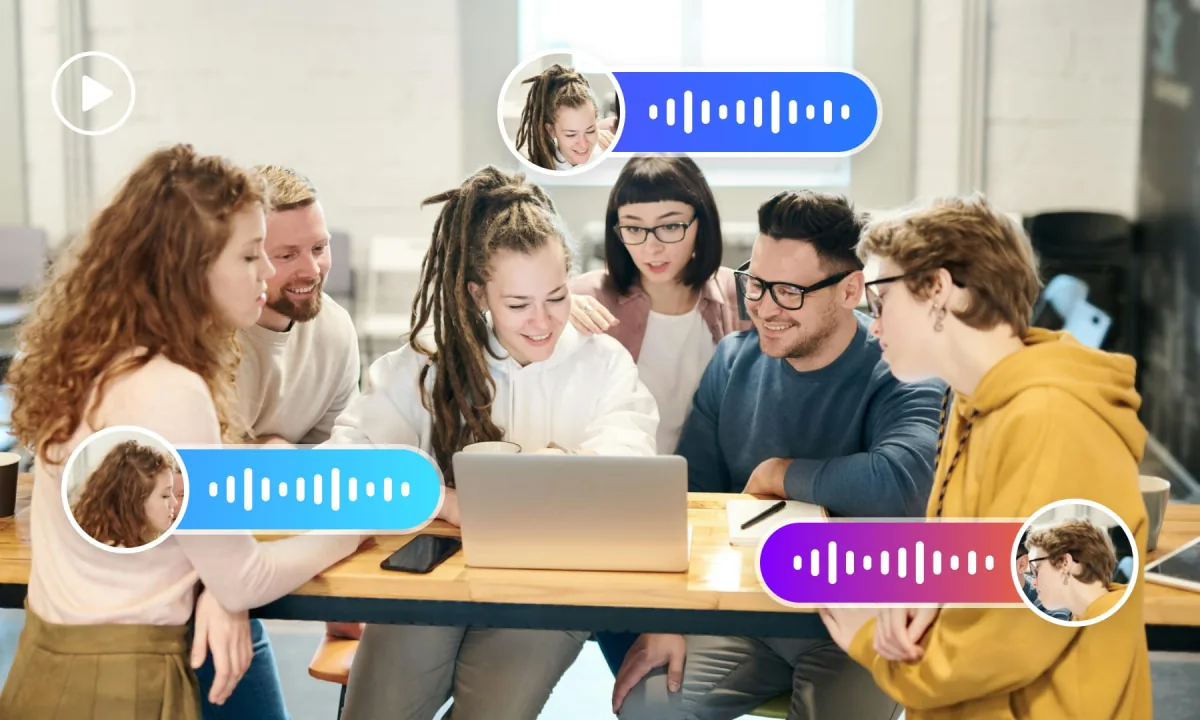
Speaker labeling helps organize multi-speaker dialogue. Review speaker changes against the video, especially when voices overlap or speakers sound similar.
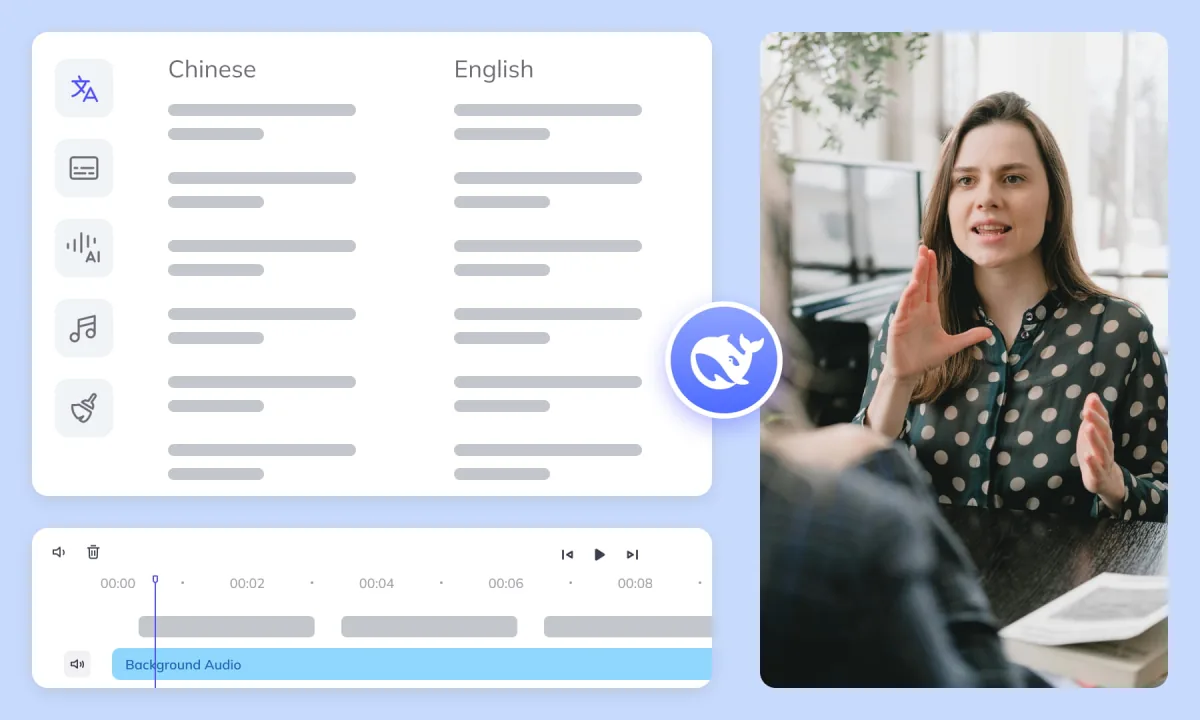
Generate subtitles nowReview your source subtitles first, then continue to translation, text removal, dubbing, and export. Keeping these steps in one workflow helps avoid passing missed lines and timing errors into the final video.
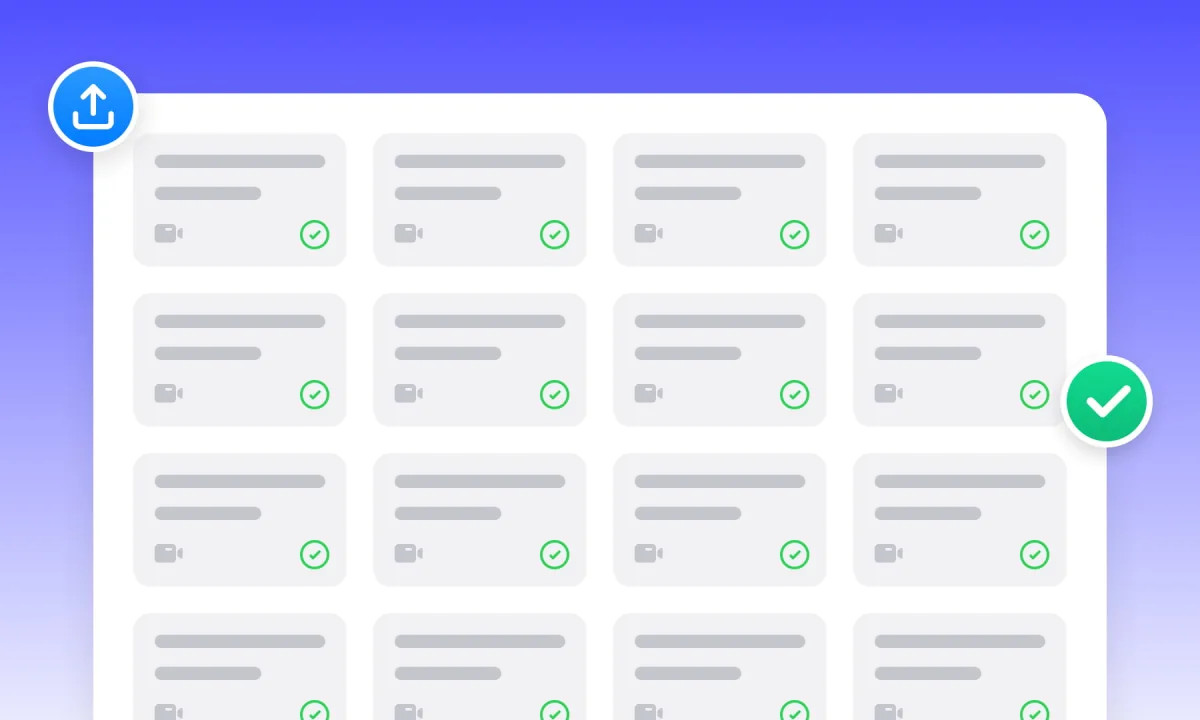
Manage projects and assets. Batch upload, process, and translate hundreds of videos simultaneously, boosting large-scale efficiency.
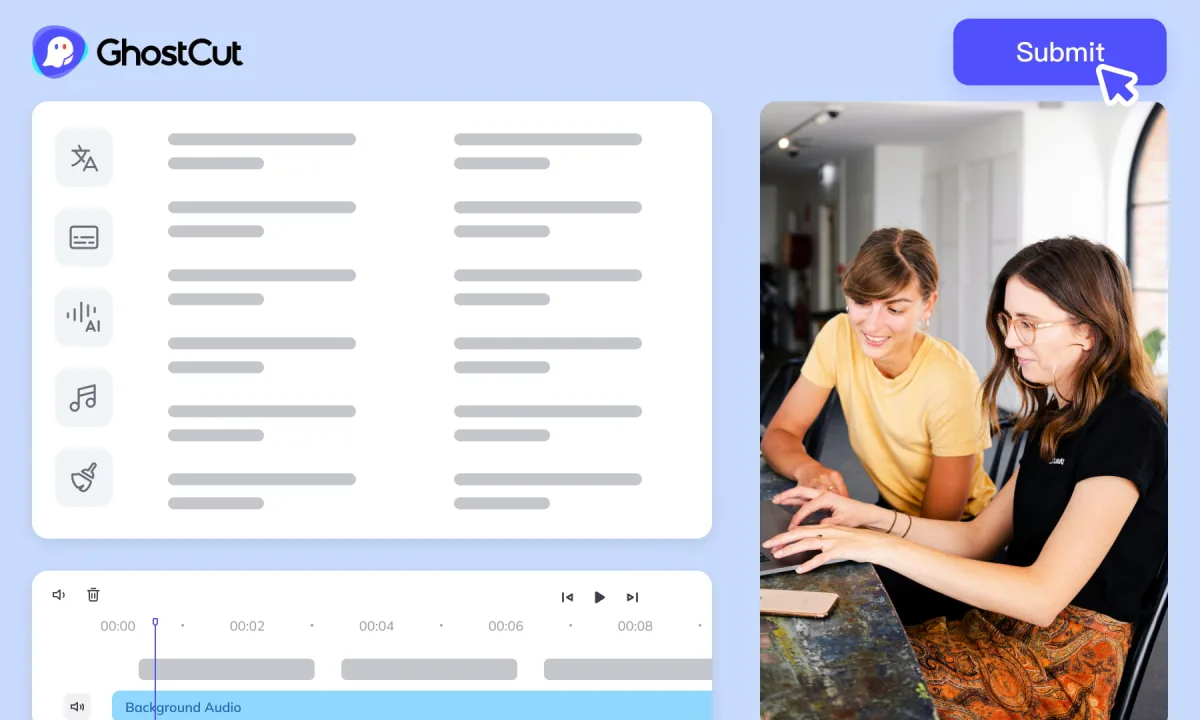
Auto-render and sync video, subtitles, AI dubs, and music. Ensures precise A/V alignment. Export project files compatible with professional NLEs (like Jianying/CapCut).




Short-drama episodes and content libraries need consistent source settings. Start with a sample, review its cues, and then use batch processing or an asynchronous API workflow for the remaining files. Check account access and task limits before submitting a batch.
Explore the API · Open the workbenchASR listens to the audio to transcribe speech. Video OCR reads subtitles already embedded in the picture and recovers timed cues. Choose the mode for the source you want to use; they are independent generation paths.
Yes. Weydub provides editable timed SRT subtitles. Review the text, segmentation, and start/end times before using the file for publishing, translation, or dubbing.
Yes. Review the source subtitle file first, then continue to subtitle translation or video localization. Correct names and missed lines at the source so they do not carry into the translated subtitles and dubbed audio.