
Online SRT Subtitle Editor
Edit subtitle text and timing, compare translations, and review speaker labels. Check available free and paid options before starting AI tasks.
Sign in to choose your subtitle workflow and check its current file limits.

How to Edit SRT Subtitle Files Online?
Using the Weydub Online AI SRT Editor is easy
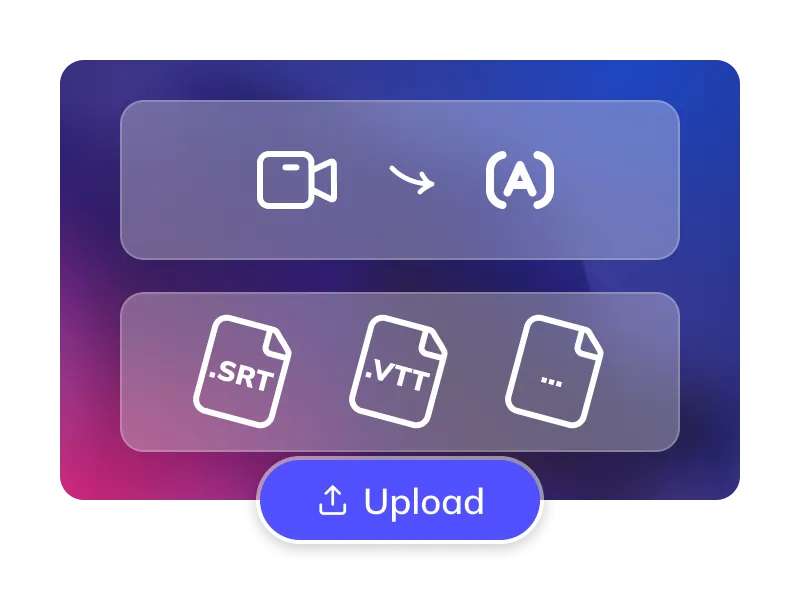
Upload or Generate Subtitles
- Upload SRT files from your device (batch upload supported).
- Or use the Weydub Subtitle Generator to extract subtitles online.
Edit & Optimize Intelligently
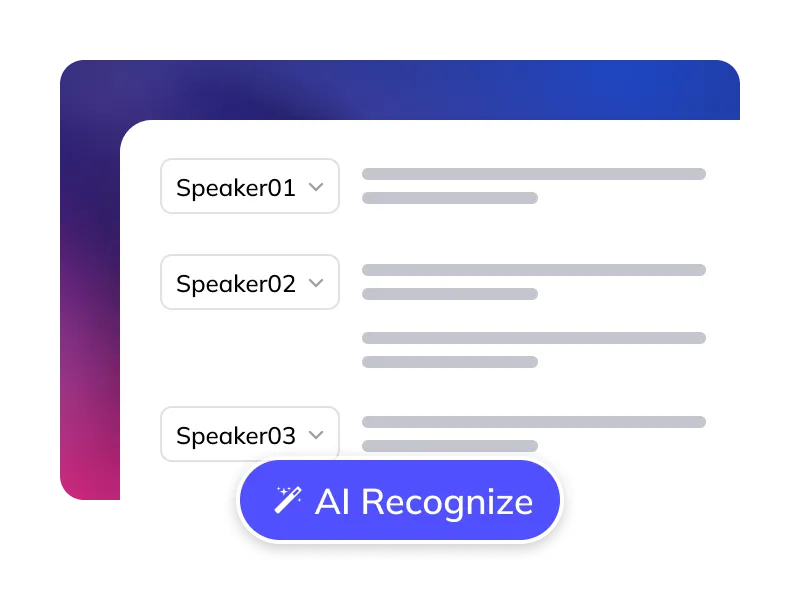
- Adjust text and timing intuitively on the Visual Subtitle Timeline.
- Use AI Speaker Recognition for pre-tagging multiple speakers online.
Preview & Export
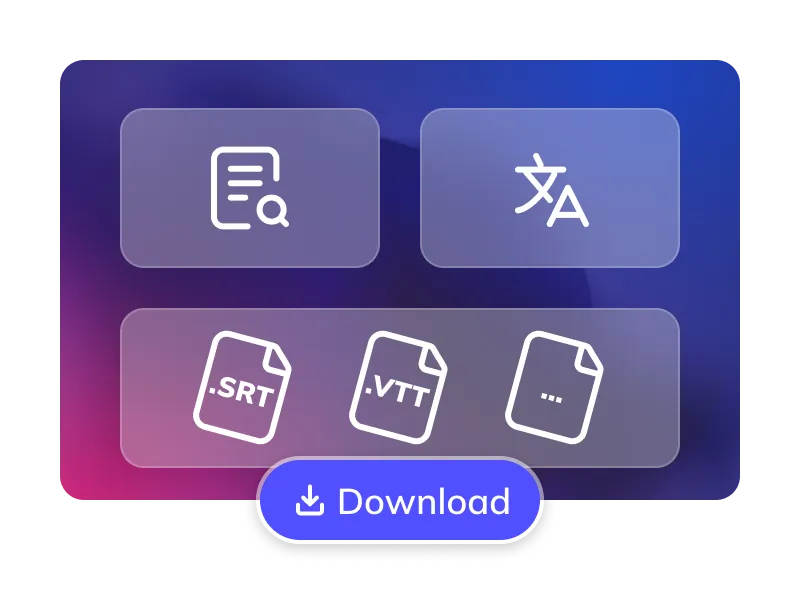
- Preview SRT changes in real-time, export SRT files (batch download supported).
- For translation, choose an available mode and target language, then compare the translated text with the source before export.
Trusted by 2,000,000+ Creators and Businesses Worldwide















Why Choose Weydub for SRT Editing & Management?
Review subtitle wording, timing and speaker labels in one workspace. Use batch tools for repeated changes, then check each file before export.
Edit and Proofread Online
Edit subtitle text and review timing in your browser. Available tools and limits depend on the selected workflow; check AI task options before submission.
Start Editing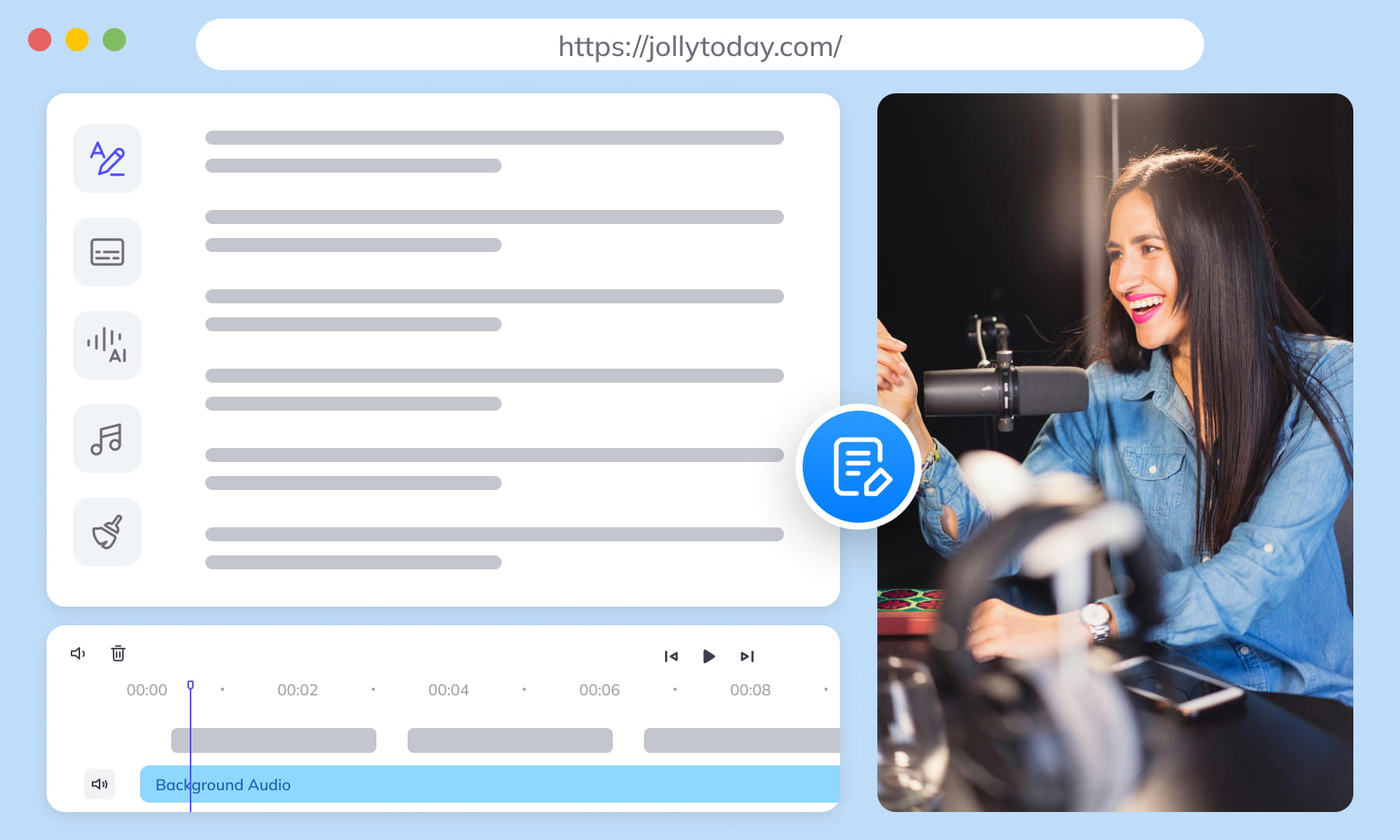

AI Speaker Recognition & Management
Review suggested speaker labels against the audio or script. Correct overlapping dialogue and recurring character names before preparing subtitles or a dubbing handoff.
Start EditingAI Translation with Side-by-Side Review
Choose from the translation modes available in your workspace, including free and Agent options where offered. Review names, tone and punctuation against the original; check the selected mode and cost before submitting.
Start Editing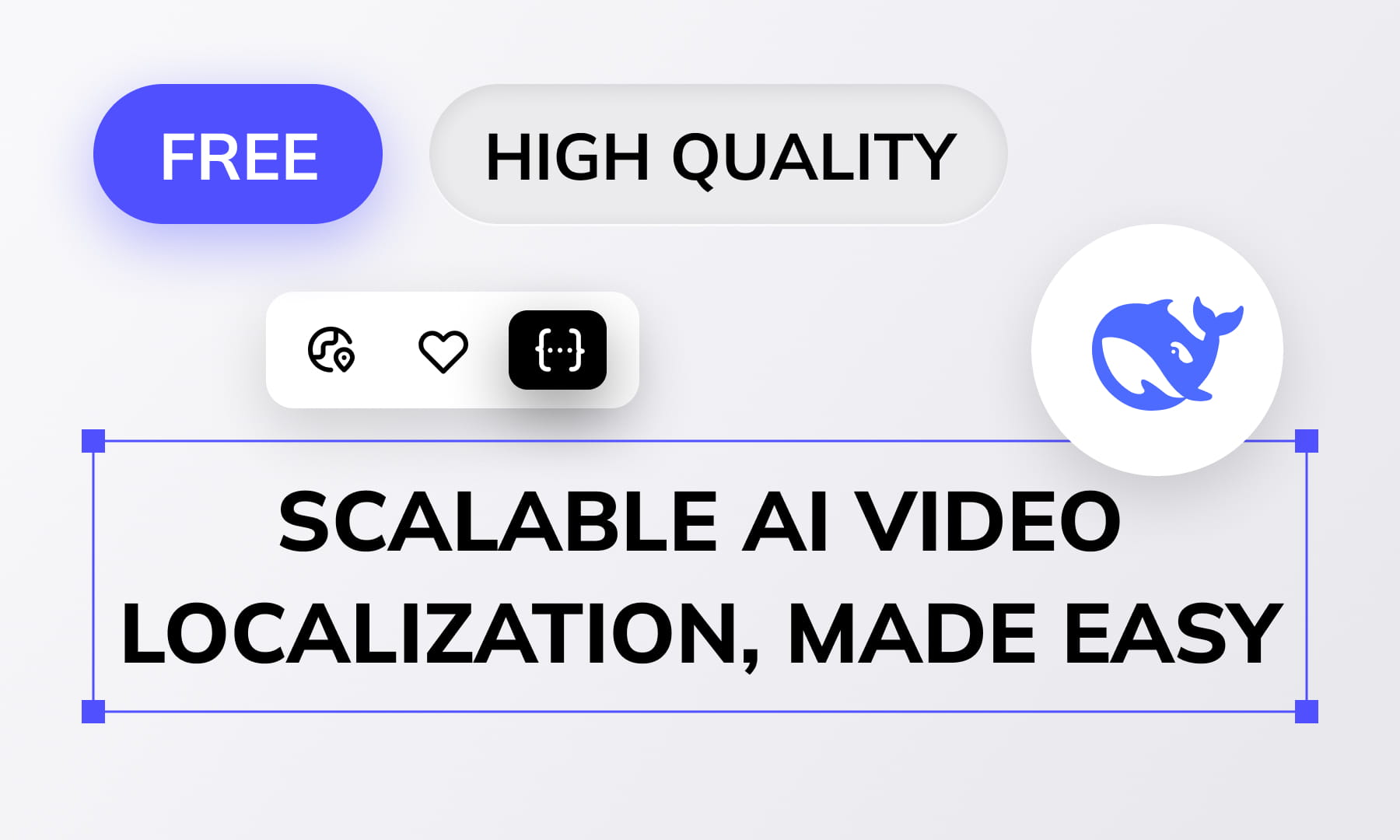
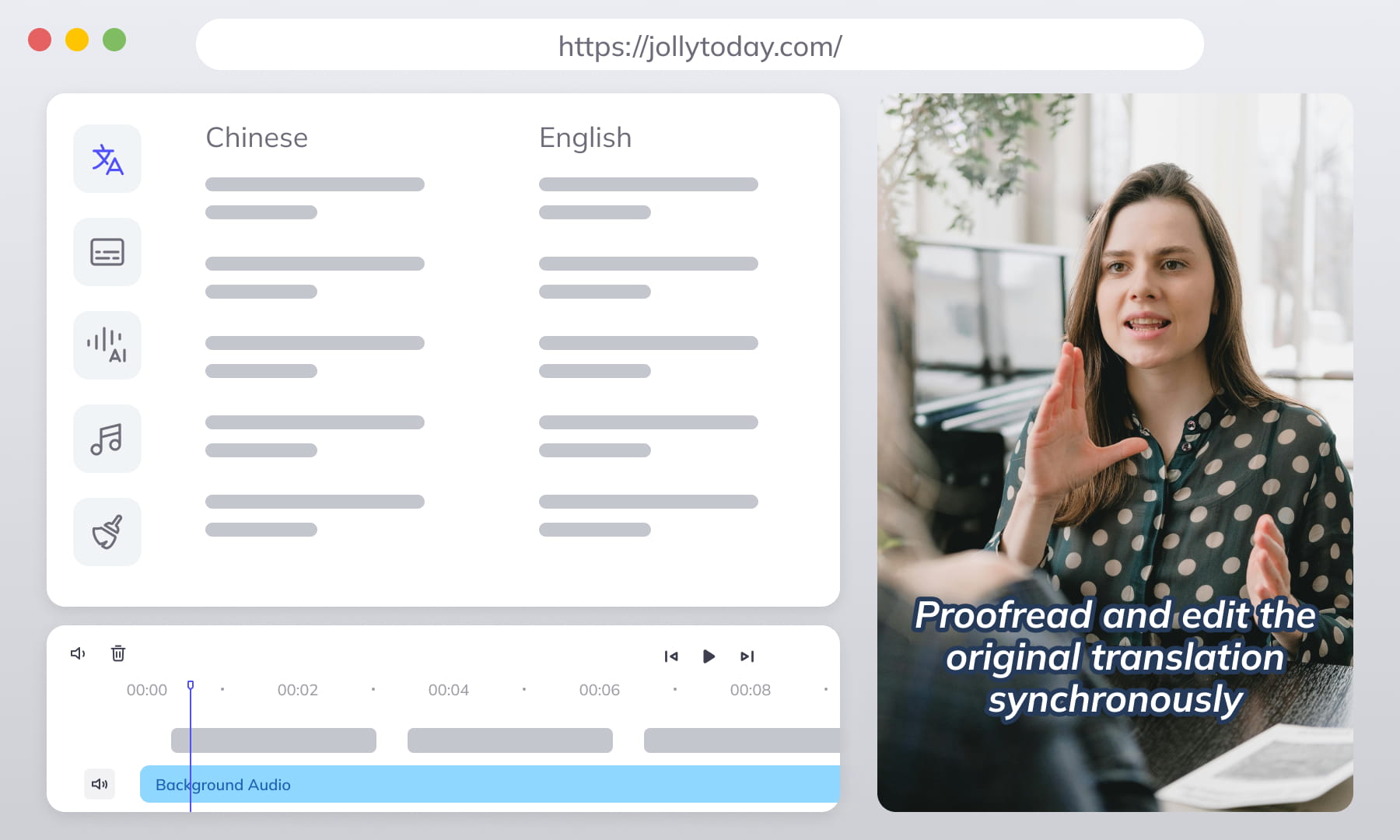
Synced Original/Translation Editing
View and edit source and translation side-by-side simultaneously. Boosts efficiency and accuracy for multilingual projects—easy comparison.
Start EditingAI Polishing & Rewriting (Ghost Bot)
Built-in AI assistant. One click simplifies, polishes, fixes grammar, or adjusts tone/style for professional, natural-sounding subtitles.
Start Editing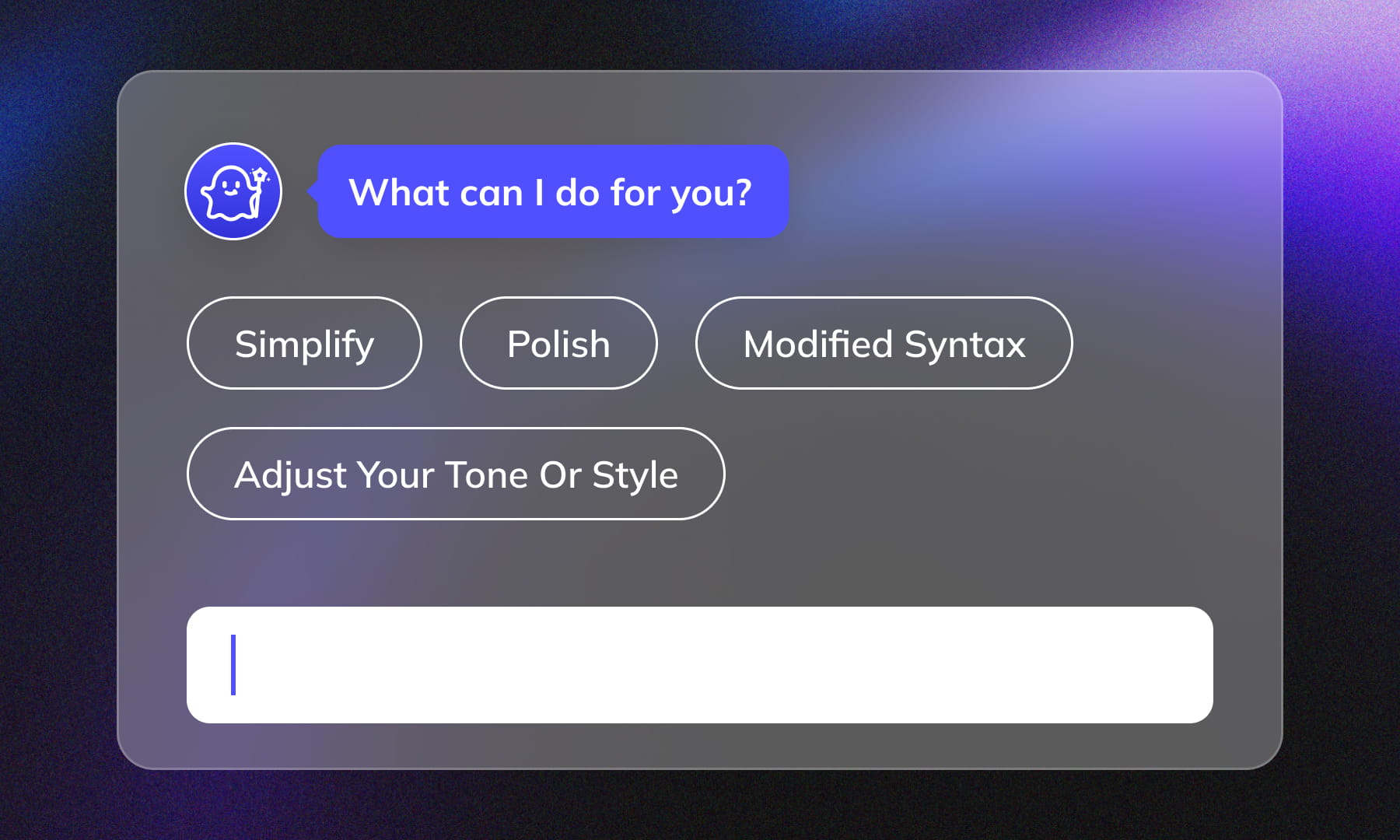
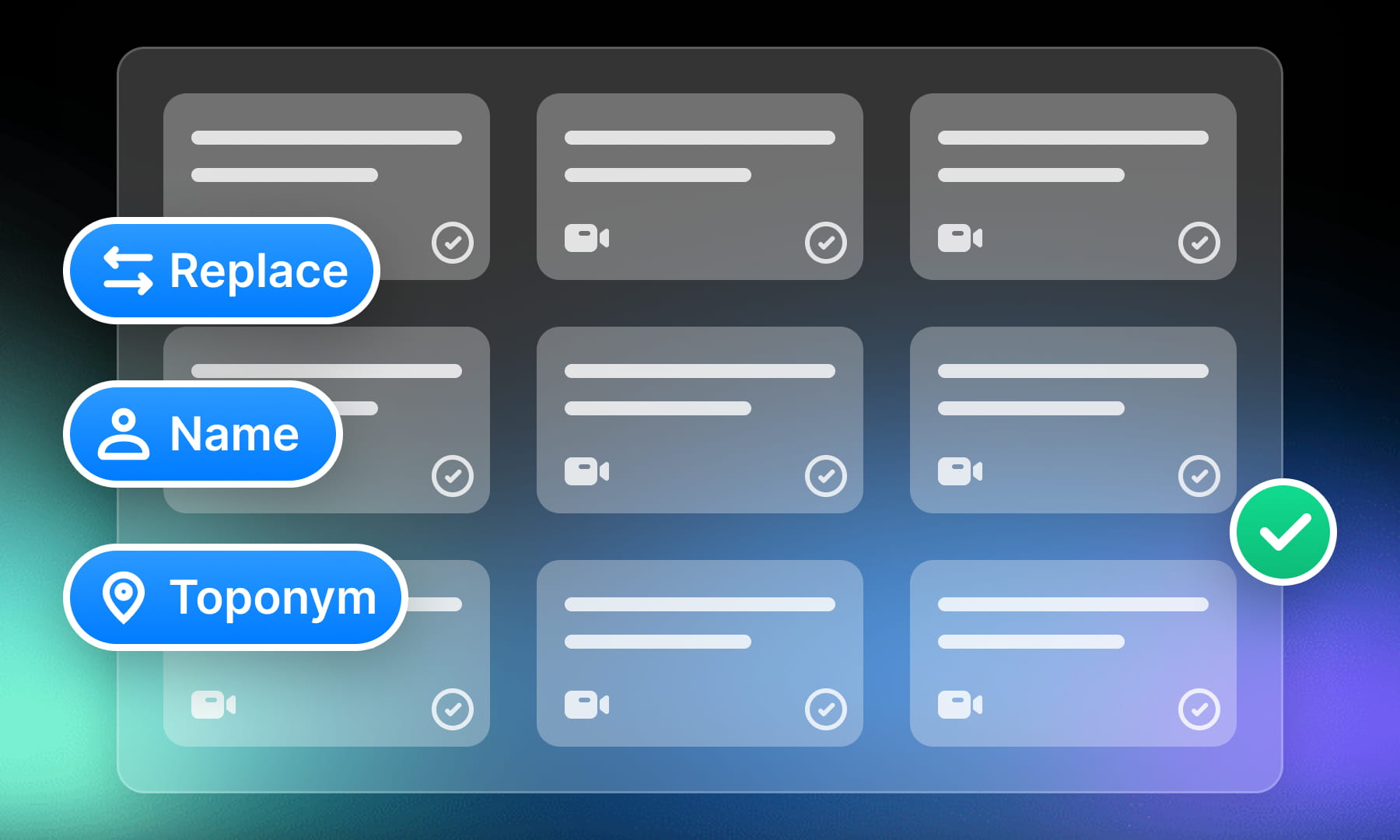
Batch Processing & Hotkeys
Handle large volumes easily. Efficient batch find/replace, name adjustments, timecode shifts, and more. Rich hotkey support boosts speed—edit subtitles for hundreds of videos effortlessly.
Start EditingFlexible Styling & Fonts
SRT stores subtitle text and timing, not a portable font or layout design. Set fonts, colors and positioning in the playback or video composition tool, then preview the rendered result.
Start Editing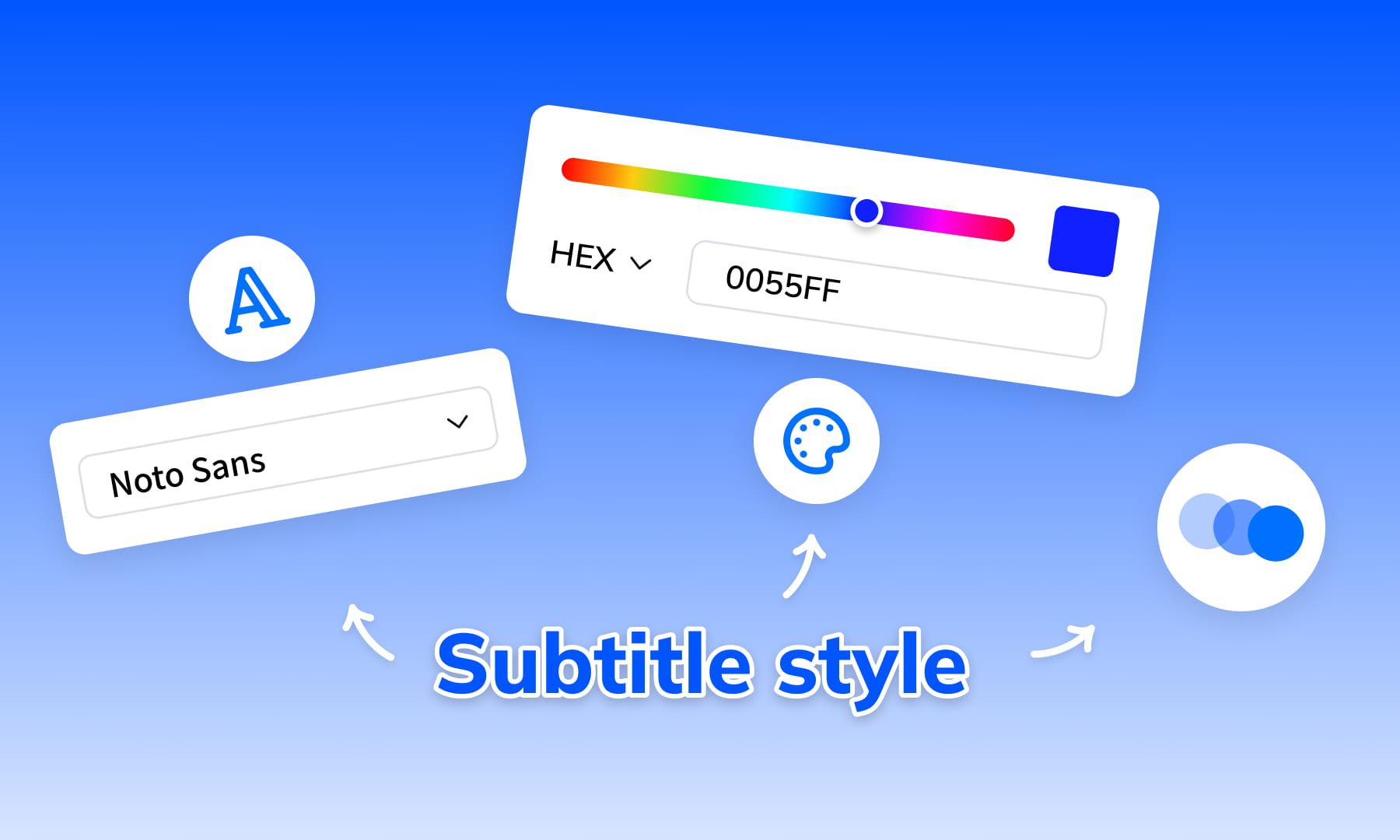
Go Beyond Editing: Your One-Stop AI Globalization Hub
Weydub isn't just for subtitles; it's a complete AI workstation for going global. We seamlessly integrate editing, translation, dubbing, removal, etc. Leverage AI automation and batch processing to efficiently tackle multilingual video production of any size and take your content worldwide effortlessly.
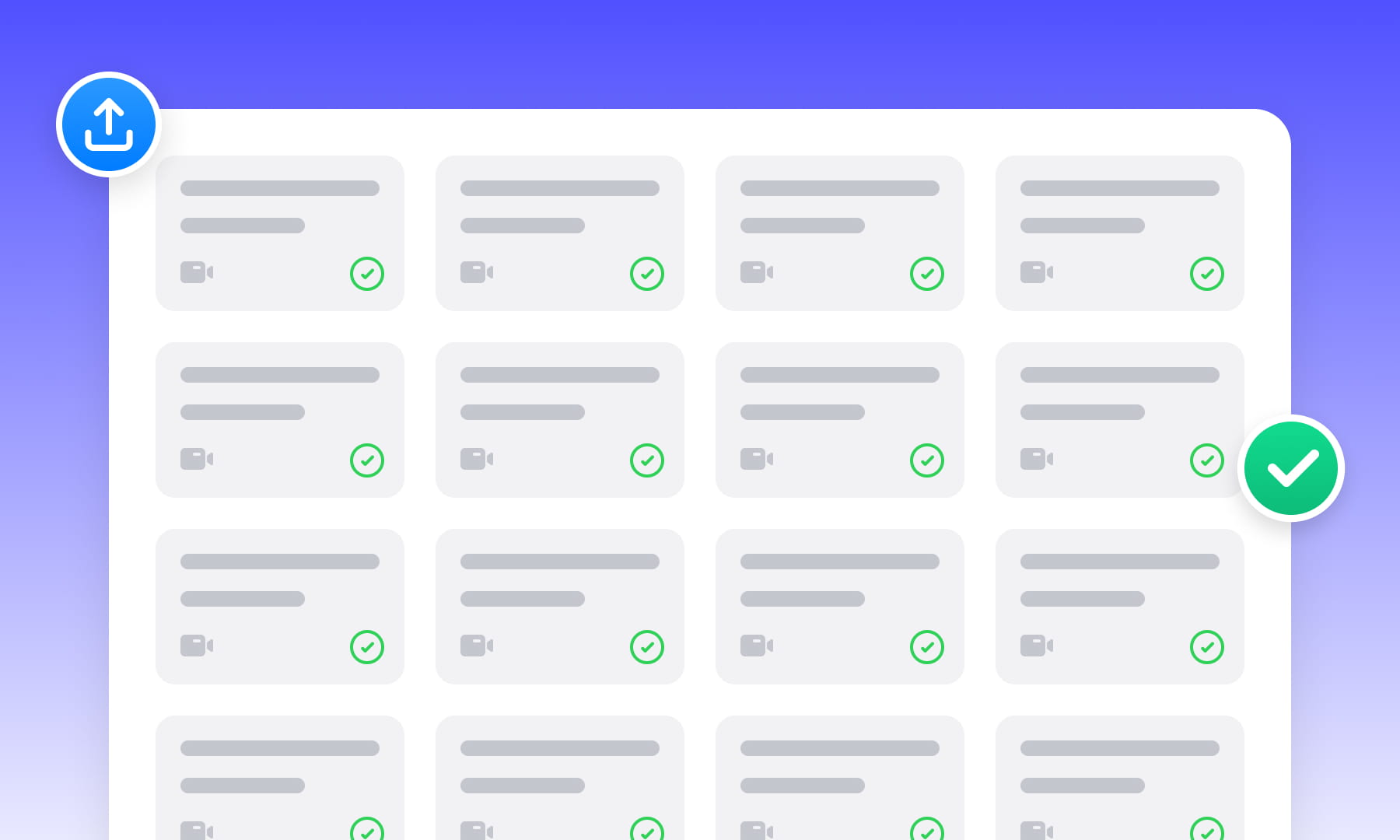
Project Management & Batch Processing
Organize related videos and subtitle files in projects. Check the current batch limits and task settings, then review each result before delivery.

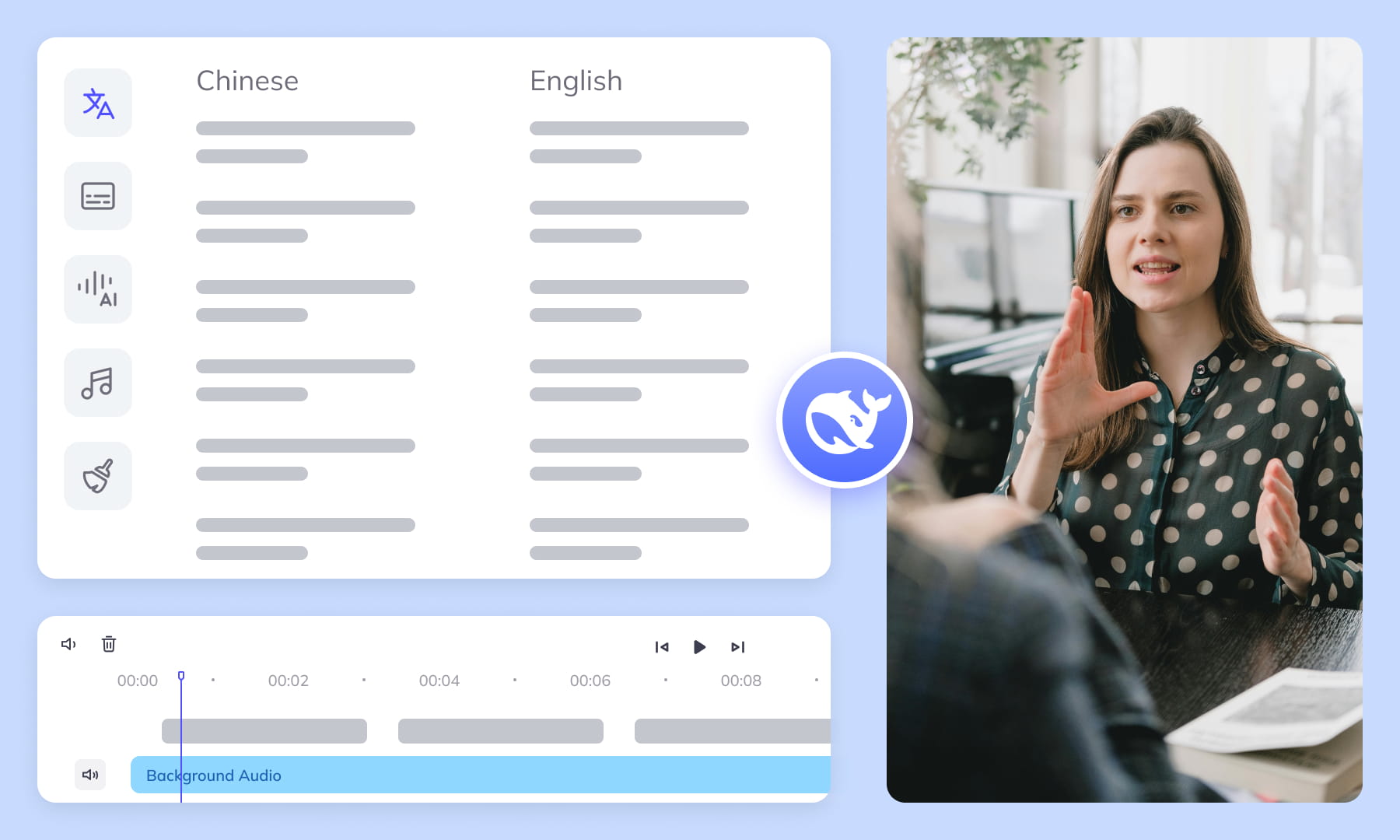
AI Translation & Proofread
AI translation using top models (like DeepSeek) & multi-agent workflows. Delivers fast, accurate, context-aware results.
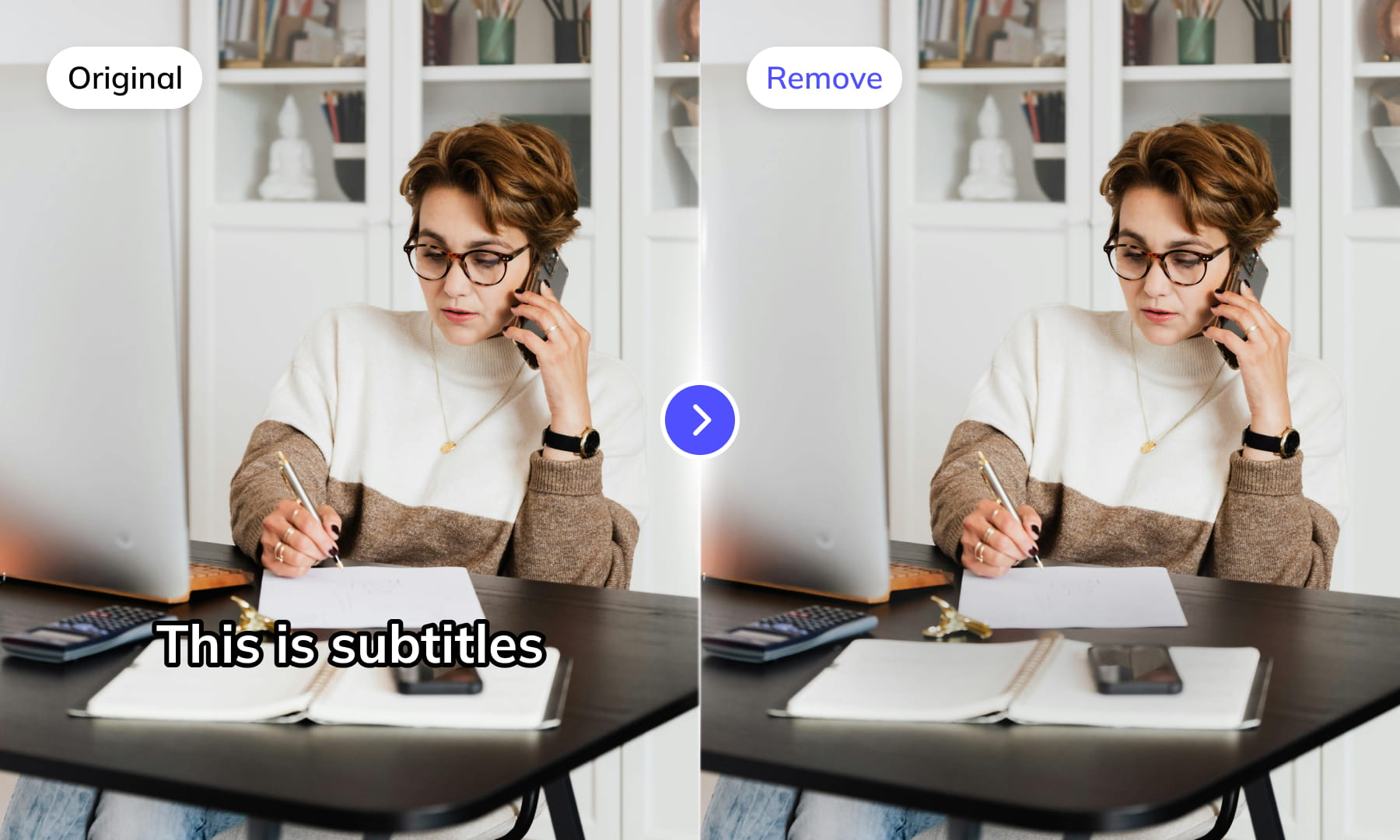


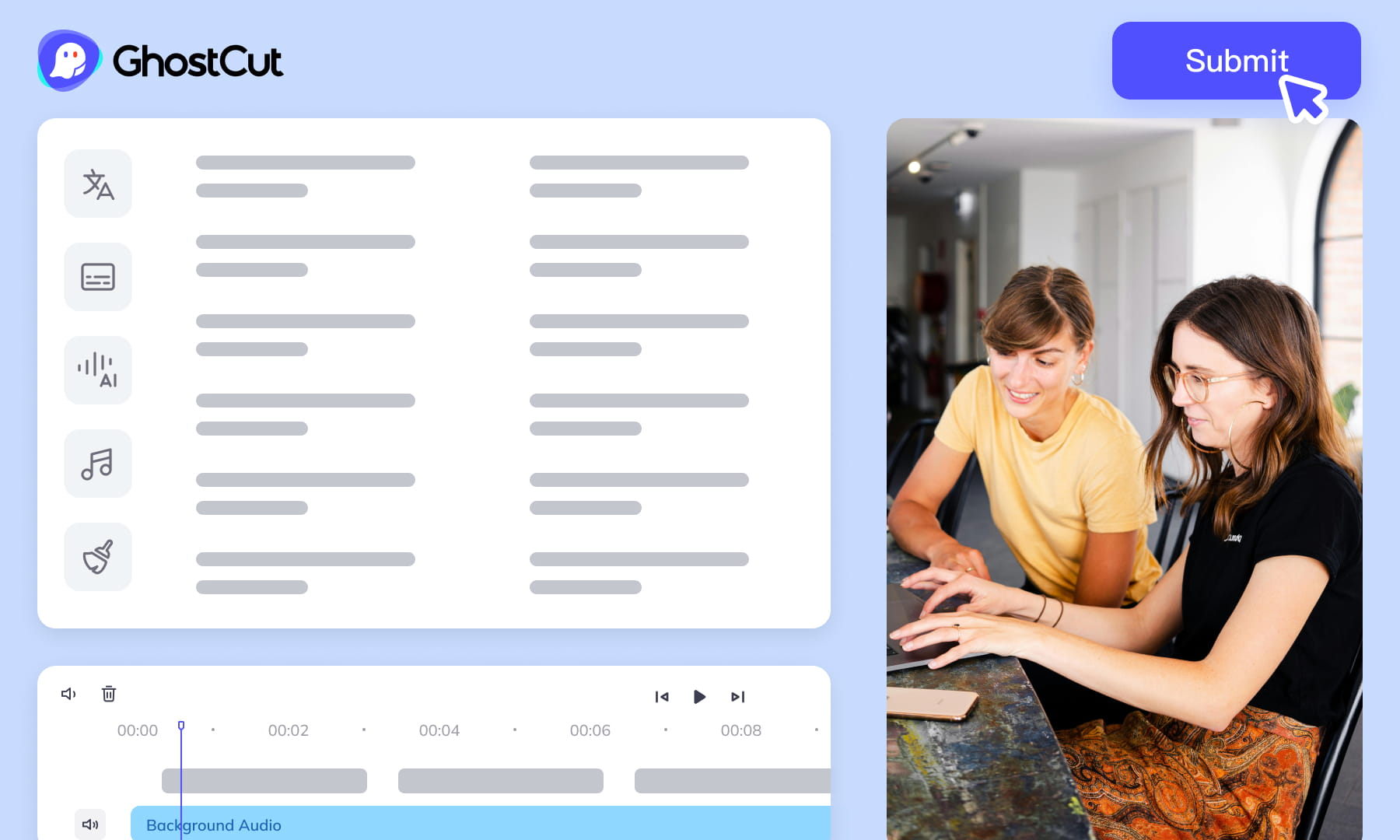
Automated Editing & Export
Preview video, subtitle timing and dubbed audio together before export. Check the formats available in your workflow and the import requirements of your next editing tool.
Efficient Editing, Wider Reach





Watch and Learn
Frequently Asked Questions
-
What is an SRT file?
An SRT (.srt) file contains numbered subtitle cues with start and end timestamps and text. It does not reliably carry font, color or positioning across players. -
Is Weydub Online SRT Editor free?
Free options are available, but they do not make every AI workflow unlimited or free. Sign in to check the editing and translation modes offered to your account, and review any displayed cost before starting generation, Agent translation, dubbing or video rendering. -
How to edit SRT files online?
Editing SRT with Weydub is simple: 1. Upload/Generate: Batch upload SRT files from your device, or generate subtitles online with our tool. 2. Edit & Optimize: Adjust text and time on the visual timeline; optionally use AI speaker recognition to tag speakers. 3. Preview & Export: Preview changes in real-time, then export the final SRT file (batch download supported). -
How do I create an SRT file from a video?
Use the subtitle generator: choose ASR for speech or OCR for visible subtitles, check the language and task cost, and submit the video. Review the result and export the SRT file. Available trial credits and limits are shown in your account. -
What should I check when choosing an online SRT editor?
Check whether the editor supports your subtitle format, text and timing changes, translation review and the exports you need. For Weydub, confirm the available workflow and any AI task cost in your account. Test the exported SRT in the player you plan to use. -
How to translate SRT subtitles online?
Select the subtitle file and target language in the translation workflow, choose an available translation mode, and check its cost and limits. Review the translated wording against the original and inspect the exported timestamps and line breaks. -
How to edit existing subtitles in a video?
Edit an existing SRT file as a separate text track. If subtitles are burned into the video pixels, use OCR extraction to create an editable subtitle draft. Editing that SRT does not erase or replace text already visible in the video; removal and rendering are separate steps. -
How to add SRT subtitles to a video online?
This editor primarily creates/refines SRT files. After exporting, use video editing software or Weydub's Video Synthesis function to add the subtitles to your video. -
Is this subtitle editor/generator easy to use?
Start with a short subtitle file, correct a few lines and timestamps, and preview the result. Export the file and test it in your video player before making the same changes across a batch.