
You finished the video. Now there is another job to do.
The edit is finally ready. You have chosen the thumbnail, rewritten the opening and replied to yesterday's comments. Then someone asks whether you could publish an English version. It sounds like a small extra step, until you start counting the jobs hidden inside it.
Extract the subtitles. Translate them. Find a voice. Fit that voice back into the edit. Replace the text already burned into the picture. Check the music. Rewrite the title so it makes sense to someone who has never seen your channel. Every extra tool means another account, another export and another place where the wrong version can slip in.
The expensive part is often the switching
A subscription price is only part of the cost. Learning a new editor, copying corrections between files and rebuilding a finished video can take the time you planned to spend making the next one. For a solo creator or a small team, a repeatable process matters more than collecting another set of tools.
How do you approve a language you do not speak?
A translation can look complete while a joke, product name or casual phrase has changed meaning. Listening to an unfamiliar voice does not tell you whether it sounds natural to a local viewer. The useful question is not just “Can AI translate this?” It is “How will I find the parts I need help checking?”
A correct sentence can still make a bad video
A voice may rush through the important line or leave an awkward pause before the reveal. Captions may cover the object you are demonstrating. A literal introduction may explain something your original audience already knows, while leaving a new viewer confused. Translation, sound and editing have to be reviewed together.
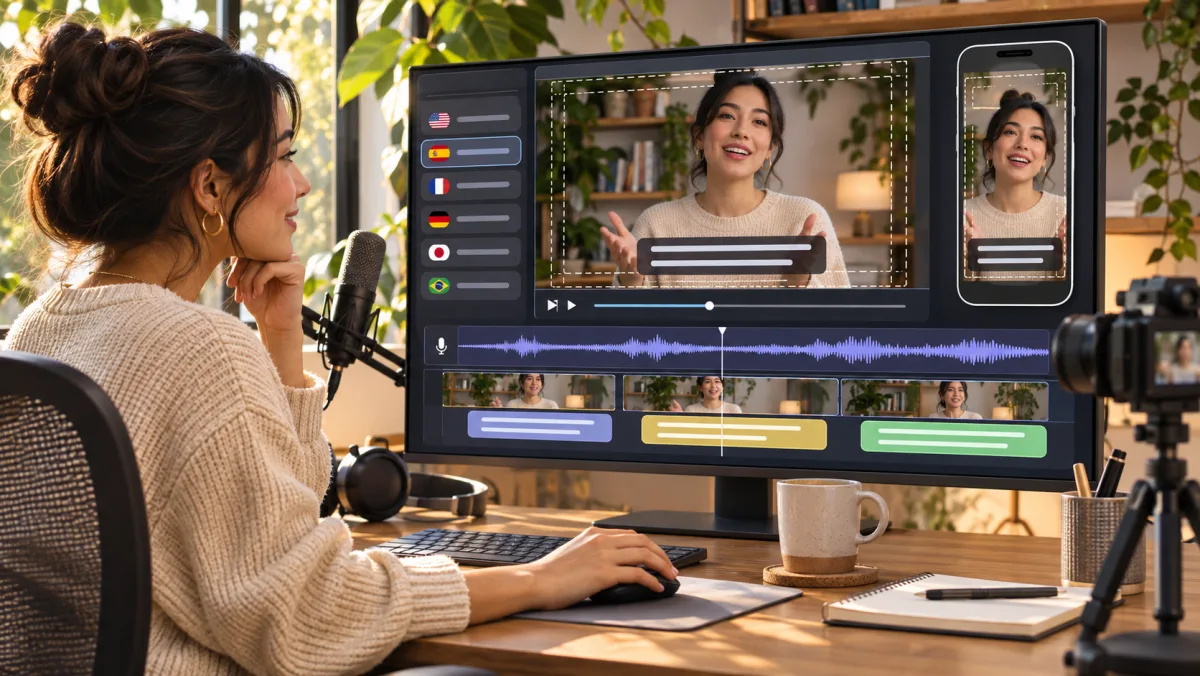
Different starting channels, different problems to solve
The following are worked scenarios, not customer testimonials. They show the decisions a creator needs to make before sending a whole library through translation.
From Bilibili to YouTube: help a new viewer enter the story
Imagine a creator who makes detailed camera reviews on Bilibili. The footage is theirs, the Chinese captions are finished, and the explanation relies on familiar nicknames for equipment. An English subtitle file is a useful start, but it does not explain those references or tell a new viewer why this comparison matters.
Begin with one evergreen review and its original master. Use an existing subtitle file when available; extract visible subtitles with OCR when the text is only in the picture, or use speech recognition for spoken dialogue. Correct model names and technical terms before translation. Give a bilingual reviewer the passages with jokes, comparisons and purchase advice, alongside the source meaning.
For the YouTube version, check the opening explanation, thumbnail, title and description separately. Choose subtitles first if the original delivery is part of the channel's appeal. Add dubbing only after a short sample sounds right. The first useful deliverable is one reviewed video and a reusable terminology list, rather than an entire translated archive waiting for corrections.
From Douyin to TikTok: the timing of the joke matters
A cooking creator has a short Douyin video with fast cuts, spoken commentary and punchlines in on-screen text. Translating each line word for word can make the captions too long. The new voice may reveal the joke before the cut, and the original music may not be licensed for the new destination.
Separate the spoken explanation from decorative text and essential instructions. Review ingredient names and quantities first. Where source captions must be replaced, extract and approve the text before removing it. Then watch the translated version on a phone: can you read the instruction before the next cut, and does the voice leave room for the visual punchline?
Keep a clean version without platform-added music when you can. Choose and verify audio for the destination account and intended use. A TikTok-ready version is a reviewed cut, caption treatment and audio mix; it is not simply the Douyin export with another language pasted on top.
From Xiaohongshu to Instagram: keep the useful details, rethink the packaging
A skincare creator wants to adapt a Xiaohongshu tutorial for Instagram. Product names, annotations and a before-and-after explanation carry much of the meaning. A voice-only translation would miss the details that made the original useful.
List the text a viewer needs to understand: product names, application steps and any qualifications around the result. Review those facts and brand terms before changing the picture. Image translation can help with supporting stills, while video captions and narration need their own review. Do not turn a personal observation into a stronger product claim during translation.
Check the Reel cover, mobile caption placement and accompanying post copy as one package. Keep sponsorship disclosures and any music permissions in the release check. The goal is for a new viewer to understand what you tried and what you actually meant, without needing the context of the original post.
Where Weydub fits into the work you already do
Keep the creative decisions that make the video yours: what to show, what to say and how to tell the story. Use Weydub for the media localization steps around that edit: generate or extract subtitles, translate the subtitle text, remove captions that need replacing, and continue to translated video and AI dubbing where the project calls for them.
Choose the path from the source you actually have. A clean master and a good SRT do not need the same preparation as a compressed video with hardcoded text. If your first test only needs subtitles, start there. You can decide whether a dubbed version is worth producing after you have reviewed the language and audience response.
Make unfamiliar-language review a smaller, clearer task
Write down names, product terms, references and the meaning of important lines before translation. Keep source and translated subtitles together for review. Ask a target-language reviewer to focus on the opening, key explanation, jokes and call to action, then listen to a voice sample in the edit. Back-translation can flag a possible mismatch, but agreement between two AI outputs is not proof that the language sounds natural.
The free subtitle quality checker can flag file, timing and reading-speed problems. The free subtitle editor lets you adjust cue text and times. These help with observable subtitle problems; they do not replace a fluent review of meaning, cultural context or voice performance.
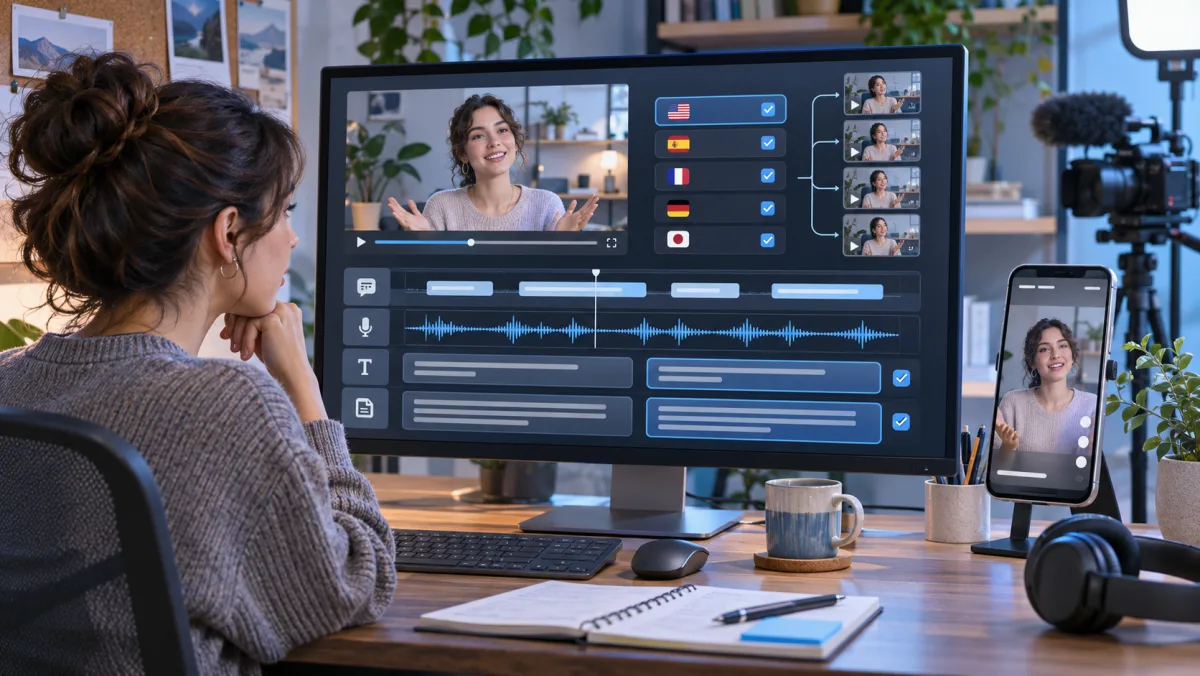
A manageable first release: one video, one audience, one language
Pick a video you own and know well. An evergreen explanation is often easier to evaluate than a clip built around a local trend. Decide what the new viewer should understand or do before choosing the language treatment.
Collect the best source you have
Bring the clean master, subtitle file and separate audio tracks if available. Note any burned-in text, music or third-party clips. Missing sources change the work required.
Approve the words before producing the voice
Correct the transcript, add a small glossary and review the translation's important passages. Fixing a name now is easier than finding it again in every later export.
Watch a short localized sample in context
Include a fast section, an important explanation and any joke or emotional moment. Check subtitle readability, pronunciation, pacing and the balance between voice and background audio before processing the rest.
Prepare the destination version
Replace only the on-screen text that needs to change. Review the complete export on a phone, then prepare the title, cover and description. Check music, footage and account-specific publishing requirements.
Learn before repeating the process
Record which version you published. Read comments for repeated confusion and inspect retention around passages you changed. Keep approved corrections for the next video. A first release is a test of the workflow, not a promise of new-market growth.
Your music permissions do not automatically travel with the video
A track available inside one platform is not automatically cleared for another platform, territory, account type or commercial use. YouTube, TikTok and Instagram have different music products and rights processes. The relevant permission depends on the specific track and license, not just the platform's name.
Keep a record of your footage, music, sound effects and guest permissions. If the source uses a platform music library, verify reuse rights or replace the track with appropriately licensed audio. Dubbing or removing visible text does not clear copyright, and no localization tool can guarantee that an upload will avoid a claim or qualify for monetization.
Before release, consult the destination's current guidance: YouTube copyright permissions, TikTok commercial use of music and Meta music guidelines. For a disputed or unclear license, ask the rights holder rather than relying on a successful test upload.
What creators working on similar channels can compare
Useful peer conversations start with the specific difficulty. For a Bilibili-to-YouTube review channel, compare terminology and the opening explanation. For Douyin-to-TikTok recipes, compare caption speed, ingredient names and music choices. For Xiaohongshu-to-Instagram tutorials, compare text placement, product details and disclosures.
Ask what needed a human correction, what viewers misunderstood and what the creator would change before translating the next video. View counts without the source, audience and publishing context tell you much less. If you work with a reviewer or another creator, share a short authorized sample and the question you need answered instead of asking whether the whole video is “good.”
Questions before your first language version
Is creator video localization free, and what will I pay for?
Video translation, subtitle removal and dubbing are separate Weydub processing workflows. Check current pricing and the task estimate in your account before a production batch; cost depends on the selected processing steps and usage. The four browser-based subtitle file tools are free and do not require an account.
How do I translate an existing YouTube, TikTok or Bilibili video?
Start with an authorized source video and one target audience. Prepare and review the transcript or existing subtitles, translate a sample and correct the important lines. Choose subtitles alone or add a reviewed voice track, then check titles, framing, music rights and the destination platform before publishing.
Which languages can I use for my channel?
Choose from the source and target languages available in the current translation workflow. Subtitle translation, speech recognition and dubbing voices can have different language coverage, so confirm the required language pair and voice before a batch. Review a representative sample with someone who understands the target language.
Should I use subtitles, AI dubbing or the platform's auto-dubbing?
Subtitles preserve the original performance and can be a simple first step. Dubbing can make spoken explanations easier to follow, while platform auto-dubbing may offer another distribution option. Compare a sample for meaning, pronunciation, tone and timing before choosing; no option removes the need for review.
Can AI dubbing keep my voice and speaking style?
Available voice treatments depend on the chosen dubbing workflow. Review a sample for identity, accent, pacing and emotion instead of assuming every language will sound identical to the original. Only use a voice you own or have permission to reproduce, and confirm the current voice options before scaling.
How can I review a translation if I do not speak the language?
Prepare names, references, intended meaning and important product or sponsor wording. Ask a target-language reviewer to check the opening, key explanation, jokes and call to action. Back-translation can highlight a mismatch, but it does not prove the wording or voice sounds natural.
Can I prepare a video library or several languages in batches?
Yes, using supported batch workflows or API tasks. Start with a small pilot, then track source video, language, subtitles, audio and release status. Keep failed or unreviewed versions out of the publishing queue rather than assuming every successful export is approved.
Can I download subtitles or use separate audio tracks on YouTube?
Keep an editable subtitle copy and the available reviewed audio/video outputs from your workflow. YouTube accepts supported subtitle formats and offers multi-language audio features subject to channel access and its current requirements. Weydub does not enable those channel features or upload the tracks for you.
Can I work on Mac or Windows without learning a desktop editor?
The online workflows run in a web browser on Mac or Windows. For subtitle-file corrections, the free editor lets you change text and times without installing software. A full video editor may still be useful for shot changes, complex audio mixes or other creative edits.
Can I reuse platform music, and will translated videos qualify for monetization?
Not automatically. Check permission for the track, footage and voice in the destination platform, territory and commercial use. A license inside one app may not cover another upload. Monetization also depends on platform rules and channel eligibility; translating or dubbing a video does not guarantee it.
Start with the video you already understand best
Choose one target audience and decide whether subtitles alone can do the job. Make a short sample, review the important language and listen in context. Once that version works, repeat the parts that worked instead of rebuilding the process for every upload.
Explore video translation Use the free subtitle tools