
How to Automatically Remove Hardcoded Text from Your Interview Videos?
Effortlessly eliminate hardcoded subtitles and text from Interview videos with Weydub using these 3 steps


-
01Upload/PasteUpload files (batch supported) or paste Interview video URLs.
-
02SettingsSelect removal quality level. Optional: Add translation, etc.
-
03DownloadReview the cleaned video for leftover text and changes to the background, then download the result.
Hardcoded Subtitles in Interview Videos Limit Global Reach.
Interview Videos containing fixed name bars (lower thirds), on-screen questions, or inaccurate hardcoded translations can undermine the content's professionalism and broaden its reach. Such embedded text errors or language barriers limit audience trust, hinder information accessibility, and reduce the overall quality and reusability of the interview content for global dissemination.
Removing Hardcoded Texts from Interview Videos is Difficult, but We Did It.
Removing hardcoded name bars, questions, or commentary from interview videos while reconstructing close-ups or specific settings is difficult. Modifying or replacing built-in subtitles is inconvenient for journalists/hosts/HR/creators needing accuracy/professionalism. Our AI efficiently removes embedded text, enabling corrections, multi-language additions, enhancing professionalism, and broadening reach cost-effectively.
Why Use Weydub for Erasing Interview Video Subtitles & Text?
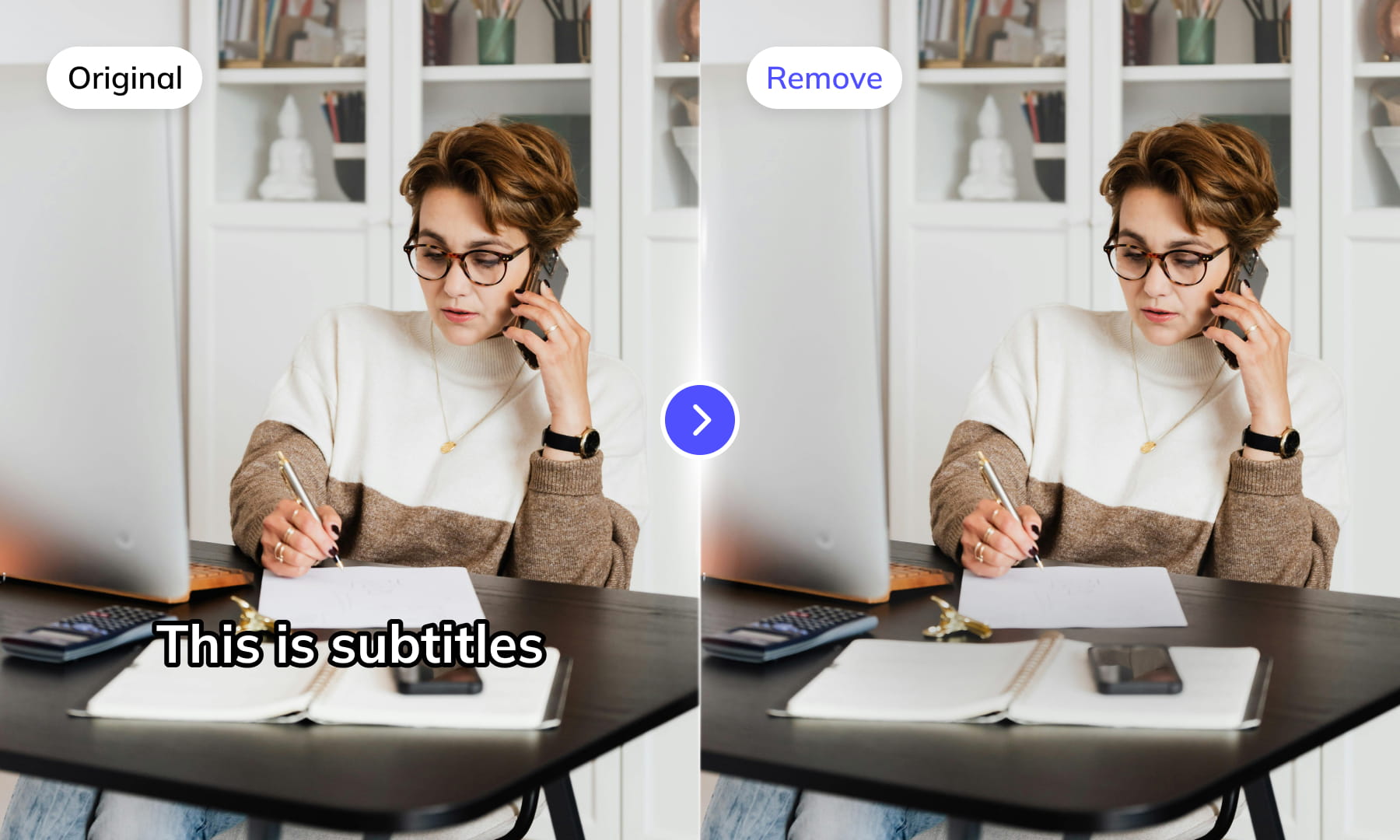
Use Weydub to remove selected subtitles and on-screen text from video. Review the repaired background and retained graphics before downloading the result for editing or localization.
AI-Assisted Text Selection
Use AI-assisted text detection to prepare the cleanup. Review the selected regions and keep any text or graphics that should remain. Inspect the repaired video before moving it into the next workflow.
Background Repair and Review
AI repairs the area behind removed text. Results depend on the background, motion, and text placement. Compare repaired frames with the source, especially around faces, fine textures, and scene changes.
High-Volume Batch Capabilities & API Integration
Organize subtitle and text removal across multiple video files with batch workflows. Use the API for automated submissions, and check the settings and results for each source video.
Intelligent Multi-Language Support
Our system automatically identifies and removes text or subtitles in many languages. This is essential for repurposing content internationally and ensuring your AI video tools cater to a global audience, especially when working across multiple platforms.
Review Pricing Before Submission
Check the current Pricing page and the estimate shown for your task. Choose the processing options that fit the footage, and review the displayed cost before confirming.
Browser-Based Convenience
No downloads or installations necessary! Conveniently remove text from your Interview videos online through our intuitive subtitle removal interface. Compatible across platforms (Windows, Mac) and mobile devices (iPhone, Android).
One-Stop AI Localization Workflow Effortlessly Globalize Your Videos
Weydub offers a revolutionary, all-in-one platform where every step, from subtitle generation to final rendering, seamlessly integrates.
Project Management
Organize projects and source assets for batch workflows. Review task settings and outputs for each video before delivery.
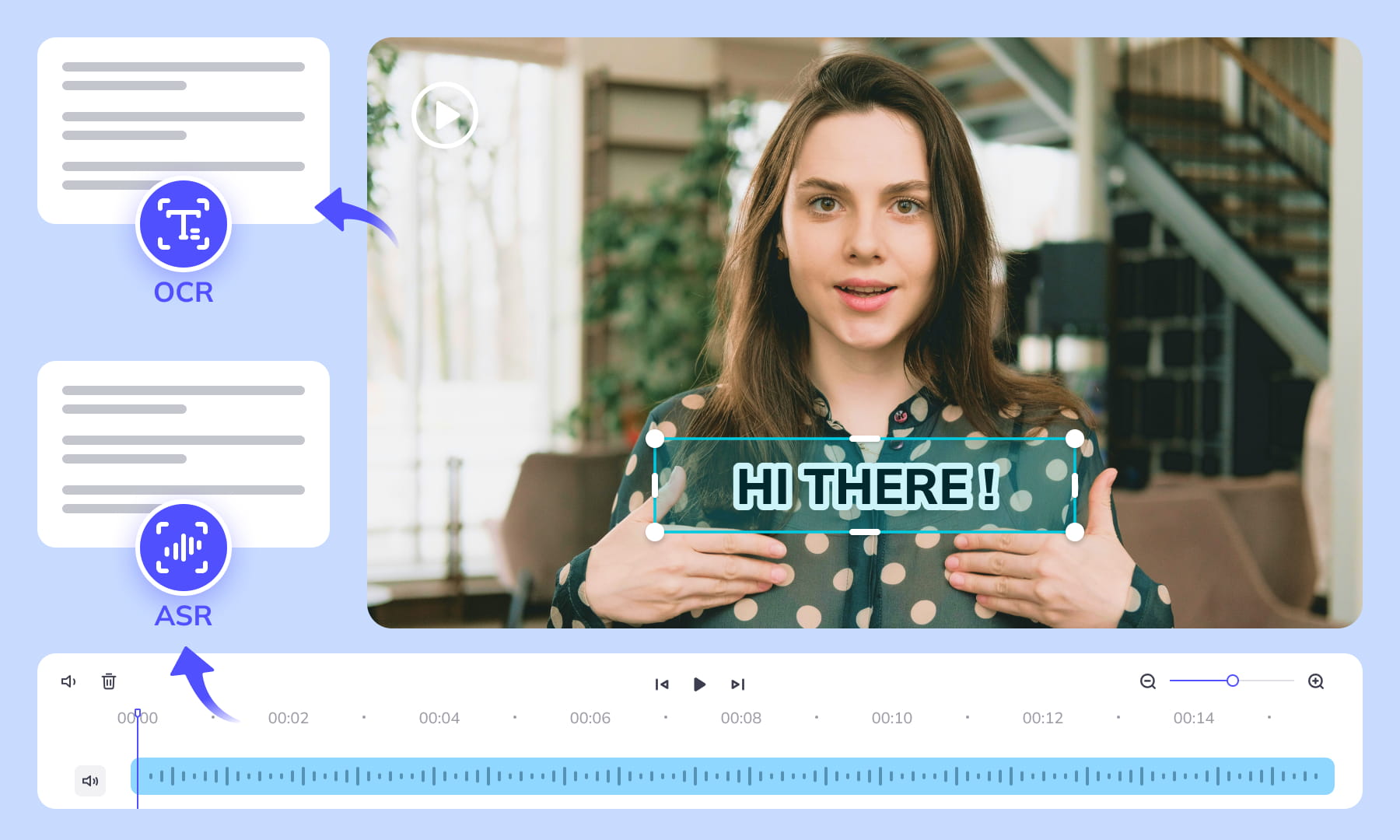
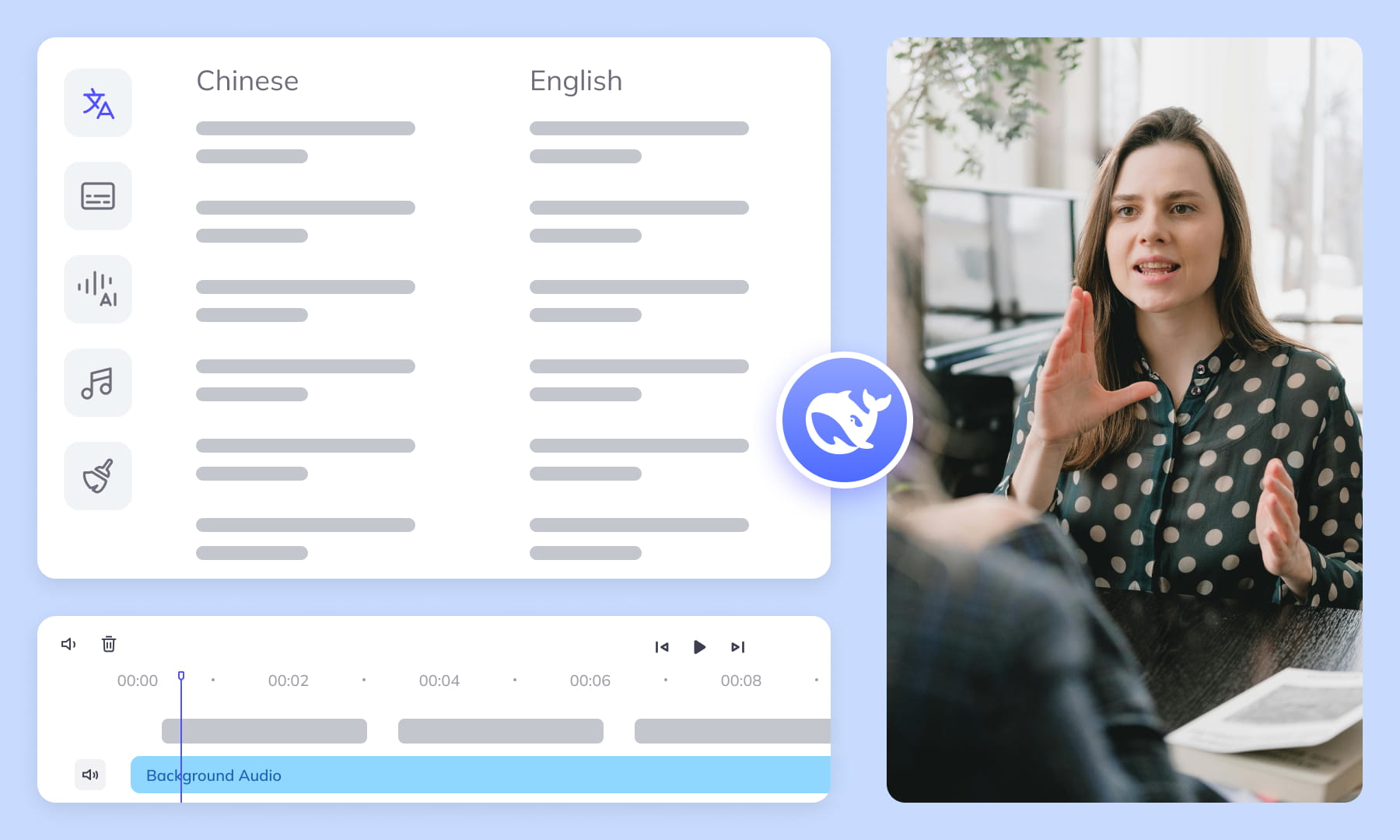

Export & Download
Review subtitle timing and any dubbed audio before delivery. Check the video and project export options available for the selected workflow.
Remove More Text from interview Videos for Easier Reuse


Frequently Asked Questions
Where can I check pricing and available trial credits?
Check the current Pricing page and your account balance before submitting a task. Available trial credits, paid options, and the cost shown for your selected workflow should guide your decision. Review the task settings and displayed estimate before confirming; this guide does not promise a fixed free allowance or a specific price.How best to remove subtitles/text from Interview videos?
Upload the interview video and identify the visible subtitle or text regions for removal. Check the preview when the interviewer and guest overlap, especially around lower thirds and quoted statements. Compare repaired frames with nearby frames before downloading, because background detail, motion, and text placement can affect the cleanup result.How does Weydub's AI remove subtitles from Interview videos?
Weydub processes visible lettering in the submitted video and reconstructs the area behind it. For interviews, inspect frames where a name lower third, job title, or caption crosses clothing, hair, a microphone, or a moving background. The workflow concerns picture text and repaired pixels, not the wording or recognition of spoken dialogue.Will subtitle removal affect video quality or cause blur?
Results can vary with text size, contrast, motion, and the background beneath the lettering. Review repaired frames at points where a guest gestures, a microphone moves, or a caption covers facial detail. Look for softened edges, repeated texture, or leftover outlines, then decide whether the output is suitable before delivery.Do I need professional video editing experience?
Start by choosing footage and identifying the text you want to remove. You do not need a full editing project, but you should compare the repaired frames with the original video before publishing. Moving backgrounds, overlapping graphics, and text near faces may require closer review and adjustments to the selected region.Is manual selection needed for text removal from Interview videos?
Use the available region controls when the visible text is localized or changes position. Mark the lower-third area separately from a subtitle band, and check shots where the camera cuts or the guest leans across the region. Manual review helps confirm that repaired backgrounds do not cover clothing, hands, or other interview details.What types of text or elements can Weydub remove?
The workflow can address hardcoded subtitles and other visible text such as titles, logos, watermarks, and scrolling labels. In an interview, separate a speaker's lower-third job title from the subtitle strip, and inspect each layer when both appear together. Removal applies to picture text; it does not change spoken meaning or an external subtitle track.What other languages/platforms are supported for removal?
Check the current workflow choices for supported inputs. Removal targets visible lettering in the submitted video, so inspect the text region, outline, movement, and background rather than relying on the spoken language. Review interview names and quoted on-screen text after repair, especially when multiple scripts or platform-specific overlays appear together.Does Weydub support batch removal of subtitles from Interview videos?
Weydub can support batch workflows for multiple interview videos. Each result still needs inspection across camera angles, speaker lower thirds, scrolling labels, and subtitle bands. Confirm that text regions and repaired backgrounds were handled consistently, then download the outputs only after checking frames where speakers move through the selected areas.Can I use Weydub on mobile devices for video text removal?
Use Weydub through its web workflow and check the current browser and upload requirements. A desktop is preferable when precise region selection or batch review matters. Interview footage benefits from a larger preview because lower thirds, subtitle bands, moving speakers, and repaired background edges may be difficult to inspect on a small screen.Can I combine subtitle removal with translation or other tools?
Plan removal and later localization as separate checks. First review the cleaned interview video for repaired frames, lower thirds, scrolling text, and remaining outlines. If captions are translated afterward, verify speaker turns, meaningful hesitations, names, wording, and timing again. Removing picture text alone does not translate dialogue or create a selectable subtitle file.What should I check before uploading private or licensed footage?
Use footage you are entitled to process and check the current privacy policy and service terms before uploading sensitive material. For client projects, confirm that the agreed handling of faces, voices, personal details, and licensed media permits this workflow. Ask support about any specific retention or processing requirement rather than assuming a promise from this guide.
Common Removal Review Scenarios
Review the repaired regions in context before you reuse or localize the video.