Weydub

Weydub knowledge

Cross-Border Product Video Localization

Prepare product demonstrations, specifications and sales videos for new markets with separate decisions for dialogue, captions, product text, offers and delivery versions.

The buyer asks for a video. Your best explanation is still in Chinese.

You have already filmed the machine running, shown how the part fits and answered the questions customers ask most often. Then an overseas buyer asks for an English version to share with their purchasing team. Your sales colleague can explain the product on a call, but turning that explanation into subtitles, a voice track and a finished video is another job entirely.

Someone translates a script, someone else edits the video, and a corrected specification arrives after the voice has been recorded. Soon there are several exports in the shared folder and nobody is quite sure which one the buyer received. For an export team, localization needs to make the next sales conversation easier, without creating another version-control problem.

Start with the question your customer is trying to answer

“Will this machine work on our production line?”

Consider a machinery supplier sending a demonstration to a distributor. The buyer needs to understand the operating sequence, required space and supported materials. A fluent sales introduction is less useful if the video leaves the dimensions ambiguous or translates a component name differently from the quotation.

Choose one demonstration and approve its product terms, model and units before translation. Keep labels that identify real components; replace old dialogue captions only where needed. Ask a technical colleague to review the operating instructions and a target-language reviewer to check how they read. Send the reviewed video with the matching specification sheet so the distributor does not have to reconcile two descriptions.

“Can our local team explain this to a customer?”

A distributor may need a short explanation for a sales meeting rather than your entire factory tour. Identify the passages that answer their questions and prepare an agreed source cut first. Subtitles may be enough for a meeting with the original audio; dubbing may help a self-contained demonstration. Audition a short voice sample containing the model name and technical terms before committing to the full version.

“Is this still the model and offer we discussed?”

A translated video can stay in a buyer's inbox long after a price, package or product specification changes. Put the model, market and source revision in your delivery record. If a new offer is approved, identify the affected caption, picture and voice passage instead of treating it as a text-only correction.

These are illustrative sales situations, not measured customer results. The practical outcome to aim for is a video a buyer can share without losing the product context.
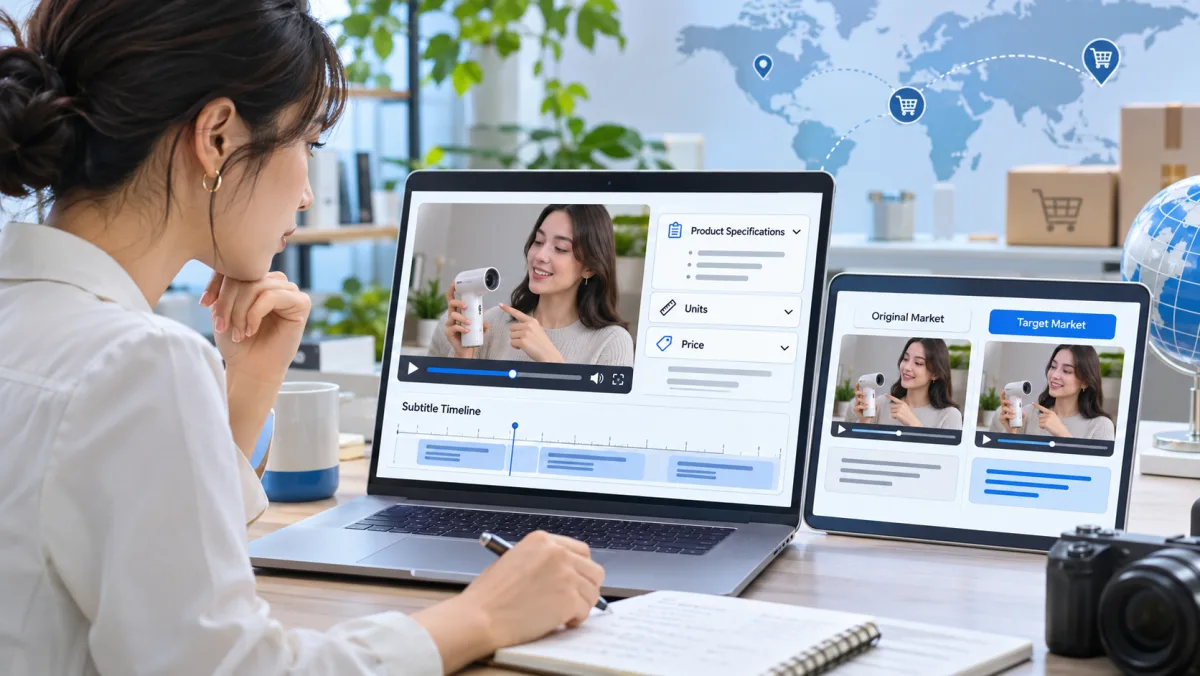
Illustration of product specifications and language versions reviewed together
Review product facts and language together before a customer receives the video.

Use Weydub for the media work, keep product approval with your team

With an existing subtitle file, start by correcting its terminology and translating the text. With speech but no script, generate a transcript and have someone who knows the product check it. If the only available video has captions burned into the picture, extract the text before removing the captions that need replacing.

Weydub connects subtitle generation and extraction, subtitle translation, text removal and video translation. Your team still approves specifications, installation steps, safety wording, certifications and commercial terms. Translation does not establish whether a product meets a market's requirements.

Make a first version you can actually check

Start with a product you know well and a customer question you hear often. Include a difficult technical passage in the sample, not just the welcome message. Review the subtitles against the demonstration, listen to names and numbers in the voice track, then play the exported file all the way through. If you do not speak the target language, give a reviewer the approved product facts and specific questions rather than asking for a vague quality score.

A handoff that survives the next customer request

Keep the approved source, terminology list and released subtitle file beside the delivered video. Record the model, language, revision and intended recipient or channel. When a buyer asks for a correction, you can find the source of that line and identify which outputs need updating.

Once the first version works, use it as a reference for similar products. Batch the repeated media steps while reviewing the facts that differ by SKU. An installation video, distributor introduction and marketplace advertisement can share source material, but each should answer its own audience's question.
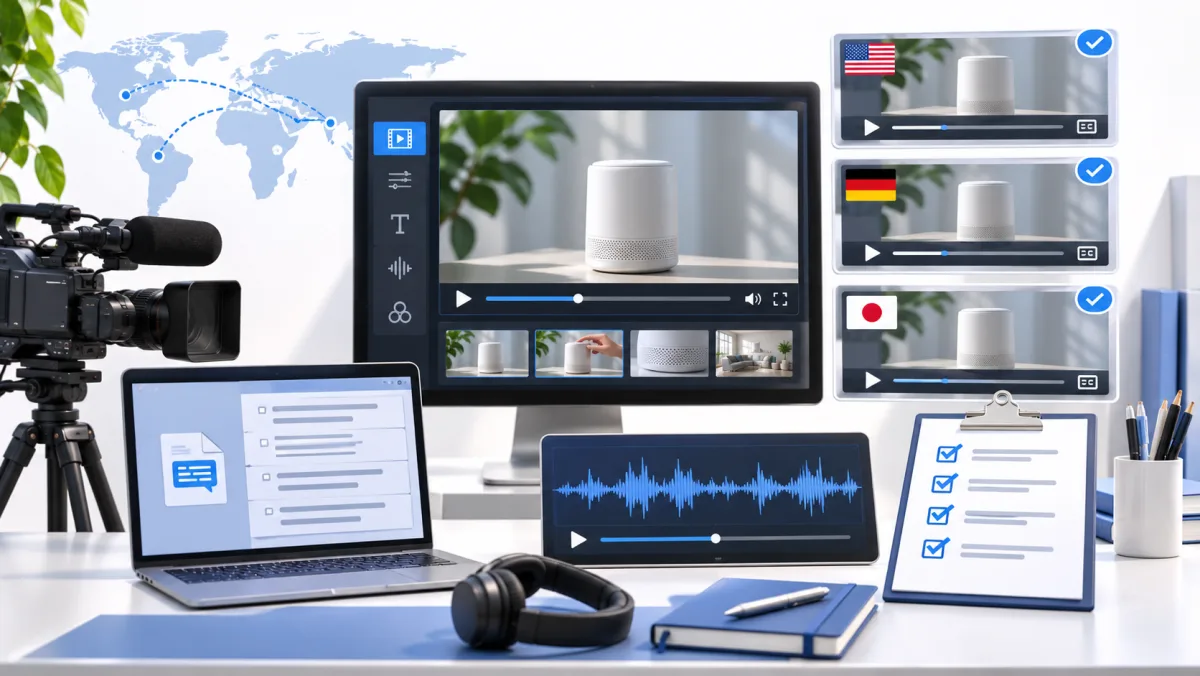
Illustration of video, subtitle and audio assets organized for delivery
Keep the delivered video and its approved source assets connected when revisions arrive.

Before sending the video to a customer

What does it cost to translate a product demo or sales video?

Video translation, subtitle removal and dubbing are separate Weydub processing workflows. Check current pricing and the task estimate in your account before a production batch; cost depends on the selected processing steps and usage. The four browser-based subtitle file tools are free and do not require an account.

How do I prepare a product demonstration for overseas buyers?

Choose a real buyer question, then collect the source video, current product facts and approved terms. Prepare the dialogue and on-screen wording, translate a sample and review the explanation. Add a target-language voice if useful, then check the deliverable against the right product revision.

Which languages can I use for customer and distributor videos?

Choose from the source and target languages available in the current translation workflow. Subtitle translation, speech recognition and dubbing voices can have different language coverage, so confirm the required language pair and voice before a batch. Review a representative sample with someone who understands the target language.

How do I keep technical terms, model numbers and units accurate?

Give the reviewer a product glossary and the current specification sheet. Keep model numbers and approved claims unchanged unless the product owner authorizes a market-specific revision. Compare numbers and units across subtitles, voice and visible labels; fluent wording alone does not establish technical accuracy.

Can I localize installation videos with labels and diagrams?

Separate the spoken instructions from text inside the picture. Use the relevant transcript or OCR source, then approve which labels need translation and which markings must stay intact. Have a product specialist review any safety-critical instruction and the final visual sequence.

Can I create several market versions in a batch or through an API?

Use supported batch processing or API tasks to repeat approved steps. Record product, source revision, language, contact details and output together. Check a representative sample before scale, and use the API documentation for authentication, job status and current task limits.

Can I correct the translated script and voice before delivery?

Review the translated subtitle or dialogue source before producing the final version. Correct terms and numbers first, then inspect the resulting voice, timing and picture. Changes after export can require dependent audio or video outputs to be produced again; keep accepted source versions available.

Can I use the workflow on Mac or Windows, and what can I download?

Keep editable subtitles as well as the reviewed media version. SRT and VTT files can be checked, converted and edited with the free tools; available video and audio downloads depend on the production workflow. Test the delivered files in the destination player or platform before publishing. Use a current browser on macOS or Windows and test the final files on the device or channel the buyer will use.

Is confidential product information safe to put in the free tools?

The free subtitle tools process selected SRT/VTT files locally in the browser. Cloud video translation and dubbing are different services that process uploaded media. Review your organization's confidentiality requirements and Weydub's privacy policy before uploading unreleased products or customer information.

Does translation make a video compliant for a new market?

No. A product owner or qualified reviewer must approve safety instructions, certifications, claims, units and market-specific offers. Video localization helps prepare the language and media assets; it is not legal, regulatory or technical certification, and it does not guarantee a sales outcome.

Prepare a translated product video or follow the ecommerce campaign workflow.

Put the review into practice

Use a subtitle file from a real product explanation to test timing and wording. A clean file does not confirm that the model number, offer or certification is approved for the market. Keep those decisions with the product owner and language reviewer.

Inputs, outputs and limits

Input: Product videos, approved specifications, market offers and existing captions.

Output: Market-specific product videos, captions and approved sales details.

Limits: The free tools check and edit subtitle files only. Translation, dubbing and rendering use separate product workflows. Language approval and rights checks require human review.

Continue with the relevant resources