
How to Automatically Remove Hardcoded Text from Your Somali Videos?
Effortlessly eliminate hardcoded subtitles and text from Somali videos with Weydub using these 3 steps


-
01Upload/PasteUpload files (batch supported) or paste Somali video URLs.
-
02SettingsSelect removal quality level. Optional: Add translation, etc.
-
03DownloadReview the cleaned video for leftover text and changes to the background, then download the result.
Hardcoded Subtitles in Somali Videos Limit Global Reach.
Somali subtitles use the standard Latin alphabet following a specific orthography adopted in the 1970s, without extensive use of special diacritics. Complexity is low. Challenges primarily involve handling font diversity and ensuring smooth, artifact-free background restoration after text removal.
Removing Hardcoded Texts from Somali Videos is Difficult, but We Did It.
Somalia and its diaspora possess a strong oral poetry tradition, unique camel culture, spice trade history, and recent stories of social reconstruction, but hardcoded Somali subtitles are a barrier to its culture and voice reaching the world. Somali content on YouTube/TikTok with native subtitles is difficult for non-speakers to understand. A market need exists for professional Somali hard subtitle removal tools. Removing native hard subtitles and adding target language ones is key to enhancing user experience, accessibility, video SEO, and global reach.
Why Use Weydub for Erasing Somali Video Subtitles & Text?
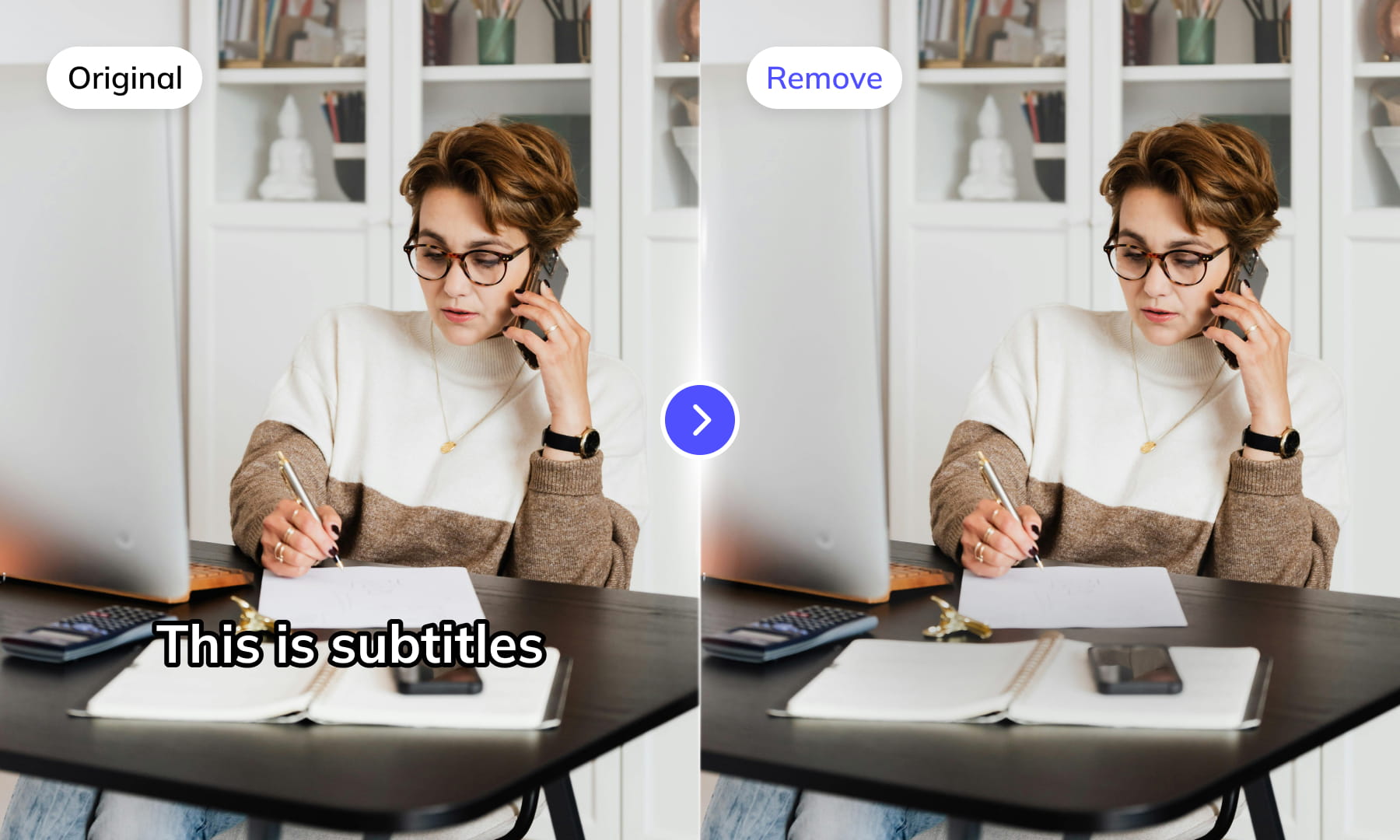
Use Weydub to remove selected subtitles and on-screen text from video. Review the repaired background and retained graphics before downloading the result for editing or localization.
AI-Assisted Text Selection
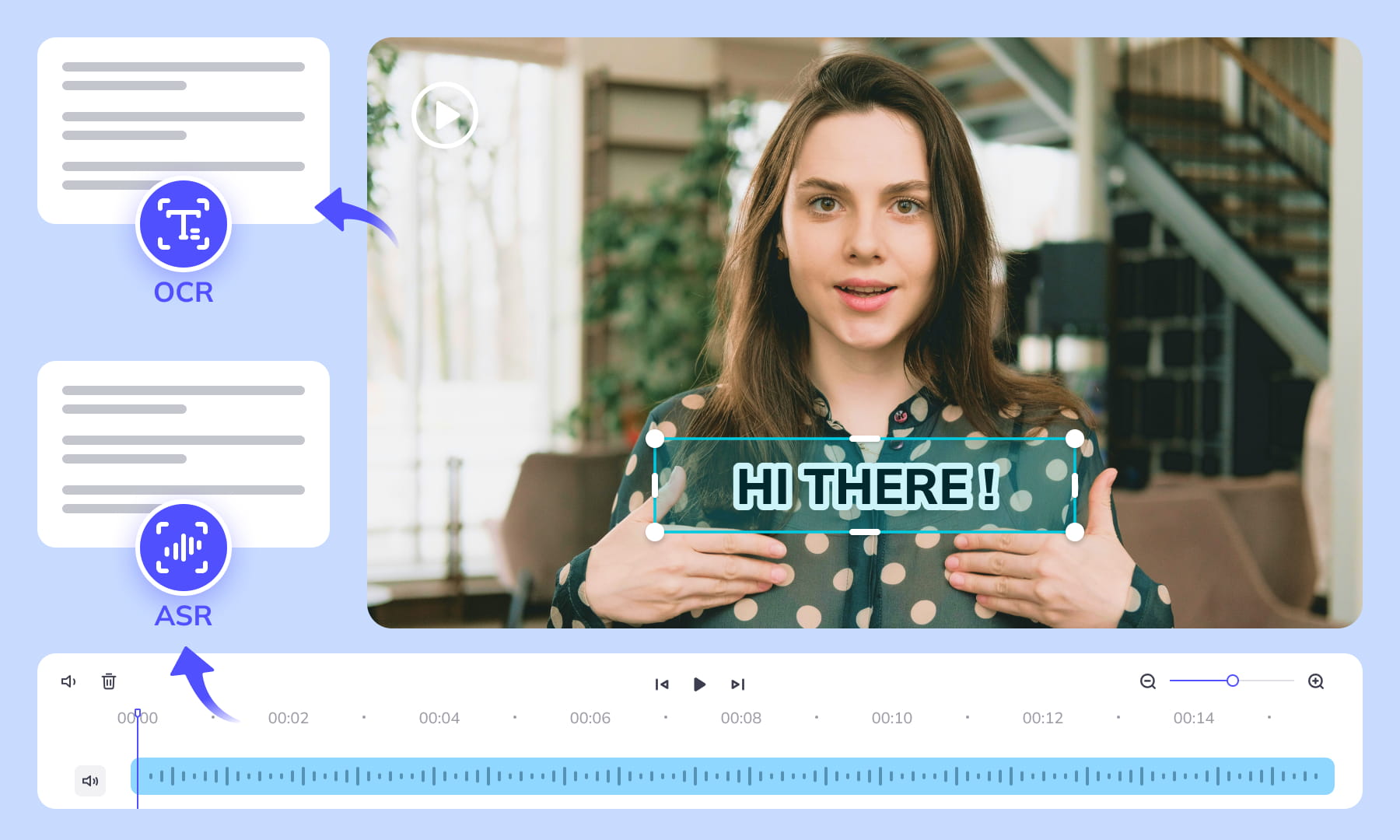
Use AI-assisted text detection to prepare the cleanup. Review the selected regions and keep any text or graphics that should remain. Inspect the repaired video before moving it into the next workflow.
Background Repair and Review
AI repairs the area behind removed text. Results depend on the background, motion, and text placement. Compare repaired frames with the source, especially around faces, fine textures, and scene changes.
High-Volume Batch Capabilities & API Integration
Organize subtitle and text removal across multiple video files with batch workflows. Use the API for automated submissions, and check the settings and results for each source video.
Intelligent Multi-Language Support
Our system automatically identifies and removes text or subtitles in many languages. This is essential for repurposing content internationally and ensuring your AI video tools cater to a global audience, especially when working across multiple platforms.
Review Pricing Before Submission
Check the current Pricing page and the estimate shown for your task. Choose the processing options that fit the footage, and review the displayed cost before confirming.
Browser-Based Convenience
No downloads or installations necessary! Conveniently remove text from your Somali videos online through our intuitive subtitle removal interface. Compatible across platforms (Windows, Mac) and mobile devices (iPhone, Android).
One-Stop AI Localization Workflow Effortlessly Globalize Your Videos
Weydub offers a revolutionary, all-in-one platform where every step, from subtitle generation to final rendering, seamlessly integrates.
Project Management
Organize projects and source assets for batch workflows. Review task settings and outputs for each video before delivery.
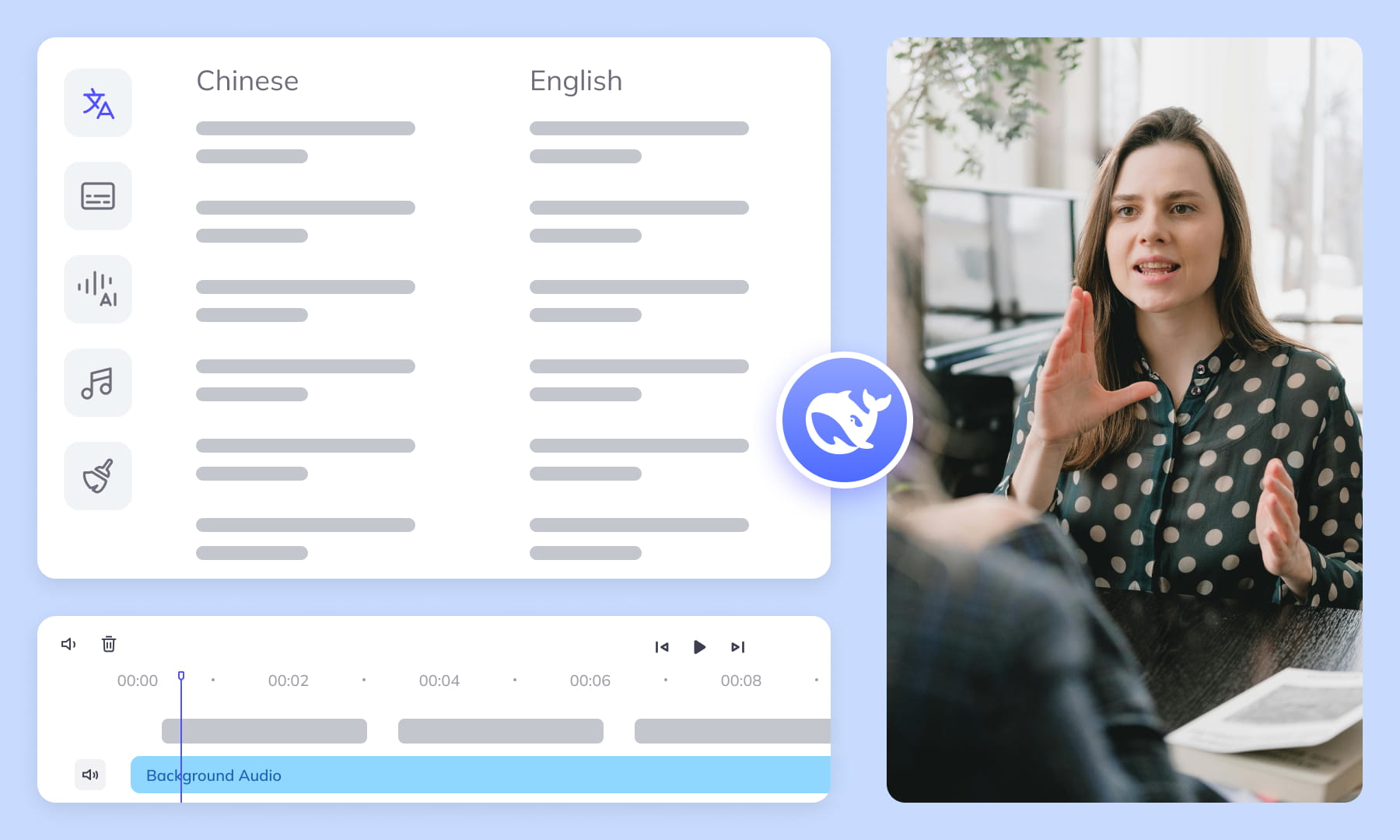

Export & Download
Review subtitle timing and any dubbed audio before delivery. Check the video and project export options available for the selected workflow.
Remove More Text from somali Videos for Easier Reuse


Frequently Asked Questions
Where can I check pricing and available trial credits?
Check the current Pricing page and your account balance before submitting a task. Available trial credits, paid options, and the cost shown for your selected workflow should guide your decision. Review the task settings and displayed estimate before confirming; this guide does not promise a fixed free allowance or a specific price.How best to remove subtitles/text from Somali videos?
Upload the video, identify whether the Somali subtitles are burned into the picture, and select the affected text regions. Include outlines, shadows, and any letters extending beyond the main subtitle band. After processing, review repaired frames during camera movement and check that doubled consonants or long-vowel spellings have not left small visible fragments.How does Weydub's AI remove subtitles from Somali videos?
Weydub processes selected areas containing hardcoded text and repairs the pixels behind them. For Somali captions, inspect the full width of longer word forms, including doubled vowels or consonants, because narrow selection boundaries can leave strokes behind. Review transitions, moving subjects, and patterned backgrounds where reconstruction is more visually demanding.Will subtitle removal affect video quality or cause blur?
Results depend on the background hidden by the subtitles. Flat walls or skies are generally simpler to repair than faces, fabric patterns, fast motion, or detailed scenery. Preview the repaired video frame by frame around scene changes, looking for blur, repeated textures, edge smearing, and remnants of Somali letter shapes or caption outlines.Do I need professional video editing experience?
Start by choosing footage and identifying the text you want to remove. You do not need a full editing project, but you should compare the repaired frames with the original video before publishing. Moving backgrounds, overlapping graphics, and text near faces may require closer review and adjustments to the selected region.Is manual selection needed for text removal from Somali videos?
Check the current workflow choices after upload and adjust the text region when needed. A subtitle box should cover every line, outline, shadow, and changing position without unnecessarily covering faces or graphics. Somali word forms may extend farther than expected because of doubled vowels and consonants, so inspect several representative frames before processing the full video.What types of text or elements can Weydub remove?
Use the removal workflow for visible text such as hardcoded subtitles, titles, labels, and scrolling text. Treat separate layers independently when a title overlaps a subtitle band or a ticker moves across the frame. Confirm that each selected area follows the element's position, then inspect repaired frames where text crosses faces, graphics, or detailed backgrounds.What other languages/platforms are supported for removal?
Check the current workflow choices for available languages and upload requirements rather than assuming support from a video's source. Pixel removal does not require Somali speech transcription, but visible Latin-script spelling can affect region coverage: long vowels, doubled consonants, personal names, and Arabic or English loanwords may create wider or unusual text shapes that need inspection.Does Weydub support batch removal of subtitles from Somali videos?
Weydub can support batch workflows. Group videos with similar subtitle placement and inspect samples from each layout before submitting the set. Somali captions may differ in line length because complete word forms, doubled vowels, and particles should remain intact; those differences can change the required region. Review every downloaded result rather than approving the batch from one sample.Can I use Weydub on mobile devices for video text removal?
Weydub uses a browser workflow for submitting videos, reviewing results, and downloading outputs. Check the current browser and upload requirements on your device. A desktop screen is preferable when precise region selection or batch review is required, especially for small Somali letters, thin caption outlines, scrolling text, and repaired frames with detailed backgrounds.Can I combine subtitle removal with translation or other tools?
Complete and review text removal before starting a separate translation workflow. Removal erases visible pixels; translation requires usable subtitle content or transcription and linguistic review. For Somali, verify vowel length, doubled consonants, grammatical particles, personal names, and loanwords with a fluent reviewer. If delivering captions, keep complete word forms together at line breaks and check timing separately.What should I check before uploading private or licensed footage?
Use footage you are entitled to process and check the current privacy policy and service terms before uploading sensitive material. For client projects, confirm that the agreed handling of faces, voices, personal details, and licensed media permits this workflow. Ask support about any specific retention or processing requirement rather than assuming a promise from this guide.
Common Removal Review Scenarios
Review the repaired regions in context before you reuse or localize the video.