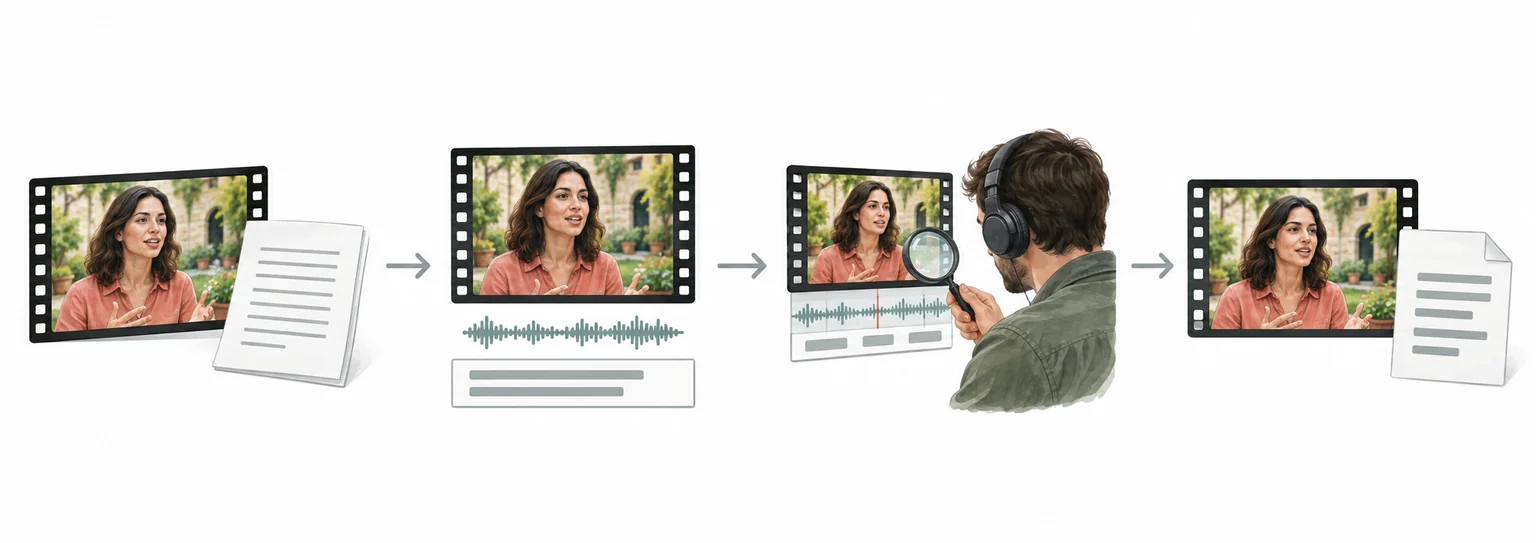
YouTube video translation and dubbing workflow
YouTube to Spanish: translate YouTube videos with subtitle review
For YouTube videos, organize speech and on-screen text, review the translation and subtitle timing, then prepare Spanish dubbing or subtitle files for the required delivery format.
- Upload the video and confirm speech, on-screen text, and delivery format
- Translate and review subtitles while preserving timing, terminology, and speakers
- Preview the result, check subtitles and audio, then export or continue in batch
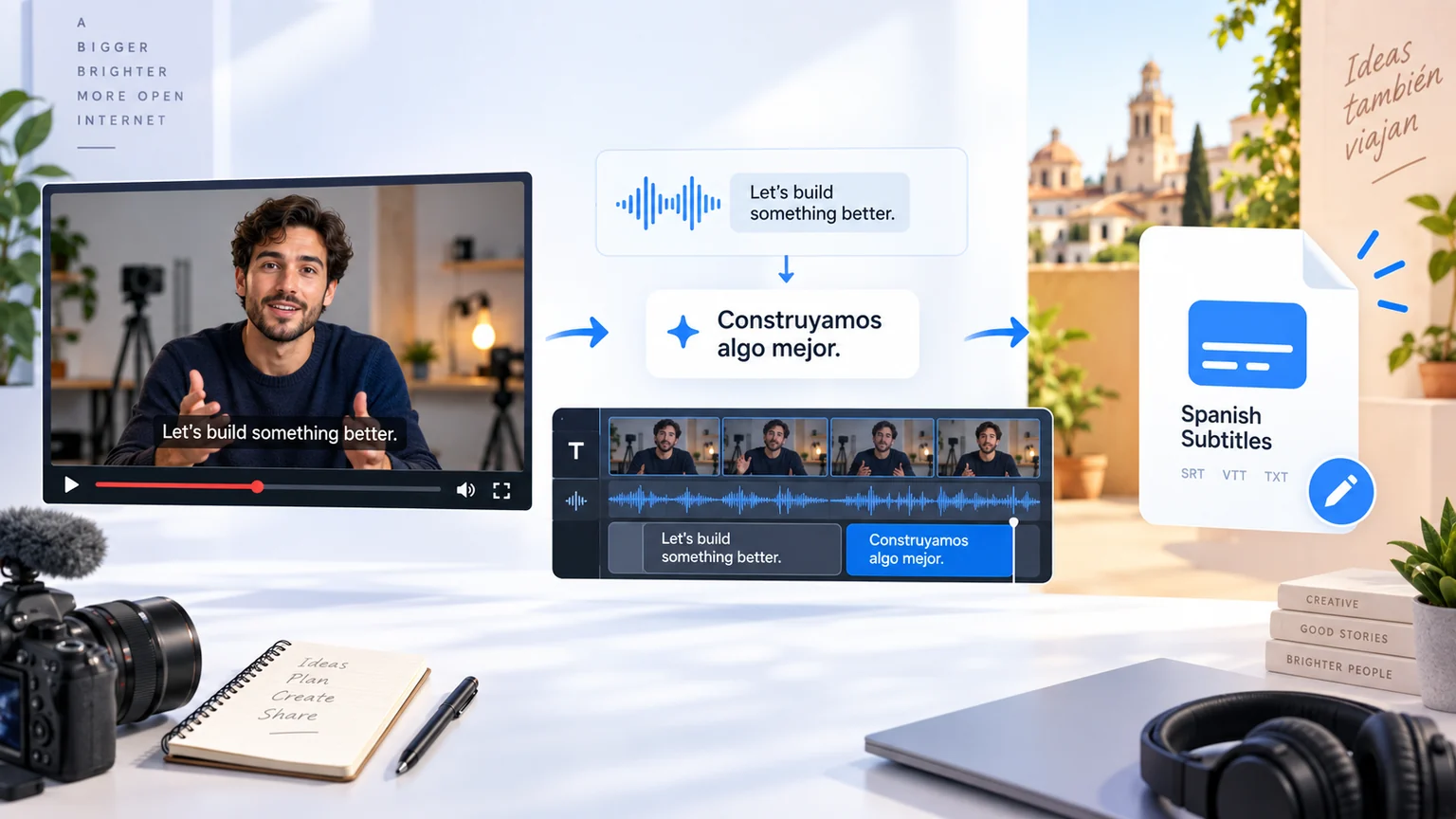
How to Translate YouTube Videos to Spanish?
Translate YouTube Videos to Spanish in 3 Easy Steps
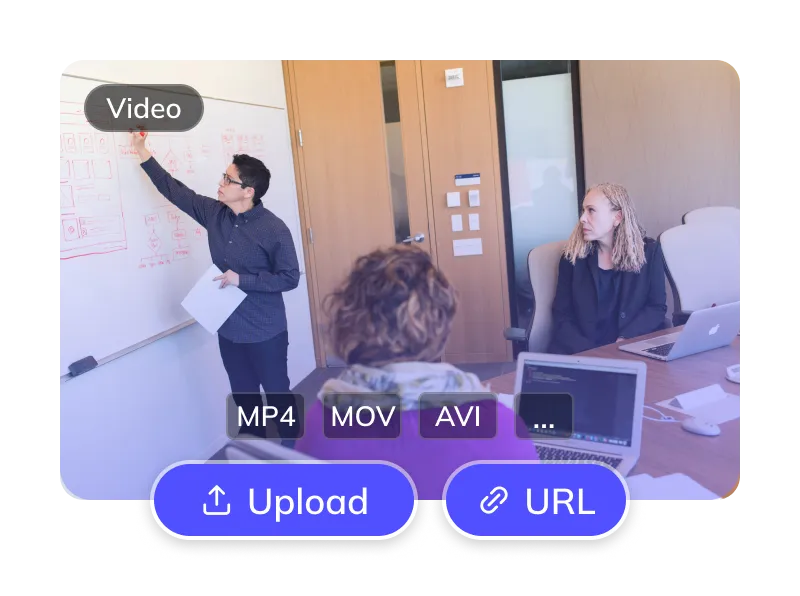
Upload Your YouTube Video
- Upload a video you have permission to process. Check the upload panel for supported files and link import options.
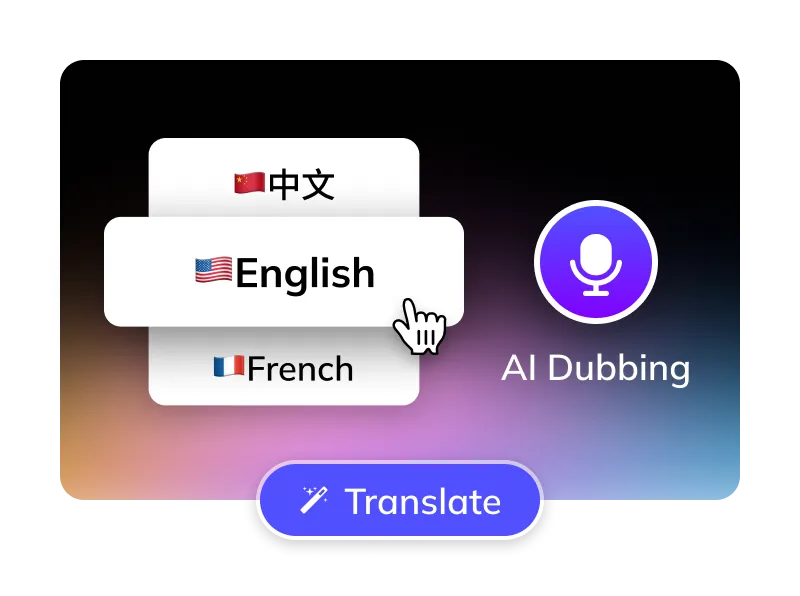
Select Options
- Select the language actually spoken in the video, then choose Spanish as the target.
- Choose an available Spanish voice and preview its pronunciation. Use voice cloning only with the speaker's permission.
- Optional: Remove YouTube subtitles, manage BGM.
Get Your Spanish Video
- Review the Spanish text, subtitle timing and dubbed audio. Download the output offered by your selected workflow, then publish through YouTube Studio.
For Global Creators and Businesses











Why Weydub for Your Video Translations?
Weydub is your all-in-one AI solution for translating YouTube content into natural, engaging Spanish.

Effortless Project Management
Manage YouTube assets, subtitles, & Spanish videos. Batch process projects efficiently.
Reviewable Spanish Translation
Review Spanish captions against the original speech. Check channel-specific names, technical terms and regional vocabulary before publishing.
Lifelike Spanish AI Dubbing
Preview available Spanish voices with a short passage. Listen for names, numbers and sentence stress, and choose a delivery suited to your audience.
Flexible YouTube Subtitle Options
Optionally erase original YouTube hardsubs for a clean slate. Translate embedded YouTube subtitles directly.
Smart Multi-Speaker ID (YouTube)
Review detected speakers and available voice assignments in interviews or episodes. Check recurring characters across the exported Spanish versions; automatic recognition can need correction.
Efficient Batch Processing & API
Organize related YouTube videos for batch processing, or use the documented API. Check current task limits and review each video's output before publication.
Versatile BGM Control
Configure the original audio and background music options offered by the workflow. Listen to the exported mix and confirm that you hold the required audio rights.
Check Costs Before Submitting
Check current pricing, your credit balance and the task estimate before submitting. Costs depend on the selected translation and dubbing options.
Easy Online Access
Prepare translations in your browser. Use a desktop workspace for detailed subtitle and speaker review; processing time depends on the video and selected options.
Review Picture, Subtitles and Dubbed Audio Together
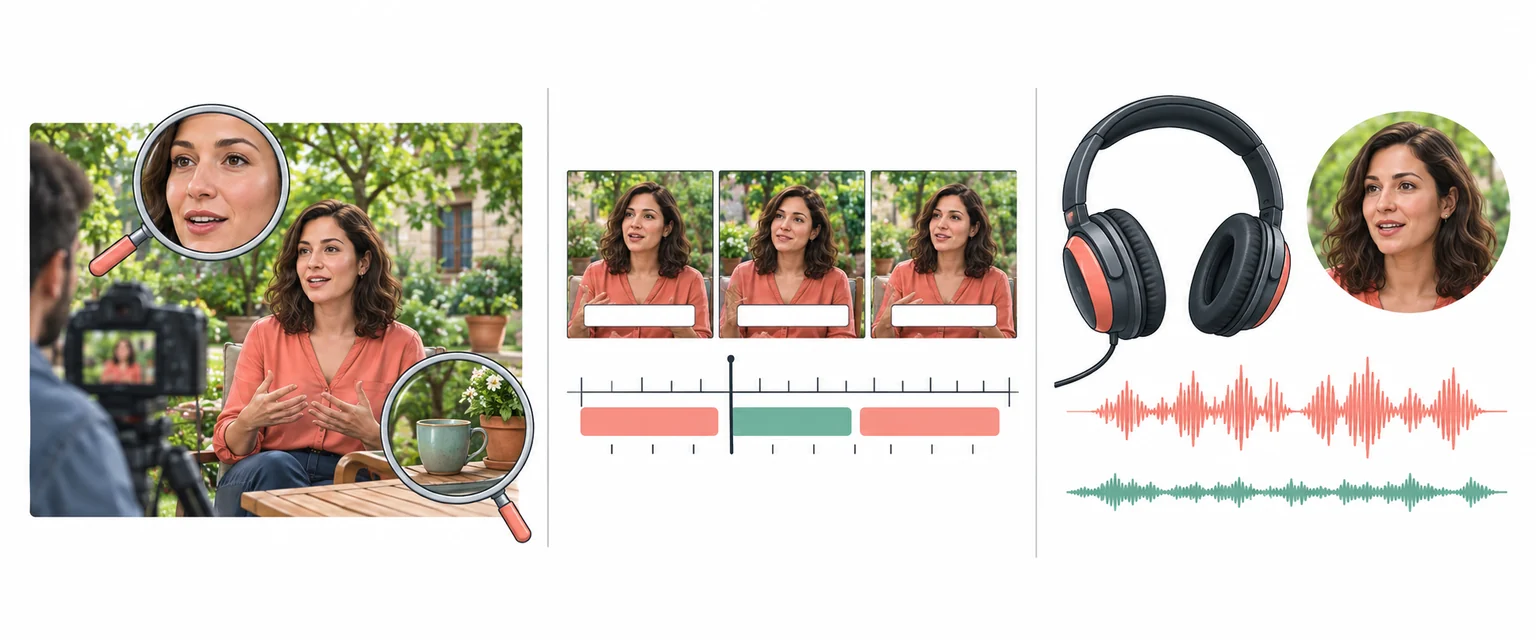
Every Algorithmic Optimization, Engineered for Quality Spanish Video
Mastering Long-Form YouTube Drama & Multi-Character Dubbing
For a long YouTube interview, course or drama, review the opening, chapter transitions and recurring speakers. Keep Spanish names and terminology consistent across episodes, and check voice assignments against the original footage before export.
Translate Now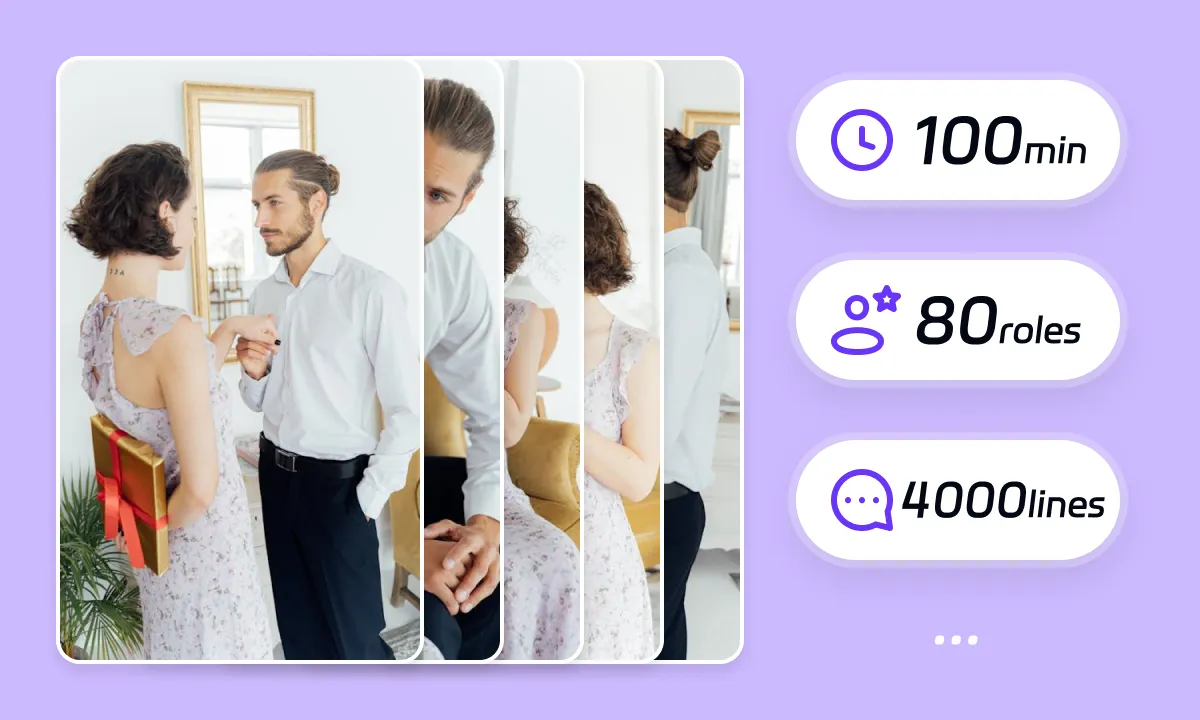
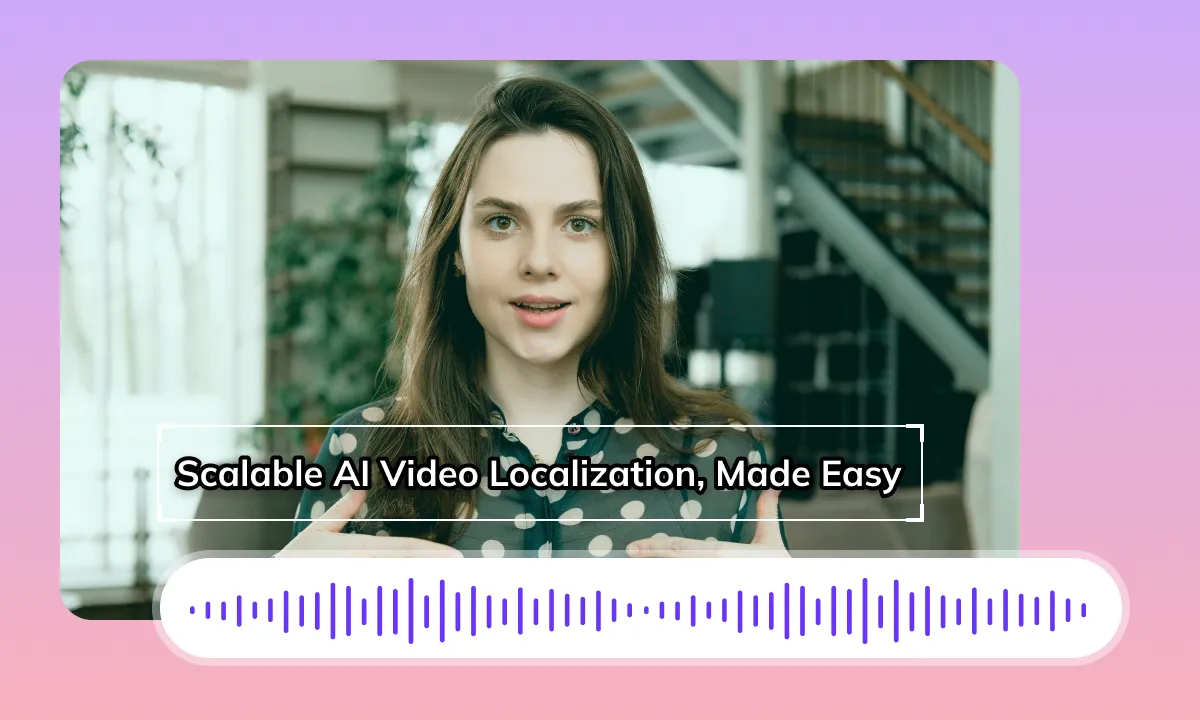
Review Spanish Dubbing and Subtitle Timing
Spanish phrasing may be longer or shorter than the source speech. Review pauses, sentence endings and captions around cuts. Timing a voiceover does not guarantee matching mouth movements; inspect close-ups in the rendered video before publishing.
Translate NowReview Frames After Subtitle Removal
When original subtitles are burned into the video, review the cleaned frames before adding Spanish captions. Motion, patterned backgrounds and text covering faces can leave visible artifacts. Check the result at playback speed and keep important graphics readable.
Translate Now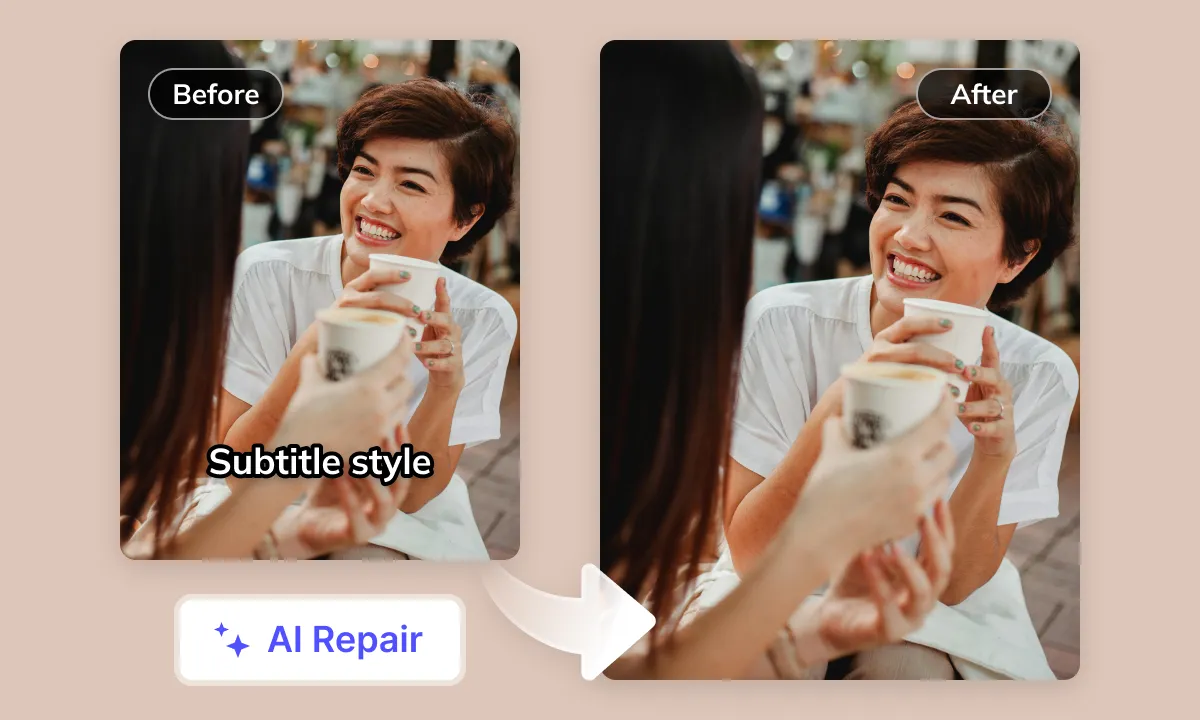
Smart Audio Control for YouTube Creators
Review dialogue, music and sound effects together after generating the Spanish version. Audio separation can leave artifacts and does not grant permission to reuse music. Confirm licenses and YouTube publishing requirements separately from the translation task.
Translate NowYour YouTube Videos Deserve Global Spanish Audiences
Prepare a Spanish version of your YouTube tutorial, interview or series for the audience you want to reach. Decide whether viewers need captions, dubbing or both. Review titles, descriptions and chapter labels separately in YouTube Studio after checking the finished video.
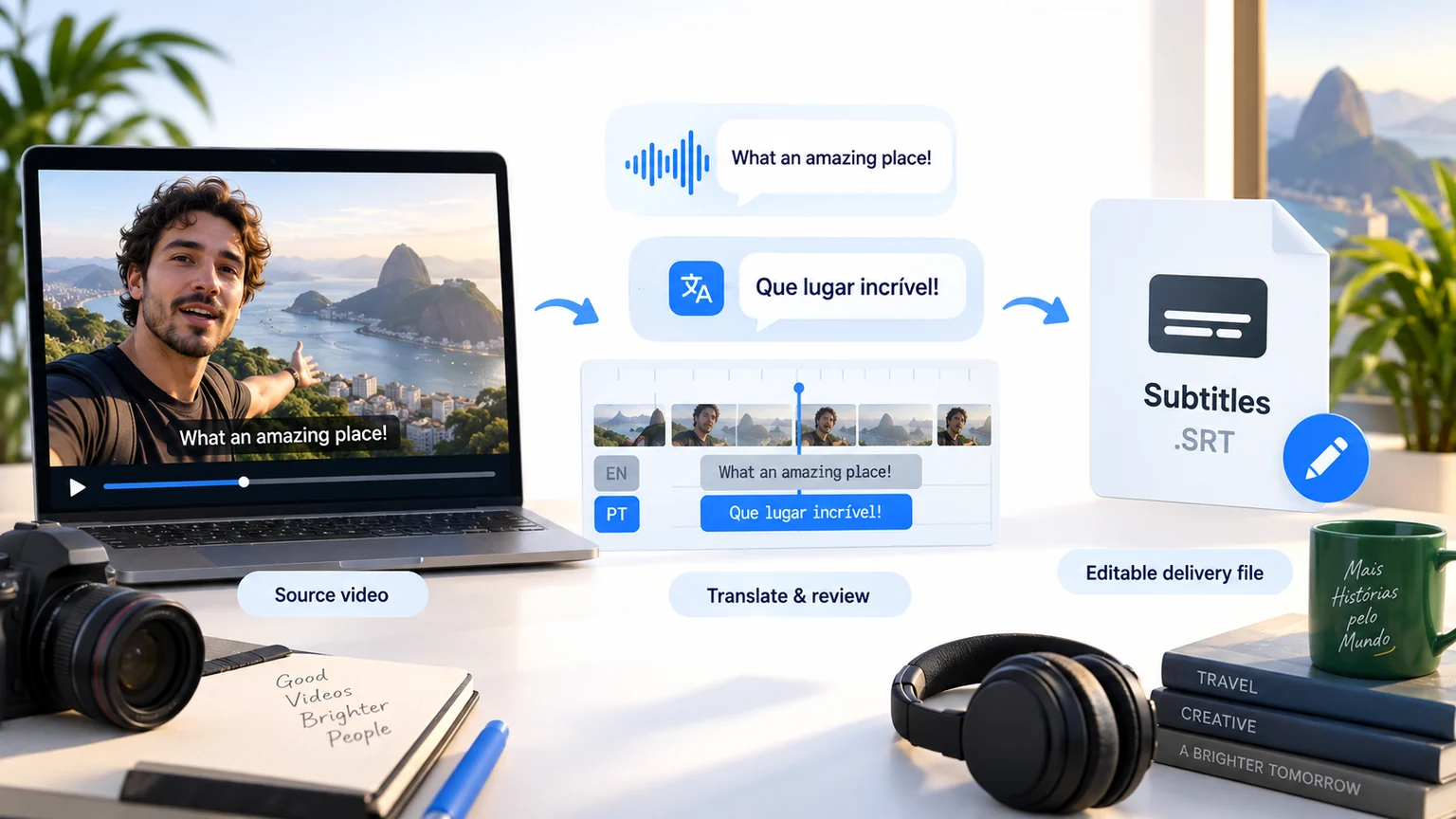
YouTube Video Translation to Spanish: Challenges and Prospects
Impact of Native Burned-in Text and Audio Interference
YouTube videos often feature native text burned into the screen (e.g., intros, outros, on-screen explanations) or background audio (music, sound effects). If these elements are not properly identified and handled, overlaying Spanish subtitles or voiceovers can cause information redundancy or conflicts, diminishing the viewing experience and comprehension for Spanish-speaking audiences
Cultural, Contextual, and Linguistic Differences
Choose Spanish wording for your intended audience, such as viewers in Spain or Latin America. Review forms of address, idioms and regional vocabulary in context. A platform name is not a source language: compare each translation with the actual speech in the YouTube video.
Subtitle Formatting and Layout Adaptation
Check Spanish accents, opening question and exclamation marks, and line breaks around names or clauses. Keep captions clear of chapter graphics and lower thirds. Preview both a long-form video and any Shorts crop you plan to publish; the available subtitle space differs.
Pacing and Timed Synchronization
YouTube videos vary in speaking pace and information density. After translating original content into Spanish, text length and reading speed can change. Precisely controlling the translated text's appearance and disappearance on the timeline to achieve accurate audio-visual or subtitle-to-picture synchronization is a significant technical challenge
Limited AI Speech Recognition Accuracy
Background music, overlapping speakers, accents and technical terms can affect speech recognition in the original language. Correct transcription errors before reviewing the Spanish translation. Check speech recognition separately from text detected inside video frames.
Selecting Natural AI Spanish Voiceovers
While various AI voiceovers are available, finding a high-quality Spanish AI voice that is natural, fluent, accurately conveys the original video's emotion and style (e.g., humor, seriousness, excitement), and ensures authentic, non-robotic pronunciation remains a significant technical and artistic challenge
Lip-Sync and Visual Alignment
Compare the Spanish dubbed speech with pauses, expressions and mouth movements in the source video, especially in close-ups. Matching audio timing does not by itself make the visible mouth movements match Spanish speech. Review the result before publication.
Ideal AI Video Translation Workflow and Standards
An ideal AI video translation system should be capable of: High-accuracy recognition of original YouTube video audio (robust against complex backgrounds, understanding internet slang, technical jargon) - Generating authentic, contextually and culturally appropriate Spanish translations (considering linguistic characteristics, cultural differences) - Synthesizing high-quality, emotionally matched, and visually aligned Spanish AI voiceovers - Achieving precise temporal alignment and synchronization of translations (subtitles or voiceovers) with the original video
Tackling Video Translation Challenges with AI Empowering your YouTube content for any worldwide scenario.

Content Creators: Unlock Global Spanish Audiences

Short Drama Producers: Get Global Audiences on Apps & YouTube

E-commerce Sellers: Convert YouTube Product Videos to Spanish

Localization Teams: Boost Efficiency with AI

Enterprises: Enhance Global Image in Spanish Markets
Educators: Create Accessible Spanish Courses
Media & Publishing: Faster Global Spanish Content Distribution
Prepare, Process and Review Your Video
To prepare YouTube videos in Spanish, select the tools your source needs: subtitle extraction, subtitle removal, subtitle translation and dubbing. Prepare your source, process it, review the result and download the available files. Use Studio for batch projects; a single Web task may offer different options. Check available outputs, editing options and current pricing before submission.