Translate YouTube Video to Fluent English

Auto-translate your YouTube videos to English. Seamlessly remove original subtitles, Generate accurate new SRT and clone voices.

YouTube video translation and dubbing workflow

YouTube to English: translate YouTube videos with subtitle review

For YouTube videos, organize speech and on-screen text, review the translation and subtitle timing, then prepare English dubbing or subtitle files for the required delivery format.

  • Upload the video and confirm speech, on-screen text, and delivery format
  • Translate and review subtitles while preserving timing, terminology, and speakers
  • Preview the result, check subtitles and audio, then export or continue in batch
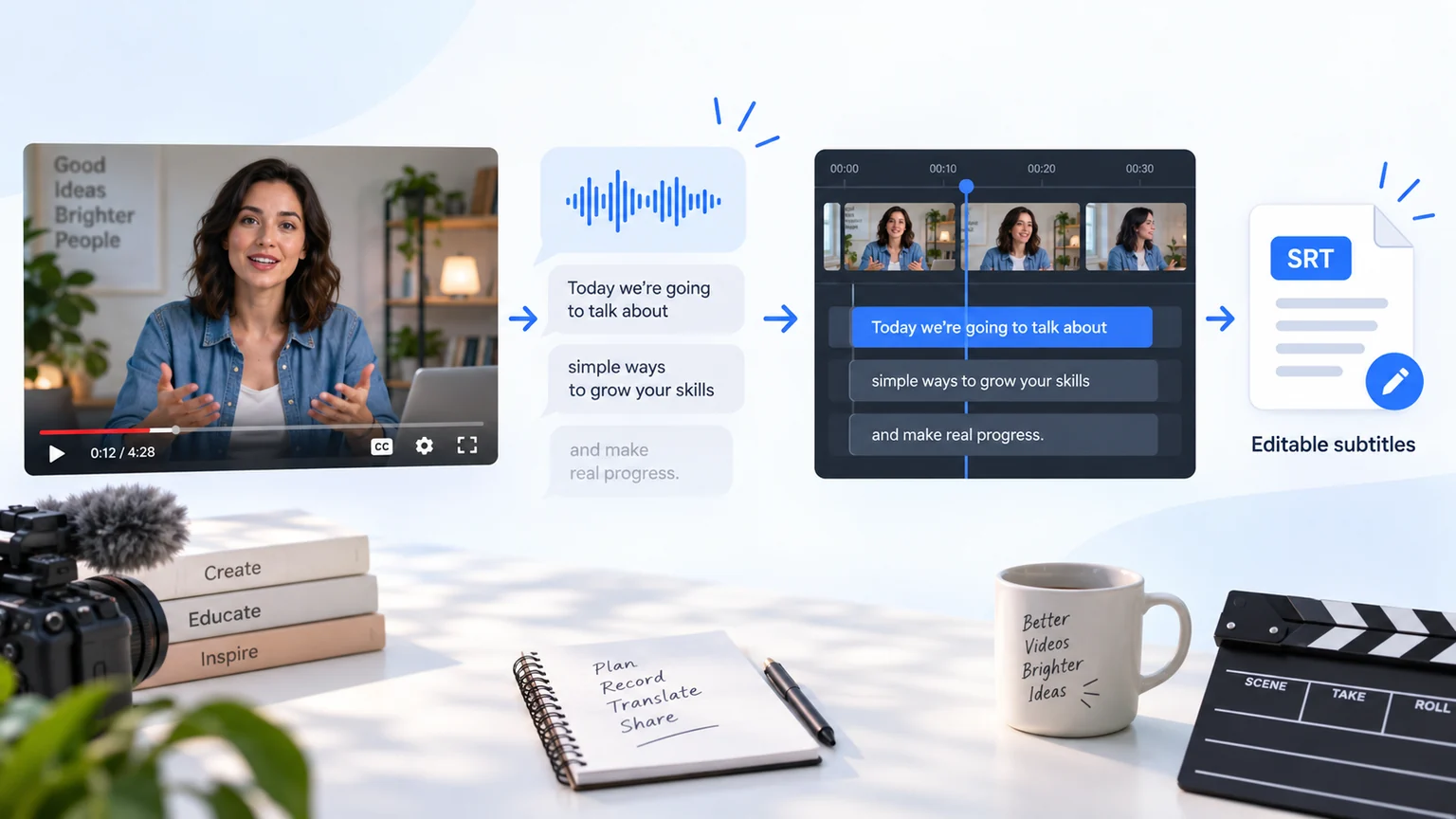
How to Translate YouTube Videos to English?

Translate YouTube Videos to English in 3 Easy Steps

01

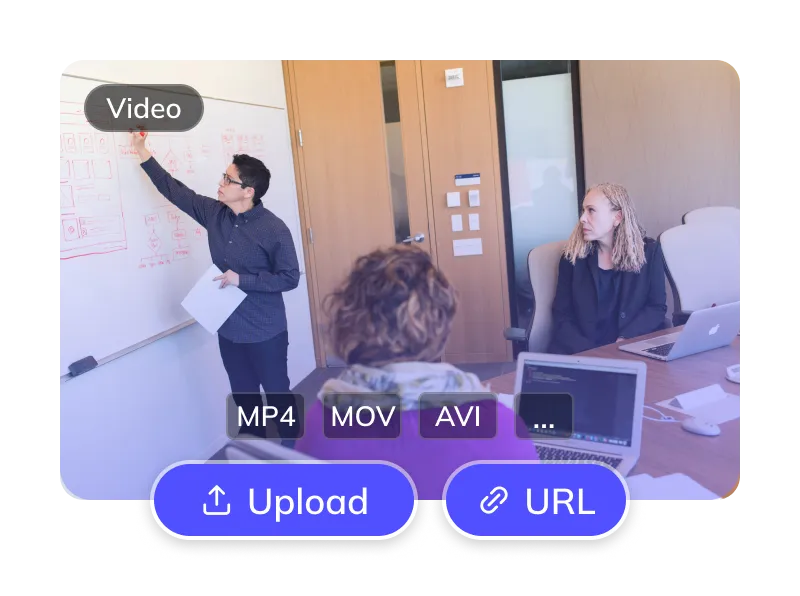
Upload Your YouTube Video

  • Upload files (MP4, MOV) or paste links from YouTube, TikTok, etc.
generator-step
02

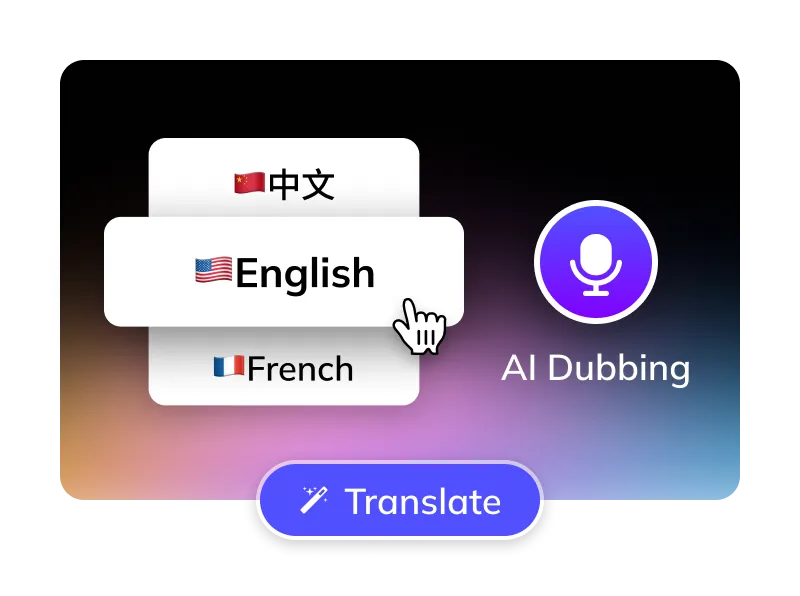
Select Options

  • Source platform: YouTube. Target language: English.
  • Choose English AI voice (US/UK) or clone original.
  • Optional: Remove YouTube subtitles, manage BGM.
generator-step
03

Get Your English Video

  • AI translates, dubs & syncs. Preview, edit subtitles, then download videos & SRTs.
generator-step

For Global Creators and Businesses
  • akulaku
  • alibaba
  • anker
  • bilibili
  • crazy_maple
  • dianzhongkeji
  • dreame
  • eclicktech
  • ecovacs
  • fujitsu
  • giikin
  • jingdong
  • jowo
  • kwai
  • mobvista
  • tellernovel
  • weee
  • youdao

Why Weydub for Your Video Translations?

Weydub is your all-in-one AI solution for translating YouTube content into natural, engaging English.

Translation Icon

Effortless Project Management

Manage YouTube assets, subtitles, & English videos. Batch process projects efficiently.

Review English Translation Quality

Check names, terminology, slang and sentence meaning against the source recording before finalizing English subtitles.

English AI Dubbing for Review

Choose an available English voice or voice-cloning option in the task settings. Listen to a sample and review pronunciation, pacing and tone in the finished audio.

Flexible YouTube Subtitle Options

Optionally erase original YouTube hardsubs for a clean slate. Translate embedded YouTube subtitles directly.

Smart Multi-Speaker ID (YouTube)

For interviews, dramas and other multi-speaker videos, check speaker assignments and names before generating the English dub. Review related episodes for consistent terminology and voice choices.

Efficient Batch Processing & API

Organize multiple YouTube videos through batch workflows, or use the API for integration. Check task settings and account limits before submitting a batch.

Versatile BGM Control

Keep or mute original BGM. Our unique tech can also isolate sound effects, meeting diverse copyright and distribution needs.

Check Current Pricing

Review the current Pricing page, your account balance and the cost displayed for the selected task before confirming submission.

Easy Online Access

No downloads. Instantly translate YouTube videos to English online. Works on Windows, Mac, & major mobile browsers for cloud processing anywhere.

Review Picture, Subtitles and Dubbed Audio Together
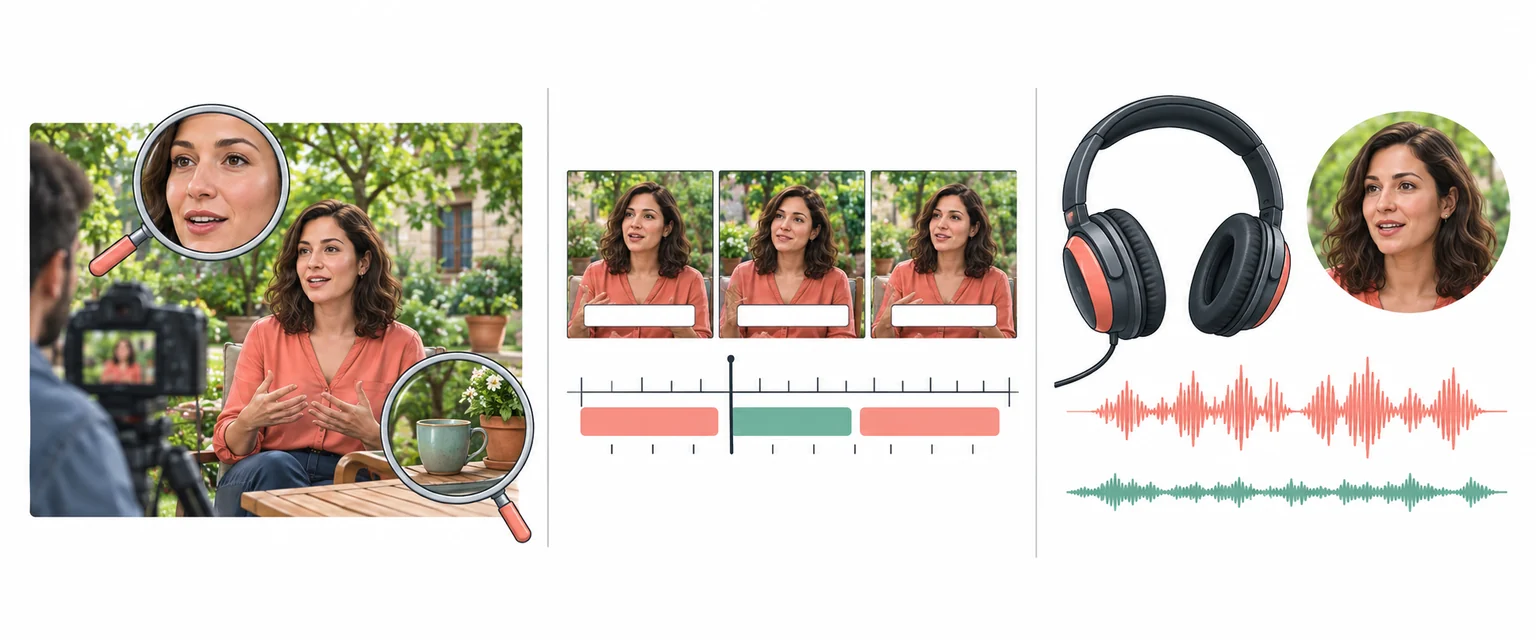
Illustration of checking picture detail, subtitle timing and audio for a localized video

Every Algorithmic Optimization, Engineered for Quality English Video

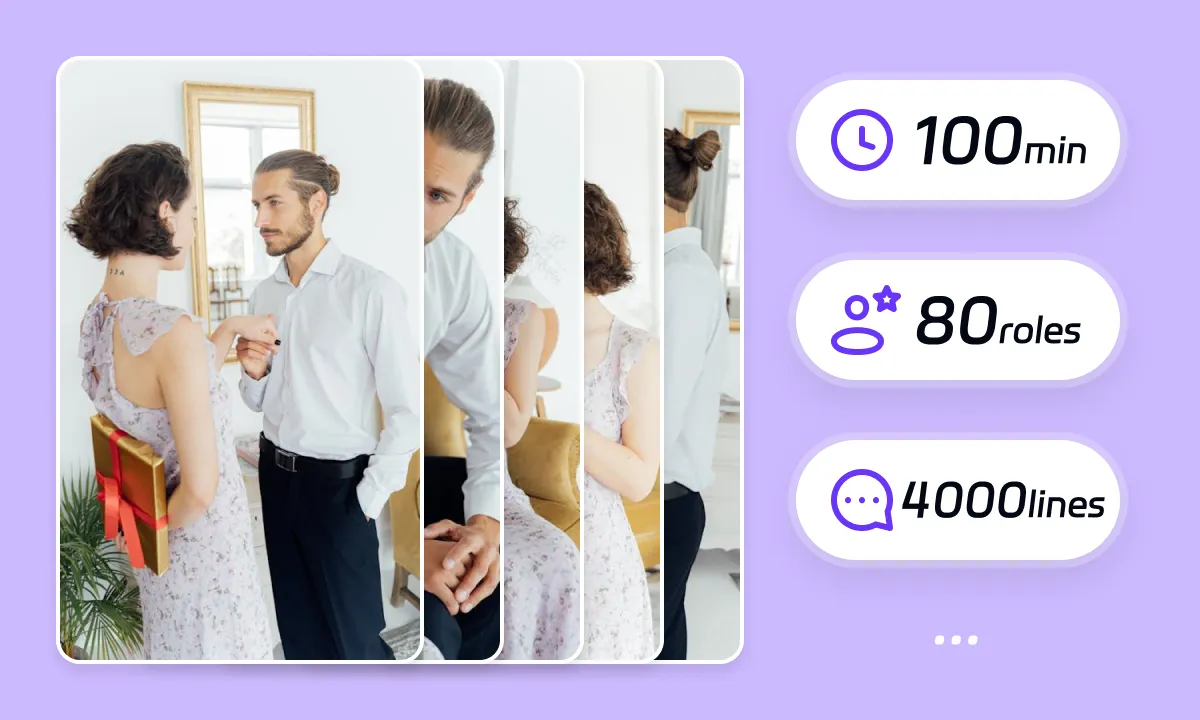
Mastering Long-Form YouTube Drama & Multi-Character Dubbing

When a YouTube drama or long-form video contains several speakers, check speaker assignments and names before generating the English dub. Review dialogue exchanges and terminology across related videos, and listen to the exported result for unintended voice changes.

Translate Now
subtitlegenerator detail

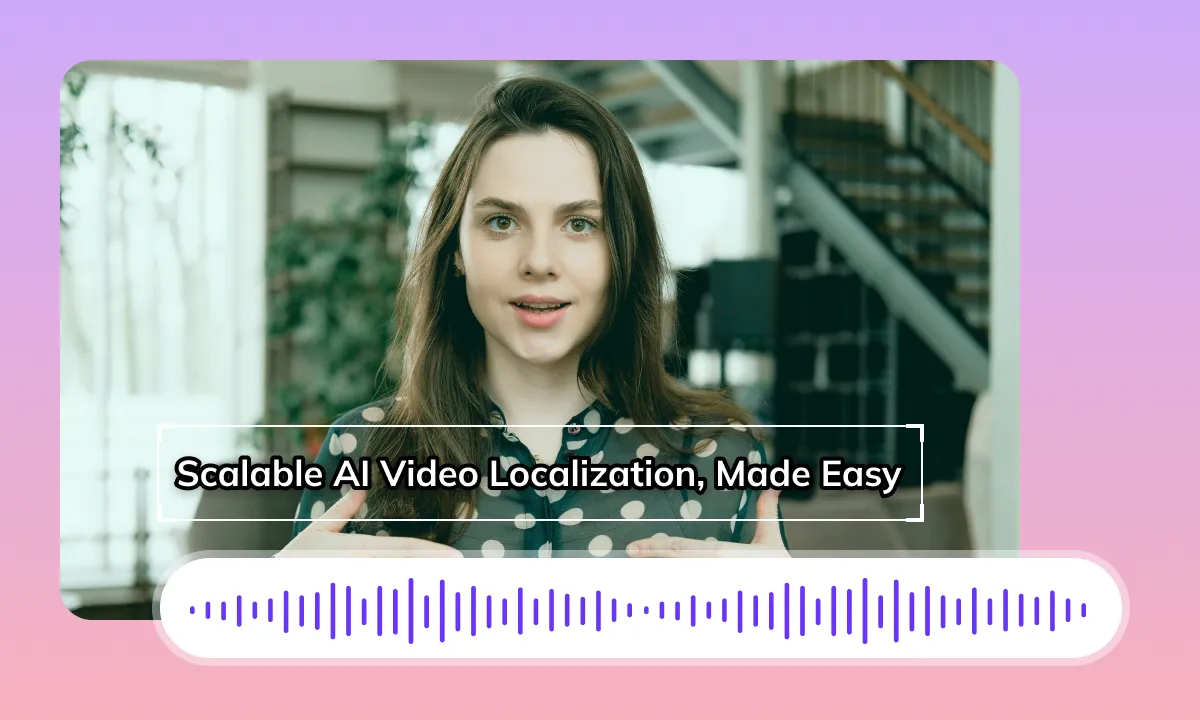
Review English Dubbing and Timing

English phrasing may take more or less time than the original dialogue. Review pauses, subtitle transitions and audio timing at scene changes, then adjust the result when the speech or captions do not fit the intended delivery.

Translate Now

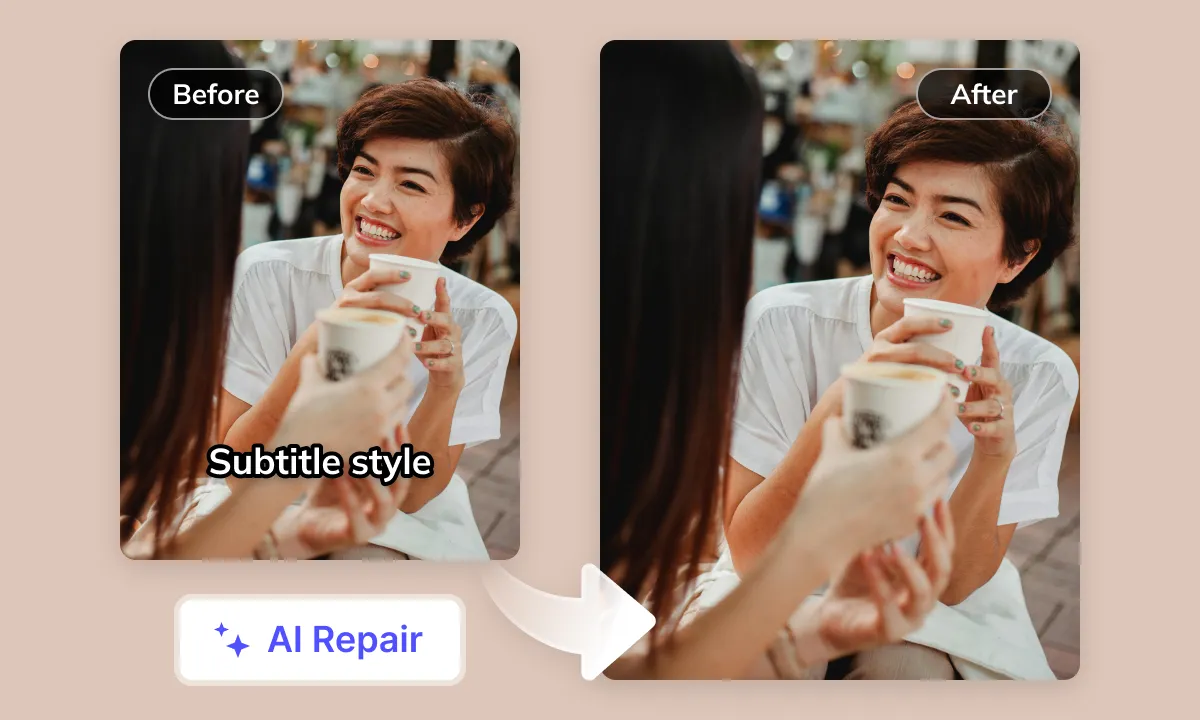
Prepare a Clean YouTube Subtitle Layer

Original YouTube hardsubs can limit how you reuse a video for other languages. If the workflow includes subtitle removal, inspect the selected regions and review the reconstructed background before adding English subtitles or exporting the result.

Translate Now
subtitlegenerator detail

Smart Audio Control for YouTube Creators

Review dialogue, music and sound effects in the source recording. Choose the audio handling options available for your task, then listen to the English result for unwanted overlap. Audio processing does not grant rights to publish copyrighted material.

Translate Now

Your YouTube Videos Deserve Global English Viewership

Language barriers prevent your YouTube videos (any language or content type) from reaching the vast English market. On YouTube, non-English videos lacking quality English translation and dubbing cause understanding issues, severely hurting viewer experience, subscriber growth, and global influence. The market urgently needs professional, efficient AI video translation and dubbing to seamlessly convert all YouTube content into English
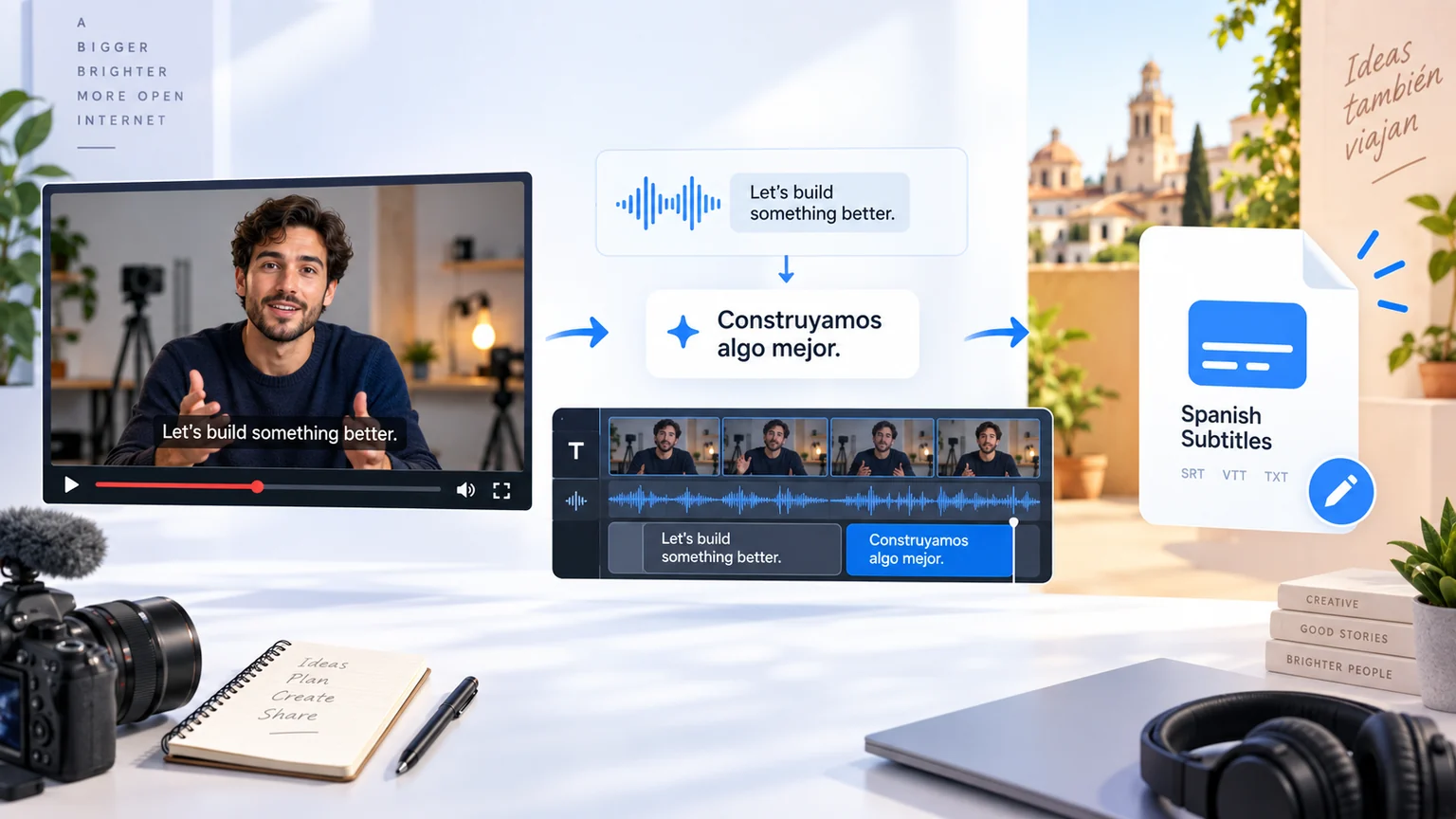
Example YouTube workflow for Spanish subtitle delivery
The same workflow also delivers Spanish subtitles.

YouTube Video Translation to English: Key Considerations and Challenges

Audio Processing and Background Noise Management

Accurate processing of the original video audio track is crucial when translating YouTube content to English, particularly when background music, environmental noise, or multiple speakers are present. The primary challenge lies in effectively isolating human voices to ensure high-quality transcription

Content Diversity and Specialized Terminology

The YouTube platform features a vast array of content, from casual vlogs to in-depth tech explanations. Slang, professional jargon, and linguistic conventions vary greatly across different domains. The core challenge is accurately and idiomatically conveying the original meaning in English

Subtitle Formatting and Platform Compatibility

The YouTube player has specific guidelines for subtitle display. English subtitles, once translated, must consider characters per line, sentence segmentation logic, and overall reading speed to ensure clear, smooth presentation on screen without hindering the viewing experience

Pacing and Information Density

Some YouTube videos feature fast speech rates and high information density. When translating such content into English, ensuring translation completeness while preventing overly long English subtitles or text exceeding screen boundaries tests text processing and timeline synchronization techniques

AI Recognition Accuracy Limitations

Accents, non-standard pronunciations, colloquialisms, background dialogue interference, and domain-specific terminology present in YouTube videos can all reduce AI speech recognition accuracy, consequently impacting subsequent translation quality

Naturalness and Emotional Alignment of AI Voiceovers

Finding English AI voices that are natural, fluid, emotionally rich, and stylistically appropriate for diverse YouTube video types (e.g., tutorials, entertainment, news) remains a market challenge

Perceived Lip-Sync Challenge

While strict lip synchronization isn't always required after generating English voiceovers for YouTube videos, achieving 'perceived synchronization' between the audio and on-screen speaker's movements still demands complex algorithms and adjustments to enhance viewer immersion

Ideal Efficient AI Translation

Top-tier AI translation should accurately recognize diverse YouTube audio styles (noise-resistant, domain-aware), produce high-quality English translations tailored to the target audience's context, generate natural English AI voices, and precisely align subtitles and voiceovers with the video timeline, adapting to platform display requirements

Tackling Video Translation Challenges with AI Empowering your YouTube content for any worldwide scenario.

subtitlegenerator-scene

Content Creators: Unlock Global English Audiences

For YouTube creators, review English subtitles and dubbed audio against the original before publishing. Check names, platform terminology, timing and visible text, then choose the delivery format that fits your channel workflow.
subtitlegenerator scene

Short Drama Producers: Get Global Audiences on Apps & YouTube

For YouTube short dramas, check character names, relationships and speaker assignments across episodes. Review English dialogue and subtitle timing at scene changes, then use batch settings that match your delivery requirements and account limits.
subtitlegenerator scene

E-commerce Sellers: Convert YouTube Product Videos to English

For YouTube product, advertising and tutorial videos, review English product names, measurements and on-screen labels. Check that captions do not hide the product or a purchase instruction, then review the translated video before publishing.
subtitlegenerator scene

Localization Teams: Boost Efficiency with AI

Translation service providers and localization teams can use YouTube-to-English transcription, subtitle translation and preliminary dubbing as review steps. Keep terminology, cultural adaptation and final style decisions with the responsible reviewer.
subtitlegenerator scene

Enterprises: Enhance Global Image in English Markets

For YouTube corporate videos, review approved English terminology and brand names. Confirm that your organization permits the source material to be processed, and consult current service terms and support for specific data-handling requirements.
subtitlegenerator scene

Educators: Create Accessible English Courses
For YouTube courses and lectures, compare spoken explanations with text shown on screen. Review English technical terms, step order and subtitle readability, then check the exported lesson against the original.
subtitlegenerator scene

Media & Publishing: Faster Global English Content Distribution

For YouTube news, documentaries and interviews, verify English names, quotations and context against the source. Review fast speaker changes and any text visible on screen, and keep editorial fact-checking and publication approval in your normal workflow.

Prepare, Process and Review Your Video

To prepare YouTube videos in English, select the tools your source needs: subtitle extraction, subtitle removal, subtitle translation and dubbing. Prepare your source, process it, review the result and download the available files. Use Studio for batch projects; a single Web task may offer different options. Check available outputs, editing options and current pricing before submission.
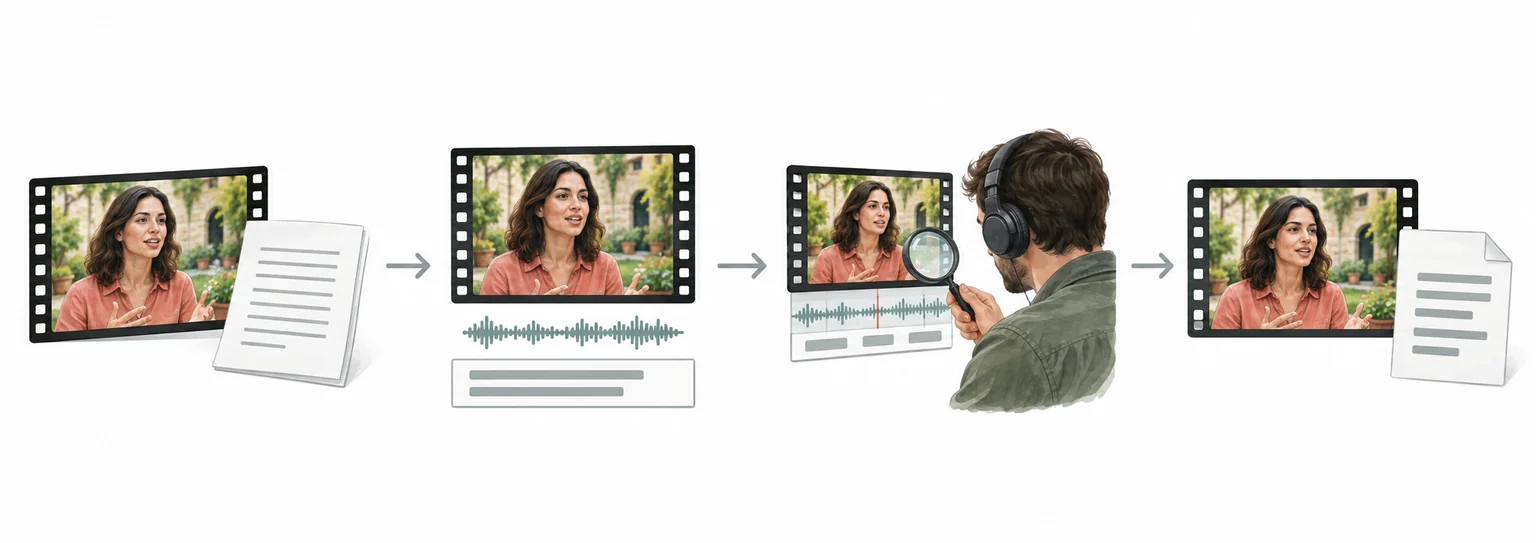
Illustrated stages: prepare a video, process selected options, review and download available results

Weydub Video Translation and Inpainting Overview

FAQ

  • Where can I check pricing and available trial credits?

    Check the current Pricing page and your account balance before submitting a task. Available trial credits, paid options, and the cost shown for your selected workflow should guide your decision. Review the task settings and displayed estimate before confirming; this guide does not promise a fixed free allowance or a specific price.
  • How should I review YouTube subtitle timing?

    After translating into English, review subtitle timing against the spoken delivery, especially around rapid exchanges, pauses, and cuts. Check the rendered video rather than relying only on the subtitle list. Confirm that captions remain readable without obscuring important visuals, then download the finished output for your YouTube workflow.
  • How should I check text visible in YouTube frames?

    For text visible inside frames, inspect OCR results separately from ASR-based subtitles after translation into English. Review names, labels, signs, and recurring graphics in the rendered output. Check spelling, line breaks, placement, and readability yourself, because visible typography may require changes outside Weydub before publishing on YouTube.
  • How do I handle YouTube chapters and metadata?

    Weydub does not edit YouTube titles, descriptions, or chapters. After downloading the English video, manually review and update those fields in YouTube Studio. Check the wording against the finished video, preserve useful chapter structure, and confirm that links, names, and calls to action remain appropriate for the destination audience.
  • Do I need professional video editing experience?

    You can start by choosing a video and configuring the translation workflow without preparing a full editing project. Review the translated subtitle text, names, timing, and the finished audio before publishing. Specialized subject matter may still need a knowledgeable reviewer, especially when a small wording change affects meaning or a speaker's intent.
  • How should I review a long YouTube video?

    For long-form YouTube content translated into English, review the opening, transitions, recurring speakers, and closing call to action in context. Compare dubbed delivery or subtitles with the source speech, and inspect sections where terminology changes. Use the downloaded output for a final viewing pass before manually updating YouTube Studio.
  • How should English emphasis be reviewed in translated videos?

    For YouTube videos, review English subtitle emphasis against the original delivery, especially stressed words, contrast, and sentence endings. English phrasing may need concise rewording rather than literal substitution. In Weydub's review, check subtitle text and timing together, then listen to the dubbed track for natural emphasis and readable pacing.
  • How do I check English subtitle timing for concise delivery?

    When checking YouTube video output, compare English subtitle timing with speech boundaries and reading comfort. Shorten wording where a literal version creates crowded captions, but preserve the speaker's key meaning. Review line breaks, pauses, and sentence endings, then replay the scene to confirm concise subtitle timing.
  • How should English idioms be reviewed in translated videos?

    For YouTube video content, inspect English idioms for the intended meaning rather than a word-for-word rendering. Check whether each expression fits the speaker's tone, audience, and scene context. Review subtitle text beside the video, and revise awkward phrases that sound unnatural when spoken or weaken the intended emphasis.
  • What should I check before uploading private or licensed footage?

    Use footage you are entitled to process and check the current privacy policy and service terms before uploading sensitive material. For client projects, confirm that the agreed handling of faces, voices, personal details, and licensed media permits this workflow. Ask support about any specific retention or processing requirement rather than assuming a promise from this guide.
↓View More
↑Collapsed More

Common Review Scenarios

Compare English captions with the source speech, then check line breaks, names and timing before publishing a YouTube version.

Creator subtitle review

For creator videos

Check recurring speakers, terminology and scene transitions across a long video or related episodes. Listen to the exported audio after the subtitle pass.

Long-form and series review

For long-form channels

Review product names, measurements, on-screen labels and calls to action. Make sure captions do not cover the product or the instruction being shown.

Product and tutorial review

For product videos

Compare English technical terms and step order with the source lesson. Review spoken explanations together with text shown on screen.

Course and lecture review

For education videos

Verify names, quotations, speaker changes and context against the source. Keep editorial fact-checking and publication approval in the normal workflow.

Interview and news review

For interviews and news

Preview subtitle timing and dubbed delivery together, then download the format required by the next reviewer or publishing workflow.

Subtitle and dubbing handoff

For localization teams

Connect Your YouTube Videos with the English-Speaking World

Language barriers shouldn't limit your content. Weydub AI professionally translates your YouTube videos into fluent English, with accurate subtitles and natural AI dubbing. Unlock global audiences and unleash your video's true potential.

Try YouTube to English AI Video Translator!