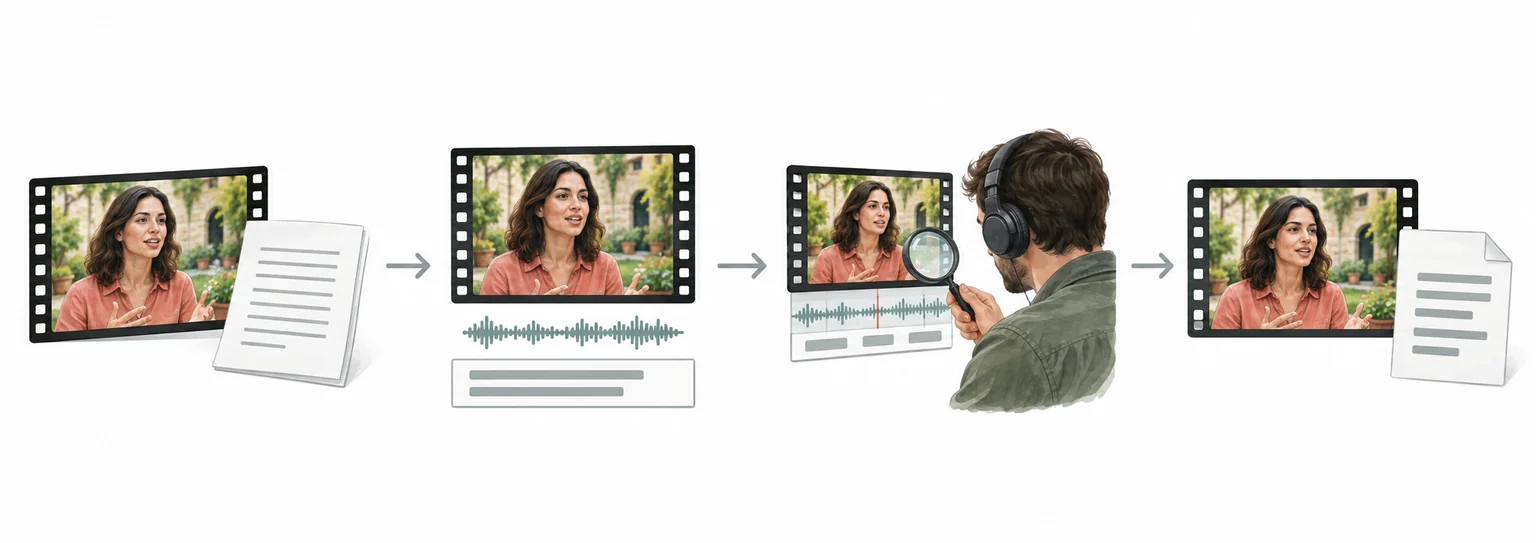
TikTok video translation and dubbing workflow
TikTok to Spanish: translate TikTok videos with subtitle review
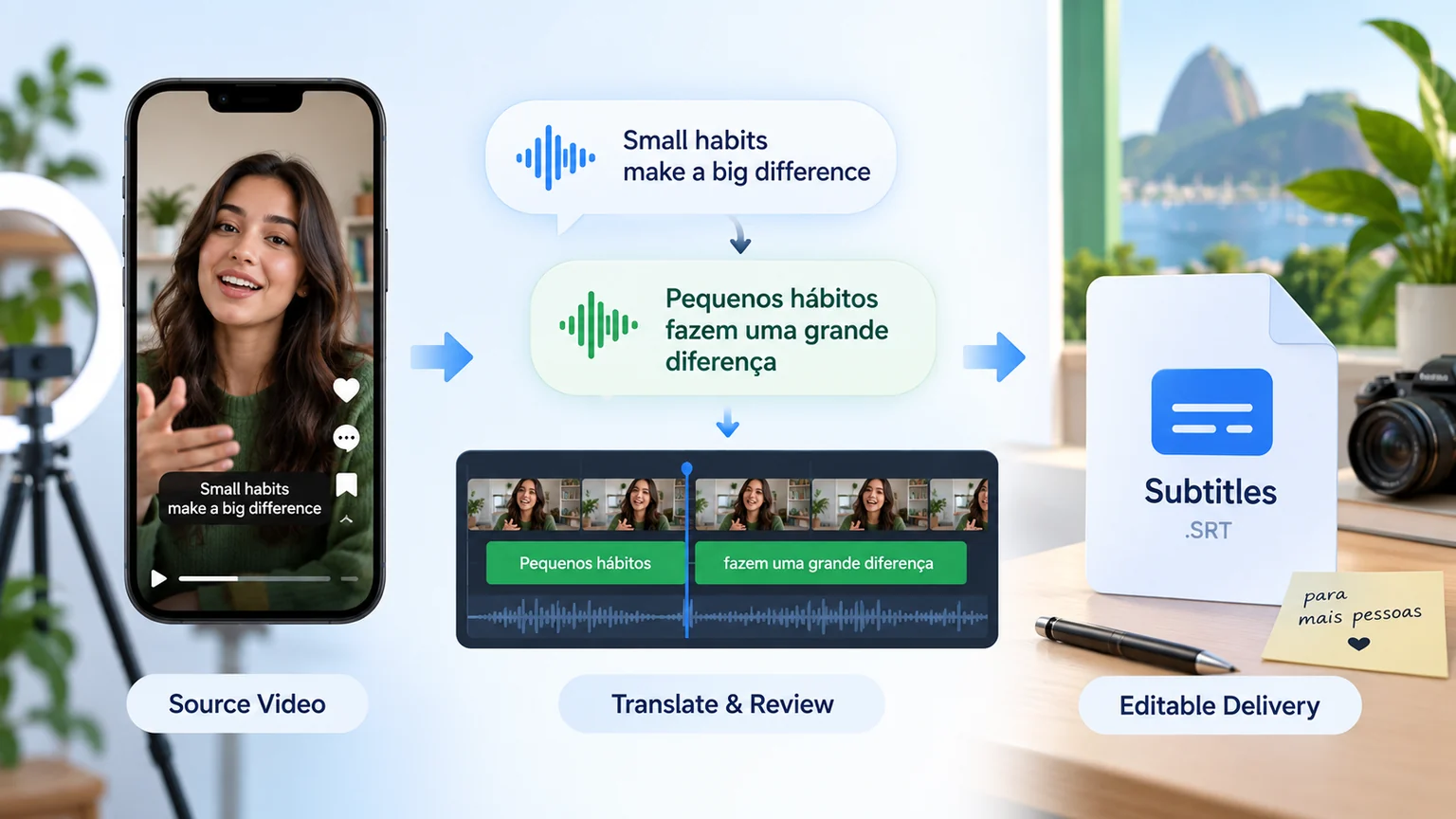
For TikTok videos, organize speech and on-screen text, review the translation and subtitle timing, then prepare Spanish dubbing or subtitle files for the required delivery format.
- Upload the video and confirm speech, on-screen text, and delivery format
- Translate and review subtitles while preserving timing, terminology, and speakers
- Preview the result, check subtitles and audio, then export or continue in batch
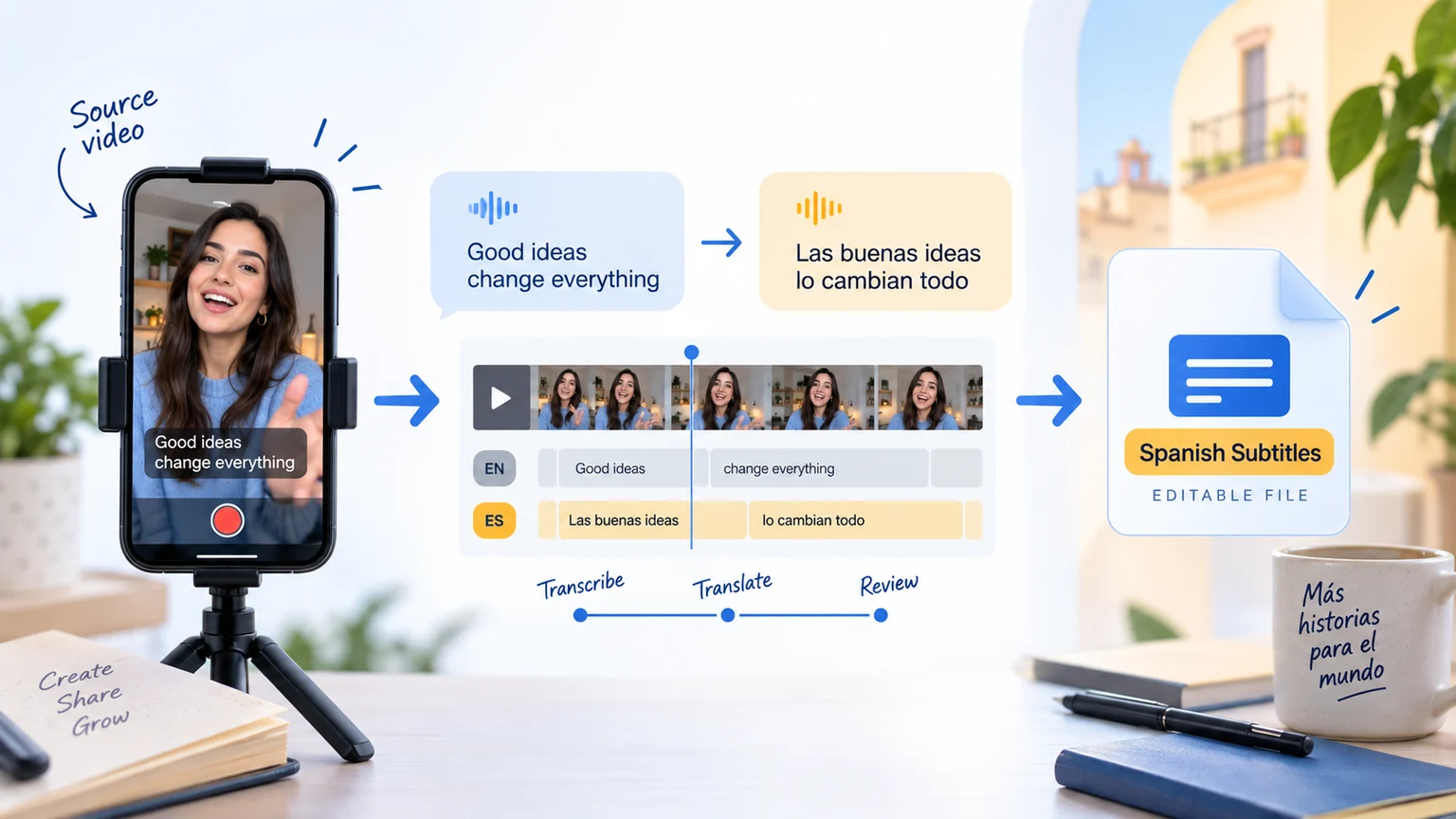
How to Translate TikTok Videos to Spanish?
Translate TikTok Videos to Spanish in 3 Easy Steps
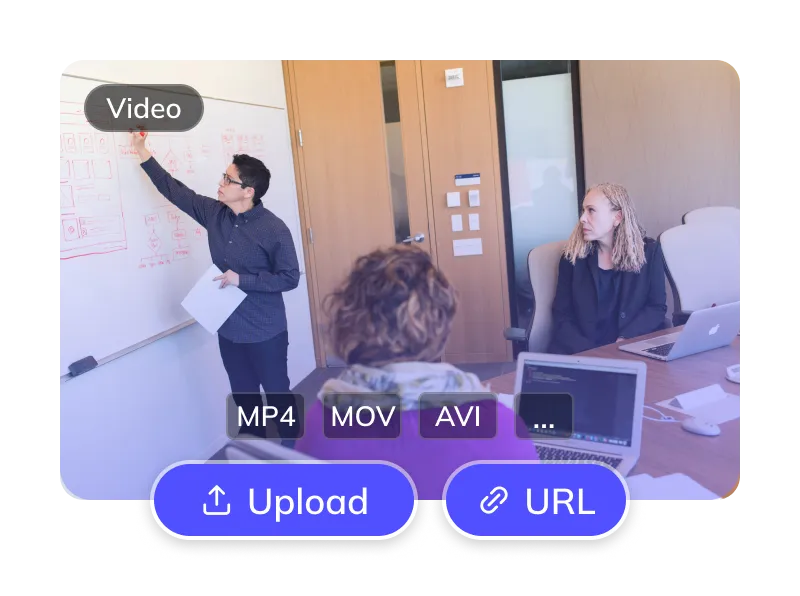
Upload Your TikTok Video
- Upload a video you are entitled to process. Check the file formats and limits shown in the tool.
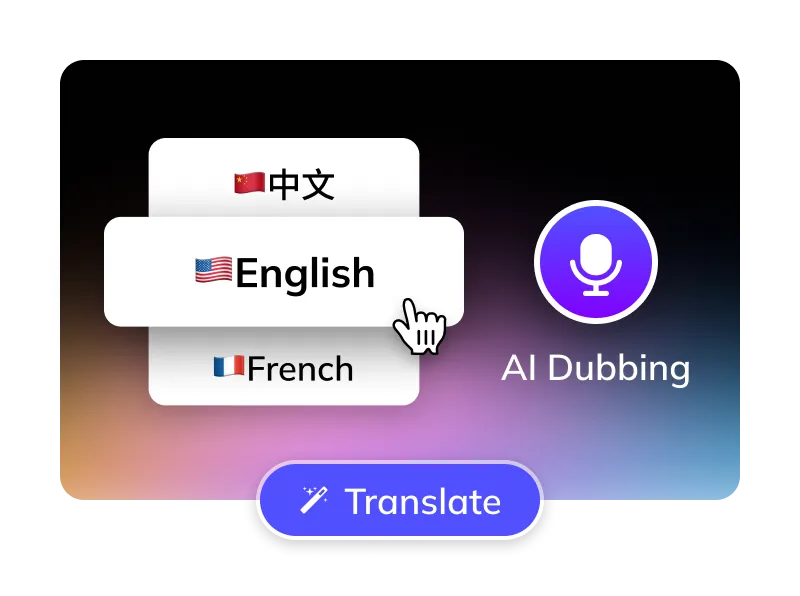
Select Options
- Select the language spoken in the video and set Spanish as the target language.
- Choose an available Spanish voice. If your account has voice cloning enabled, confirm the necessary authorization before using it.
- Optional: Remove TikTok subtitles, manage BGM.
Get Your Spanish Video
- Review the Spanish text, subtitle timing and dubbed audio, then download the output for your TikTok upload.
For Global Creators and Businesses









Why Weydub for Your Video Translations?
Weydub is your all-in-one AI solution for translating TikTok content into natural, engaging Spanish.

Effortless Project Management
Manage TikTok assets, subtitles, & Spanish videos. Batch process projects efficiently.
Spanish Translation Review
Check names, regional vocabulary, slang and sentence meaning against your source recording before finalizing Spanish subtitles.
Spanish AI Dubbing
Choose from the Spanish voices available in your task. Listen for name pronunciation, tone and pacing, especially when short phrases cross fast cuts.
Flexible TikTok Subtitle Options
Choose whether to translate visible captions or spoken dialogue. If removing burned-in subtitles, inspect the affected area before adding Spanish captions.
Smart Multi-Speaker ID (TikTok)
Review speaker assignments in TikTok dialogue. Check that each Spanish voice matches the intended character and remains consistent across related clips.
Efficient Batch Processing & API
Process related TikTok videos in a batch or integrate through the API. Check supported settings, account limits and each file's result before delivery.
Versatile BGM Control
Choose the audio handling options available for your task. Listen for overlap between Spanish dialogue, original speech, music and sound effects.
Task Pricing
Review the current Pricing page, your account balance and the cost displayed for the selected task before confirming submission.
Easy Online Access
Configure translation in your browser and return to review the output when processing finishes. Use a desktop screen for detailed subtitle and batch review.
Review Picture, Subtitles and Dubbed Audio Together
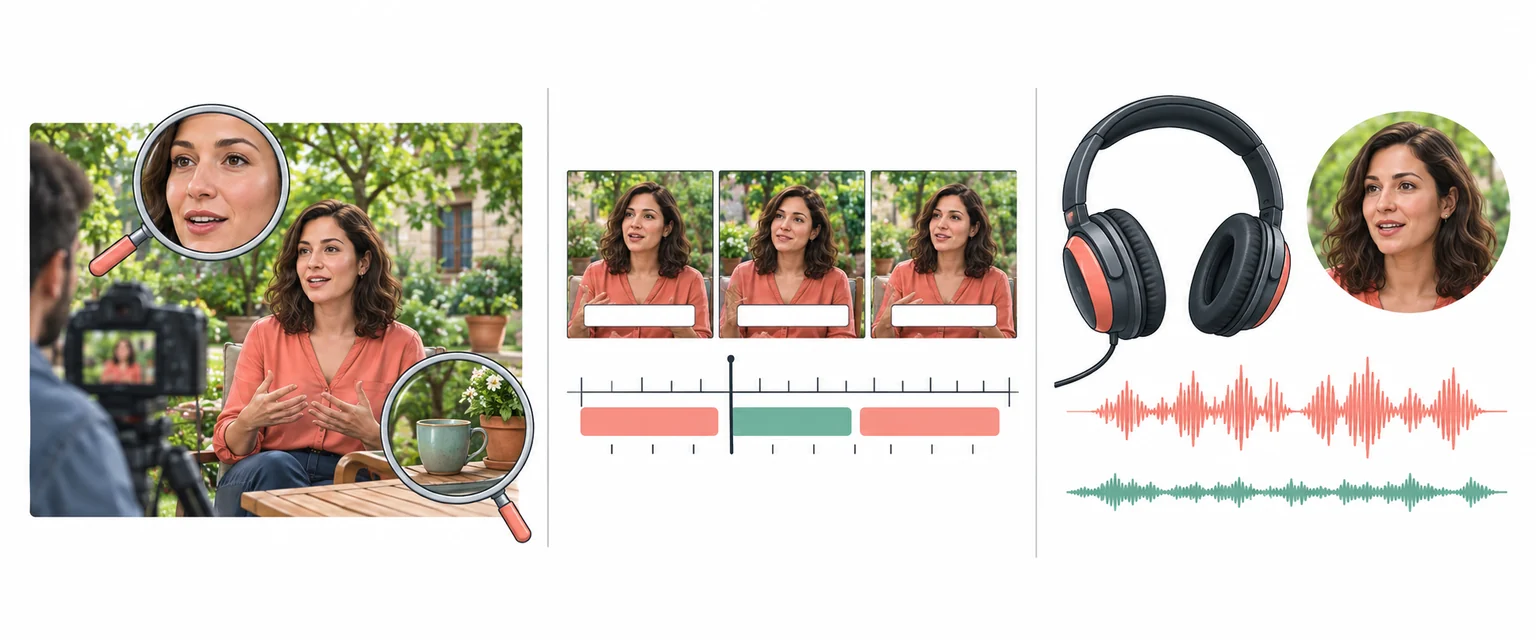
Preparing Spanish Subtitles and Dubbing for TikTok
Review TikTok Dialogue and Character Voices
When a TikTok clip contains several speakers, check speaker assignments and names before generating the Spanish dub. Keep character names and relationships consistent across episodes, and listen to dialogue exchanges for unintended voice changes.
Translate Now
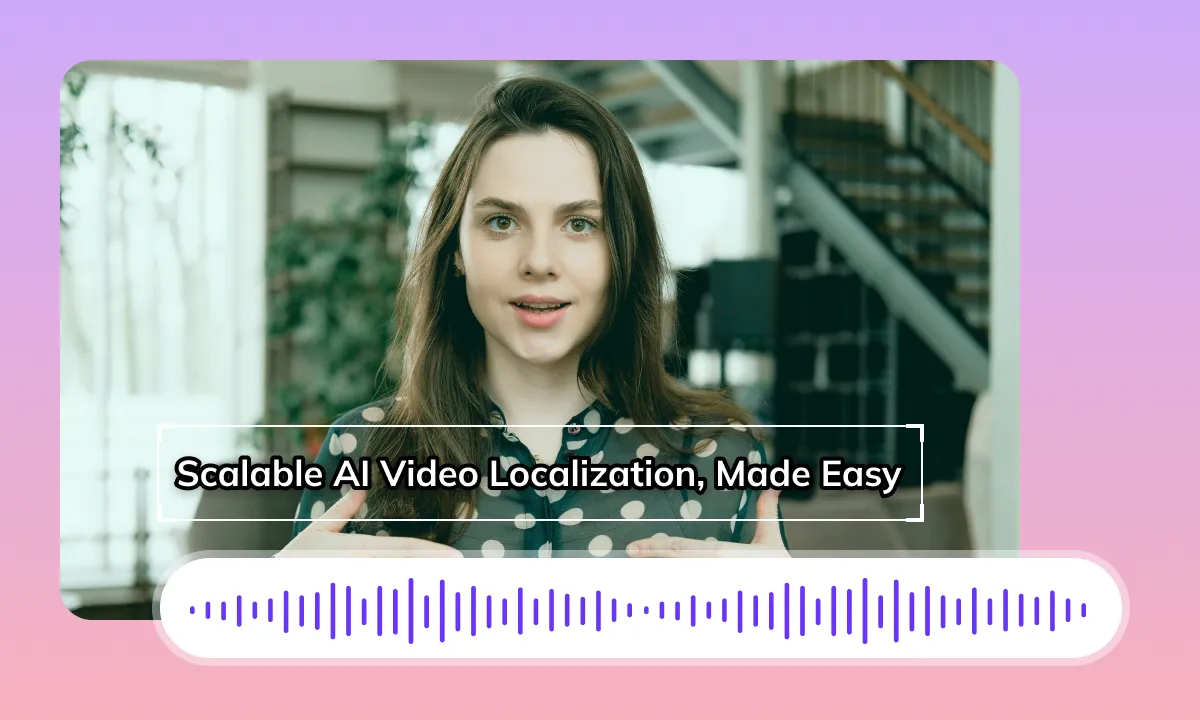
Review Spanish Dubbing and Subtitle Timing
Spanish phrasing can change the length of each spoken line. Listen to the dubbed audio, check subtitle timing and review transitions alongside the original video. Audio timing and matching mouth movements are different tasks; this workflow does not promise automatic lip synchronization.
Translate NowPrepare TikTok Footage for Spanish Captions
If your source has burned-in subtitles, decide whether to keep them or remove them before adding Spanish captions. Review the processed area for artifacts, particularly over faces, motion and detailed backgrounds. Use a clean source file when it is available.
Translate Now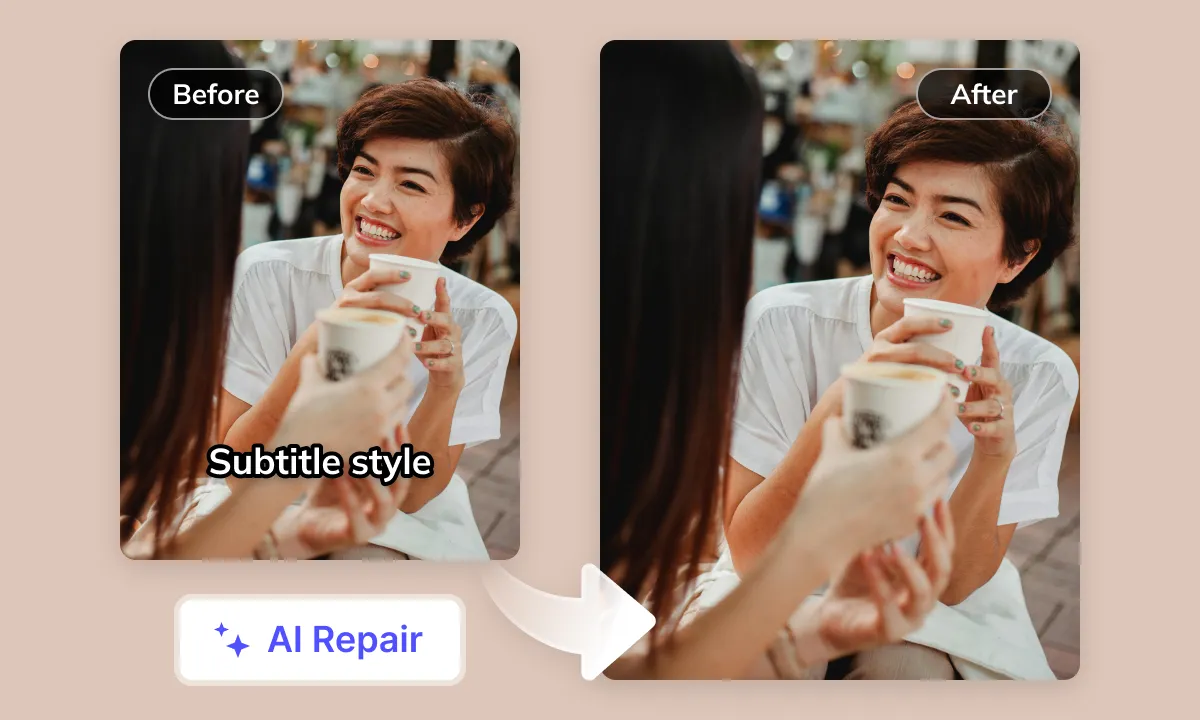

Audio Control for TikTok Creators
Review dialogue, music and sound effects in your source recording. Choose the audio handling options available for your task, then listen to the Spanish result for unwanted overlap. Processing audio does not grant rights to publish copyrighted material.
Translate NowAdapt TikTok Videos for Spanish-Speaking Audiences
TikTok skits, product clips and tutorials combine speech with stickers, music and quick cuts. Decide which Spanish-speaking audience the version is for, then check regional vocabulary, forms of address and opening question or exclamation marks. Preview captions against the vertical frame and interface overlays. Review the downloaded video before uploading it through your TikTok account.
Challenges in Translating TikTok Videos to Spanish
Burned-in Subtitles and Original Audio
TikTok clips may contain burned-in captions and original speech. Decide which text and audio to keep before adding Spanish output. Check that new captions do not cover essential labels or duplicate existing text, and listen for overlapping voices in the exported video.
Regional Vocabulary and Cultural Context
TikTok content is highly diverse. Slang, internet memes, cultural vocabulary, and contextual nuances can vary across languages and within Spanish-speaking communities. Simple literal translation often fails to preserve the original meaning or can lead to misunderstandings. Accurately conveying information to Spanish-speaking audiences within TikTok's fast-paced content is a core challenge.
Subtitle Length and Layout
Spanish phrasing may expand or contract relative to the source. Keep names and connected phrases together, preserve accent marks and opening punctuation, and check line breaks against TikTok's vertical frame. Preview rapid cuts so captions remain readable without covering faces, products or interface controls.
Pacing and Synchronization
TikTok videos vary in their speech rate and information density. After translating and dubbing content into Spanish, the new voiceover's duration and pacing may differ from the original video. The core challenge is achieving audio-visual synchronization, particularly during close-ups or rapidly edited segments
AI Speech Recognition Accuracy
TikTok videos are diverse, often containing background music interference, various accents, rapid multi-speaker dialogue, internet slang, or unique pronunciations. These factors all impact the accuracy of Automatic Speech Recognition (ASR) for the original audio, which in turn affects the quality of the subsequent Spanish translation
Choosing a Spanish Voice
Preview the Spanish voices available for your task. Check names, regional vocabulary, tone and delivery against the intended audience. A voice that suits a product demonstration may not suit a comic scene or an interview, so listen to the completed dub in context.
Lip-Sync Alignment Challenges
Translated speech can differ in length and mouth movements from the original. Check close-up shots, speaker changes and scene transitions after dubbing. Aligning audio timing does not by itself change the visible mouth movements or guarantee lip synchronization.
Review Before Publishing
Confirm the actual language spoken in the clip, then review recognized dialogue, visible text, Spanish translation and dubbed audio. TikTok identifies the platform, not the source language. Preview the exported video before uploading it through your TikTok account, including captions near overlays and fast scene changes.
Tackling Video Translation Challenges with AI Empowering your TikTok content for any worldwide scenario.

Content Creators: Unlock Global Spanish Audiences

Short Drama Producers: Review Spanish Dialogue

E-commerce Sellers: Convert TikTok Product Videos to Spanish

Localization Teams: Boost Efficiency with AI

Enterprises: Enhance Global Image in Spanish Markets

Educators: Create Accessible Spanish Courses

Media & Publishing: Faster Global Spanish Content Distribution
Prepare, Process and Review Your Video
To prepare TikTok videos in Spanish, select the tools your source needs: subtitle extraction, subtitle removal, subtitle translation and dubbing. Prepare your source, process it, review the result and download the available files. Use Studio for batch projects; a single Web task may offer different options. Check available outputs, editing options and current pricing before submission.