
 TikTok video translation and dubbing workflow
TikTok to English: translate TikTok videos with subtitle review
For TikTok videos, organize speech and on-screen text, review the translation and subtitle timing, then prepare English dubbing or subtitle files for the required delivery format.
- Upload the video and confirm speech, on-screen text, and delivery format
- Translate and review subtitles while preserving timing, terminology, and speakers
- Preview the result, check subtitles and audio, then export or continue in batch
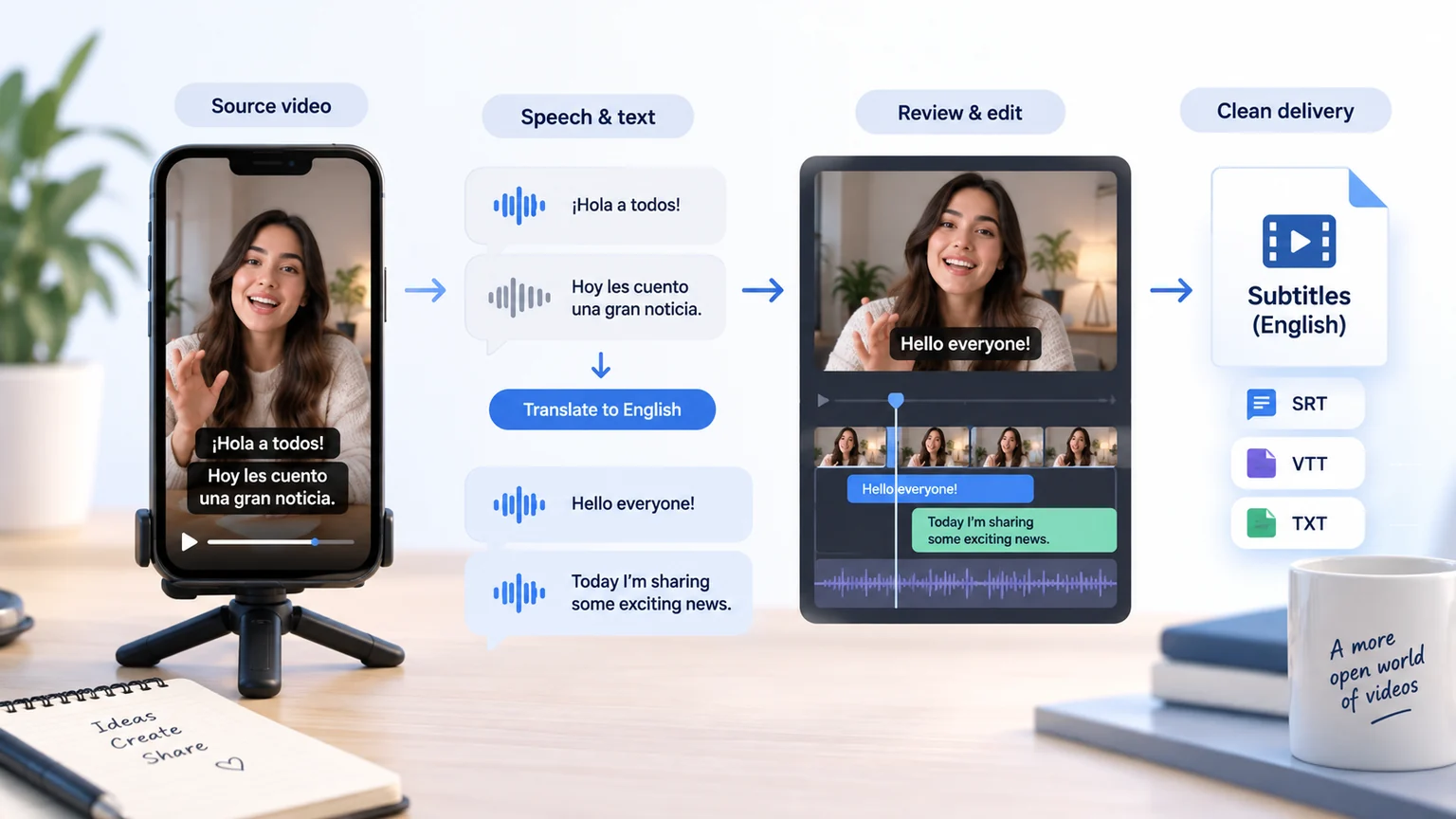
How to Translate TikTok Videos to English?
Translate TikTok Videos to English in 3 Easy Steps
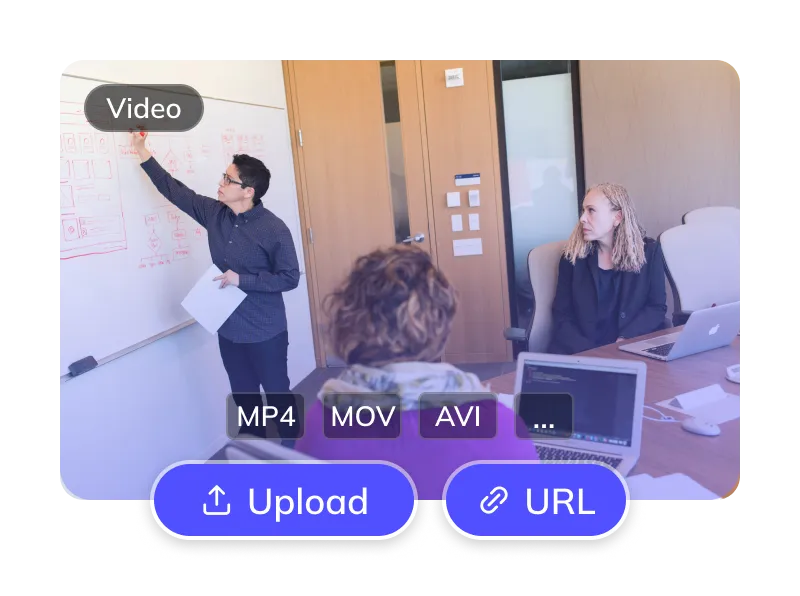
Upload Your TikTok Video
- Upload a video file you have permission to process. Check the supported formats and limits in the upload dialog.
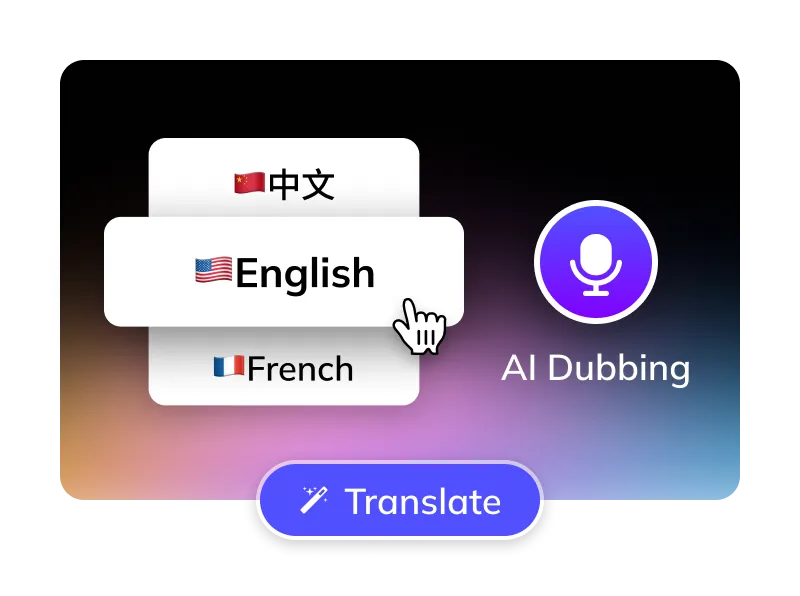
Select Options
- Choose the actual spoken source language and English as the target language.
- Choose English AI voice (US/UK) or clone original.
- Optional: Remove TikTok subtitles, manage BGM.
Get Your English Video
- AI translates, dubs & syncs. Preview, edit subtitles, then download videos & SRTs.
For Global Creators and Businesses








Why Weydub for Your Video Translations?
Weydub is your all-in-one AI solution for translating TikTok content into natural, engaging English.

Effortless Project Management
Manage TikTok assets, subtitles, & English videos. Batch process projects efficiently.
Review English Translation Quality
Check names, terminology, slang and sentence meaning against your source recording before finalizing English subtitles.
Lifelike English AI Dubbing
Choose an available English voice or voice-cloning option in the task settings. Listen to a sample and review the finished audio for pronunciation and tone.
Flexible TikTok Subtitle Options
Optionally erase original TikTok hardsubs for a clean slate. Translate embedded TikTok subtitles directly.
Smart Multi-Speaker ID (TikTok)
Review detected speakers and the English voice options available for your task. Check voice assignments in each clip and compare recurring characters across episodes. Voice cloning, where available, requires permission to use the source voice; consistent delivery still needs review.
Efficient Batch Processing & API
Organize multiple TikTok videos through batch workflows, or use the API for integration. Check task settings and account limits before submitting a batch.
Versatile BGM Control
Choose the available original-audio and background-music options for your task. Review the result and confirm that you have permission to use the retained audio.
Check Current Pricing
Review the current Pricing page, your account balance and the cost displayed for the selected task before confirming submission.
Easy Online Access
Use the browser workflow to upload a video, choose translation settings and review the result. Studio supports desktop batch production.
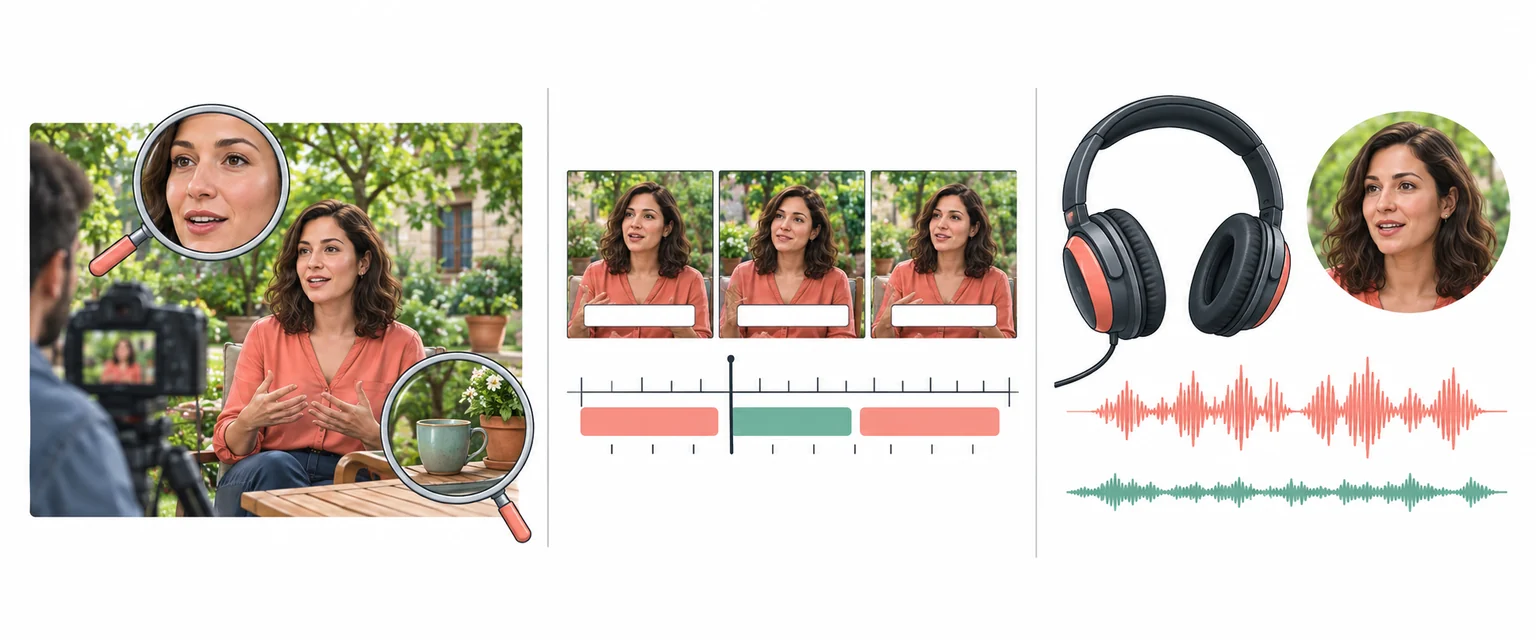
Review Picture, Subtitles and Dubbed Audio Together
Every Algorithmic Optimization, Engineered for Quality English Video
Mastering Long-Form TikTok Drama & Multi-Character Dubbing
When a TikTok clip contains several speakers, check speaker assignments and names before generating the English dub. Review dialogue exchanges and terminology across related clips, and listen to the exported result for unintended voice changes.
Translate Now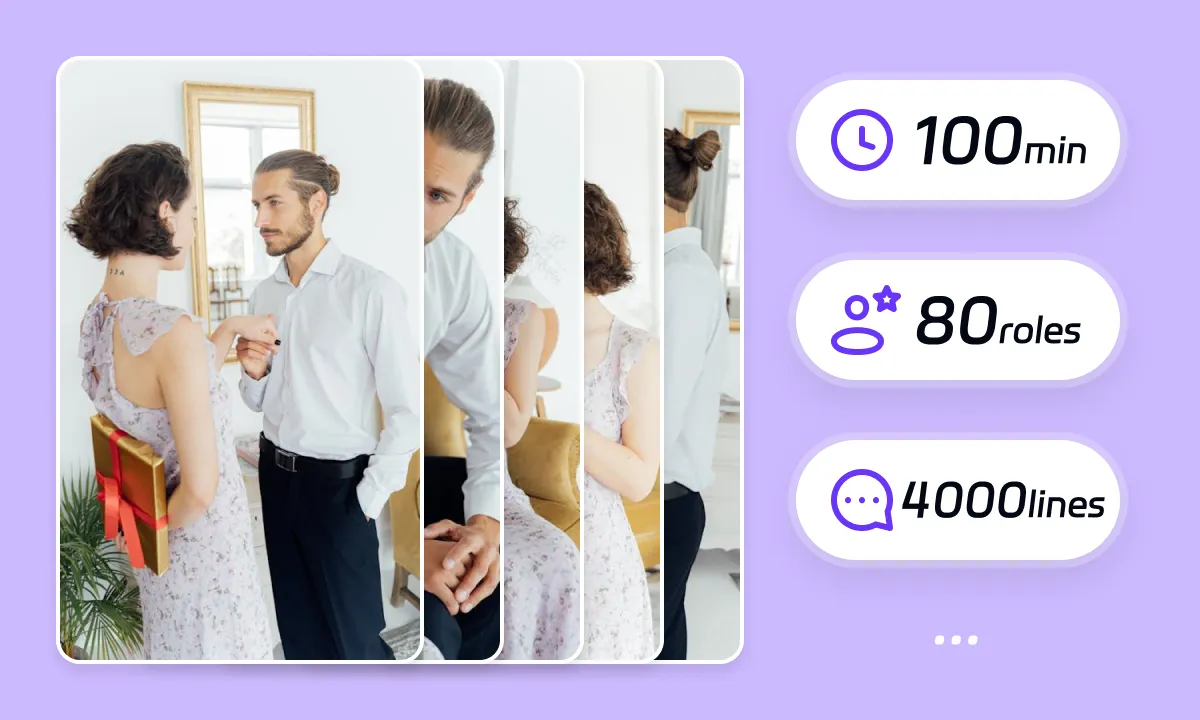
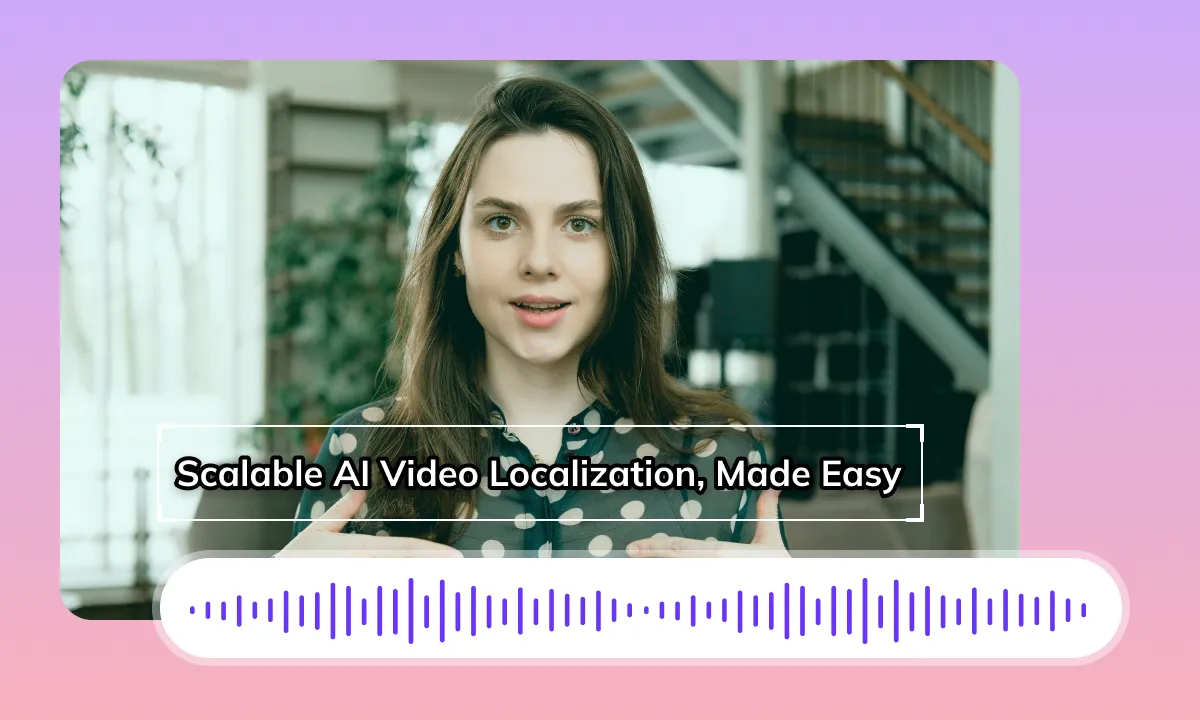
Review English Dubbing and Subtitle Timing
Translating a TikTok video into English can change the length of each spoken phrase. Listen to the dubbed audio, check subtitle timing and review transitions alongside the original video. Audio timing and matching mouth movements are different tasks; this workflow does not promise automatic lip synchronization.
Translate NowReview the Background After Subtitle Removal
When original subtitles are embedded in a TikTok video, removing them requires reconstructing the covered image area. Check repaired frames for artifacts around faces, hands, moving objects and patterned backgrounds before adding English subtitles. Results depend on the footage and the text region you select.
Translate Now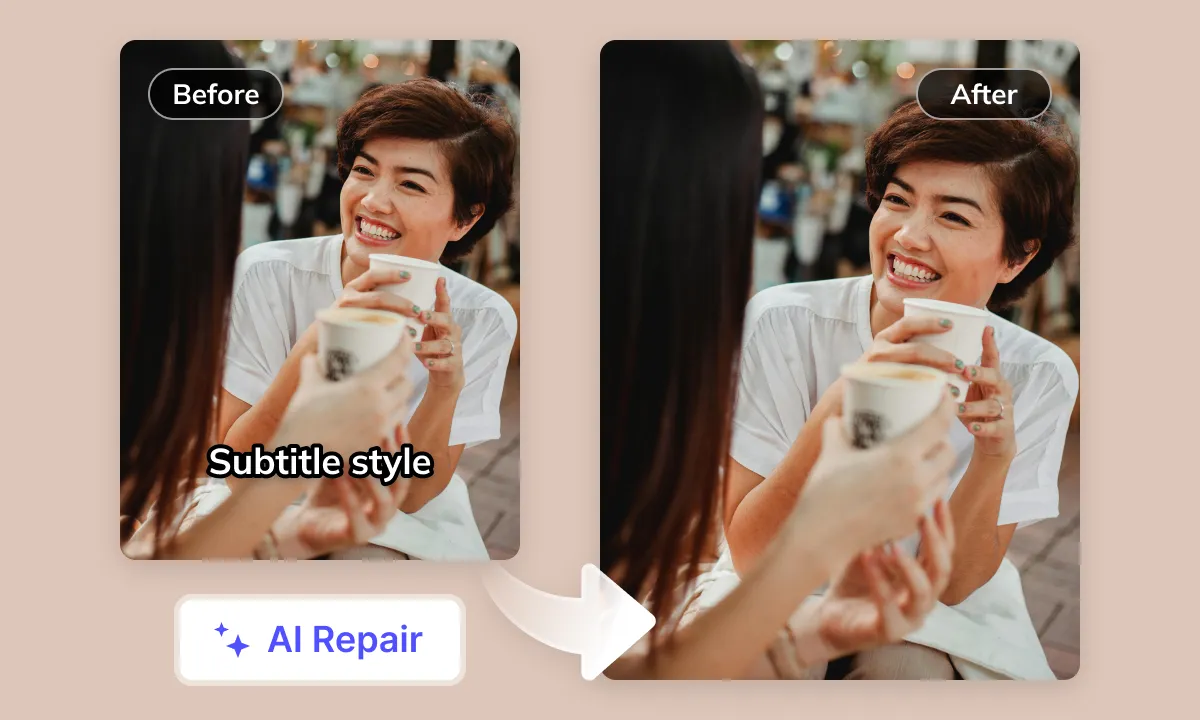
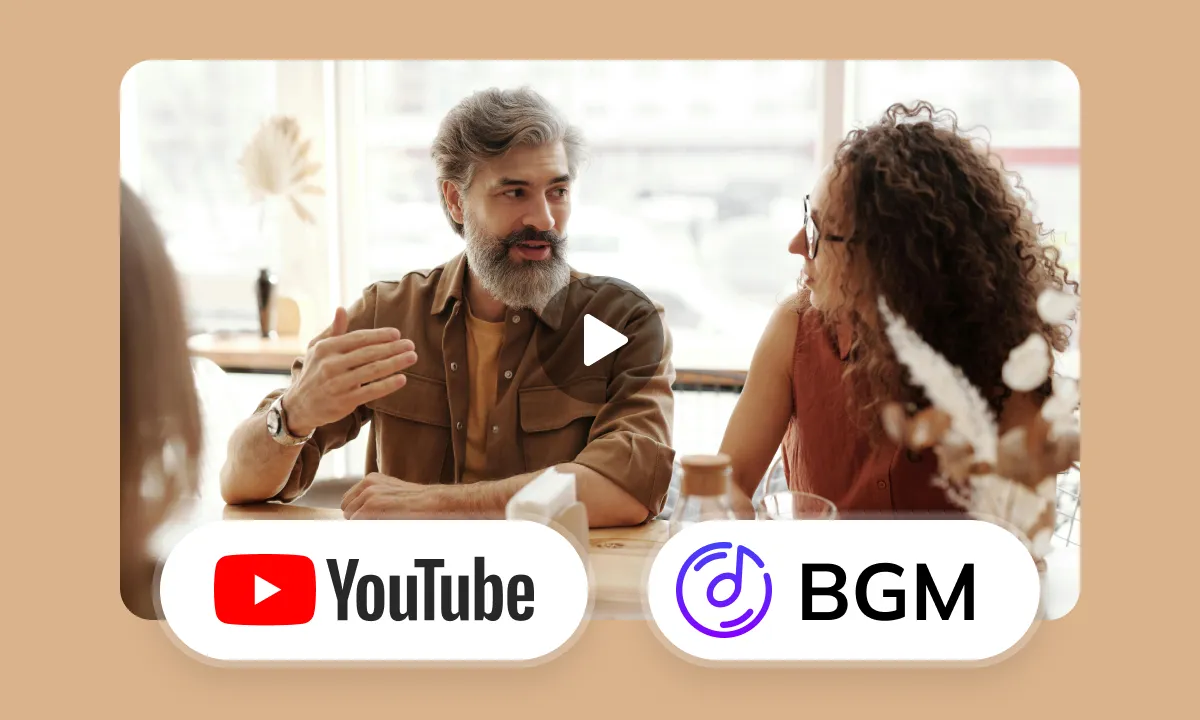
Smart Audio Control for YouTube Creators
Review the dialogue, music and sound effects in your source recording. Choose the audio handling options available for your task, then listen to the English result for unwanted overlap. Processing the audio does not grant rights to publish copyrighted material.
Translate NowYour TikTok Videos: Global English Audience Awaits
Your TikTok videos, regardless of original language or content type (shorts, dramas, tutorials, vlogs), risk missing a massive English-speaking market due to language barriers. For non-English creators, effectively reaching English users on TikTok is a major challenge. Lack of quality English translation and accurate dubbing hurts understanding, reduces interest, and limits global reach. Addressing this market gap, professional AI video translation and dubbing solutions now seamlessly convert TikTok videos to English, helping creators achieve global content breakthroughs
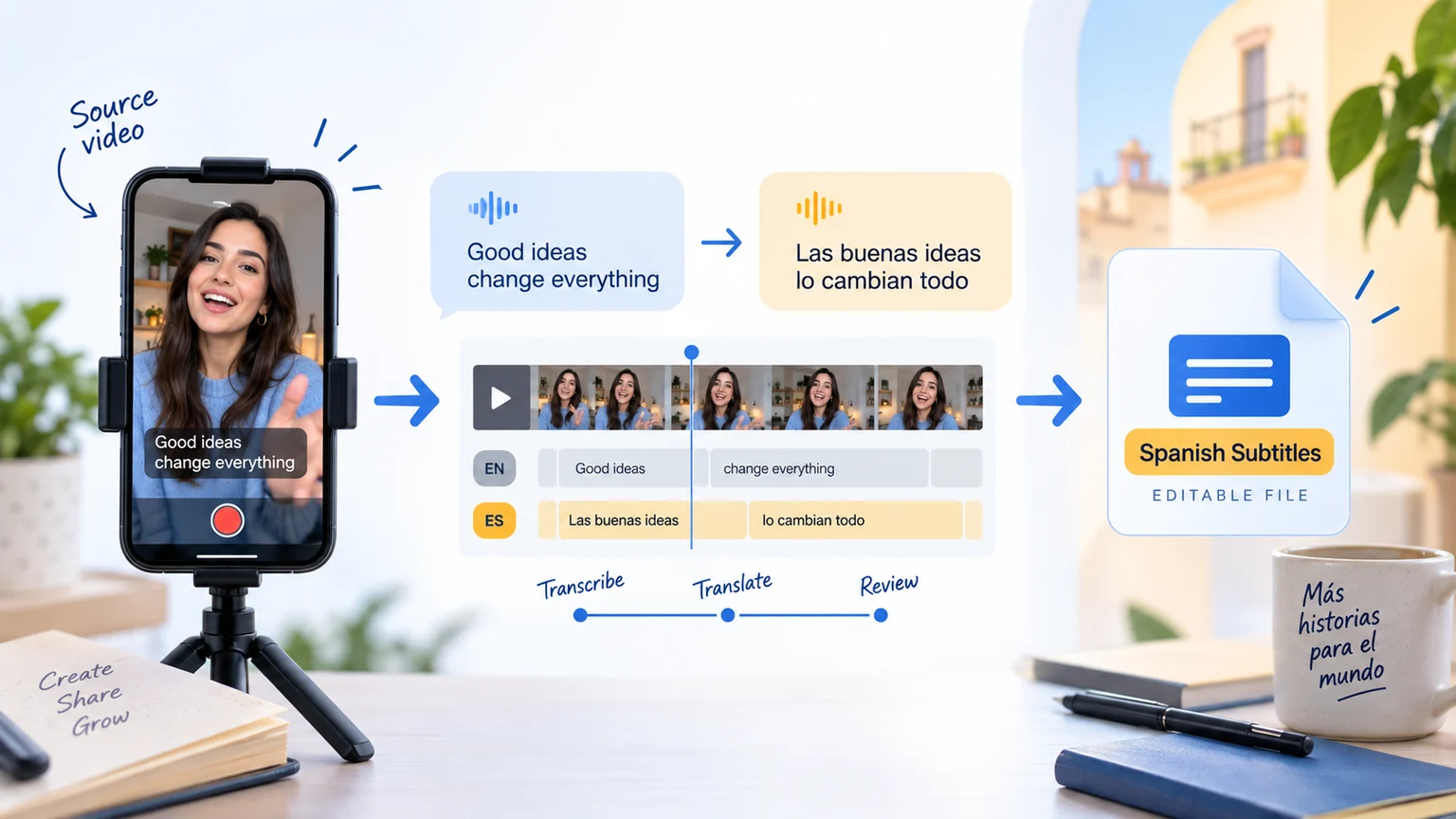
TikTok Video Translation to English: Challenges and Considerations
Original Element Interference
TikTok clips may combine embedded text, stickers and spoken dialogue in different languages. Inspect visible text separately from speech and decide which elements need translation for your English audience.
Linguistic and Cultural Differences
Identify the language actually spoken in the clip. Review slang, cultural references and jokes for their intended meaning before choosing natural English wording. The TikTok platform name does not imply that the source language is Chinese.
Subtitle Layout Optimization
English subtitles can occupy more space than the original text. Review line breaks, caption duration and placement in the vertical frame. Keep subtitles clear of faces, product details and platform controls.
Speech Rate and Duration Shifts
English phrasing may take more or less time than the original dialogue. Review pauses and subtitle transitions at fast cuts. Matching speech duration does not necessarily match the mouth movements of the person on screen.
AI Speech Recognition Accuracy
Music, regional accents, fast dialogue and overlapping speakers can affect source speech recognition. Select the correct source language and compare recognized words against the recording before translating them into English.
Selecting Optimal English AI Voices
While various English AI voices are available in the market, finding high-quality AI voices that sound natural, flow smoothly, express rich emotions, and appropriately match the style and mood of TikTok videos remains a significant challenge
Lip-Sync Complexity
Different languages have significant variations in lip movements during pronunciation. After dubbing TikTok videos with an English soundtrack, achieving a perceived lip-sync between the English speaker and the original on-screen character's lip movements is technically demanding, especially in close-up shots where this issue becomes more pronounced
Ideal AI Video Translation Workflow
Confirm the actual source language, review the recognized speech and visible text, then check the English translation, subtitle timing and dubbed audio. TikTok identifies the source platform, not the spoken language. Review the exported video before publishing it through your TikTok account.
TikTok Video Localization for Different Teams

Content Creators: Unlock Global English Audiences

Short Drama Producers: Get Global Audiences on Apps & YouTube

E-commerce Sellers: Convert TikTok Product Videos to English

Localization Teams: Translation Review

Enterprises: Enhance Global Image in English Markets

Educators: Create Accessible English Courses

Media & Publishing: Faster Global English Content Distribution
Prepare, Process and Review Your Video
To prepare TikTok videos in English, select the tools your source needs: subtitle extraction, subtitle removal, subtitle translation and dubbing. Prepare your source, process it, review the result and download the available files. Use Studio for batch projects; a single Web task may offer different options. Check available outputs, editing options and current pricing before submission.
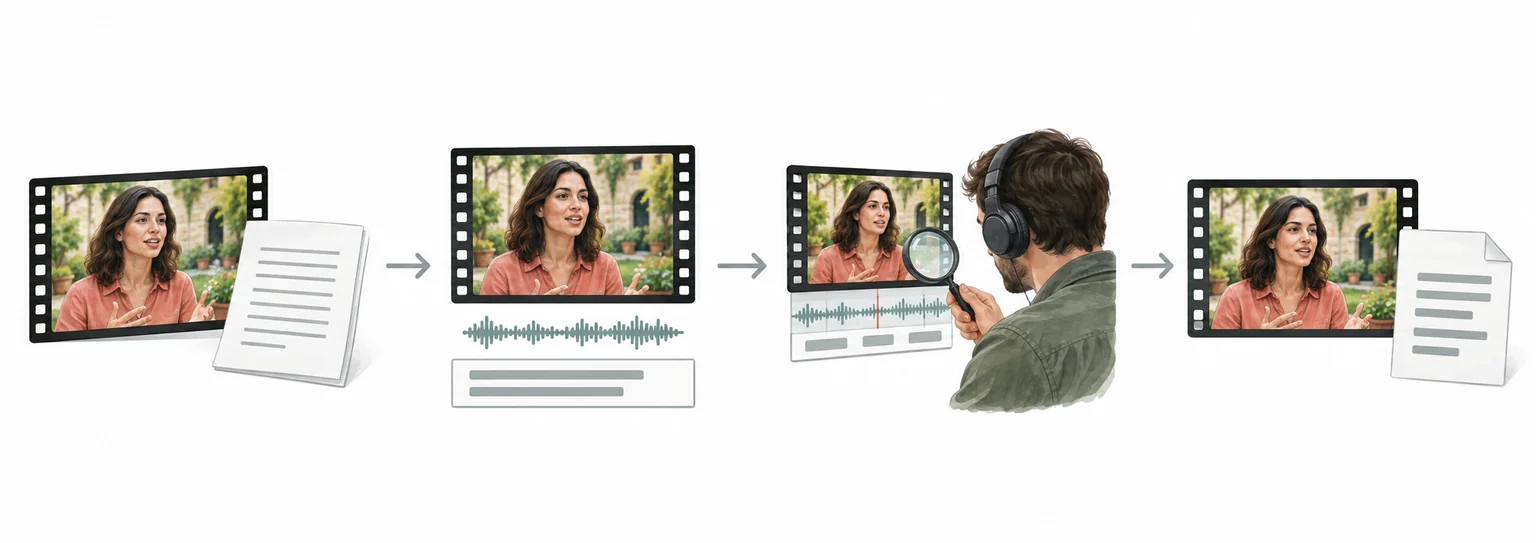
Weydub Video Translation and Inpainting Overview
Review English TikTok Videos by Content Type
Cooking and product demonstrations
Check ingredient names, measurements and product terminology against the original recording. Keep English captions clear of hands, labels and demonstration details in the vertical frame. Preview the downloaded file before uploading it to TikTok.
Dialogue and short drama clips
Confirm who is speaking and preserve names and relationships in English. Review subtitle timing at fast cuts and listen for overlap between the new voice track and the source audio. Dubbing does not guarantee matching mouth movements.
Tutorials and educational clips
Compare spoken instructions with text visible on screen. Use consistent English terms across steps and check that captions remain readable beside the platform controls. Publishing and account management remain separate steps on TikTok.