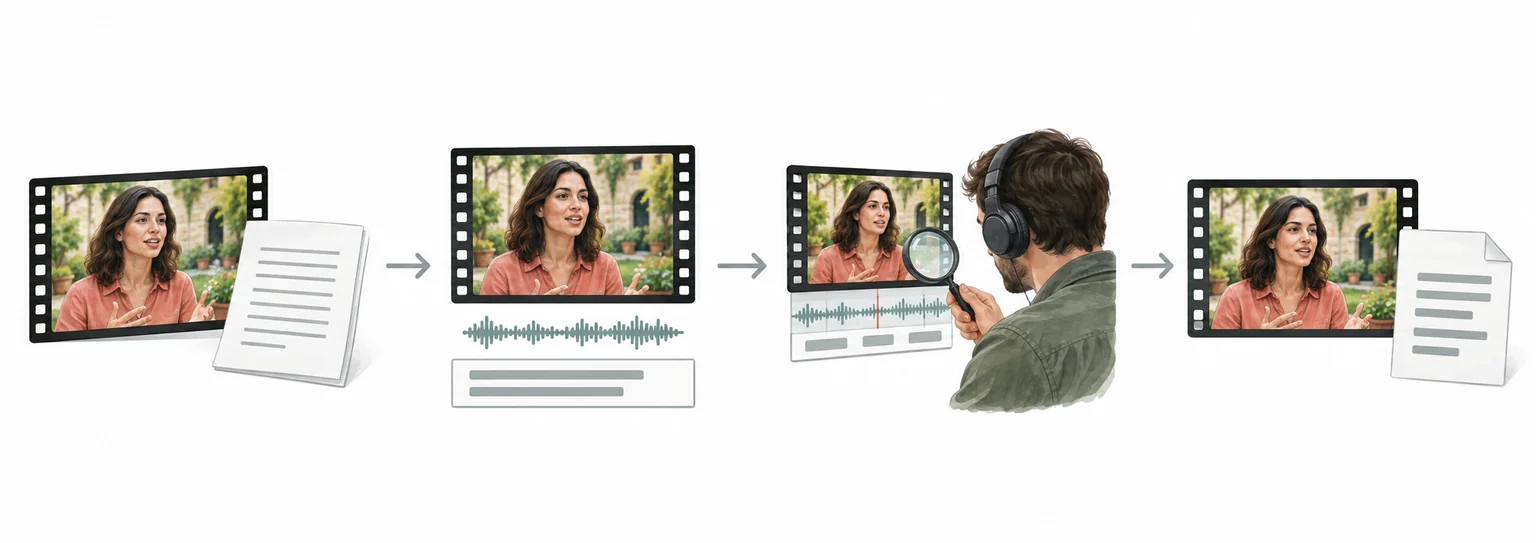
Instagram video translation and dubbing workflow
Instagram to Japanese: translate Instagram videos with subtitle review
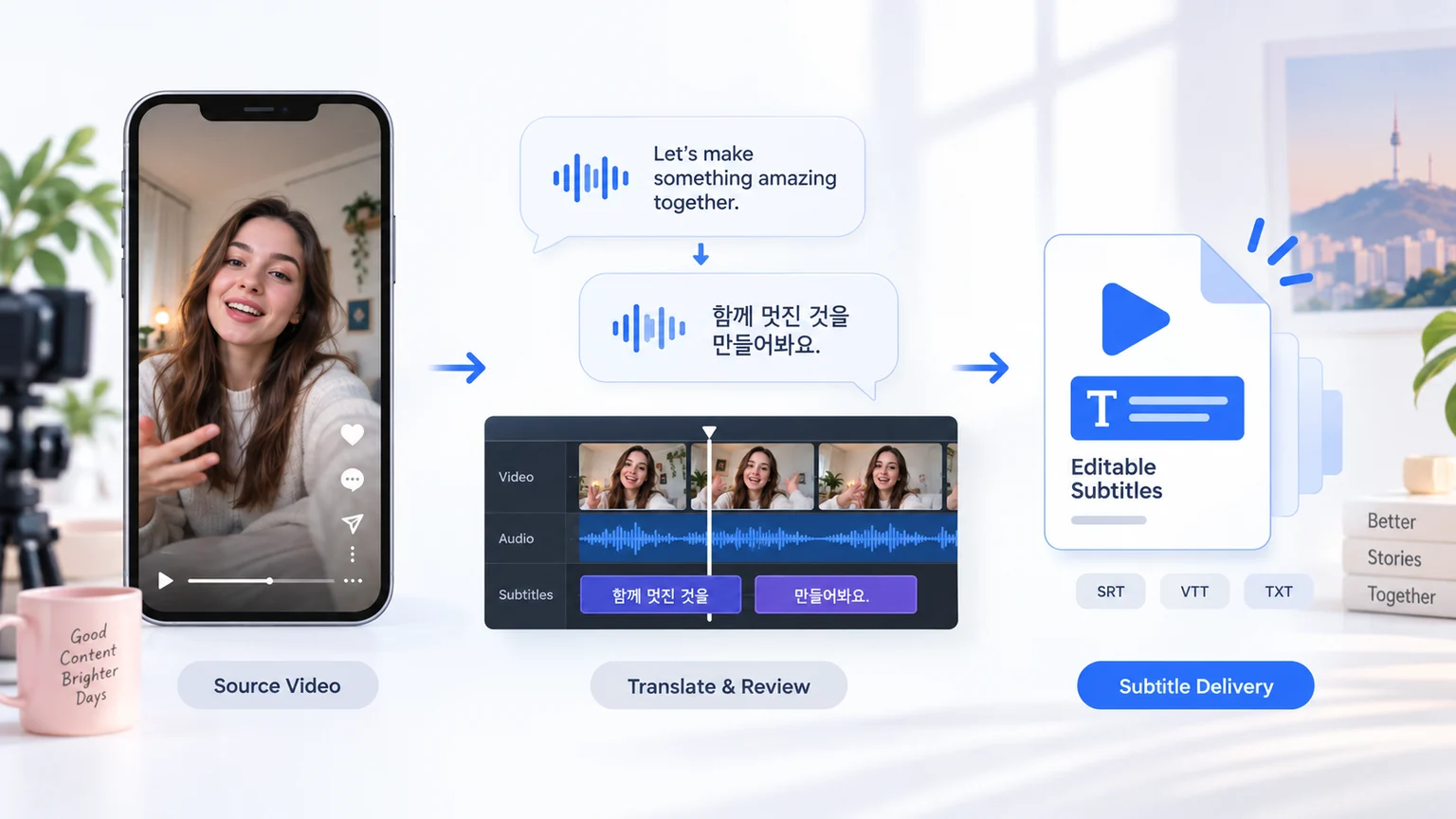
For Instagram videos, organize speech and on-screen text, review the translation and subtitle timing, then prepare Japanese dubbing or subtitle files for the required delivery format.
- Upload the video and confirm speech, on-screen text, and delivery format
- Translate and review subtitles while preserving timing, terminology, and speakers
- Preview the result, check subtitles and audio, then export or continue in batch
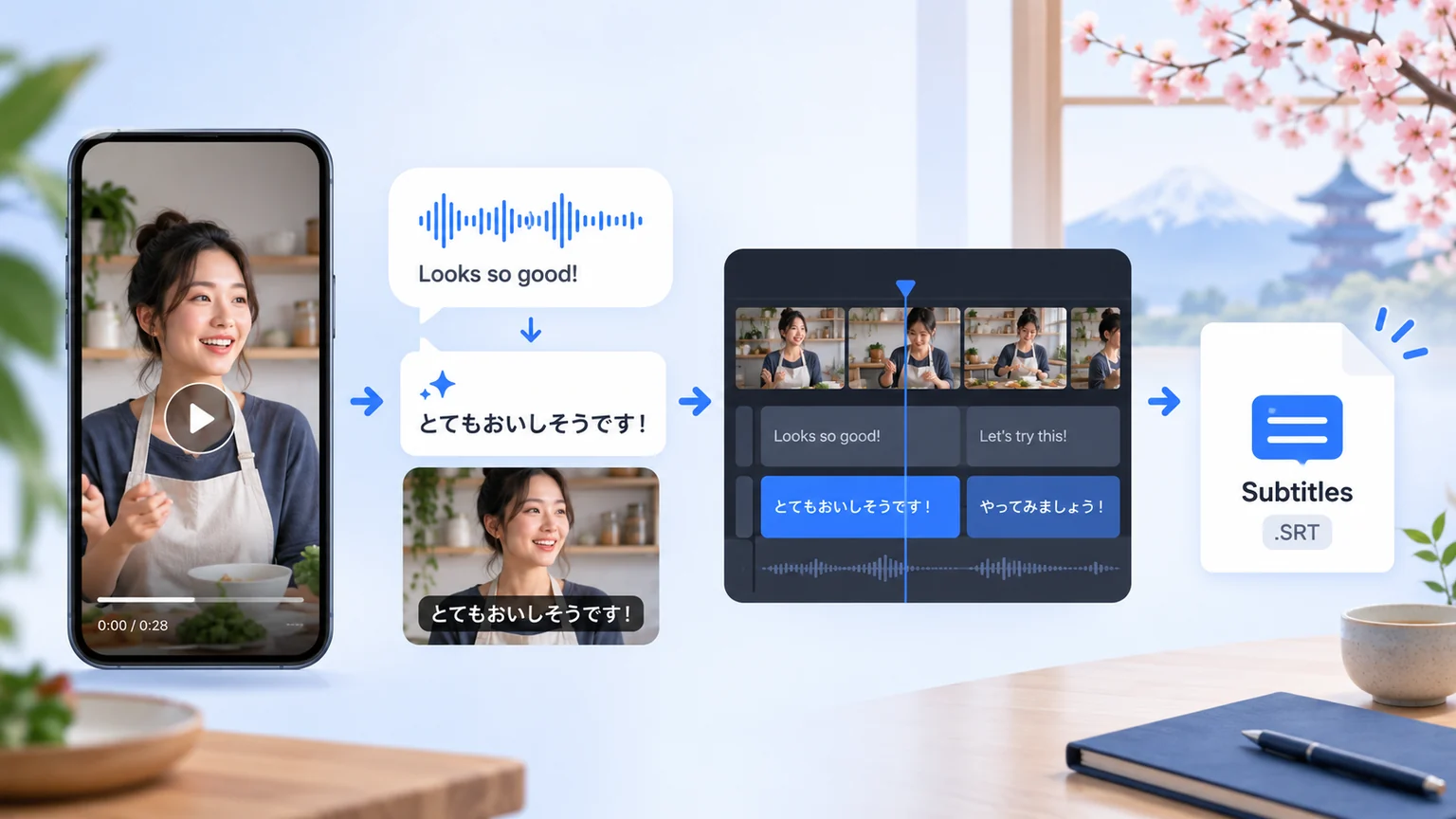
How to Translate Instagram Videos to Japanese?
Translate Instagram Videos to Japanese in 3 Easy Steps
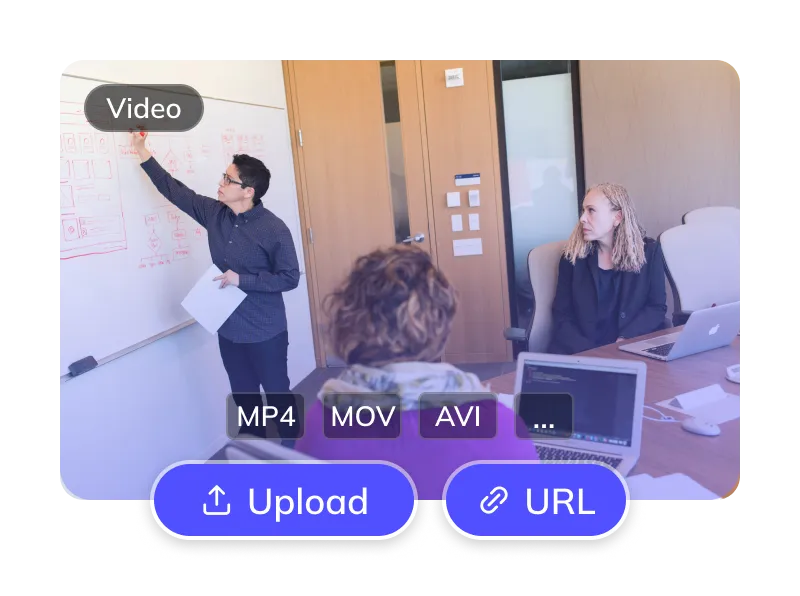
Upload Your Instagram Video
- Upload files (MP4, MOV) or paste links from YouTube, TikTok, etc.
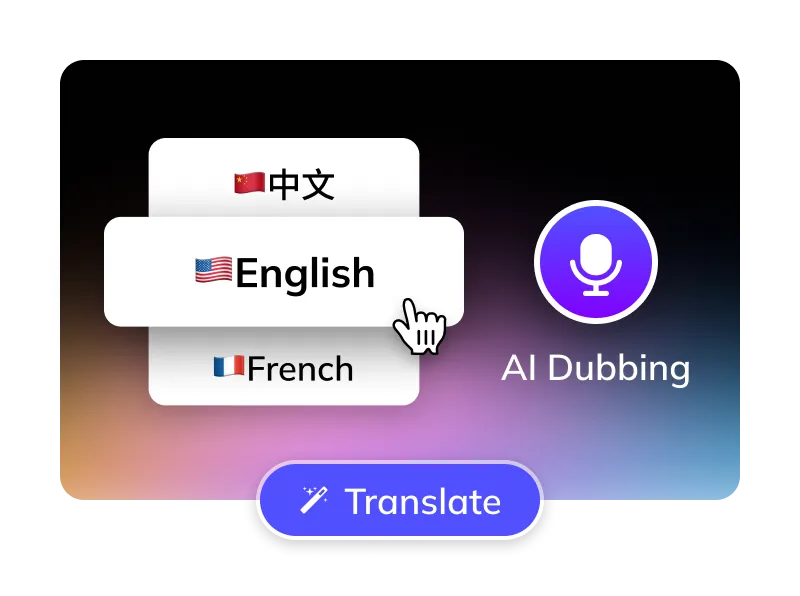
Select Options
- Select the language spoken in the source video. Target: Japanese.
- Choose an available Japanese voice and preview the result.
- Optional: Remove Instagram subtitles, manage BGM.
Get Your Japanese Video
- AI translates, dubs & syncs. Preview, edit subtitles, then download videos & SRTs.
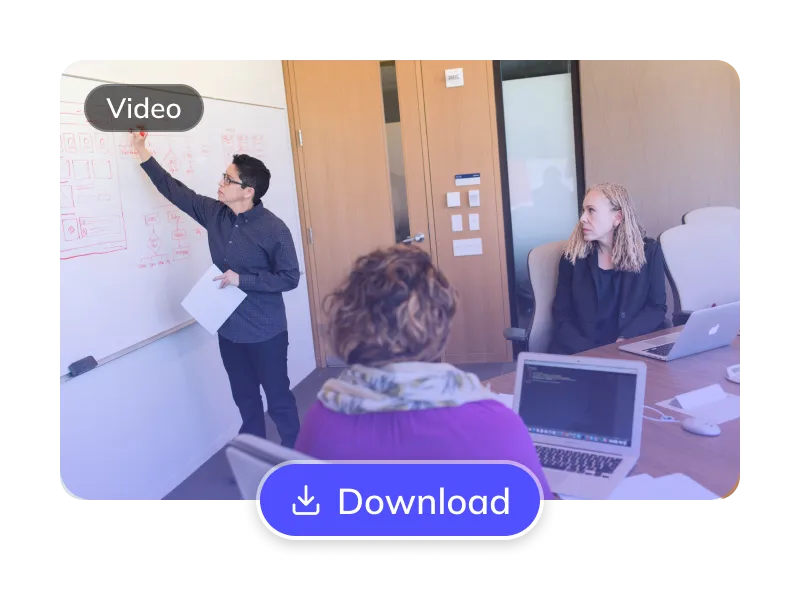
For Global Creators and Businesses

















Why Weydub for Your Video Translations?
Weydub is your all-in-one AI solution for translating Instagram content into natural, engaging Japanese.

Effortless Project Management
Manage Instagram assets, subtitles, & Japanese videos. Batch process projects efficiently.
Review Japanese Translation
Review Japanese names, terminology and idioms against the original Instagram recording. Correct recognition errors before approving the translation.
Lifelike Japanese AI Dubbing
Review the available Japanese voices and choose one that suits the speaker and audience. Preview pronunciation, delivery and timing before publishing.
Flexible Instagram Subtitle Options
Optionally erase original Instagram hardsubs for a clean slate. Translate embedded Instagram subtitles directly.
Review Multi-Speaker Attribution (Instagram)
Review detected speakers in Instagram videos and check the Japanese voice options available for your task. Compare recurring character names and voice assignments across episodes before export.
Efficient Batch Processing & API
Batch translate and dub multiple Instagram videos to Japanese at once. Connect the workflow to your existing process through the API.
Versatile BGM Control
Check the available background-music options and listen for separation artifacts. Processing audio does not grant rights to music, effects or voices; confirm permissions before publishing.
Check Pricing
Check current pricing, your credit balance and the task estimate before submitting. Costs depend on the selected translation and dubbing options.
Easy Online Access
Translate Instagram videos to Japanese online without installing desktop software. Processing time depends on the video and selected options. Preview the result before downloading.
Review Picture, Subtitles and Dubbed Audio Together
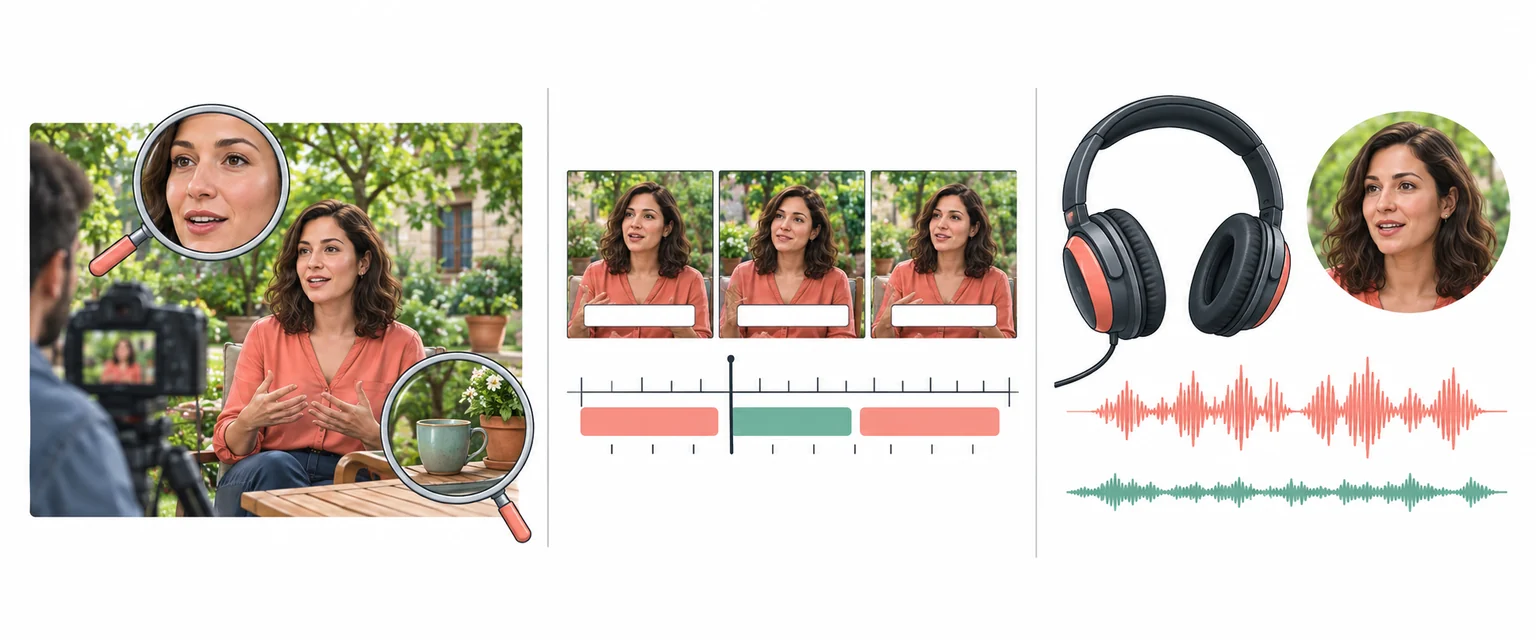
Every Algorithmic Optimization, Engineered for Quality Japanese Video
Review Speakers in Instagram Videos
Review detected speakers and available voice assignments in Instagram videos. Check narration separately from visible speakers in Reels and Stories. Listen to the exported Japanese track and correct attribution or delivery before publication.
Translate Now
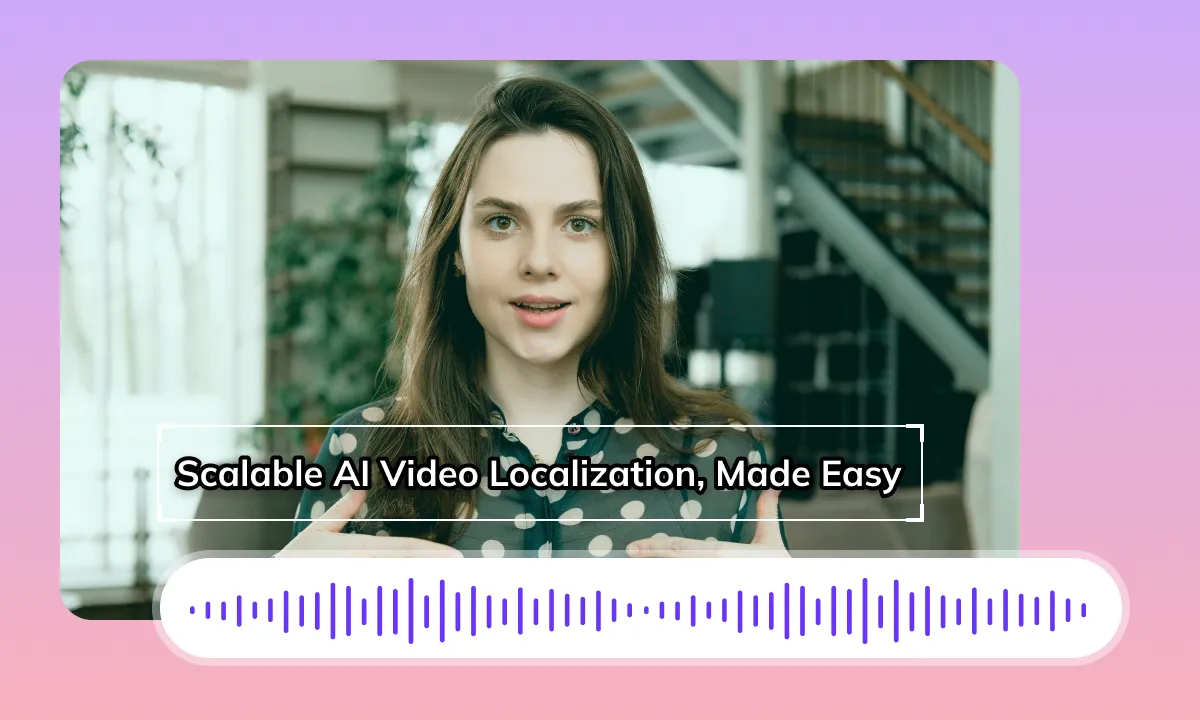
Review Japanese Dubbing and Timing
A Japanese translation can change phrase length. Review the opening line, cuts and transitions between Story segments. Matching audio timing does not by itself change visible mouth movements. Preview close-ups and the rendered result before publication.
Translate NowReview Subtitle Removal Before Export
If original subtitles overlap the Japanese version, review whether removal is needed. Keep captions clear of stickers, product tags and important visual details. Check repaired backgrounds for artifacts and review the legibility of the replacement captions.
Translate Now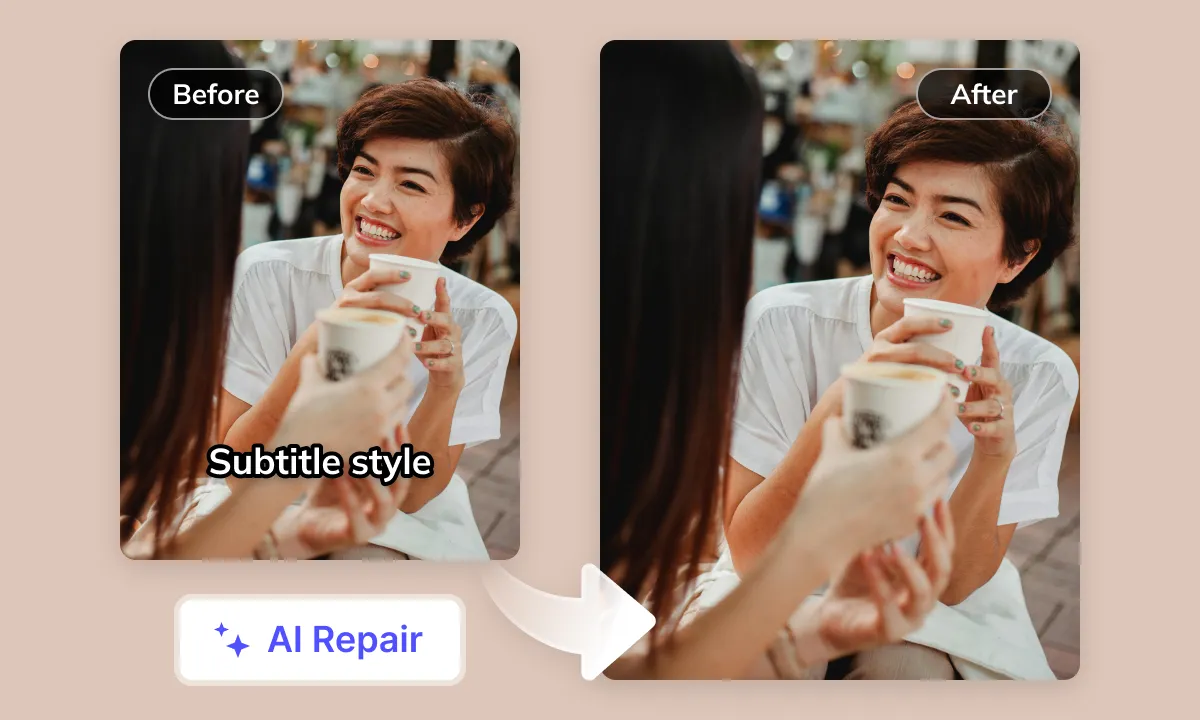

Review Audio and Publishing Rights
Review dialogue, music and sound effects together after generating the Japanese version. Check music-backed Reels and narration for separation artifacts. Audio separation can leave artifacts. Confirm licenses and publishing requirements separately from the translation task.
Translate NowYour Instagram Content Deserves Japanese Viewership
Regardless of its original language or theme (fashion, travel vlogs, food tutorials, creative shorts, etc.), your Instagram video content faces language barriers hindering its reach to the vast Japanese market. On highly visual, interactive platforms like Instagram, non-Japanese videos lacking quality Japanese translation and dubbing prove difficult for Japanese users to understand, severely impacting their viewing experience, engagement, and regional spread. This necessitates a professional, efficient AI video translation and dubbing solution to easily localize Instagram videos into Japanese
Instagram Video Translation to Japanese: Technical and Cultural Challenges
Subtitle and Original Audio Interference
When overlaying Japanese translations on Instagram videos that already have hardcoded subtitles or dubbing in the original language (e.g., Chinese or English), it's crucial to avoid conflicts or distracting viewers, ensuring the Japanese content is clearly presented
Cultural Context and Expression Differences
Direct translation of popular topics, emojis, internet slang, and catchphrases from Instagram into Japanese often fails to convey the original meaning or sounds unnatural. The core challenge lies in understanding and adapting the cultural humor, tone, and implicit meanings of the source language (Chinese or English) to align with Japanese expression habits and the cultural acceptance of Japanese audiences. Accurate handling of Japanese honorifics, unique adverbs, and particles is also essential
Japanese Subtitle Layout Adaptation
Compared to many languages, Japanese characters (including Kanji, Hiragana, and Katakana) can appear visually more compact or occupy uneven space. Within the limited screen real estate of Instagram short videos, precise adjustments are needed for line breaks, text wrapping, and display duration of Japanese subtitles to ensure effective information delivery without obstructing the main visual content
Speech Rate and Information Density Matching
Instagram videos vary widely in style and speech rate. Translating source language content into Japanese may alter information density or required duration due to Japanese-specific expressions or grammatical structures. The challenge is to fully convey information while maintaining the video's rhythm and striving for audio-visual synchronization
Source Language AI Speech Recognition Accuracy
The complex audio environment of Instagram videos (background music, ambient noise, multiple speakers, accents, slang) affects the accuracy of AI speech recognition for the source language (e.g., Chinese, English). Inaccurate recognition directly leads to errors in subsequent Japanese translation
Demand for High-Quality Japanese AI Voiceover
While various Japanese AI voice options exist, finding a high-quality voiceover that sounds natural, emotional, and matches the content style of Instagram videos (e.g., lively, humorous, educational) remains challenging. The demand for AI voice quality is even higher when specific personas or emotions need to be simulated
Perceived Lip-Sync Alignment
After dubbing an original language video with a Japanese audio track, achieving perfect lip-sync with the on-screen character's mouth movements is difficult. This misalignment, especially in close-ups or talking-head shots, can negatively impact the viewing experience. Improving 'perceived synchronization' through technical means (e.g., audio adjustments, subtle visual tweaks, or optimizing dubbing rhythm) is a technical challenge
Ideal AI Translation Workflow
An ideal automatic Instagram video translation system to Japanese should feature: accurate source language recognition (noise-resistant, understanding of slang) - generation of authentic Japanese translations culturally appropriate for Japan - high-quality Japanese AI voiceover that ideally aligns with on-screen lip movements - and finally, output of a Japanese video version with precise audio-visual synchronization
Instagram Video Localization for Different Teams

Content Creators: Captions and Dubbing

Short Drama Teams: Episode Preparation

E-commerce Teams: Product Details

Localization Teams: Translation Review

Enterprise Teams: Delivery Requirements

Educators: Lessons and Demonstrations

Media Teams: Quotes and Attribution
Prepare, Process and Review Your Video
To prepare Instagram videos in Japanese, select the tools your source needs: subtitle extraction, subtitle removal, subtitle translation and dubbing. Prepare your source, process it, review the result and download the available files. Use Studio for batch projects; a single Web task may offer different options. Check available outputs, editing options and current pricing before submission.