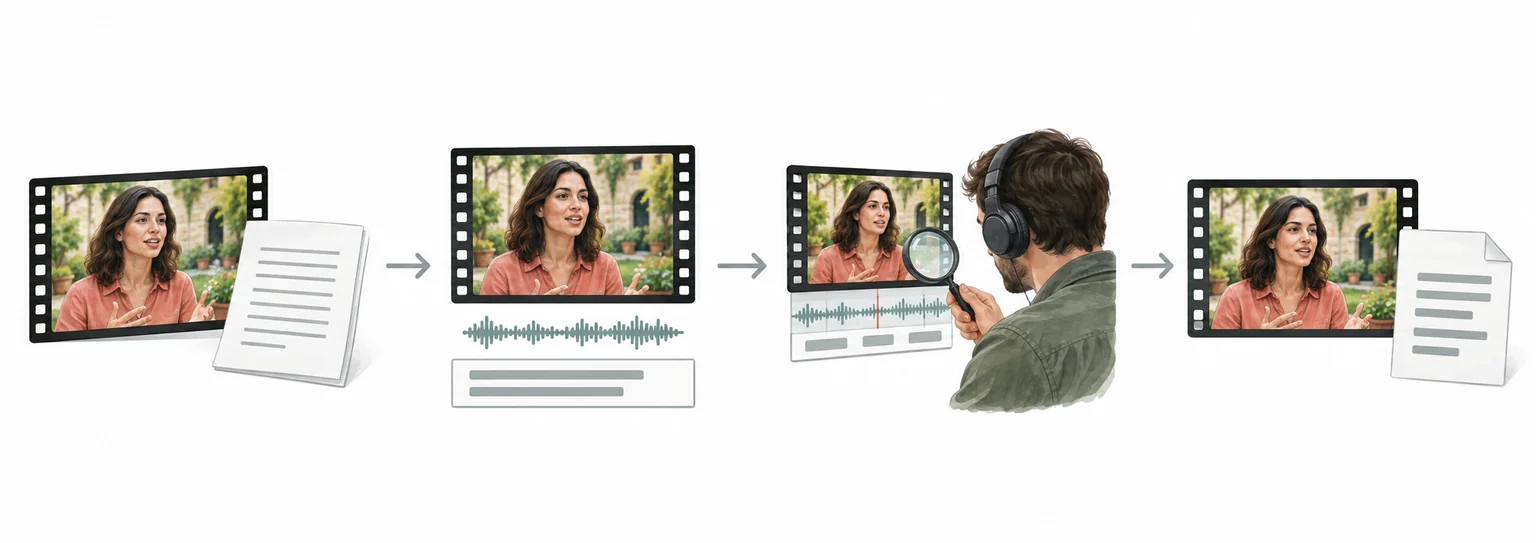
Instagram video translation and dubbing workflow
Instagram to English: translate Instagram videos with subtitle review
For Instagram videos, organize speech and on-screen text, review the translation and subtitle timing, then prepare English dubbing or subtitle files for the required delivery format.
- Upload the video and confirm speech, on-screen text, and delivery format
- Translate and review subtitles while preserving timing, terminology, and speakers
- Preview the result, check subtitles and audio, then export or continue in batch
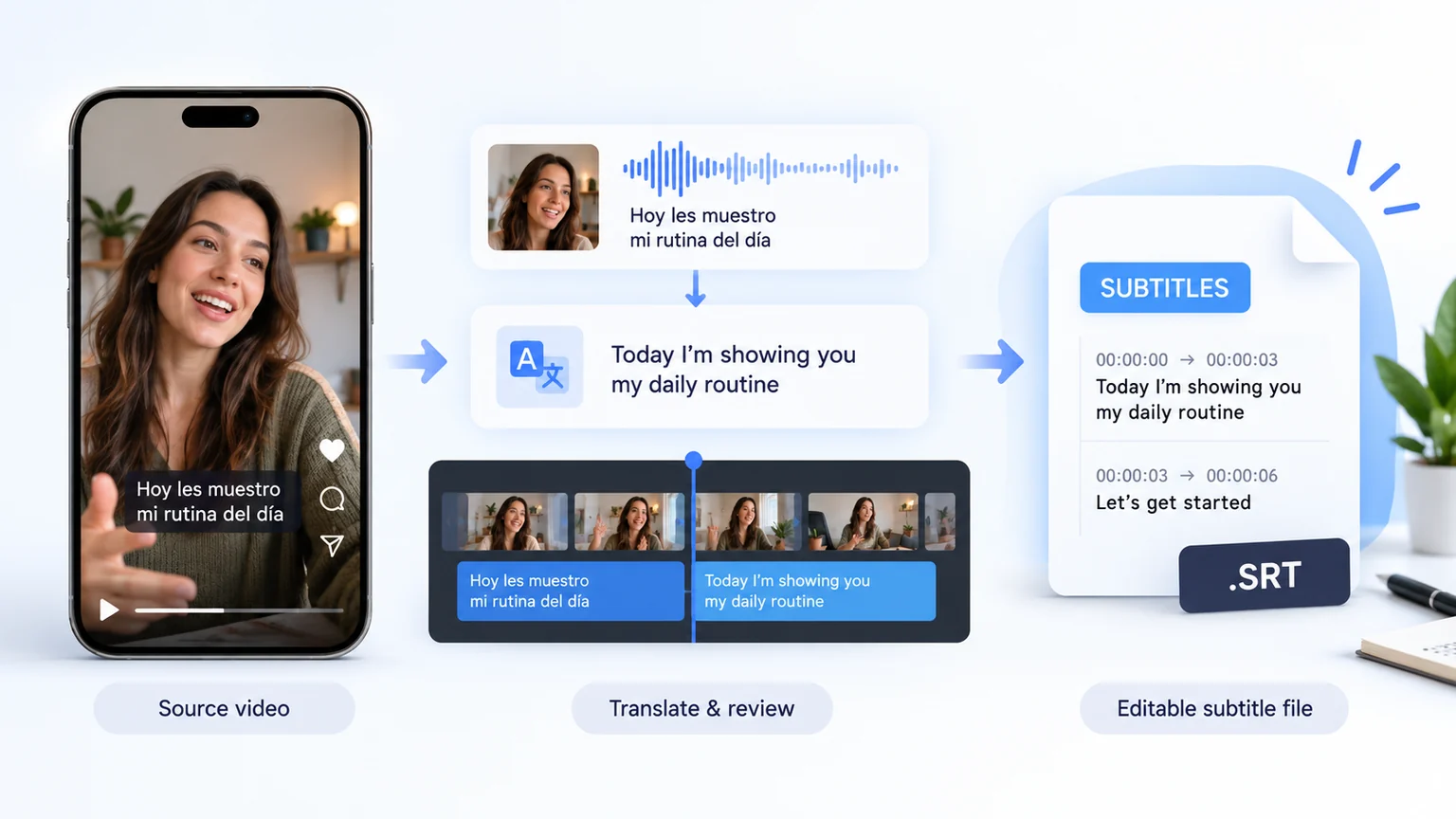
How to Translate Instagram Videos to English?
Translate Instagram Videos to English in 3 Easy Steps
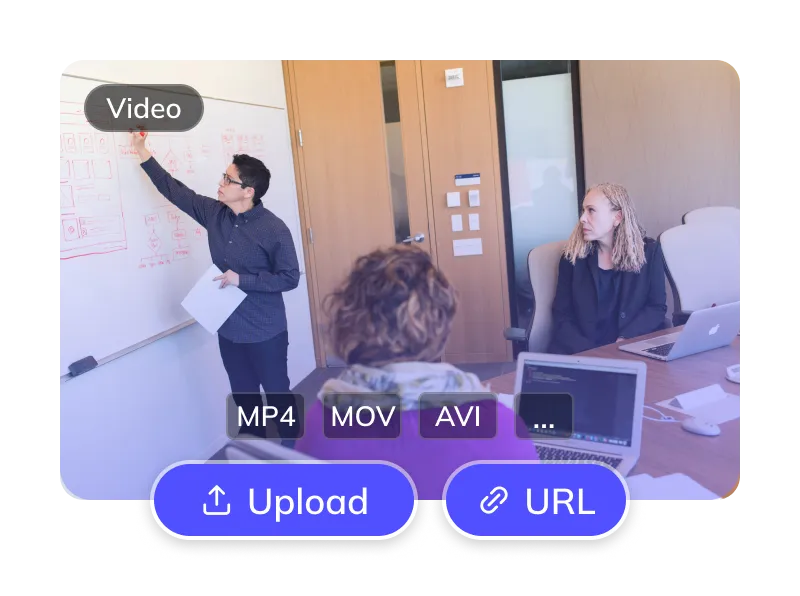
Upload Your Instagram Video
- Upload a supported video file, such as MP4 or MOV, or provide a supported direct video URL.
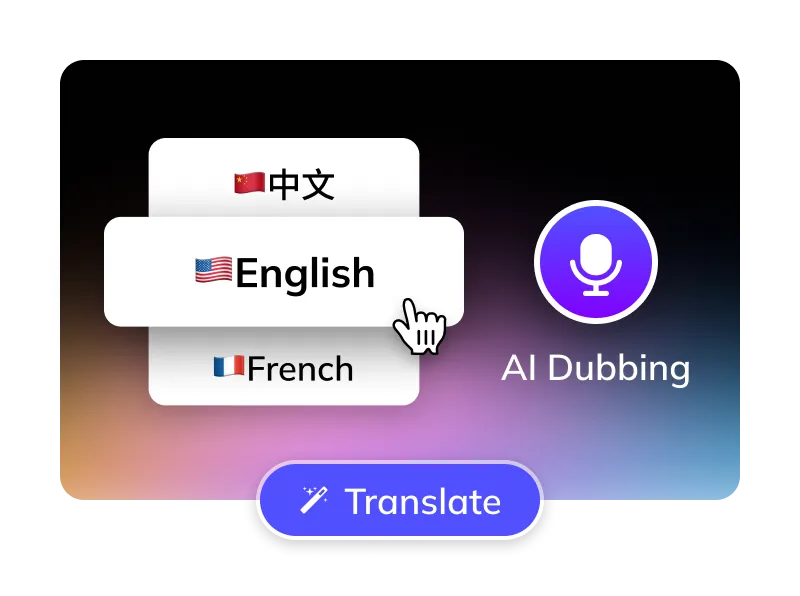
Select Options
- Select the language spoken in the source video. Target: English.
- Choose from the available English voices. Use voice cloning only when your workflow and account support it and you have the necessary authorization.
- Optional: Remove Instagram subtitles, manage BGM.
Get Your English Video
- Review the translated text, dubbed audio and timing. Use the editing options and download formats available for your selected task.
For Global Creators and Businesses














Why Weydub for Your Video Translations?
Weydub is your all-in-one AI solution for translating Instagram content into natural, engaging English.

Effortless Project Management
Use Studio to organize Instagram assets, subtitles and English outputs for repeated work. Check the batch options available to your account.
Reviewable English Translation
Review English names, slang and short spoken lines against the original Instagram video. Check meaning and subtitle timing before using the translated result.
Lifelike English AI Dubbing
Review the available English voices and choose one that suits the speaker and audience. Preview pronunciation, delivery and timing before publishing.
Flexible Instagram Subtitle Options
Choose speech or visible-text processing according to your source. If you remove embedded captions, inspect the repaired background and replacement English subtitles.
Speaker and Voice Review
Check detected speakers and available English voice assignments. Review narration separately from visible speakers; compare recurring characters across clips rather than assuming automatic consistency.
Efficient Batch Processing & API
Use Studio for batch projects or the API for supported automated workflows. Confirm account access, task limits and available outputs before planning a batch.
Versatile BGM Control
Review the available background-audio options and listen for separation artifacts. Confirm rights to music and sound effects separately before publishing.
Check Pricing
Check current pricing, your credit balance and the task estimate before submitting. Costs depend on the selected translation and dubbing options.
Easy Online Access
Start a translation task in your browser and check its status while processing. Use a desktop browser for Studio project and batch workflows.
Review Picture, Subtitles and Dubbed Audio Together
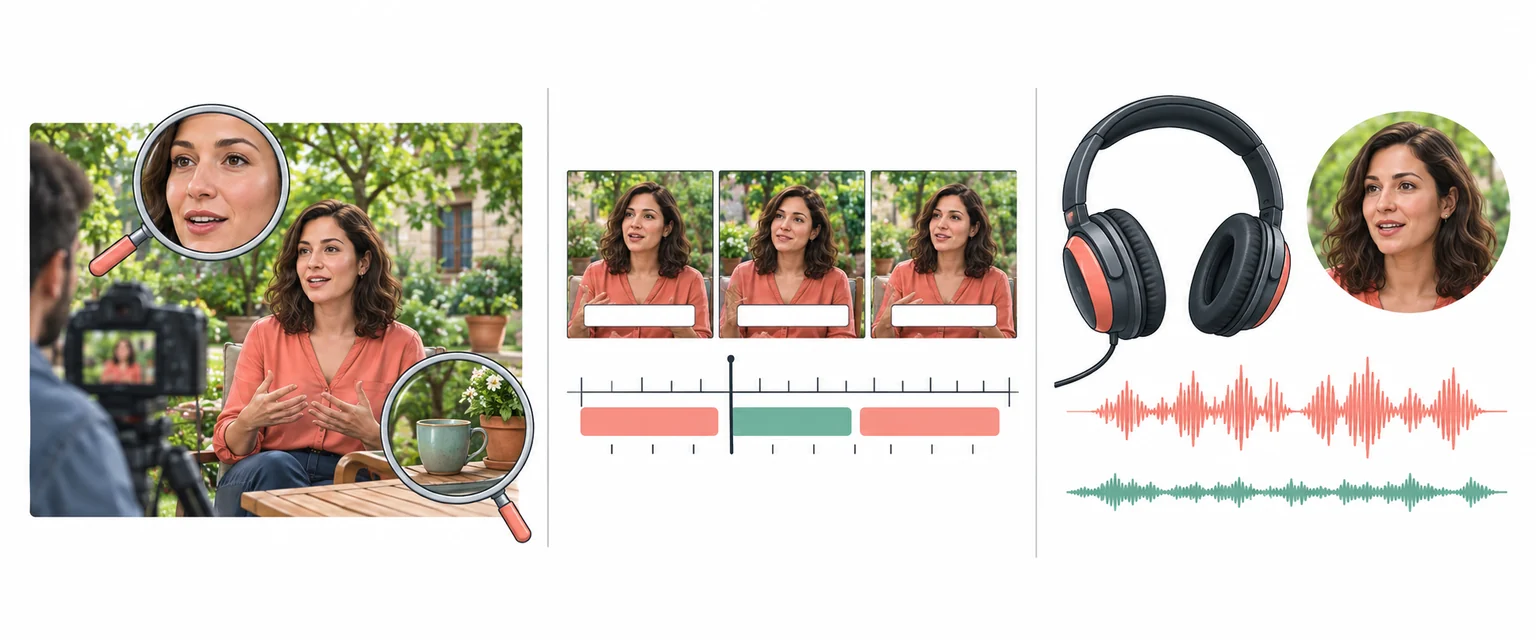
Every Algorithmic Optimization, Engineered for Quality English Video
Review Speakers in Instagram Videos
Review detected speakers and available voice assignments in Instagram videos. Check narration separately from visible speakers in Reels and Stories. Listen to the exported English track and correct attribution or delivery before publication.
Translate Now
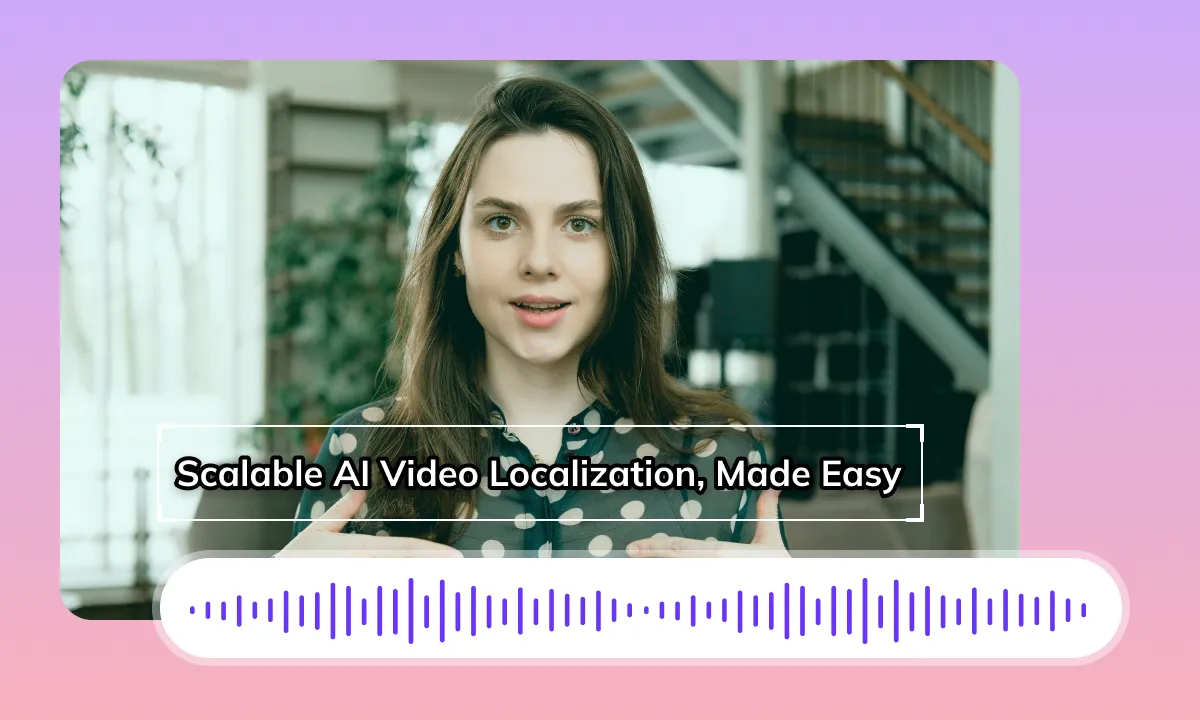
Review English Dubbing and Timing
An English translation can change phrase length. Review the opening line, cuts and transitions between Story segments. Matching audio timing does not by itself change visible mouth movements. Preview close-ups and the rendered result before publication.
Translate NowReview Subtitle Removal Before Export
If original subtitles overlap the English version, review whether removal is needed. Keep captions clear of stickers, product tags and important visual details. Check repaired backgrounds for artifacts and review the legibility of the replacement captions.
Translate Now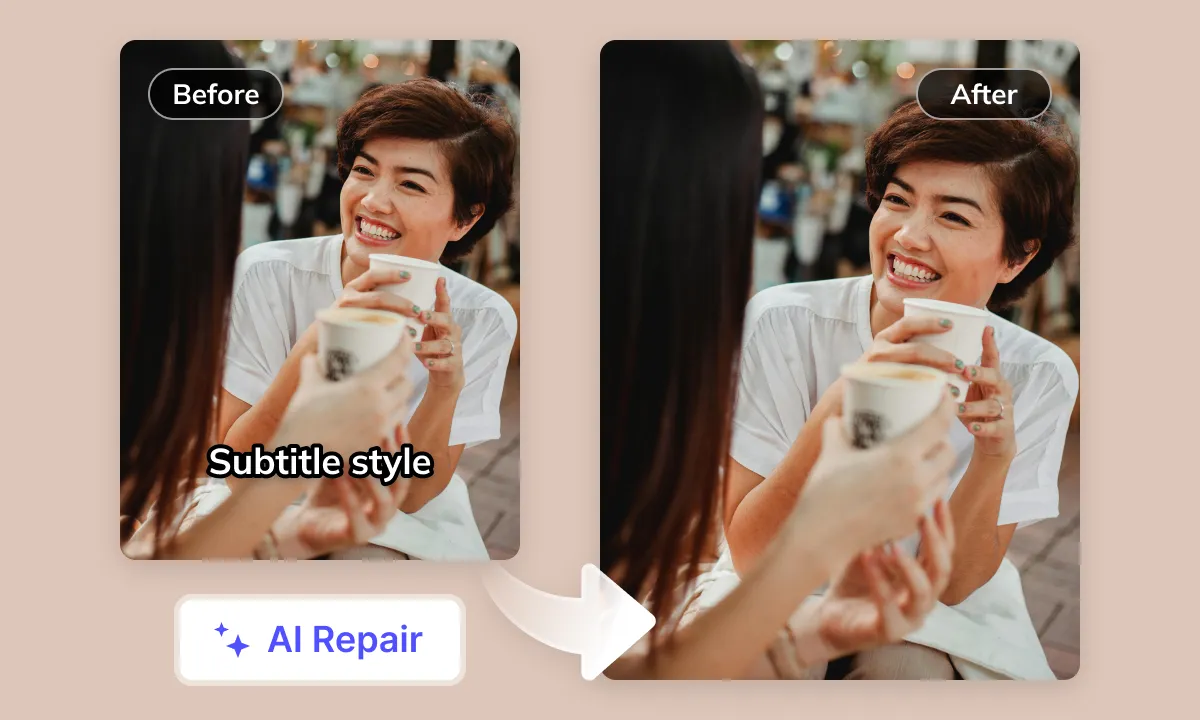

Review Audio and Publishing Rights
Review dialogue, music and sound effects together after generating the English version. Check music-backed Reels and narration for separation artifacts. Audio separation can leave artifacts. Confirm licenses and publishing requirements separately from the translation task.
Translate NowYour Instagram Content Deserves Global English Recognition
Instagram posts, Reels, Stories and recorded live streams can combine speech, music and text overlays. For English-speaking viewers, review the spoken message and visible text separately, then check how translated captions fit the frame. Preserve creator names, product details and the order of short Story segments when preparing the English version.
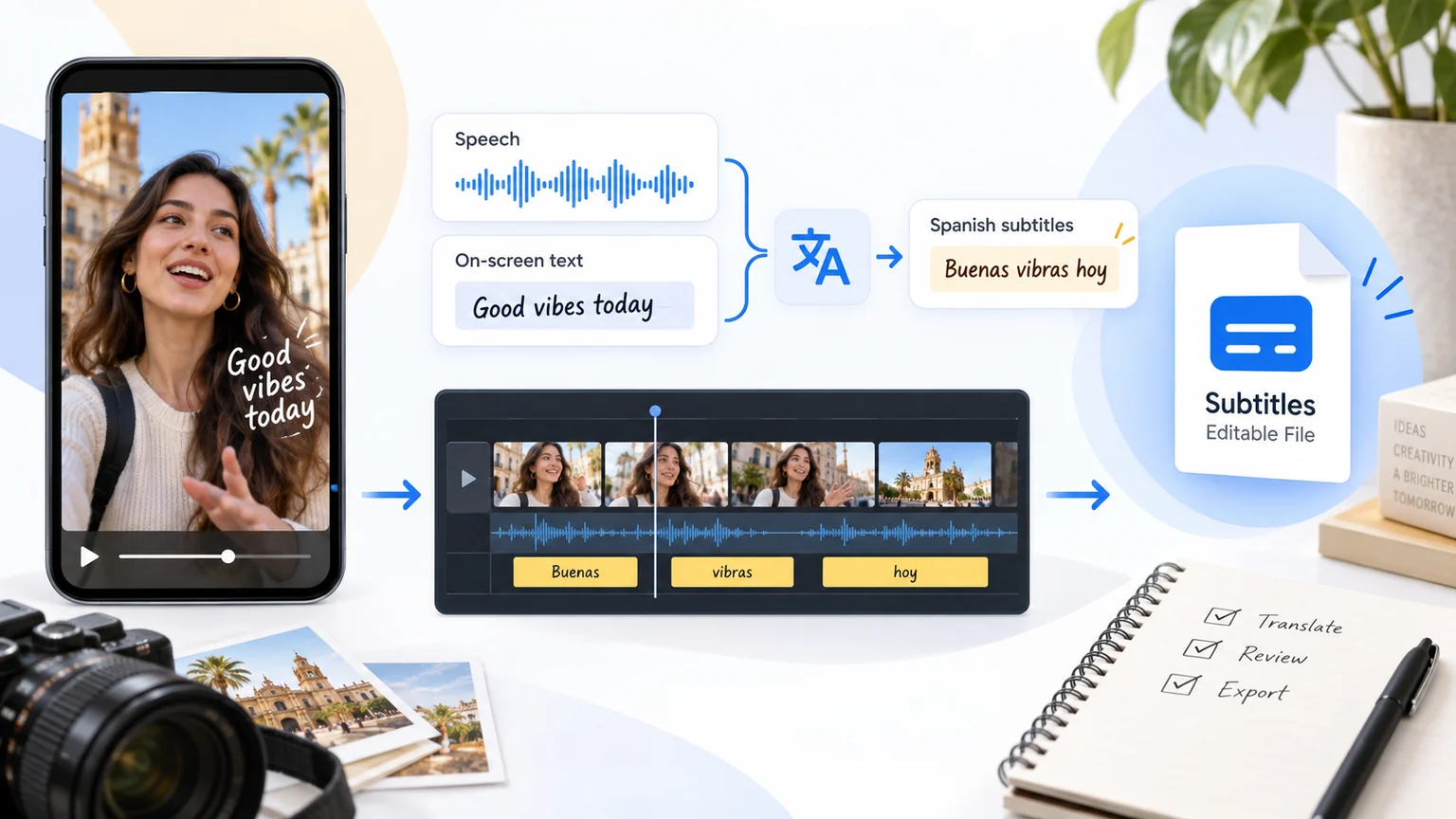
Translating Instagram (INS) Video Content to English: Challenges and Considerations
Embedded Visuals and Audio Interference
Instagram (INS) videos often contain embedded text, graphics, or music. If these elements are not properly managed alongside the original audio, they can hinder English-speaking viewers' comprehension and overall viewing experience
Cultural, Contextual and Expressive Nuances
Cultural references, community slang, and context-specific expressions in Instagram videos can vary across languages and within English-speaking communities. Direct translation struggles to convey the original essence or can lead to misunderstandings. Effectively transforming the core message into English is a central challenge
Text Presentation Adaptability
Instagram (INS) content features diverse text overlays and subtitle styles. English wording may take more or less screen space than the source text, depending on phrasing and layout. When translating to English, re-evaluating text layout, length control, and sentence breaks is crucial to adapt to Instagram (INS) videos' fast pace and visual characteristics, preventing text obstruction or abruptness
Information Density and Pacing Shifts
Instagram (INS) video content can be highly dense and fast-paced. Translating it into English often alters text or audio length, posing a challenge to maintaining the original content rhythm and audiovisual synchronization
AI Recognition Accuracy
Background music, diverse accents, rapidly changing topics, Instagram (INS) community-specific internet slang, and non-standard pronunciations all impact AI's recognition accuracy of original video audio, subsequently affecting translation quality
High-Quality English Voiceover Matching
While numerous English AI voice options exist, finding a high-quality AI voice that is natural, fluent, accurately conveys video emotions, and aligns with Instagram (INS) video content style remains challenging
Video and Voiceover Coordination
English phrasing can change the length of spoken lines. Compare dubbed audio with pauses, cuts and visible speakers, especially in close-ups. Adjusting audio timing does not by itself change mouth movements in the picture.
Ideal AI Translation Solution
Review the recognized speech, English wording, voice delivery and subtitle timing as separate stages. Check community slang and names against the original, listen with the background music, and inspect the rendered result before publishing.
Instagram Video Localization for Different Teams

Content Creators: Captions and Dubbing

Short Drama Teams: Episode Preparation

E-commerce Teams: Product Details

Localization Teams: Translation Review

Enterprise Teams: Delivery Requirements

Educators: Lessons and Demonstrations

Media Teams: Quotes and Attribution
Prepare, Process and Review Your Video
To prepare Instagram videos in English, select the tools your source needs: subtitle extraction, subtitle removal, subtitle translation and dubbing. Prepare your source, process it, review the result and download the available files. Use Studio for batch projects; a single Web task may offer different options. Check available outputs, editing options and current pricing before submission.