Translate Educational Video to Fluent Korean

Translate your Educational videos to Korean with subtitle removal, SRT generation and dubbing options. Review the output and check voice-cloning availability for your task.

educational video translation and dubbing workflow

Educational to Korean: translate educational videos with subtitle review

For educational videos, organize speech and on-screen text, review the translation and subtitle timing, then prepare Korean dubbing or subtitle files for the required delivery format.

  • Upload the video and confirm speech, on-screen text, and delivery format
  • Translate and review subtitles while preserving timing, terminology, and speakers
  • Preview the result, check subtitles and audio, then export or continue in batch
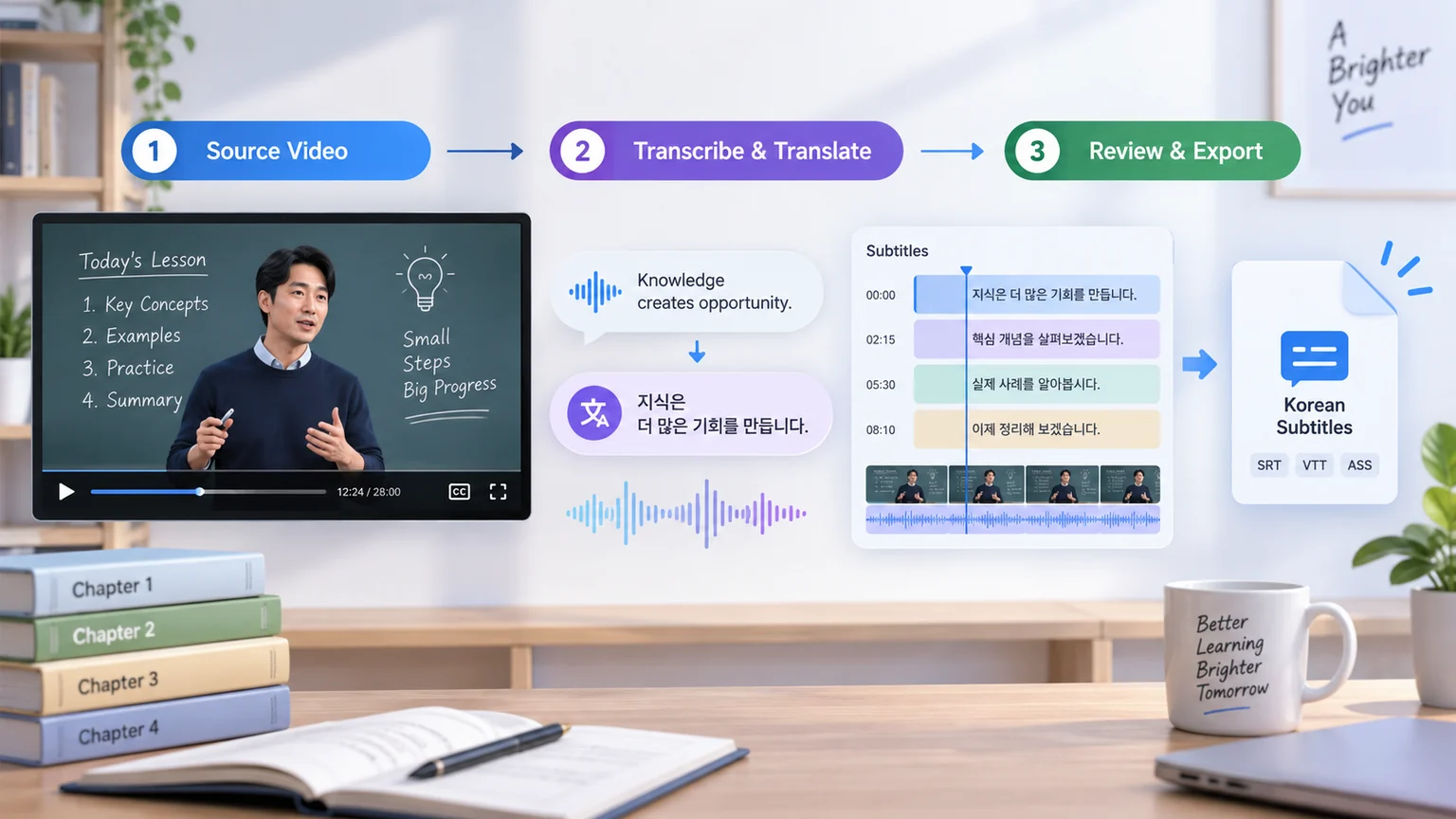
How to Translate Educational Videos to Korean?

Translate Educational Videos to Korean in 3 Easy Steps

01

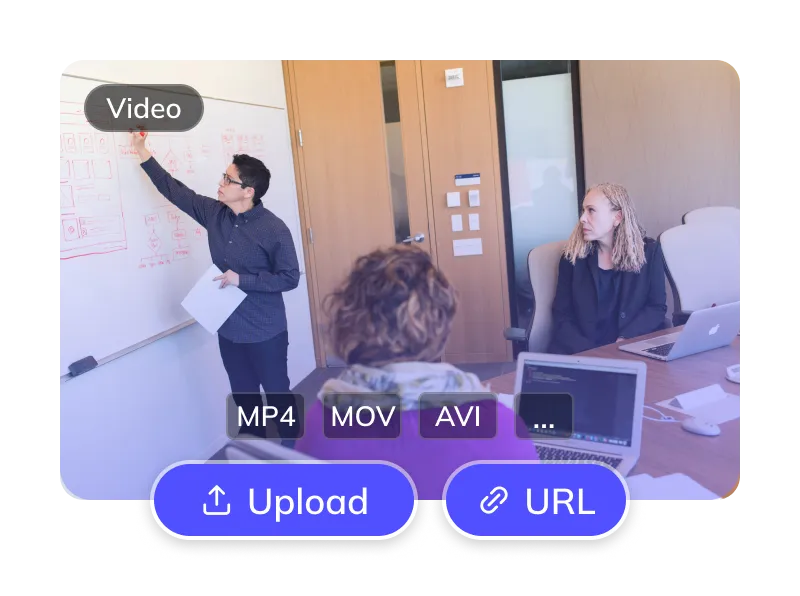
Upload Your Educational Video

  • Upload files (MP4, MOV) or paste links from YouTube, TikTok, etc.
generator-step
02

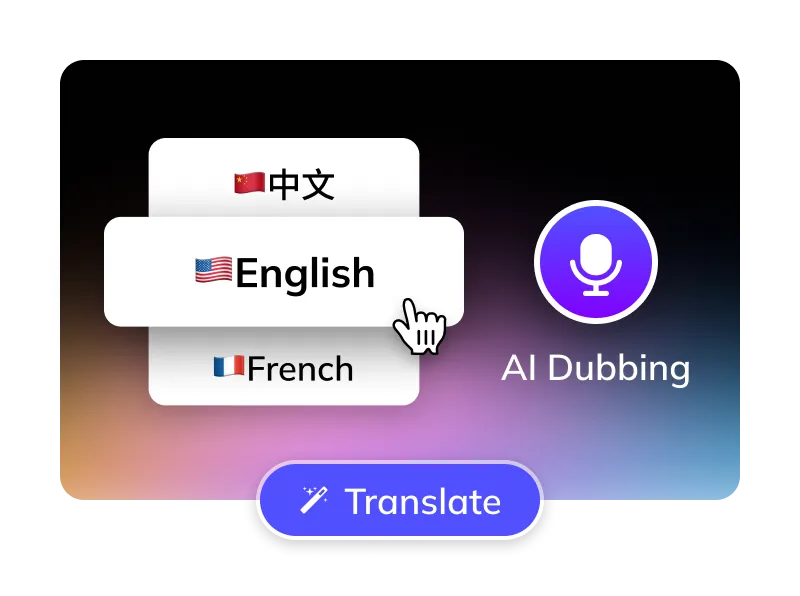
Select Options

  • Select the language spoken in the source video. Target: Korean.
  • Choose an available Korean voice and preview the result.
  • Optional: Remove Educational subtitles, manage BGM.
generator-step
03

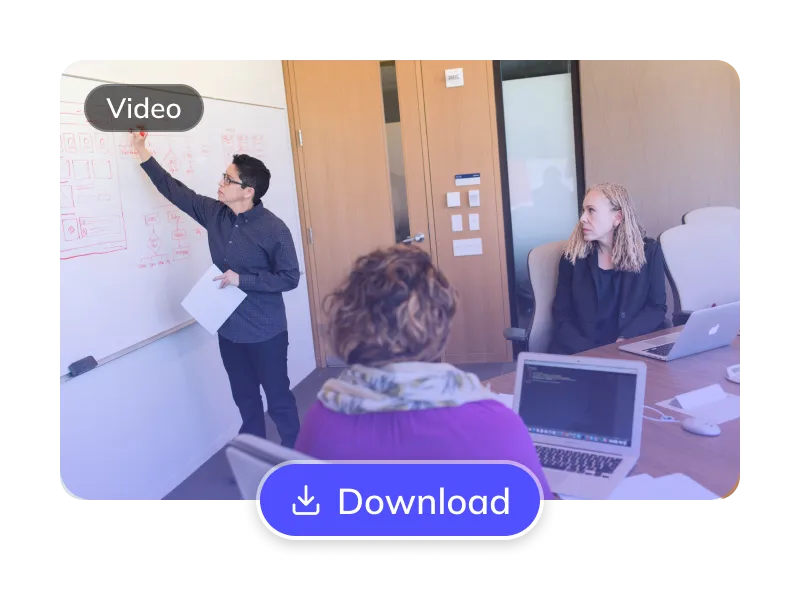
Get Your Korean Video

  • AI translates, dubs & syncs. Preview, edit subtitles, then download videos & SRTs.
generator-step

For Global Creators and Businesses
  • akulaku
  • alibaba
  • anker
  • bilibili
  • crazy_maple
  • dianzhongkeji
  • dreame
  • eclicktech
  • ecovacs
  • fujitsu
  • giikin
  • jingdong
  • jowo
  • kwai
  • mobvista
  • tellernovel
  • weee
  • youdao

Why Weydub for Your Video Translations?

Weydub is your all-in-one AI solution for translating Educational content into natural, engaging Korean.

Translation Icon

Effortless Project Management

Manage Educational assets, subtitles, & Korean videos. Batch process projects efficiently.

Review Korean Translation

Review Korean names, terminology and idioms against the original Educational recording. Correct recognition errors before approving the translation.

Lifelike Korean AI Dubbing

Review the available Korean voices and choose one that suits the speaker and audience. Preview pronunciation, delivery and timing before publishing.

Flexible Educational Subtitle Options

Optionally erase original Educational hardsubs for a clean slate. Translate embedded Educational subtitles directly.

Review Multi-Speaker Attribution (Educational)

Review detected speakers in educational videos and check the Korean voice options available for your task. Compare recurring character names and voice assignments across episodes before export.

Efficient Batch Processing & API

Batch translate and dub multiple educational videos to Korean at once. Connect the workflow to your existing process through the API.

Versatile BGM Control

Check the available background-music options and listen for separation artifacts. Processing audio does not grant rights to music, effects or voices; confirm permissions before publishing.

Check Pricing

Check current pricing, your credit balance and the task estimate before submitting. Costs depend on the selected translation and dubbing options.

Easy Online Access

Translate Educational videos to Korean online without installing desktop software. Processing time depends on the video and selected options. Preview the result before downloading.

Review Picture, Subtitles and Dubbed Audio Together
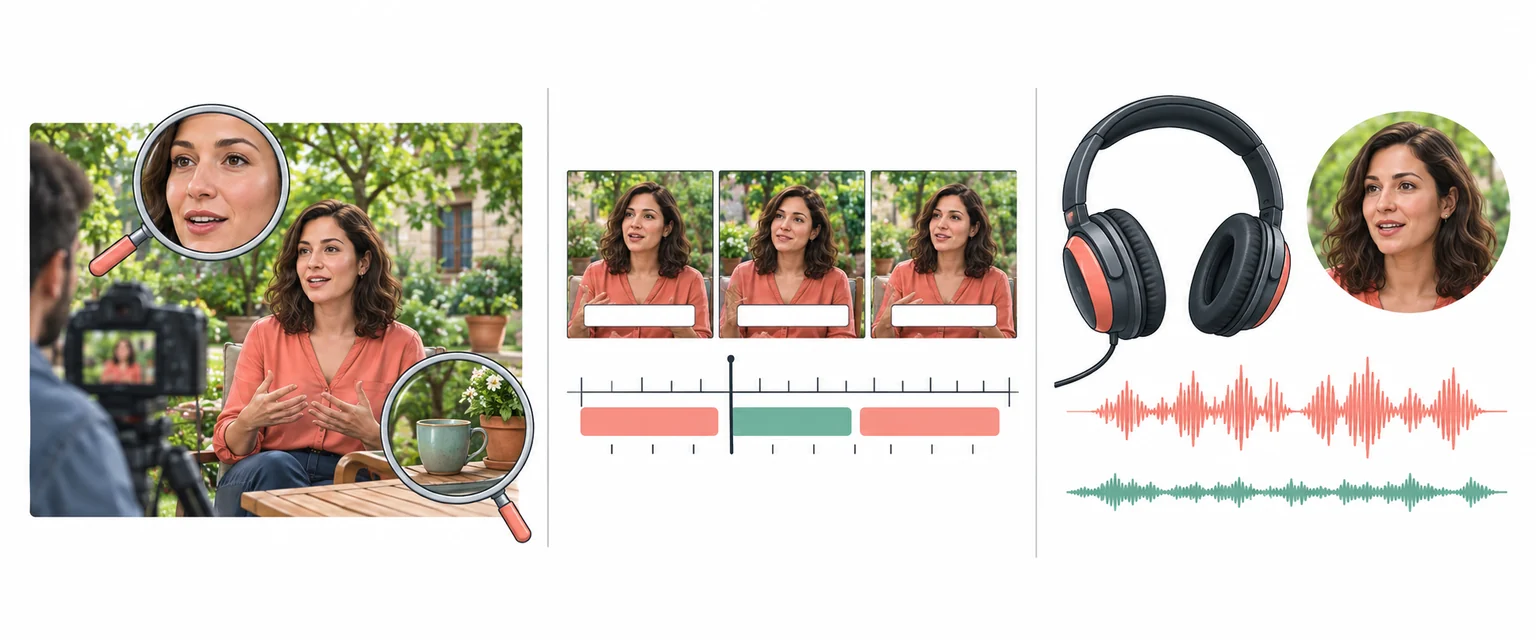
Illustration of checking picture detail, subtitle timing and audio for a localized video

Every Algorithmic Optimization, Engineered for Quality Korean Video

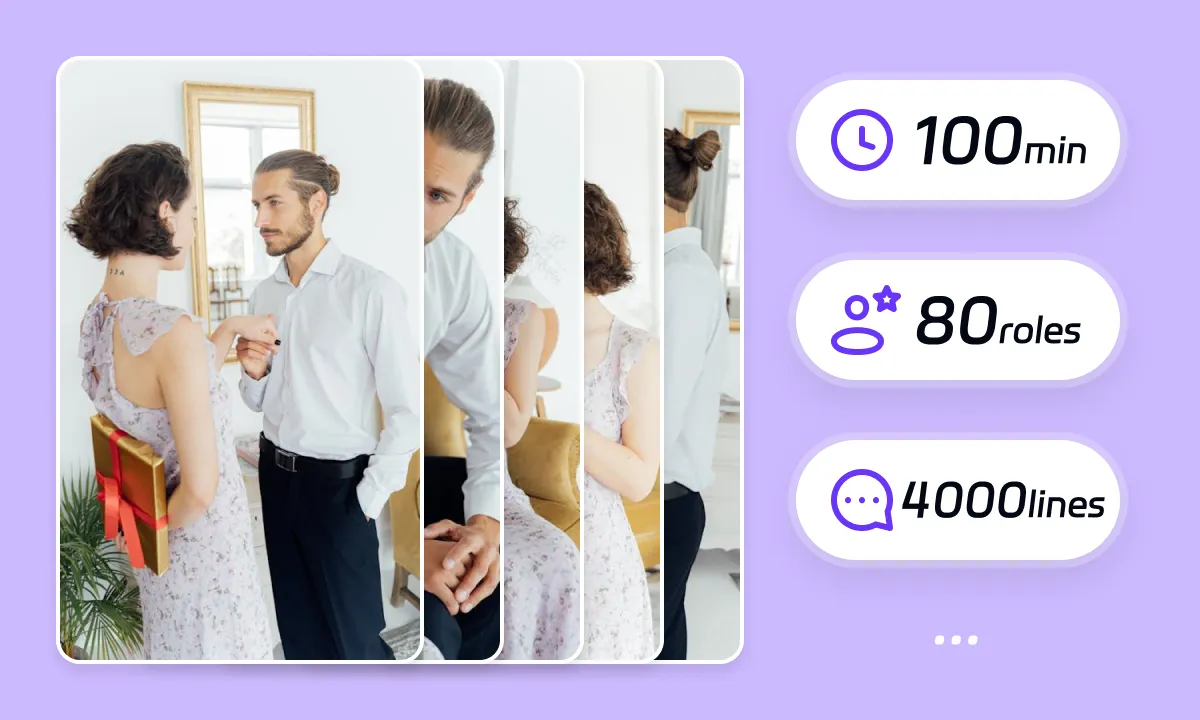
Review Speakers in Educational Videos

Review detected speakers and available voice assignments in educational videos. Distinguish instructors, student questions and quoted examples in speaker assignments. Listen to the exported Korean track and correct attribution or delivery before publication.

Translate Now
subtitlegenerator detail

Review Korean Dubbing and Timing

A Korean translation can change phrase length. Review explanations against slides, worked examples and lesson transitions. Matching audio timing does not by itself change visible mouth movements. Preview close-ups and the rendered result before publication.

Translate Now

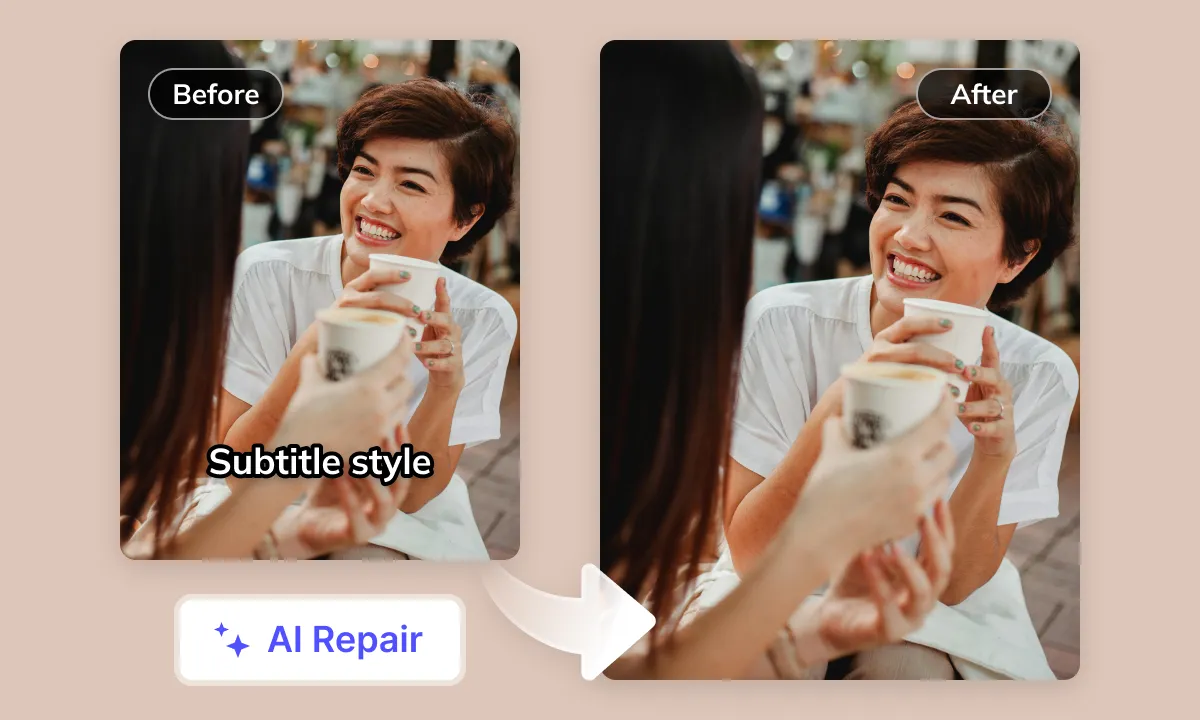
Review Subtitle Removal Before Export

If original subtitles overlap the Korean version, review whether removal is needed. Keep formulas, diagrams and instructional labels unobstructed. Check repaired backgrounds for artifacts and review the legibility of the replacement captions.

Translate Now
subtitlegenerator detail

Review Audio and Publishing Rights

Review dialogue, music and sound effects together after generating the Korean version. Review quiet questions and technical terms against the source recording. Audio separation can leave artifacts. Confirm licenses and publishing requirements separately from the translation task.

Translate Now

Your Educational Content Deserves Wider Reach Among Korean Learners

Your educational videos, regardless of original language or topic, face language barriers accessing the vast Korean market. On major platforms, a lack of quality Korean translation and dubbing for non-Korean content impedes Korean learners' comprehension, severely affecting learning outcomes, engagement, and global reach. Therefore, the market urgently needs professional, efficient AI solutions for educational content translation and dubbing to seamlessly localize videos into Korean
Indonesian subtitle delivery workflow for educational videos
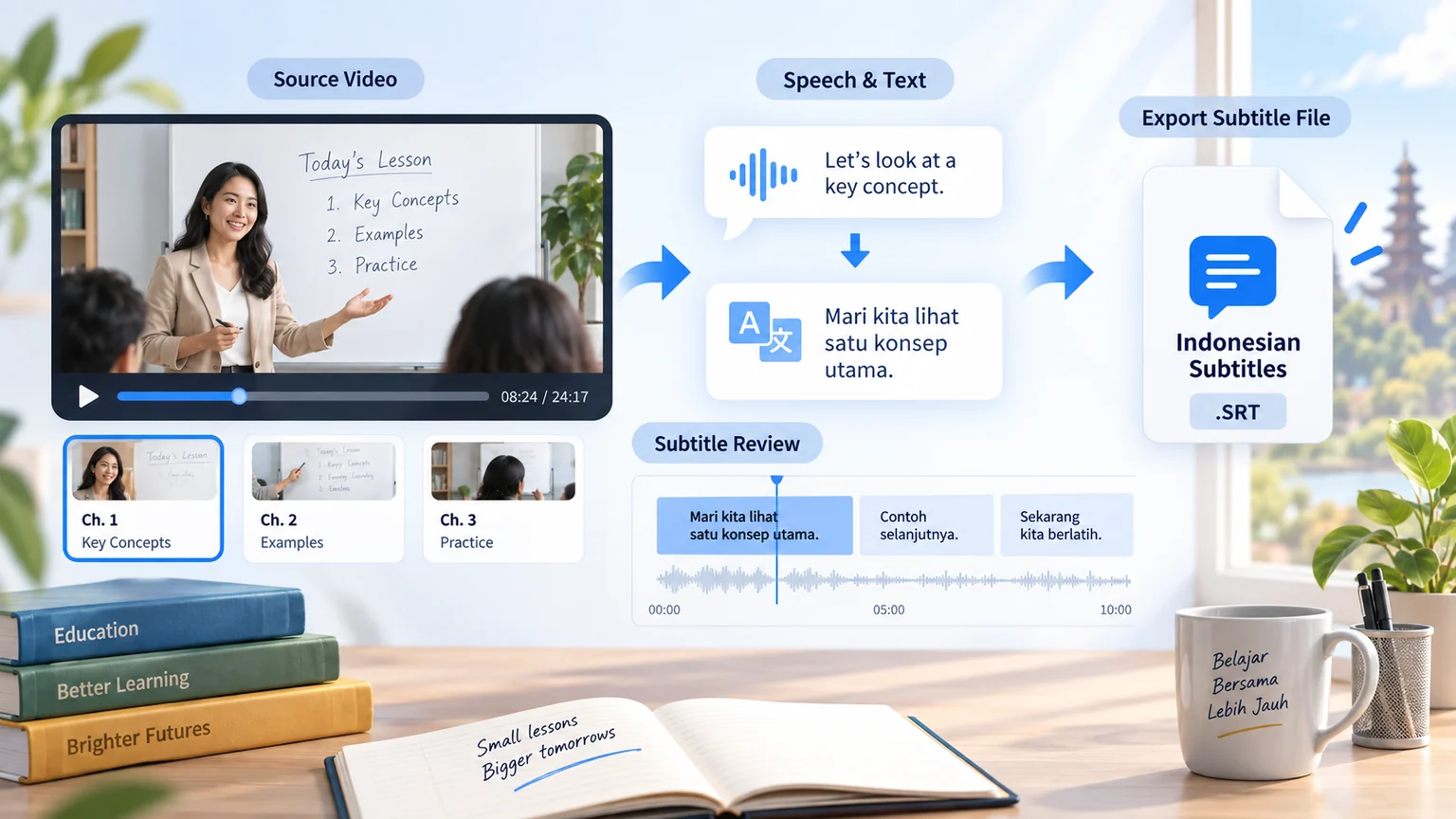
The same workflow also delivers Indonesian subtitles.

Educational Content Localization to Korean: Challenges and Insights

Integrating Visuals in Education

Educational videos frequently incorporate visual aids such as charts, formulas, and whiteboard annotations. A significant challenge lies in seamlessly integrating Korean translations (subtitles or voiceovers) into these existing visual information streams without disrupting comprehension

Specialized Terminology, Honorifics and Cultural Adaptation

Educational content involves specialized vocabulary and concepts from specific disciplines. Accurately translating these into Korean requires not only precision but also proper handling of Korea's complex honorific system and consideration of cultural differences that may impact the understanding of examples

Korean Subtitle Layout and Density

Subtitles for educational videos often need to convey more technical details or complex sentence structures. Given the space occupied by Korean characters and their structural characteristics, optimizing line breaks and layout within limited screen space is crucial to ensure clarity and avoid overcrowding

Educational Pacing and Information Sync

To ensure effective learning, educational content often has specific pacing and rhythm (e.g., emphasis, pauses). A key challenge is maintaining the original instructional pace after translating content into Korean, ensuring complex concepts are understood in sync with visuals or the flow of ideas

AI Speech Recognition Accuracy

Even for educational audio with relatively clear speech, the presence of specialized terminology, specific proper nouns (names, places), and accompanying demonstration sound effects demands a higher level of accuracy from AI speech recognition

Optimal Korean AI Voice for Education

Voiceovers for educational videos require clarity, stability, and a degree of professionalism or approachability. Selecting or customizing natural and fluid Korean AI voices from existing libraries that suit various types of educational content (e.g., lectures, tutorials) remains a challenge

Lip-Sync with On-Screen Speaker

For educational videos featuring an instructor or presenter, achieving a high degree of visual synchronization between the Korean voiceover and the original on-screen speaker's lip movements or key actions (e.g., pointing to a chart) is a technical challenge that significantly enhances the viewing experience

Ideal AI Educational Translation Workflow

An ideal AI educational translation workflow should achieve: accurate recognition of educational speech (handling terminology) - high-quality Korean text translation (faithful to the original, processing honorifics) - generation of suitable Korean AI voiceovers for educational contexts (clear tone, matching content style) - and finally, precise synchronization of audio, visuals, and instructional pacing

Educational Video Localization for Different Teams

subtitlegenerator-scene

Content Creators: Captions and Dubbing
Create subtitles and dubbed audio in Korean for educational videos using the options available for your task. Review explanations against slides, worked examples and lesson transitions. Review the downloaded result in its intended publishing format, then prepare the title, description and upload separately on the destination platform.
subtitlegenerator scene

Short Drama Teams: Episode Preparation

For dialogue-led educational videos, prepare a reference for character names and recurring terms in Korean. Distinguish instructors, student questions and quoted examples in speaker assignments. If you use a series workflow, check its available settings and compare each episode with the reference; do not assume voice assignments or delivery remain consistent automatically.
subtitlegenerator scene

E-commerce Teams: Product Details

When educational videos feature products or offers, compare Korean wording with approved model names, specifications, prices and conditions. Keep formulas, diagrams and instructional labels unobstructed. Check spoken details against labels in the picture, and have the campaign owner approve translated claims before publication.
subtitlegenerator scene

Localization Teams: Translation Review

Use the Korean draft of educational videos as a starting point for terminology and language review. Speech recognition transcribes spoken audio; OCR reads visible text. Verify each against its own source, then check subtitle timing and dubbed delivery together before handing off the final files.
subtitlegenerator scene

Enterprise Teams: Delivery Requirements
For corporate educational videos, agree on the Korean terminology, reviewers and delivery requirements before processing. Check current privacy terms and confirm any specific data-handling requirement with support. If API automation is needed, verify account access, supported operations and task-status handling for the intended workflow.
subtitlegenerator scene

Educators: Lessons and Demonstrations
When educational videos explain a lesson or demonstration, check Korean terminology, numbers and instructions against the teaching material. Review explanations against slides, worked examples and lesson transitions. Ask a subject reviewer to approve the translation and inspect the available subtitle output for reading time and line breaks before distributing the lesson.
subtitlegenerator scene

Media Teams: Quotes and Attribution

For interviews or reporting in educational videos, verify Korean quotations, names, dates and speaker attribution against the source. Review quiet questions and technical terms against the source recording. Keep factual review and publication approval in your editorial process, and confirm rights for footage, voices and music separately from translation.

Prepare, Process and Review Your Video

To prepare educational videos in Korean, select the tools your source needs: subtitle extraction, subtitle removal, subtitle translation and dubbing. Prepare your source, process it, review the result and download the available files. Use Studio for batch projects; a single Web task may offer different options. Check available outputs, editing options and current pricing before submission.
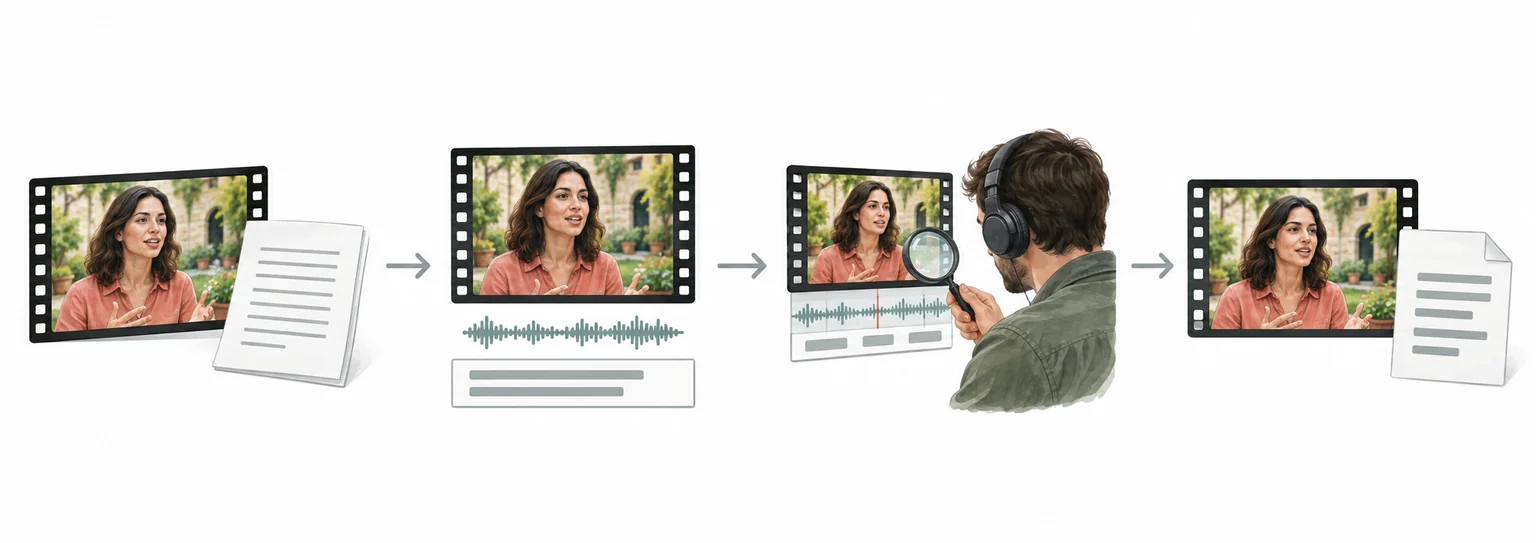
Illustrated stages: prepare a video, process selected options, review and download available results

Weydub Video Translation and Inpainting Overview

FAQ

  • Where can I check pricing and available trial credits?

    Check the current Pricing page and your account balance before submitting a task. Available trial credits, paid options, and the cost shown for your selected workflow should guide your decision. Review the task settings and displayed estimate before confirming; this guide does not promise a fixed free allowance or a specific price.
  • How should educators check translated definitions and terms?

    Compare key definitions across the subtitle text and dubbed script before delivery in Korean. Confirm that recurring terms keep the same meaning in headings, examples, and assessment instructions. Review the source glossary beside the translated output, then record preferred wording for later subtitle or dubbing revisions.
  • How can teachers review pacing in translated lessons?

    Play the finished lesson in Korean while following each subtitle segment and spoken explanation. Check that pauses still separate steps, examples, and conclusions, and that captions do not crowd a demonstration. Pay special attention when translated phrases expand, since instructional pacing may require subtitle timing review even when source delivery is clear.
  • How should visible labels be checked in educational videos?

    Inspect frames containing diagrams, formulas, labels, or on-screen definitions after translation to Korean. OCR can affect text visible in frames, so compare each important label with the source image and subtitle wording. Check spelling, line breaks, and terminology manually; translated captions do not replace text embedded in lesson visuals.
  • Do I need professional video editing experience?

    You can start by choosing a video and configuring the translation workflow without preparing a full editing project. Review the translated subtitle text, names, timing, and the finished audio before publishing. Specialized subject matter may still need a knowledgeable reviewer, especially when a small wording change affects meaning or a speaker's intent.
  • How should lesson layouts be reviewed across video orientations?

    Review the translated output in its intended orientation, including both 9:16 and 16:9 lessons when applicable. In Korean, check whether subtitles cover demonstrations, diagrams, speaker names, or key labels. Compare title and caption placement with the source, then inspect visually dense scenes for clipping, overlap, or hard-to-read line breaks.
  • What should I check in Korean subtitle spacing?

    When translating Korean from educational video, review spacing around particles, dependent nouns, and compound expressions, since segmentation can change readability or meaning. Compare subtitles with the spoken context, correct awkward word breaks, and watch line endings near punctuation. Read each cue aloud to confirm that Korean spacing feels natural without making the subtitle visually dense.
  • How should I review Korean speech levels?

    For Korean translated from educational video, check whether sentence endings match the relationship, setting, and emotional tone of each scene. Keep honorifics and speech levels consistent unless a character intentionally shifts register. Review repeated forms of address, workplace hierarchy, family roles, and abrupt changes between polite and casual language before approving subtitles or dubbing.
  • What should I review in Korean two-line timing?

    When Korean subtitles are created from educational video, inspect every two-line cue for balanced phrase breaks and comfortable reading order. Avoid separating particles from their host words or splitting a name from its title. Check that line changes align with pauses, that text clears before the next utterance, and that vertical 9:16 or horizontal 16:9 framing stays readable.
  • What should I check before uploading private or licensed footage?

    Use footage you are entitled to process and check the current privacy policy and service terms before uploading sensitive material. For client projects, confirm that the agreed handling of faces, voices, personal details, and licensed media permits this workflow. Ask support about any specific retention or processing requirement rather than assuming a promise from this guide.
↓View More
↑Collapsed More

Common Review Scenarios

Review specialist terms in Korean against the lesson. Keep the same term consistent across the explanation and examples.

Technical terminology

For specialist lessons

Check Korean narration against formulas, symbols and diagrams on screen. Preserve the distinction between a label and an instruction.

Formulas and symbols

For worked examples

Check who asks and answers each question in Korean. Review quiet student speech against the original recording.

Question attribution

For classroom recordings

Read the Korean captions with the lesson sequence. Keep prerequisites, examples and conclusions in their original relationship.

Explanation order

For structured courses

Preview Korean captions over dense slides. Keep diagrams and the part of the slide being discussed visible.

Slide readability

For recorded presentations

Check the Korean lesson order, titles and exported subtitles. Ask the course reviewer to confirm terminology before release.

Lesson handoff

For course delivery

Connect Your Educational Videos with the Korean-Speaking World

Language barriers shouldn't limit your content. Weydub AI professionally translates your Educational videos into fluent Korean, with accurate subtitles and natural AI dubbing. Unlock global audiences and unleash your video's true potential.

Try Educational to Korean AI Video Translator