
How to Automatically Remove Hardcoded Text from Your Turkish Videos?
Effortlessly eliminate hardcoded subtitles and text from Turkish videos with Weydub using these 3 steps


-
01Upload/PasteUpload files (batch supported) or paste Turkish video URLs.
-
02SettingsSelect removal quality level. Optional: Add translation, etc.
-
03DownloadReview the cleaned video for leftover text and changes to the background, then download the result.
Hardcoded Subtitles in Turkish Videos Limit Global Reach.
Turkish subtitles utilize the Latin alphabet but incorporate several unique letters with diacritics (ç, ğ, ı, ö, ş, ü). OCR systems must be trained to accurately differentiate and recognize these specific characters across various fonts. Removal difficulty is considered moderate due to this expanded character set; background restoration generally adheres to standard complexity.
Removing Hardcoded Texts from Turkish Videos is Difficult, but We Did It.
Turkey's unique culture/history/popular TV series (Dizi) attract global attention, but hardcoded Turkish subtitles can hinder convenient global spread. Turkish content on YouTube/TikTok with these subs needs translation for non-Turkish speakers. Removing hard subs and adding target language ones is crucial for enhancing viewing experience and influence.
Why Use Weydub for Erasing Turkish Video Subtitles & Text?
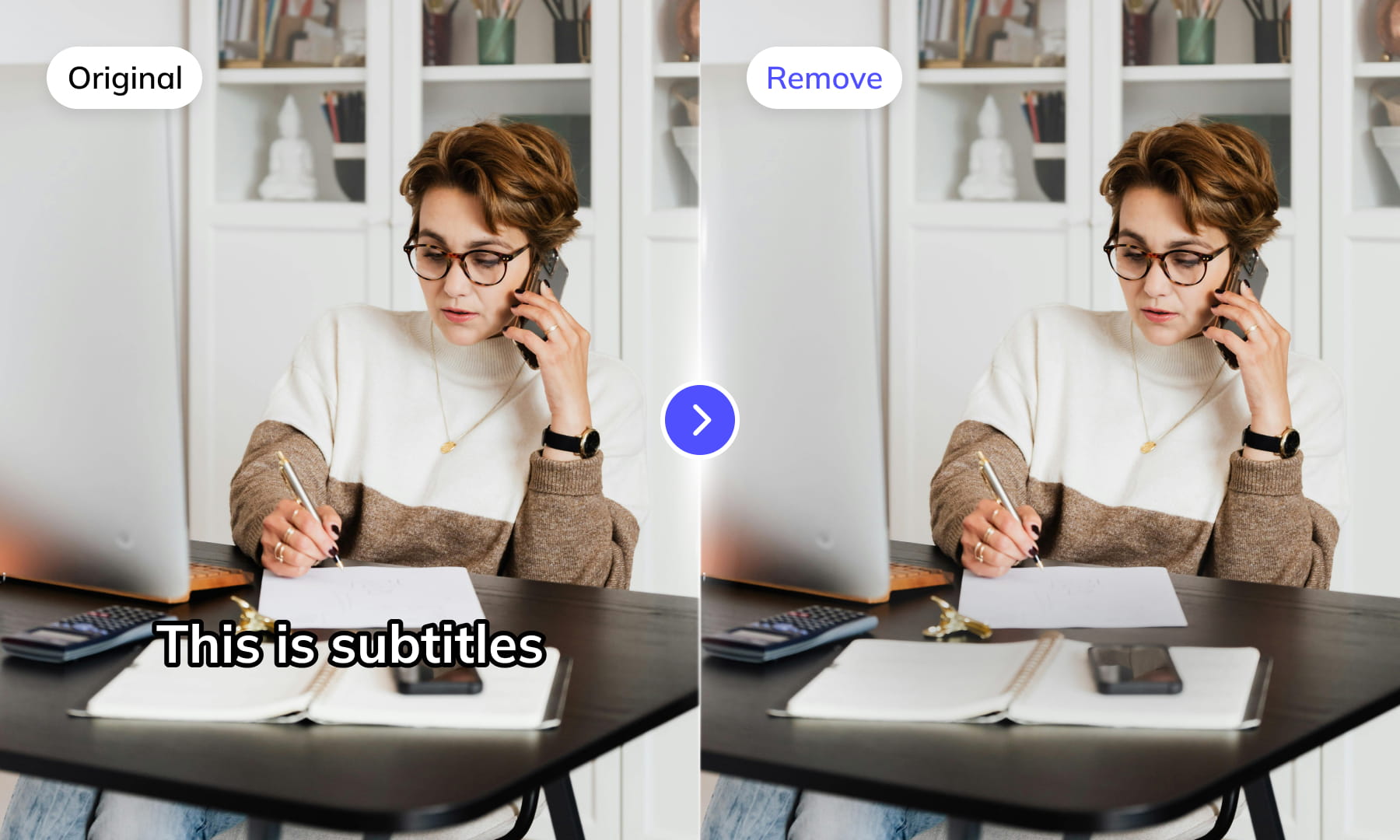
Use Weydub to remove selected subtitles and on-screen text from video. Review the repaired background and retained graphics before downloading the result for editing or localization.
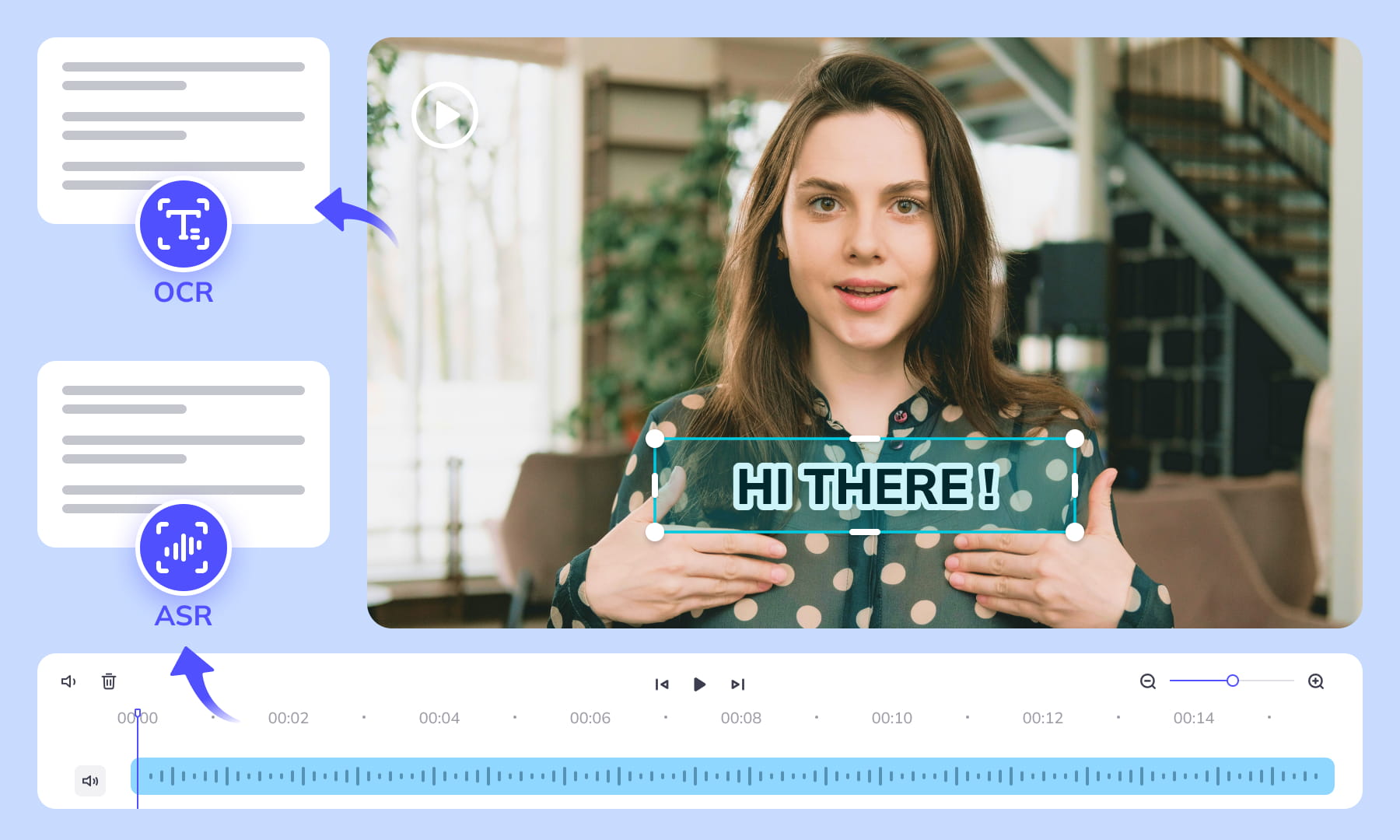
AI-Assisted Text Selection
Use AI-assisted text detection to prepare the cleanup. Review the selected regions and keep any text or graphics that should remain. Inspect the repaired video before moving it into the next workflow.
Background Repair and Review
AI repairs the area behind removed text. Results depend on the background, motion, and text placement. Compare repaired frames with the source, especially around faces, fine textures, and scene changes.
High-Volume Batch Capabilities & API Integration
Organize subtitle and text removal across multiple video files with batch workflows. Use the API for automated submissions, and check the settings and results for each source video.
Intelligent Multi-Language Support
Our system automatically identifies and removes text or subtitles in many languages. This is essential for repurposing content internationally and ensuring your AI video tools cater to a global audience, especially when working across multiple platforms.
Review Pricing Before Submission
Check the current Pricing page and the estimate shown for your task. Choose the processing options that fit the footage, and review the displayed cost before confirming.
Browser-Based Convenience
No downloads or installations necessary! Conveniently remove text from your Turkish videos online through our intuitive subtitle removal interface. Compatible across platforms (Windows, Mac) and mobile devices (iPhone, Android).
One-Stop AI Localization Workflow Effortlessly Globalize Your Videos
Weydub offers a revolutionary, all-in-one platform where every step, from subtitle generation to final rendering, seamlessly integrates.
Project Management
Organize projects and source assets for batch workflows. Review task settings and outputs for each video before delivery.
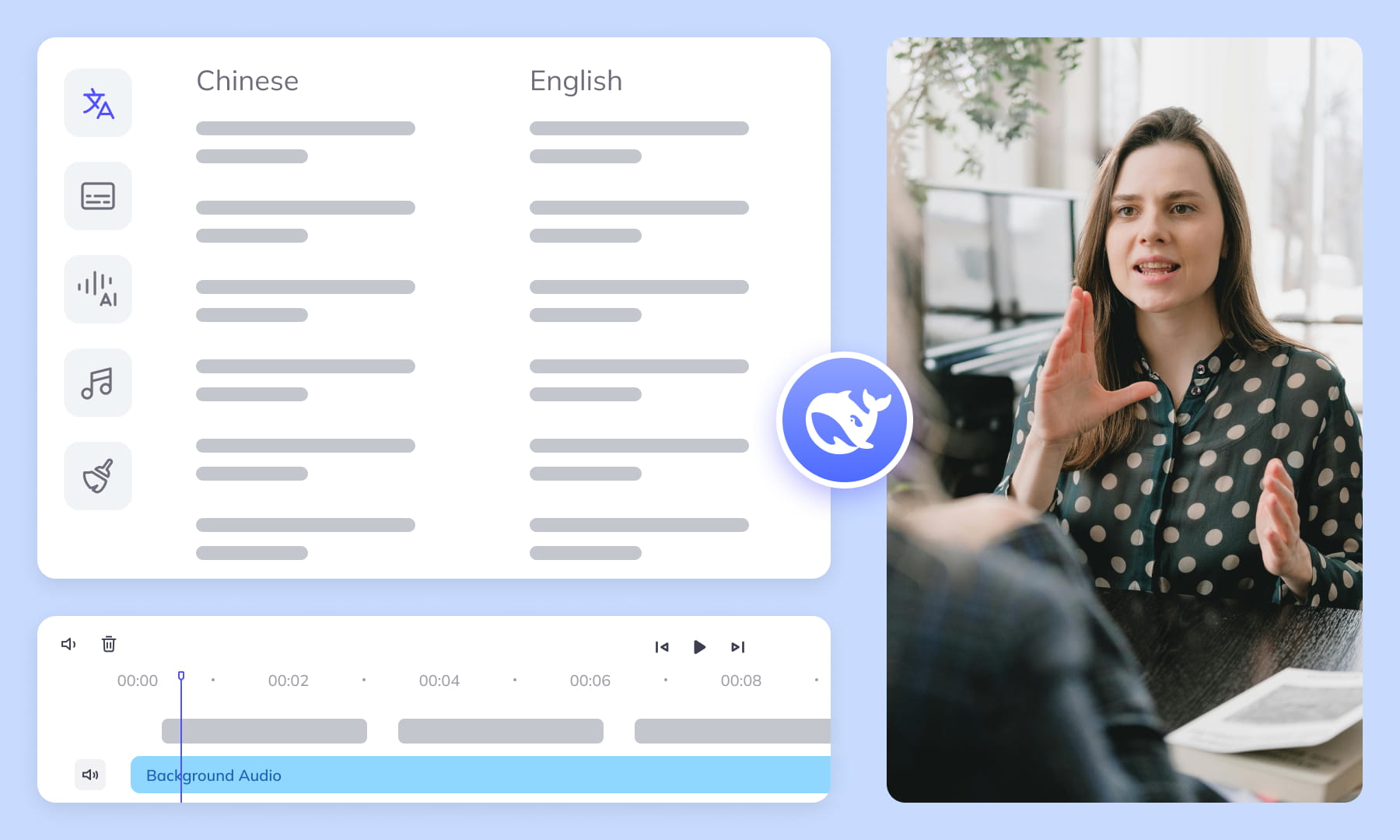

Export & Download
Review subtitle timing and any dubbed audio before delivery. Check the video and project export options available for the selected workflow.
Remove More Text from turkish Videos for Easier Reuse


Frequently Asked Questions
Where can I check pricing and available trial credits?
Check the current Pricing page and your account balance before submitting a task. Available trial credits, paid options, and the cost shown for your selected workflow should guide your decision. Review the task settings and displayed estimate before confirming; this guide does not promise a fixed free allowance or a specific price.How should I select a region around Turkish subtitles?
Select a text region that covers every subtitle position, including ascenders, descenders, punctuation, and any shadow or outline. Leave enough margin for captions that shift between lines, but avoid unrelated logos or faces. A stable boundary helps limit background repair to the area where Turkish subtitles actually appear.Can scrolling Turkish text use one removal region?
A single removal region may work only when the scrolling text stays within a predictable band. If a ticker enters, exits, or changes height, inspect its full path and use additional text regions where needed. Also check frames near the screen edges, where partially visible letters can be overlooked during review.How do complex backgrounds affect subtitle removal?
Detailed textures, moving people, camera motion, and objects crossing the subtitle area make background repair harder to evaluate. Review these moments frame by frame, looking for smears, repeated patterns, or softened edges. If a caption overlaps several visual elements, divide the review around each scene change rather than judging one still image.Do I need professional video editing experience?
Start by choosing footage and identifying the text you want to remove. You do not need a full editing project, but you should compare the repaired frames with the original video before publishing. Moving backgrounds, overlapping graphics, and text near faces may require closer review and adjustments to the selected region.What if Turkish subtitles overlap a logo or title?
Treat subtitles, logos, and titles as separate text layers when their positions or display periods differ. Define regions narrowly enough to preserve any element that should remain. Where layers overlap, review both the overlap and the frames immediately before and after it, since removing one layer may expose inconsistent repaired detail.Why review dotted and dotless Turkish letters?
Turkish distinguishes dotted and dotless letters, including i, I, dotted capital I, and dotless lowercase i. Their dots can be small or detached in stylized captions, so confirm that the selected region includes them. After removal, inspect the former letter positions for leftover dots, halos, or fragments against the repaired background.Does Turkish case changing affect text detection?
Case changing can alter the shapes of Turkish dotted and dotless i rather than simply enlarging or shrinking the same glyph. When captions switch between uppercase headings and lowercase dialogue, verify that each form falls inside the text region. Pay particular attention to isolated dots and narrow vertical strokes after background repair.Can Turkish suffixes change the subtitle removal area?
Vowel harmony can produce different suffix forms, which changes word length across captions even when the grammatical role is similar. Do not size a region from one short example alone. Check longer inflected words near both edges of the subtitle block so their final letters, outlines, and shadows are fully covered.Why check apostrophes in Turkish names after removal?
Turkish often uses apostrophes between proper names and inflectional endings. Because an apostrophe is small and separated from surrounding letters, it may remain as a speck when the main word is removed. Review proper names at normal playback and on paused frames, especially over textured or high-contrast areas where punctuation fragments can blend in.What should I verify before downloading the cleaned video?
Review the complete output before downloading it. Check scene changes, moving backgrounds, subtitle entrances and exits, overlapping text layers, and frames where Turkish punctuation or detached dots appeared. Confirm that intended titles remain, repaired areas look consistent during motion, and the downloaded output matches the version you reviewed for delivery.What should I check before uploading private or licensed footage?
Use footage you are entitled to process and check the current privacy policy and service terms before uploading sensitive material. For client projects, confirm that the agreed handling of faces, voices, personal details, and licensed media permits this workflow. Ask support about any specific retention or processing requirement rather than assuming a promise from this guide.
Common Removal Review Scenarios
Review the repaired regions in context before you reuse or localize the video.