
How to Automatically Remove Hardcoded Text from Your Bulgarian Videos?
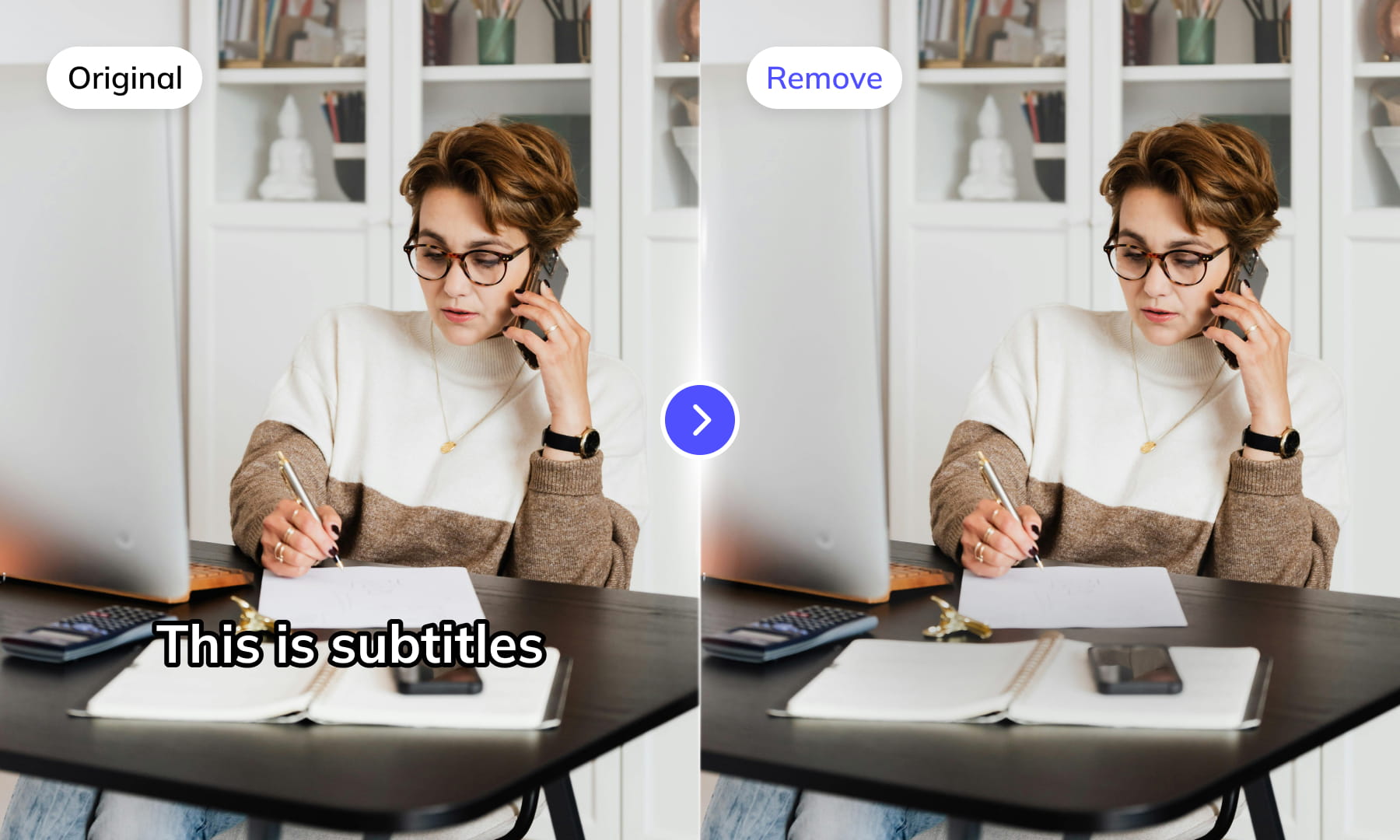
Effortlessly eliminate hardcoded subtitles and text from Bulgarian videos with Weydub using these 3 steps


-
01Upload/PasteUpload files (batch supported) or paste Bulgarian video URLs.
-
02SettingsSelect removal quality level. Optional: Add translation, etc.
-
03DownloadReview the cleaned video for leftover text and changes to the background, then download the result.
Hardcoded Subtitles in Bulgarian Videos Limit Global Reach.
Bulgarian subtitles use the standard Cyrillic script, closely related to Russian. Removal difficulty is moderate, requiring accurate and robust Cyrillic OCR models capable of handling common font variations effectively. Background reconstruction complexity is generally comparable to that for standard Latin alphabets.
Removing Hardcoded Texts from Bulgarian Videos is Difficult, but We Did It.
Bulgaria is known for roses, yogurt culture, Kukeri festivals, and Orthodox art, but hardcoded Bulgarian subtitles limit global awareness. Bulgarian content on YouTube/TikTok with native subtitles is hard for non-Bulgarian users to understand. Professional Bulgarian hard subtitle removal tools are needed. Removing native hardsubs and adding target language ones boosts user experience, accessibility, video SEO, and global reach.
Why Use Weydub for Erasing Bulgarian Video Subtitles & Text?
Use Weydub to remove selected subtitles and on-screen text from video. Review the repaired background and retained graphics before downloading the result for editing or localization.
AI-Assisted Text Selection
Use AI-assisted text detection to prepare the cleanup. Review the selected regions and keep any text or graphics that should remain. Inspect the repaired video before moving it into the next workflow.
Background Repair and Review
AI repairs the area behind removed text. Results depend on the background, motion, and text placement. Compare repaired frames with the source, especially around faces, fine textures, and scene changes.
High-Volume Batch Capabilities & API Integration
Organize subtitle and text removal across multiple video files with batch workflows. Use the API for automated submissions, and check the settings and results for each source video.
Intelligent Multi-Language Support
Our system automatically identifies and removes text or subtitles in many languages. This is essential for repurposing content internationally and ensuring your AI video tools cater to a global audience, especially when working across multiple platforms.
Review Pricing Before Submission
Check the current Pricing page and the estimate shown for your task. Choose the processing options that fit the footage, and review the displayed cost before confirming.
Browser-Based Convenience
No downloads or installations necessary! Conveniently remove text from your Bulgarian videos online through our intuitive subtitle removal interface. Compatible across platforms (Windows, Mac) and mobile devices (iPhone, Android).
One-Stop AI Localization Workflow Effortlessly Globalize Your Videos
Weydub offers a revolutionary, all-in-one platform where every step, from subtitle generation to final rendering, seamlessly integrates.
Project Management
Organize projects and source assets for batch workflows. Review task settings and outputs for each video before delivery.
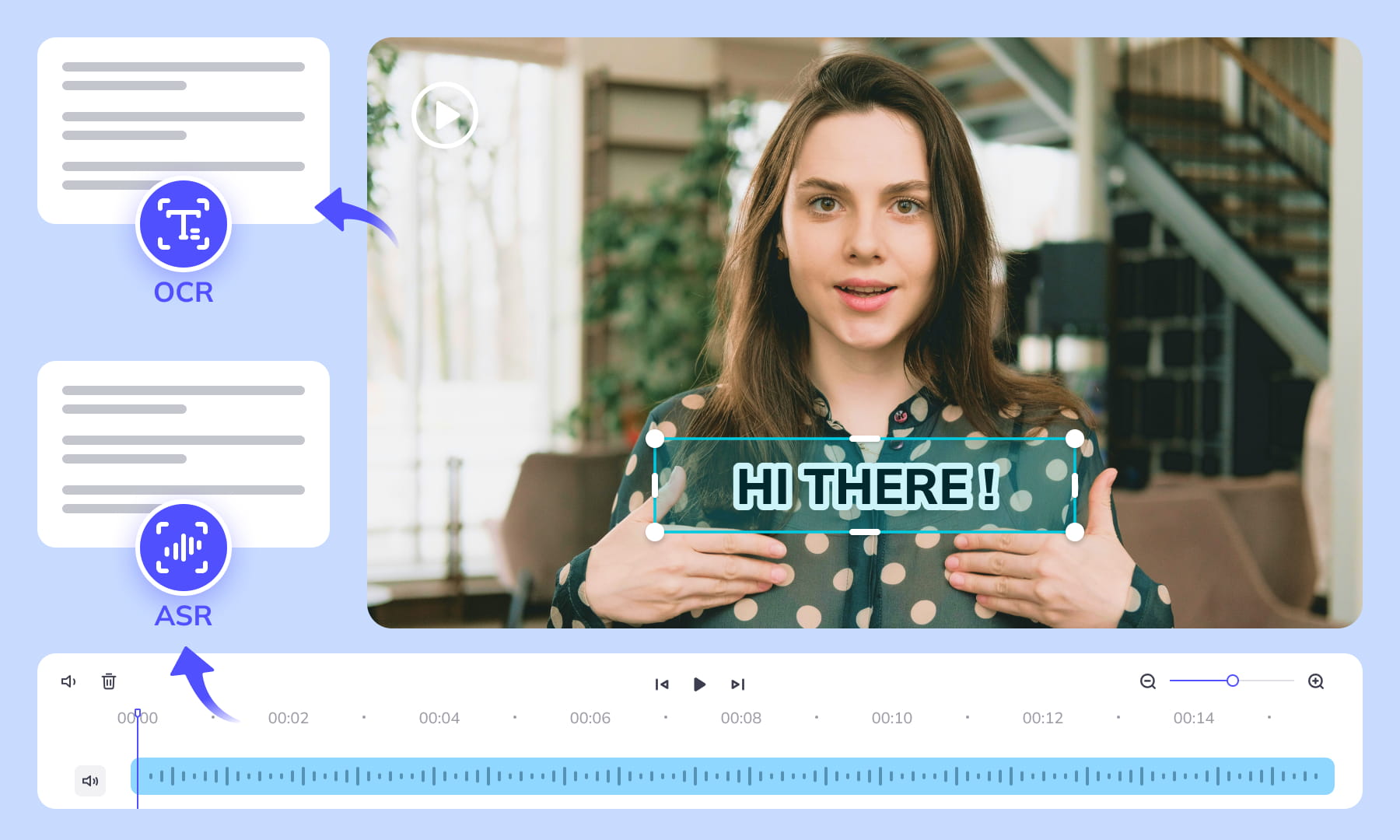
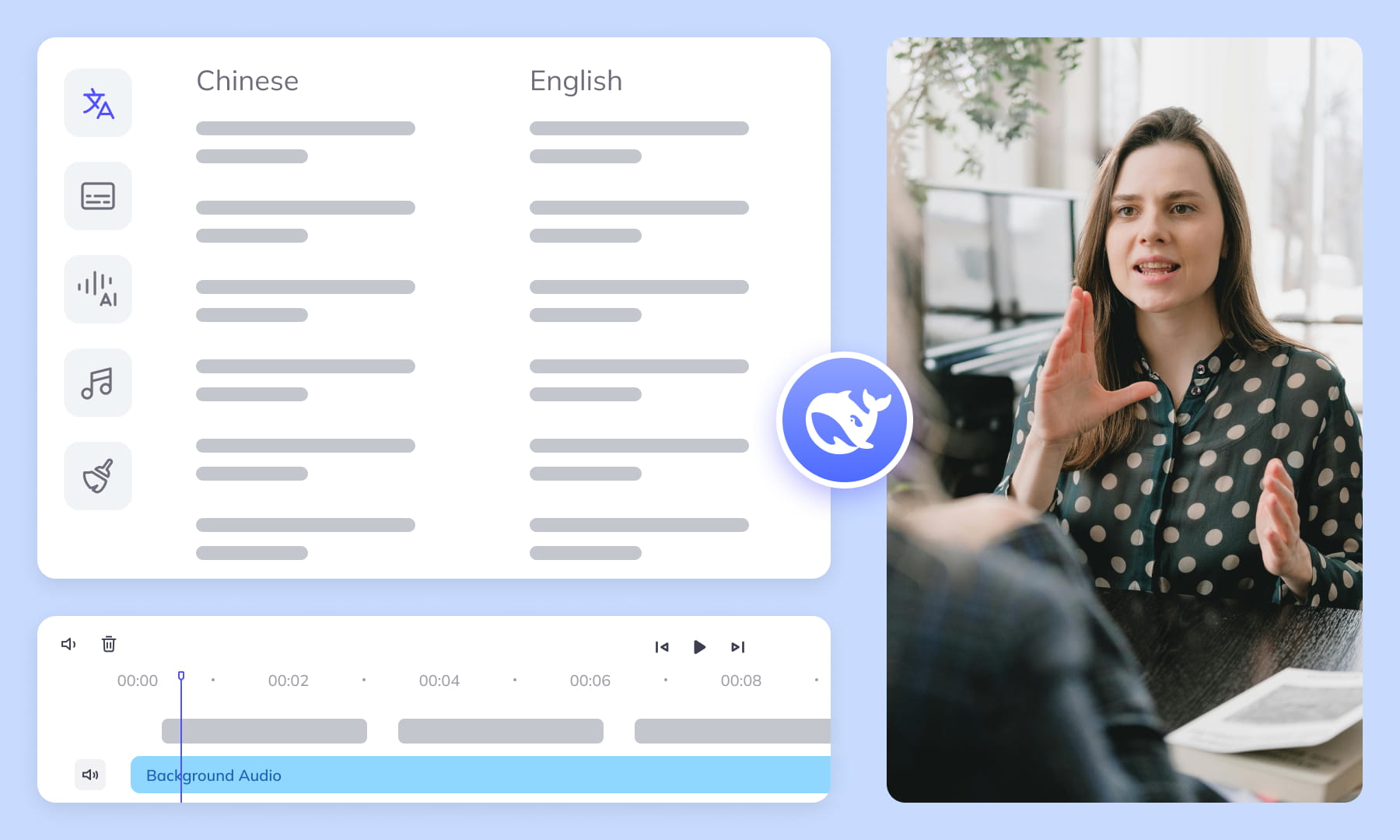

Export & Download
Review subtitle timing and any dubbed audio before delivery. Check the video and project export options available for the selected workflow.
Remove More Text from bulgarian Videos for Easier Reuse


Frequently Asked Questions
Where can I check pricing and available trial credits?
Check the current Pricing page and your account balance before submitting a task. Available trial credits, paid options, and the cost shown for your selected workflow should guide your decision. Review the task settings and displayed estimate before confirming; this guide does not promise a fixed free allowance or a specific price.How does text-region selection affect Bulgarian removal?
Select each visible Bulgarian subtitle or text region that should disappear, including separate overlays when they are not part of one layer. Careful region selection helps distinguish removable text from nearby graphics and scene details. After processing, review edges and surrounding objects to catch missed letters, unwanted removals, or background changes before downloading the result.How should scrolling Bulgarian captions be handled?
Scrolling Bulgarian captions can move through different parts of the frame, so one fixed selection may not cover the entire text path. Check the visible caption area across the relevant frames and inspect the repaired sequence for gaps, traces, or inconsistent background reconstruction. Review the full movement before delivery rather than checking only the opening position.What if Bulgarian text sits over a complex background?
When Bulgarian text overlaps foliage, textured walls, motion, or detailed objects, background repair has less visual information for reconstruction. Mark the text region precisely and inspect frames where the underlying scene changes most. Look for repeated textures, smears, or damaged edges around the former letters, then decide whether the cleaned video is suitable for reuse.Do I need professional video editing experience?
Start by choosing footage and identifying the text you want to remove. You do not need a full editing project, but you should compare the repaired frames with the original video before publishing. Moving backgrounds, overlapping graphics, and text near faces may require closer review and adjustments to the selected region.How do multiple Bulgarian text layers affect removal?
A Bulgarian video may contain subtitles plus titles, labels, or other visible overlays at different positions. Treat each layer as a separate removal target when needed, and check whether layers overlap during the sequence. Review the repaired frames for leftover characters and for background changes caused by accidentally including text or graphics that should have been retained.Why check Cyrillic and Latin look-alikes after removal?
Bulgarian text uses Cyrillic, but some characters can resemble Latin letters, especially in stylized overlays. During review, inspect the entire former text area rather than relying on quick visual pattern matching. This helps identify residual characters, partial glyphs, or marks that resemble removed text and confirms that the repaired background does not contain distracting letter-like artifacts.Can attached Bulgarian articles leave overlooked fragments?
Bulgarian definite articles are attached to nouns, so a visible word can form one continuous text unit rather than a stem followed by a separate article. When reviewing removal, inspect the whole word and nearby spacing instead of checking only the expected stem. This helps reveal suffix letters or small fragments left at the edge of the repaired region.Why track Bulgarian personal-name spelling during review?
A personal name may recur in subtitles, labels, and other Bulgarian overlays. Compare repeated appearances using consistent personal-name spelling, then inspect each selected boundary where part of the name might remain. Recognizing the expected spelling makes it easier to distinguish a genuine leftover Cyrillic letter from a background detail or an unrelated Latin-like shape.Which repaired frames need the closest inspection?
Inspect repaired frames around scene changes, subtitle transitions, and moments when objects pass behind the removed text. Look for leftover strokes, shifting patches, repeated textures, or altered edges on nearby graphics. Checking motion frame by frame where artifacts appear helps determine whether background reconstruction remains visually consistent throughout the affected sequence.What should I verify before downloading the cleaned video?
Before downloading, confirm that every intended Bulgarian subtitle and visible text layer is gone while important graphics remain intact. Watch the affected sequence to assess scrolling text, changing backgrounds, and frame-to-frame consistency. Also check the output for residual Cyrillic or Latin-like marks, repaired-area artifacts, and name fragments so the downloaded file suits its intended reuse.What should I check before uploading private or licensed footage?
Use footage you are entitled to process and check the current privacy policy and service terms before uploading sensitive material. For client projects, confirm that the agreed handling of faces, voices, personal details, and licensed media permits this workflow. Ask support about any specific retention or processing requirement rather than assuming a promise from this guide.
Common Removal Review Scenarios
Review the repaired regions in context before you reuse or localize the video.