
Generate Accurate Subtitles for Tongan Videos
Generate subtitle drafts for Tongan videos using speech recognition or visible text extraction. Review wording and timing before delivery.
≤1GB, ≤15min (mp4、avi、mov、mkv、mpg)
English subtitle workflow
A focused workflow for Tongan subtitle generation
Build a clean subtitle track for Tongan video content with a workflow tuned to the way this content is produced, reviewed, and delivered.
- Prepare Tongan footage and keep the original speech context visible
- Generate a timed subtitle track and review names, terms, and line breaks
- Export an editable subtitle file for localization or publishing workflows
How to Create Accurate Tongan Video Subtitles with AI?
Generate accurate AI subtitles in 3 easy steps with Weydub
Upload Video
- Select and batch upload Tongan videos from your device.
- Or, paste video links from social media.

Choose Generation Settings
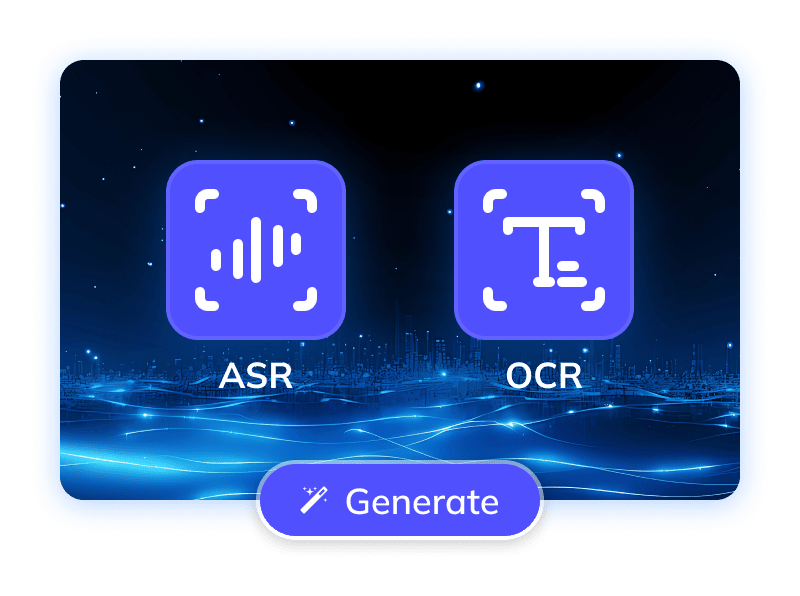
- Specify the video's original language and generation mode (via ASR or OCR).
- Check translation and calibration options and their displayed cost before submission.
Process & Download
- Auto generate subtitles with precise timestamps for your Tongan videos.
- Once done, batch download original/translated SRTs, edit online, or use AI dubbing.
Lack of Tongan Subtitles Hinders Video Reach
With many users watching videos in silent environments, accurate subtitles are crucial for Tongan videos to overcome language barriers, enabling effective content distribution and global cultural exchange. High-quality Tongan subtitle services are essential for reaching Tongan speakers globally and attracting international audiences interested in Pacific cultures. This ensures viewers grasp video information seamlessly, enhancing their experience while offering a global window for Tonga's unique cultural heritage. Therefore, professional subtitle solutions for Tongan videos are a crucial market need to expand their global influence and cultural soft power
Challenges in Accurate Tongan Video Subtitling
Accurate Tongan video subtitling faces significant challenges, primarily due to the language's scarce resources. A key hurdle for Automatic Speech Recognition (ASR) systems is the severe lack of high-quality training data. With relatively few Tongan speakers, available large-scale speech databases are very limited, directly impeding ASR accuracy. Additionally, despite using the Latin alphabet, Tongan's unique macrons and glottal stops are crucial for computer processing precision. These special characters impact word meaning and text display, demanding precise recognition and rendering. Moreover, achieving exact timeline synchronization between speech and text, and clearly displaying subtitles aligned with Tongan grammar and reading habits, also challenges technical solutions. Thus, generating high-quality Tongan video subtitles demands specialized optimization strategies for low-resource languages and their unique phonetic characteristics
Trusted by 2,000,000+ Creators and Businesses








Overcoming Challenges Generate Tongan Video Subtitles Accurately with AI
To maximize accuracy in Tongan video subtitle generation and ensure a smooth user experience, Weydub's subtitle feature is meticulously optimized, integrating multiple AI technologies.
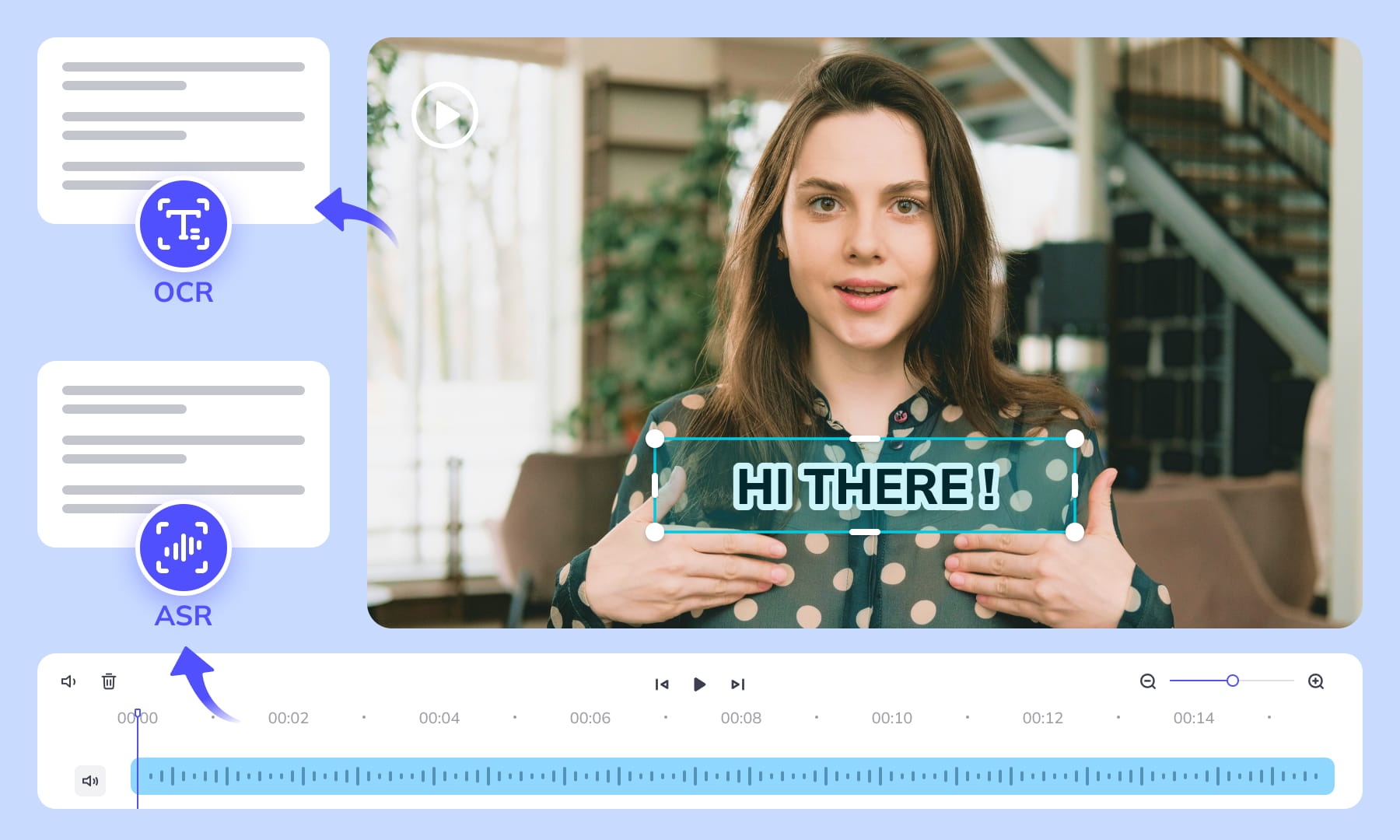
Speech Recognition and Visible Subtitle Extraction
Choose ASR to transcribe speech or OCR to extract visible subtitles from Tongan videos. Select the mode that matches the source, then review the generated text and timing.
Generate subtitles now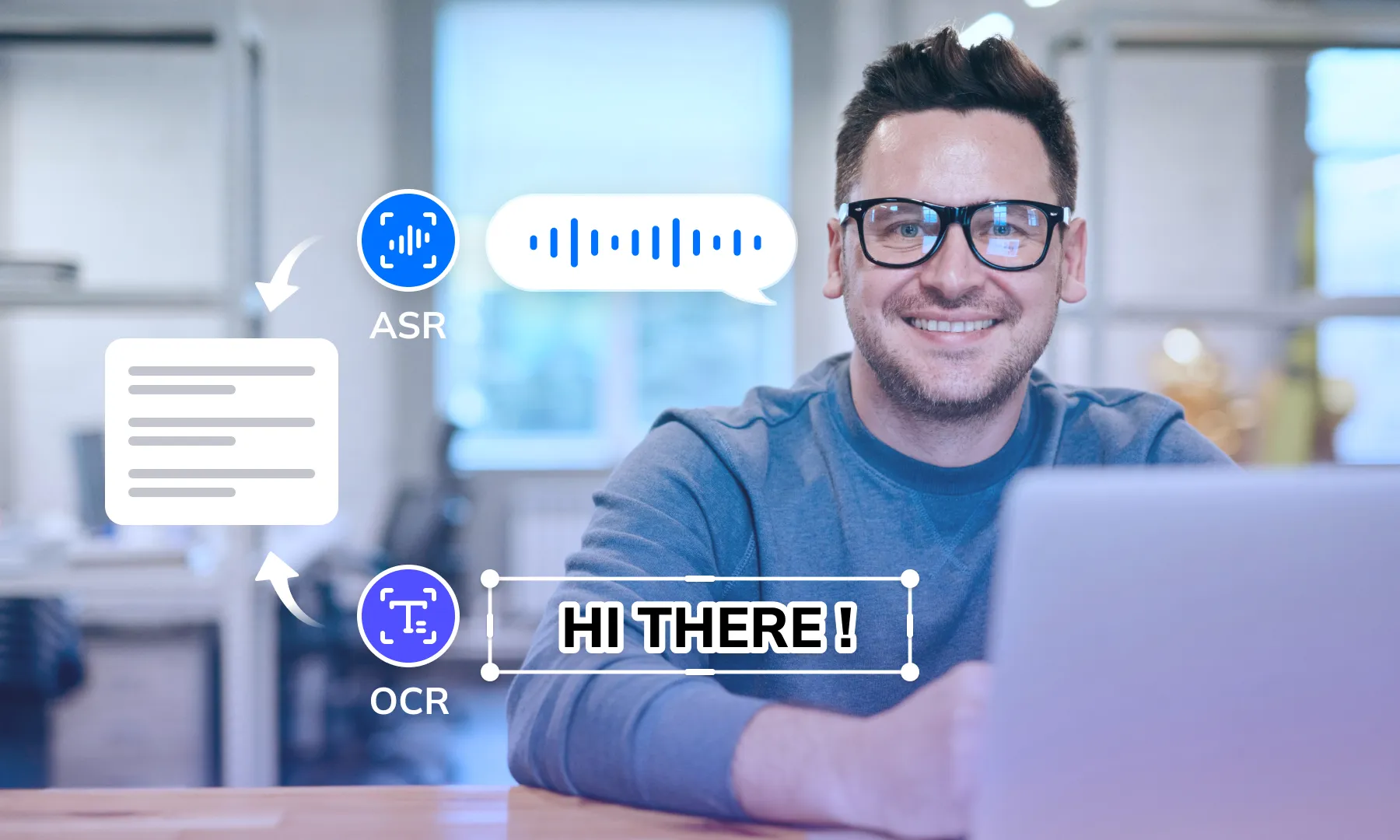

Speaker Labels and Dialogue Review
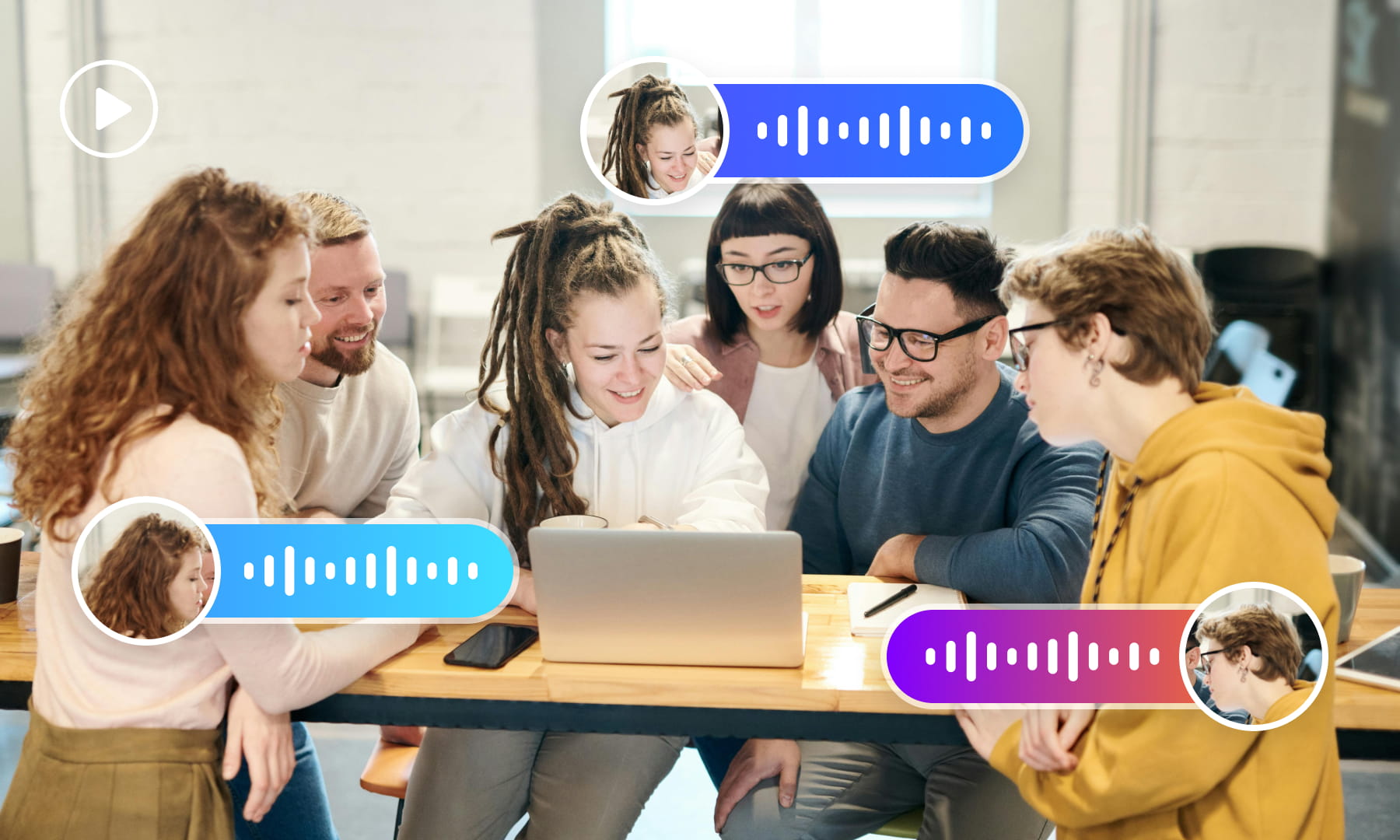
For Tongan interviews and dialogue, review speaker labels alongside the transcript. Check overlapping speech and speaker changes before handing subtitles to an editor or dubbing workflow.
Generate subtitles nowReview Speech Against Background Noise
Background music and other noise can affect Tongan speech recognition. Compare the generated transcript with the original audio and correct words that are obscured or unclear.
Generate subtitles now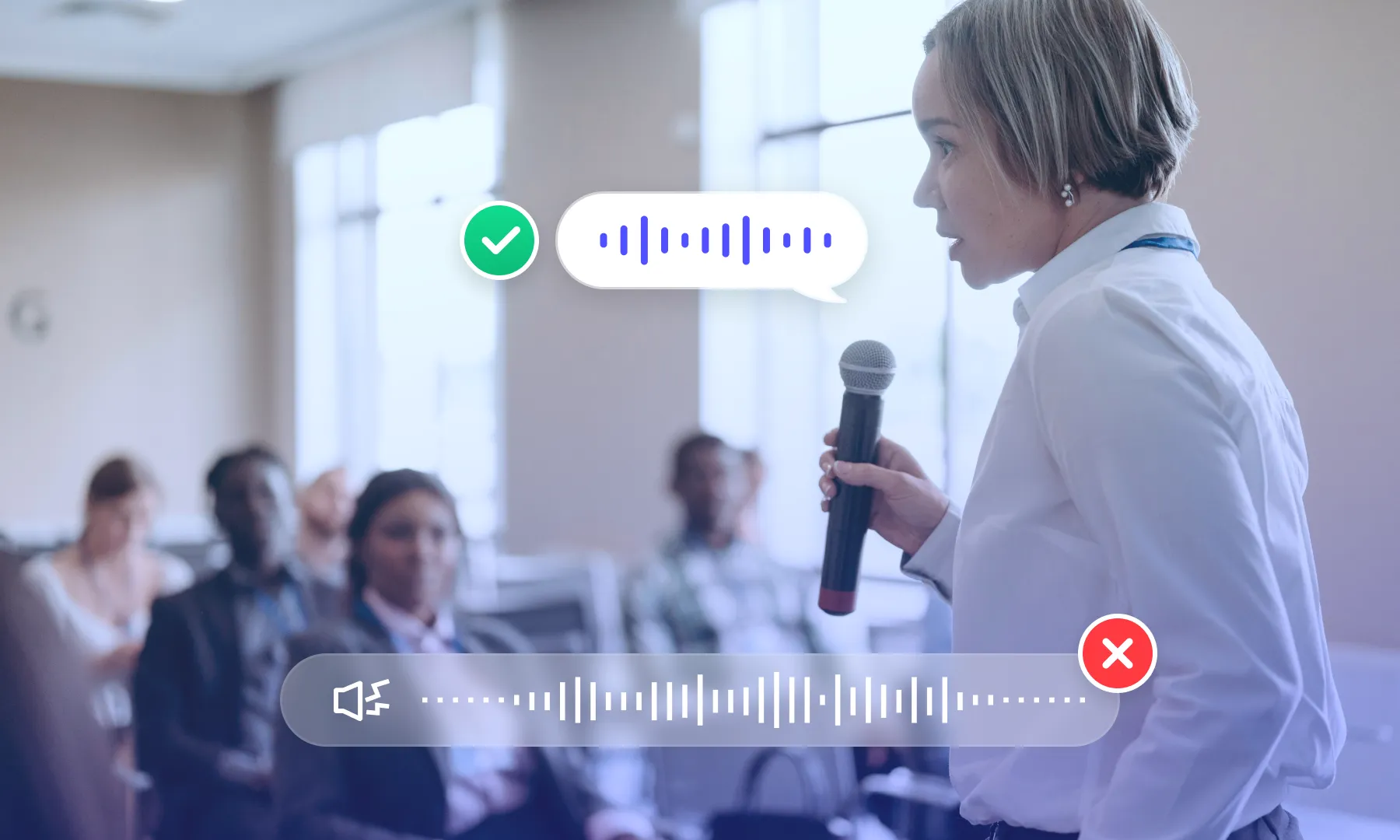
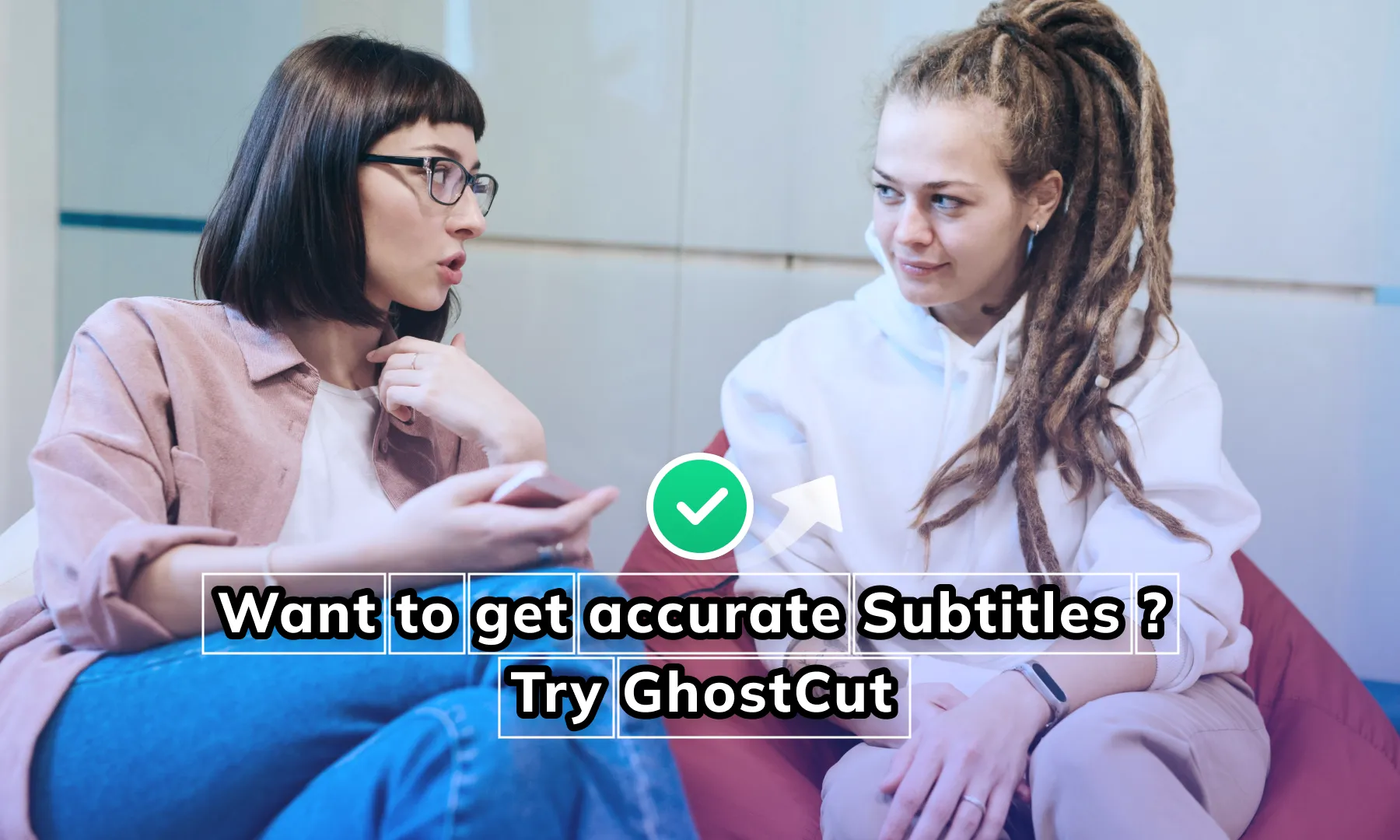
Subtitle Region Selection
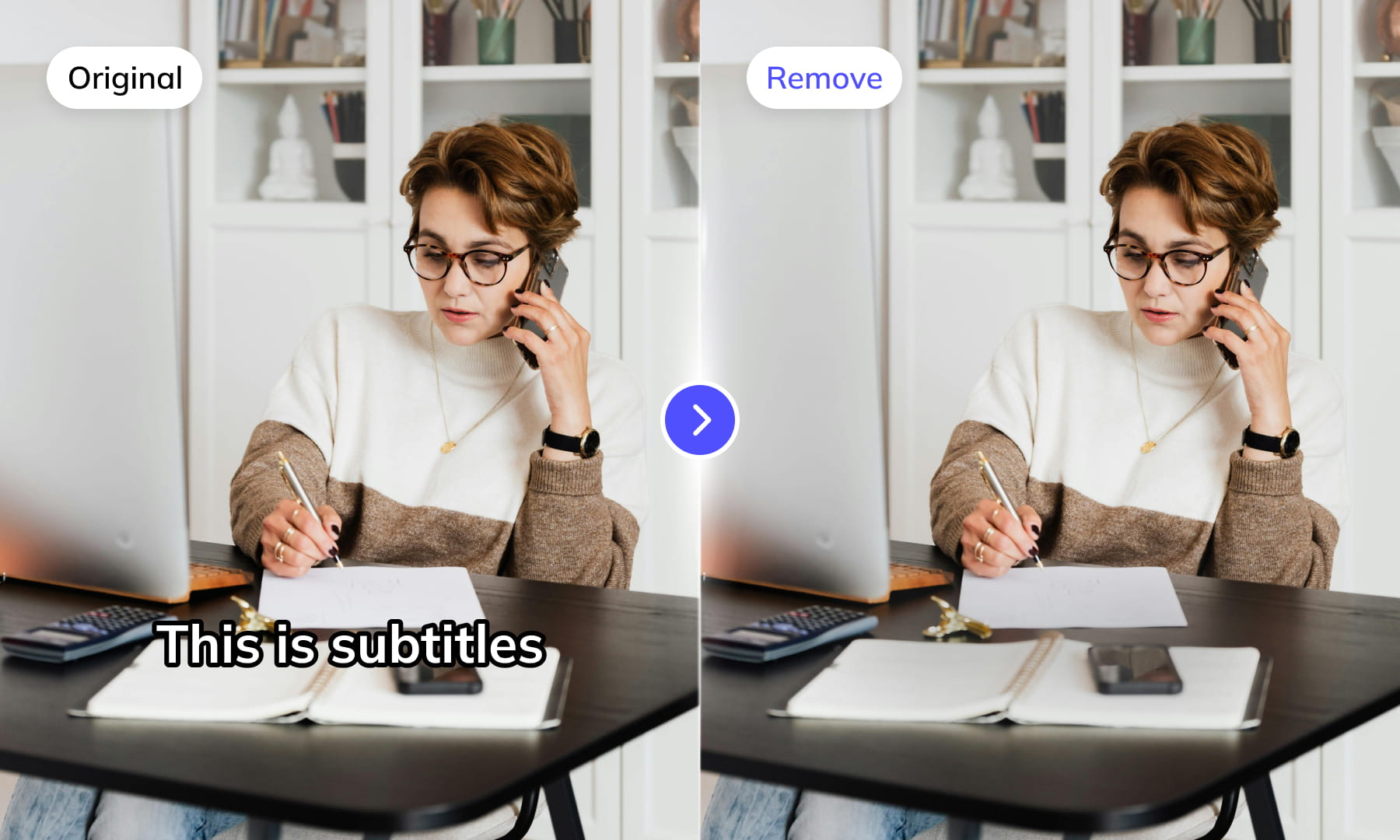
Select the subtitle area in the Tongan video, then check the extracted text for product labels or other scene text that should not be included. Adjust the selection when captions move or overlap other content.
Generate subtitles nowMulti-line Subtitle Review
Review multi-line Tongan captions as complete subtitle entries. Check that line grouping preserves reading order and that text from neighboring overlays has not been merged into the same cue.
Generate subtitles now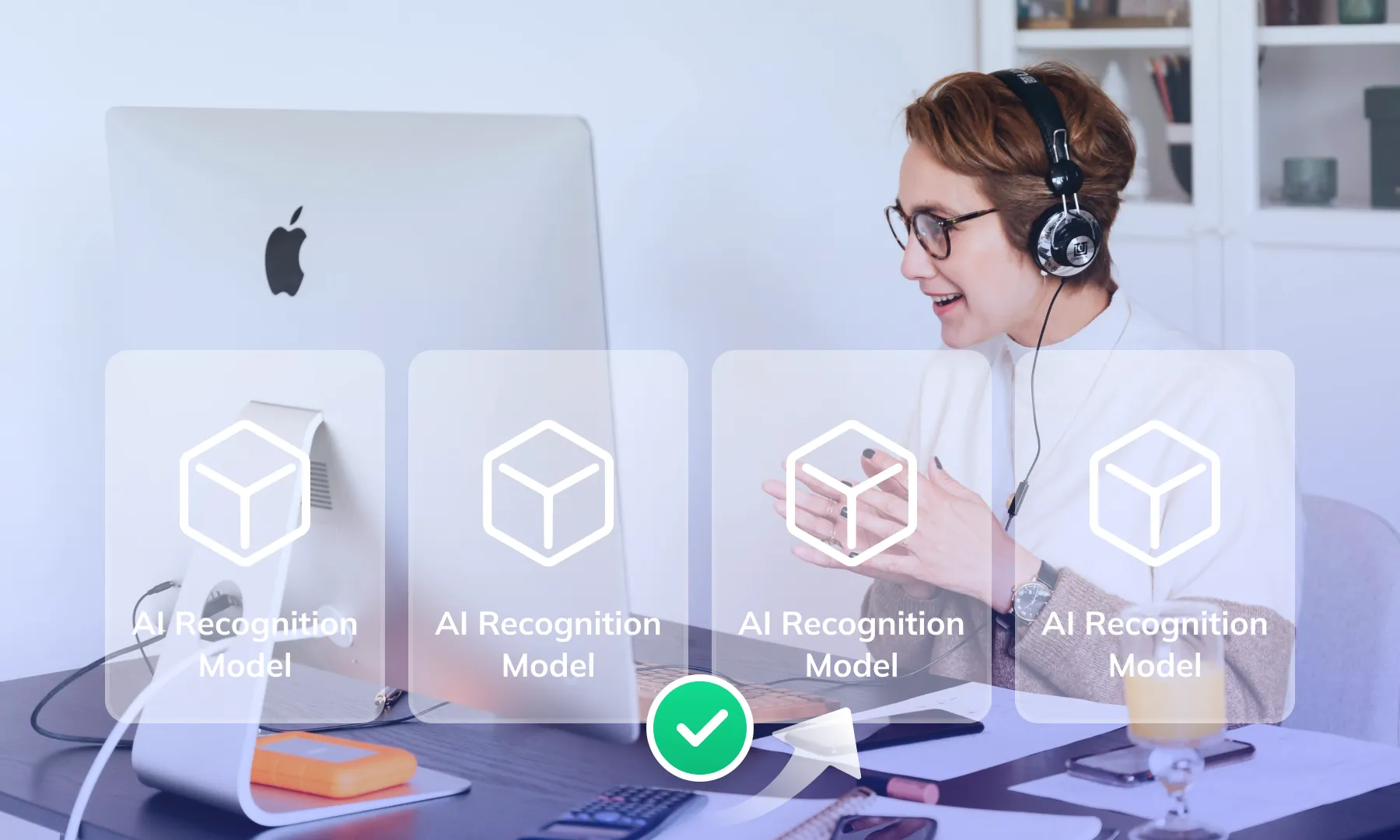
Contextual Subtitle Calibration
Use calibration to review a subtitle draft in context. Compare names, terminology, and ambiguous wording against the source; automated suggestions still require review before publication.
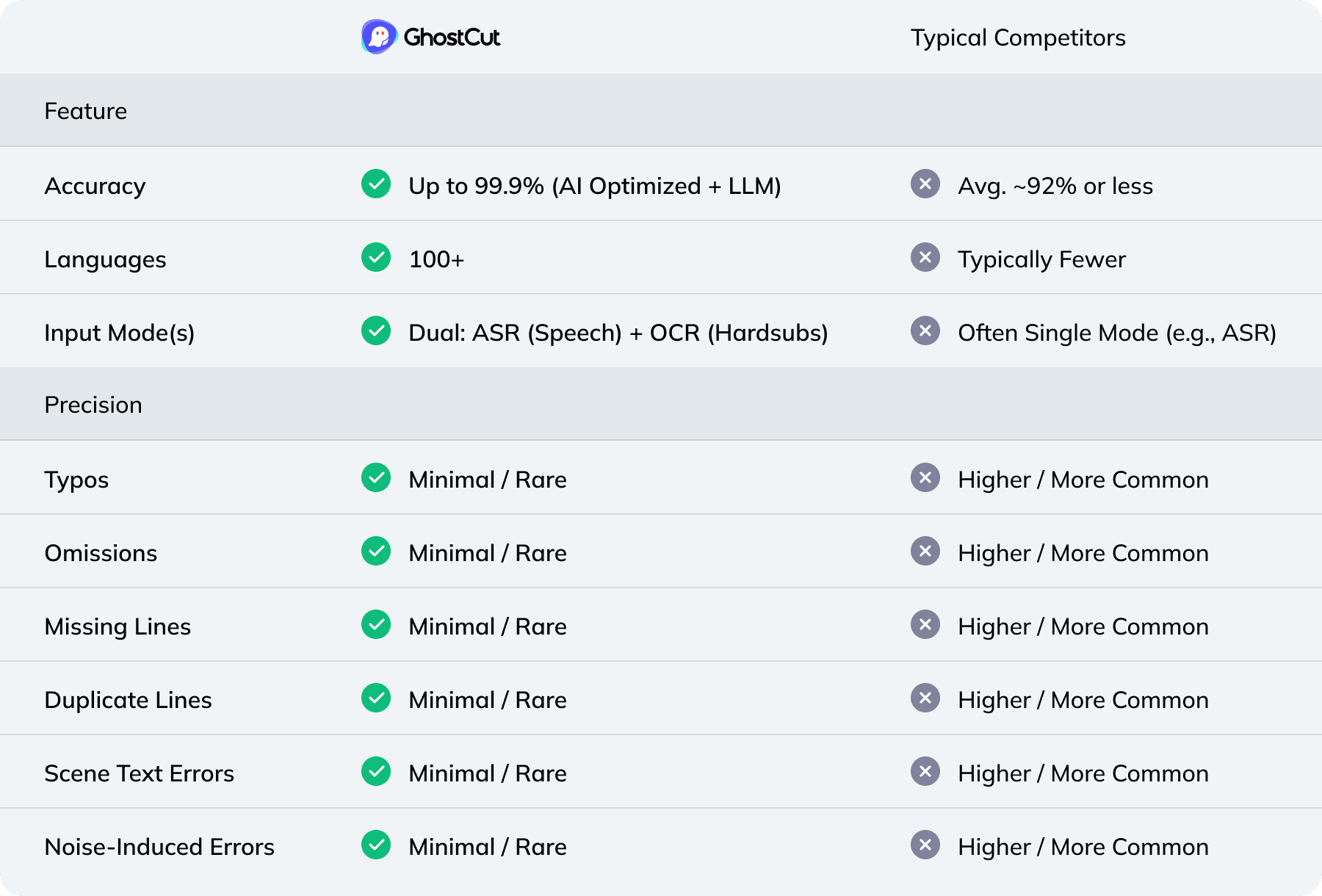
Generate subtitles nowCompare Recognition Modes and Review Options
Weydub: Your one-stop video localization workbench
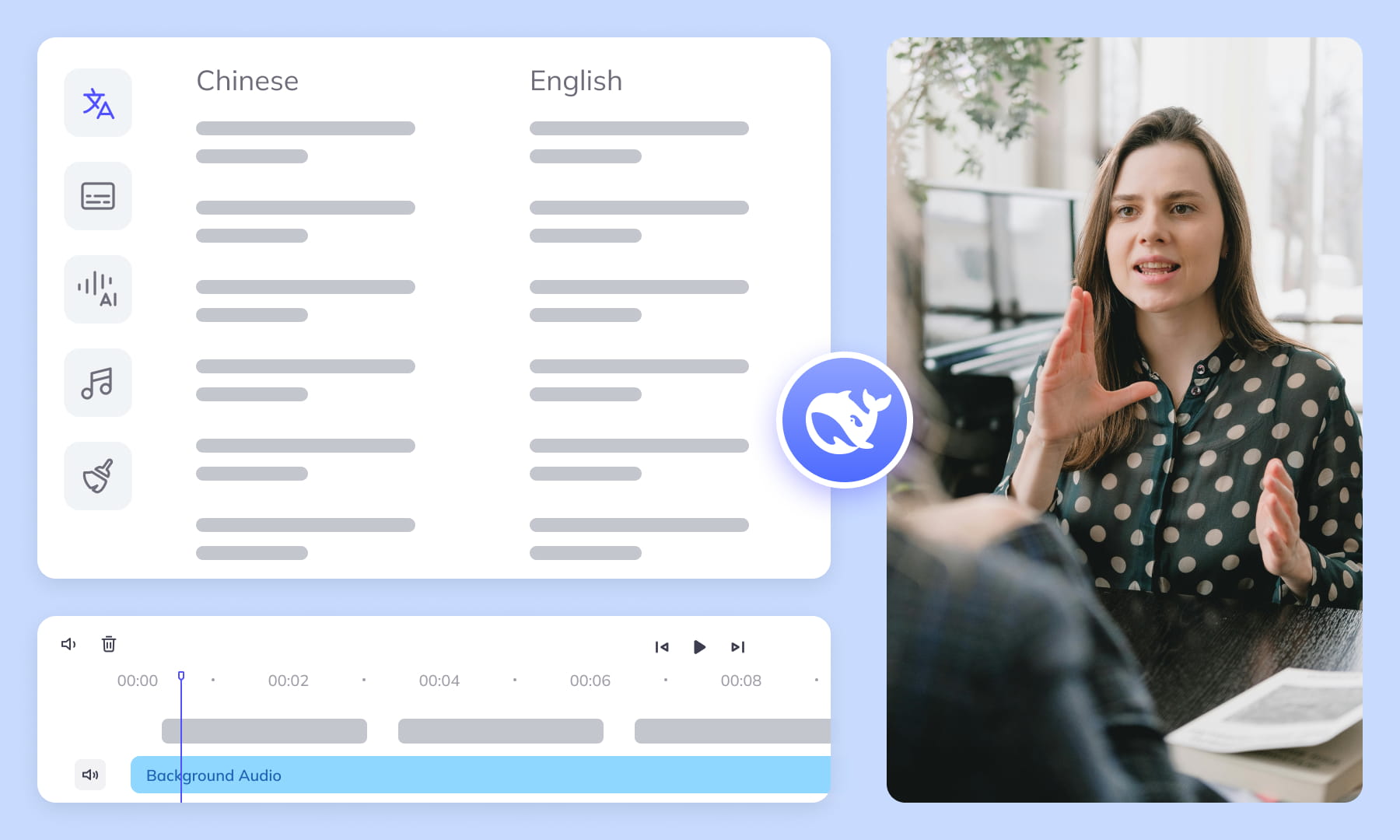
Prepare subtitles, review translations, and coordinate video localization in one workspace. Choose the tools needed for each source video and check the output before moving to the next step.
Project Management & Batch Processing
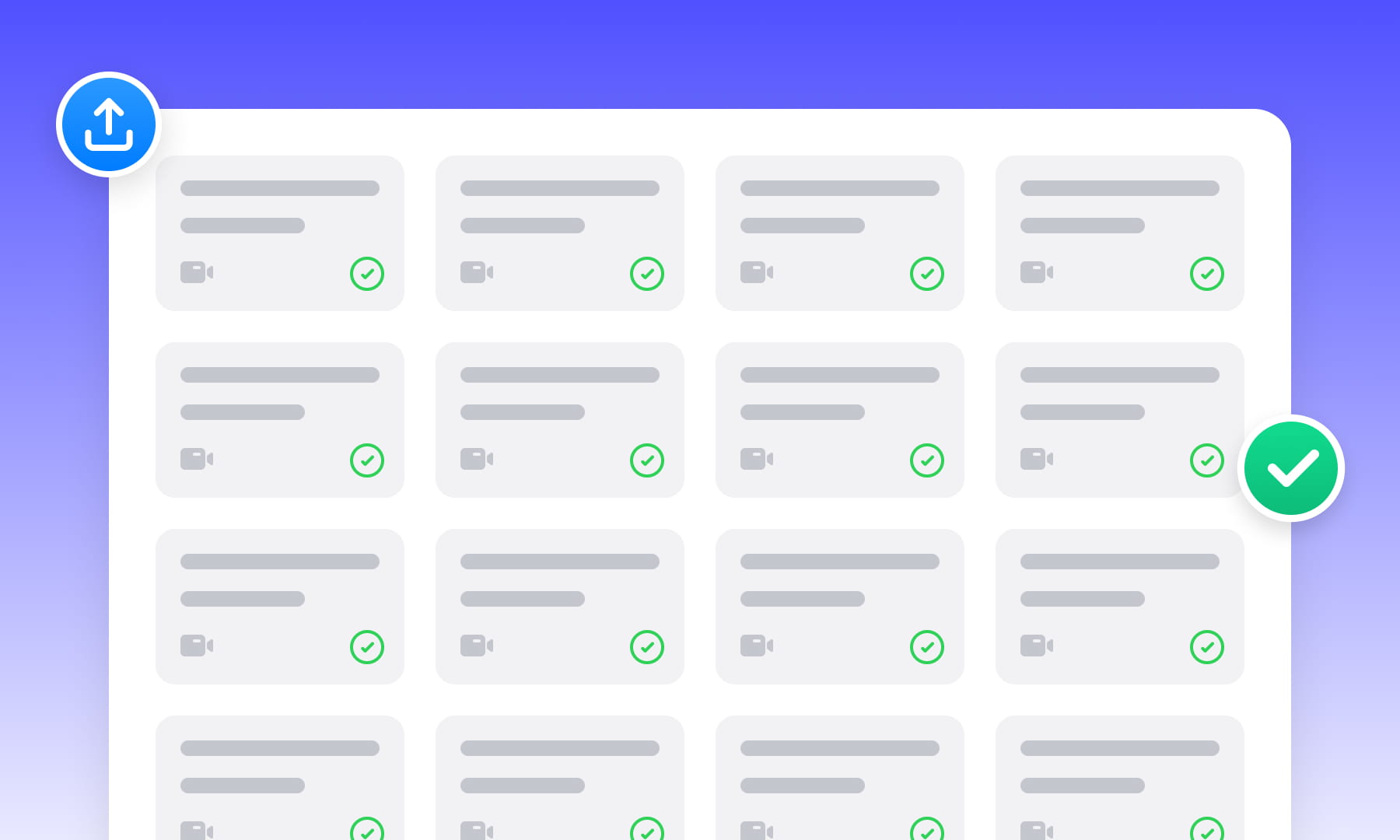
Organize source assets and use batch workflows for related videos. Check task limits, settings, and results for each file before delivery.
Automated Editing & Export
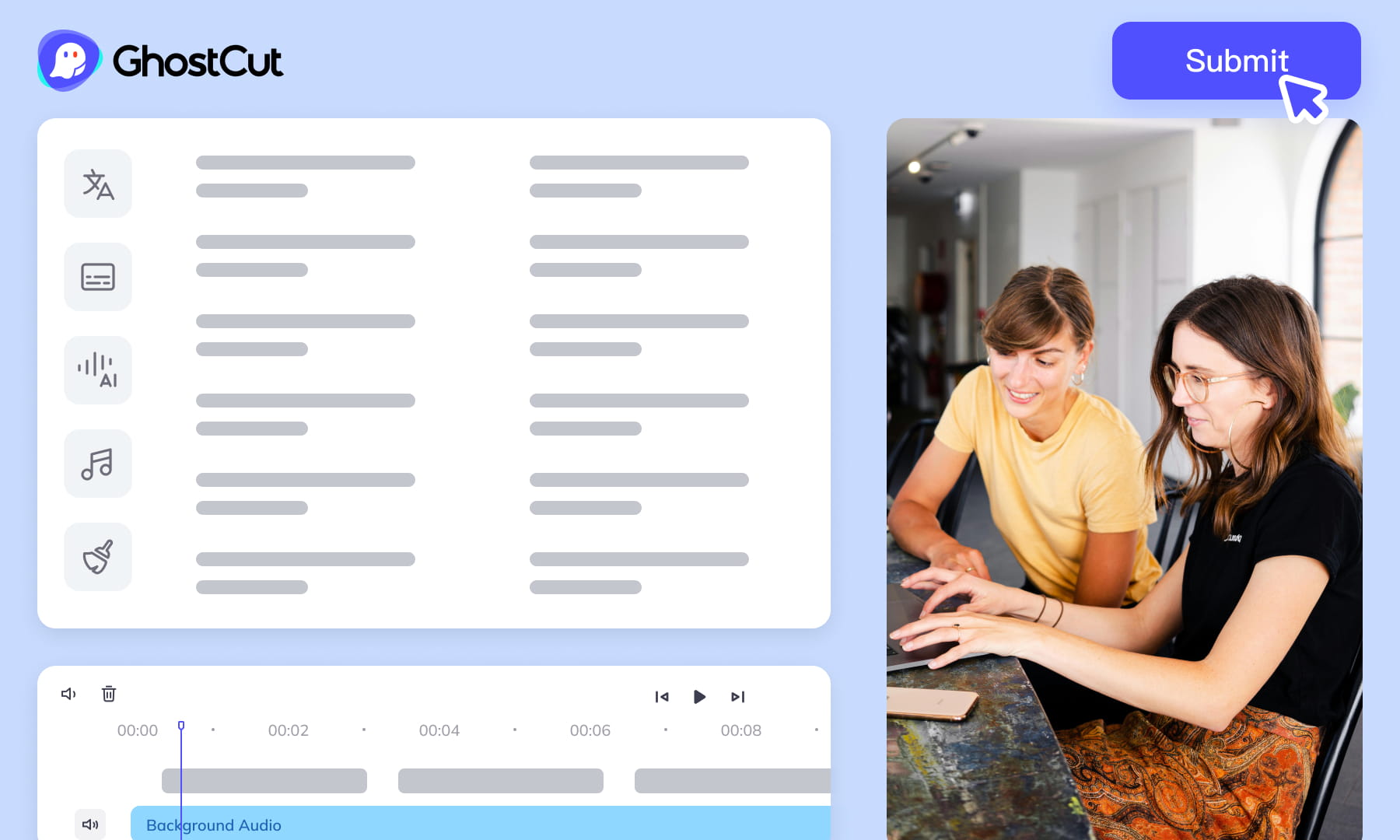
Auto-render and sync video, subtitles, AI dubs, and music. Ensures precise A/V alignment. Export project files compatible with professional NLEs (like Jianying/CapCut).
Meeting All-Scenario, Multilingual Video Subtitle Generation Needs.

Content Creators: Boost Appeal & Widen Reach
Short Drama Production: Powering Efficient Production & Market Expansion

E-commerce: Drive Engagement & Boost Sales Conversions

Animation & Film Entertainment: Accelerate Global Simultaneous Releases

Gaming Industry: Enhance Local Experience & Global Launch Efficiency
Multinational Corporate Communications & Training: Ensure Accurate Information Delivery

News Media & Broadcasting: Improve Timeliness & Public Coverage

Market Research & User Insights: Efficiently Analyze Qualitative Data
Video Tutorial
Frequently Asked Questions
Where can I check pricing and available trial credits?
Check the current Pricing page and your account balance before submitting a task. Available trial credits, paid options, and the cost shown for your selected workflow should guide your decision. Review the task settings and displayed estimate before confirming; this guide does not promise a fixed free allowance or a specific price.How accurate is Weydub's OCR for Tongan video subtitle extraction?
OCR reads Tongan text already visible in video frames, while speech recognition transcribes spoken audio. Results depend on image clarity, text size, contrast, and spelling. Review the extracted text carefully, preserving the glottal marker and vowel-length marks rather than replacing them with approximate English characters.Can I batch extract subtitles from multiple Tongan videos?
Weydub can support batch workflows. Group videos that need the same recognition method, then choose OCR for visible picture text or speech recognition for spoken Tongan. Review each result separately because recording quality, hardcoded caption placement, mixed Tongan-English speech, and personal or place names may vary between videos.How do I proofread and edit Tongan subtitles?
Compare each subtitle with the audio and correct text, timing, and line breaks. Preserve the glottal marker and vowel-length marks under the approved spelling convention. Check respectful vocabulary, particles, personal names, and place names in phrase context, especially where speakers switch between Tongan and English. Confirm that every glyph displays correctly.Do I need professional video editing experience?
Start by choosing a video and the appropriate subtitle workflow. You do not need to prepare a full editing project, but you should review recognized wording, names, timing, and line breaks before publishing. Specialized dialogue may need a knowledgeable reviewer, especially when a small transcription error changes the meaning.What other languages does Weydub support for subtitle timing?
Check the current workflow choices for the available source-language recognition options. Choose the language actually spoken rather than an approximate substitute, and review mixed-language passages manually. For Tongan, align each subtitle with complete connected phrases where possible, then adjust timing and line breaks without splitting words or separating short particles from their phrase context.Is there a video length limit for Tongan videos?
Check the current upload requirements before submitting a Tongan video, since supported conditions can vary by workflow. For a long recording, divide work at natural scene or topic boundaries if needed, keep the segments in order, and review subtitle timing around every boundary so connected speech is not omitted or duplicated.How can I style Tongan subtitles after generation?
First review and download the subtitle file, then apply fonts, size, color, position, and other presentation choices in a compatible downstream editor or player. Select a font that renders the Tongan glottal marker and vowel-length marks correctly. Recheck line breaks after styling because larger text can change readability or crowd the frame.How do I extract hardcoded Tongan subtitles?
Choose OCR when the Tongan subtitles are hardcoded into the picture, then select the caption region and submit the video. Review extracted lines against the frames, especially where text overlaps bright, moving, or low-contrast backgrounds. Correct spelling marks, names, line breaks, and timing before downloading the external subtitle file.What's the difference between external and hardcoded video subtitles?
External subtitles are separate files, while a selectable subtitle track is stored with the media but can usually be turned on or off. Hardcoded subtitles are pixels in the video image and require OCR to recover their text. After extraction, review wording and timing; embedding the downloaded subtitle file into video is a downstream editing step.What should I check before uploading private or licensed footage?
Use footage you are entitled to process and check the current privacy policy and service terms before uploading sensitive material. For client projects, confirm that the agreed handling of faces, voices, personal details, and licensed media permits this workflow. Ask support about any specific retention or processing requirement rather than assuming a promise from this guide.