
Generate Accurate Subtitles for Maltese Videos
Generate subtitle drafts for Maltese videos using speech recognition or visible text extraction. Review wording and timing before delivery.
≤1GB, ≤15min (mp4、avi、mov、mkv、mpg)
English subtitle workflow
A focused workflow for Maltese subtitle generation
Build a clean subtitle track for Maltese video content with a workflow tuned to the way this content is produced, reviewed, and delivered.
- Prepare Maltese footage and keep the original speech context visible
- Generate a timed subtitle track and review names, terms, and line breaks
- Export an editable subtitle file for localization or publishing workflows
How to Create Accurate Maltese Video Subtitles with AI?
Generate accurate AI subtitles in 3 easy steps with Weydub
Upload Video
- Select and batch upload Maltese videos from your device.
- Or, paste video links from social media.

Choose Generation Settings
- Specify the video's original language and generation mode (via ASR or OCR).
- Check translation and calibration options and their displayed cost before submission.
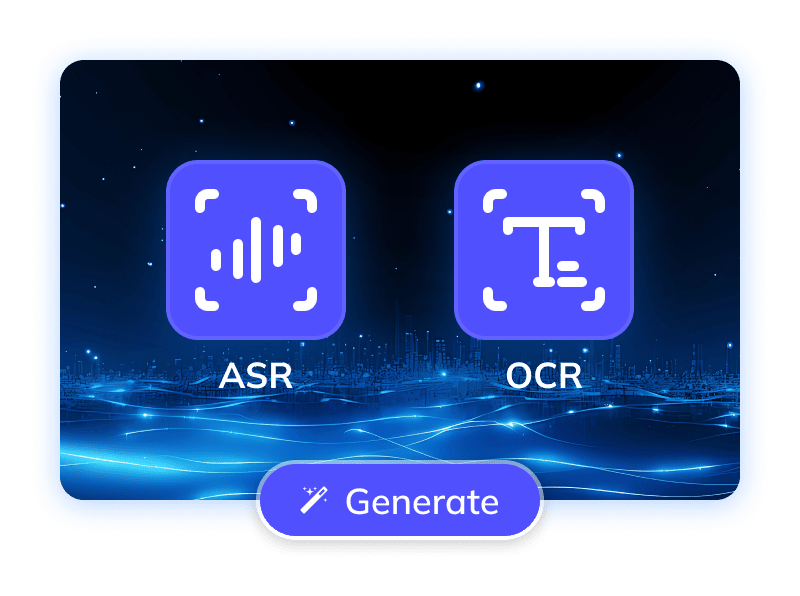
Process & Download
- Auto generate subtitles with precise timestamps for your Maltese videos.
- Once done, batch download original/translated SRTs, edit online, or use AI dubbing.
Subtitles
Prevalent silent viewing habits make accurate subtitles essential for content to transcend geographical barriers and ensure accessibility. For culturally rich Maltese videoscovering tourism, history, or local creationsprofessional subtitle generation is foundational. It enables them to reach global audiences and foster cultural exchange on platforms like YouTube and TikTok. Beyond meeting diverse viewing needs and ensuring precise content delivery, subtitles also optimize platform SEO and enhance Maltese content's international influence. Therefore, an effective Maltese video subtitling solution has become a market imperative for bringing unique Maltese content to the world
Generating Precise Maltese Video Subtitles: A Daunting Task
The formidable task of generating precise Maltese video subtitles begins with recognition challenges. Automatic Speech Recognition (ASR) faces significant hurdles due to Maltese's unique phonetic blend of Semitic roots and Romance influences, featuring diverse pronunciation from Arabic gutturals and ItalianEnglish loanwords. Fast spoken Maltese, with blurred word boundaries and context-dependent homophones, further impedes ASR accuracy. Moreover, Maltese, despite using the Latin alphabet, includes unique diacritics (e.g., ?, ?, ?, ?) that demand high precision from Optical Character Recognition (OCR) and text transcription. The combined challenges of recognition, understanding, and presentation create a substantial technical barrier for Maltese subtitling, necessitating solutions that ensure accurate speech recognition, precise text processing, and professional output
Trusted by 2,000,000+ Creators and Businesses












Overcoming Challenges Generate Maltese Video Subtitles Accurately with AI
To maximize accuracy in Maltese video subtitle generation and ensure a smooth user experience, Weydub's subtitle feature is meticulously optimized, integrating multiple AI technologies.
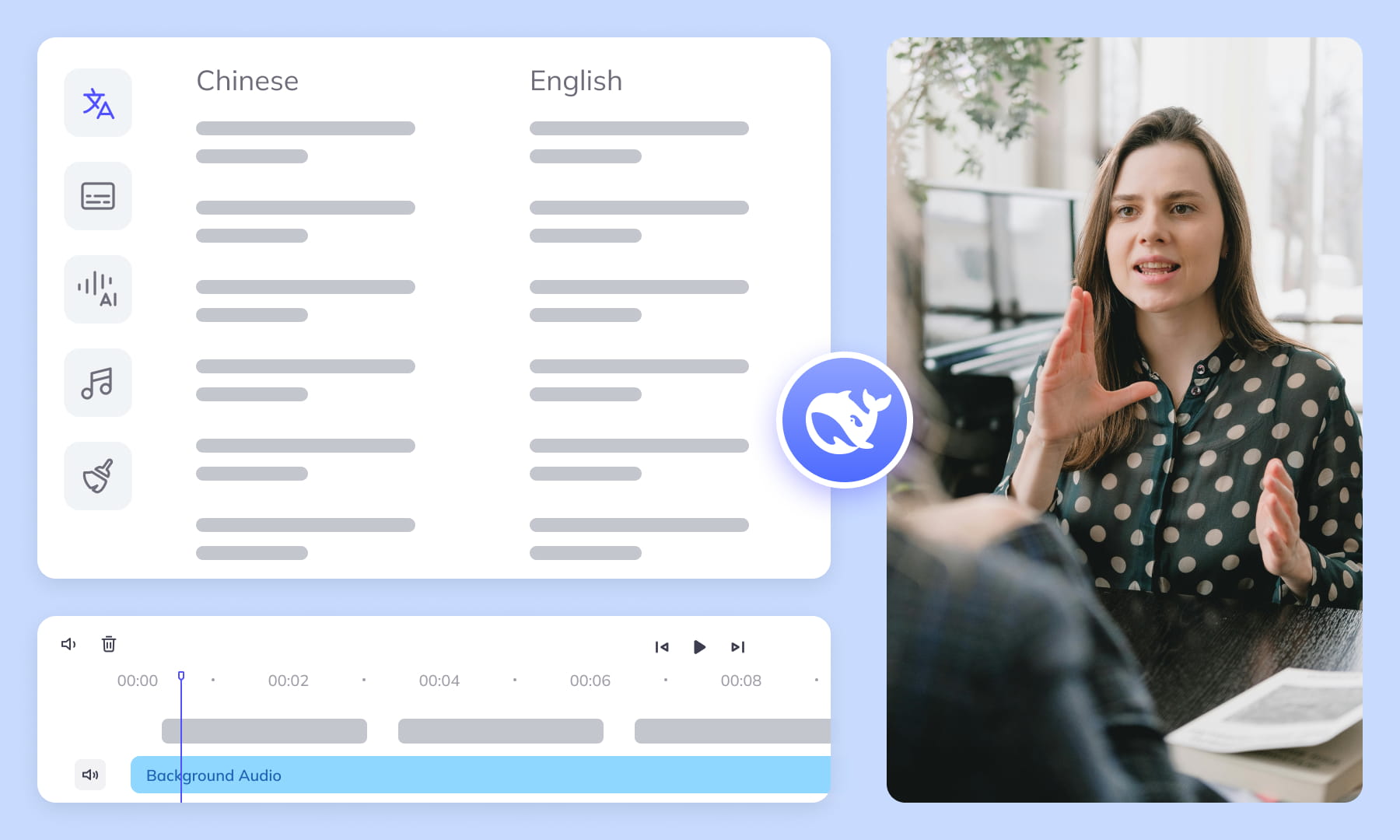
Speech Recognition and Visible Subtitle Extraction
Choose ASR to transcribe speech or OCR to extract visible subtitles from Maltese videos. Select the mode that matches the source, then review the generated text and timing.
Generate subtitles now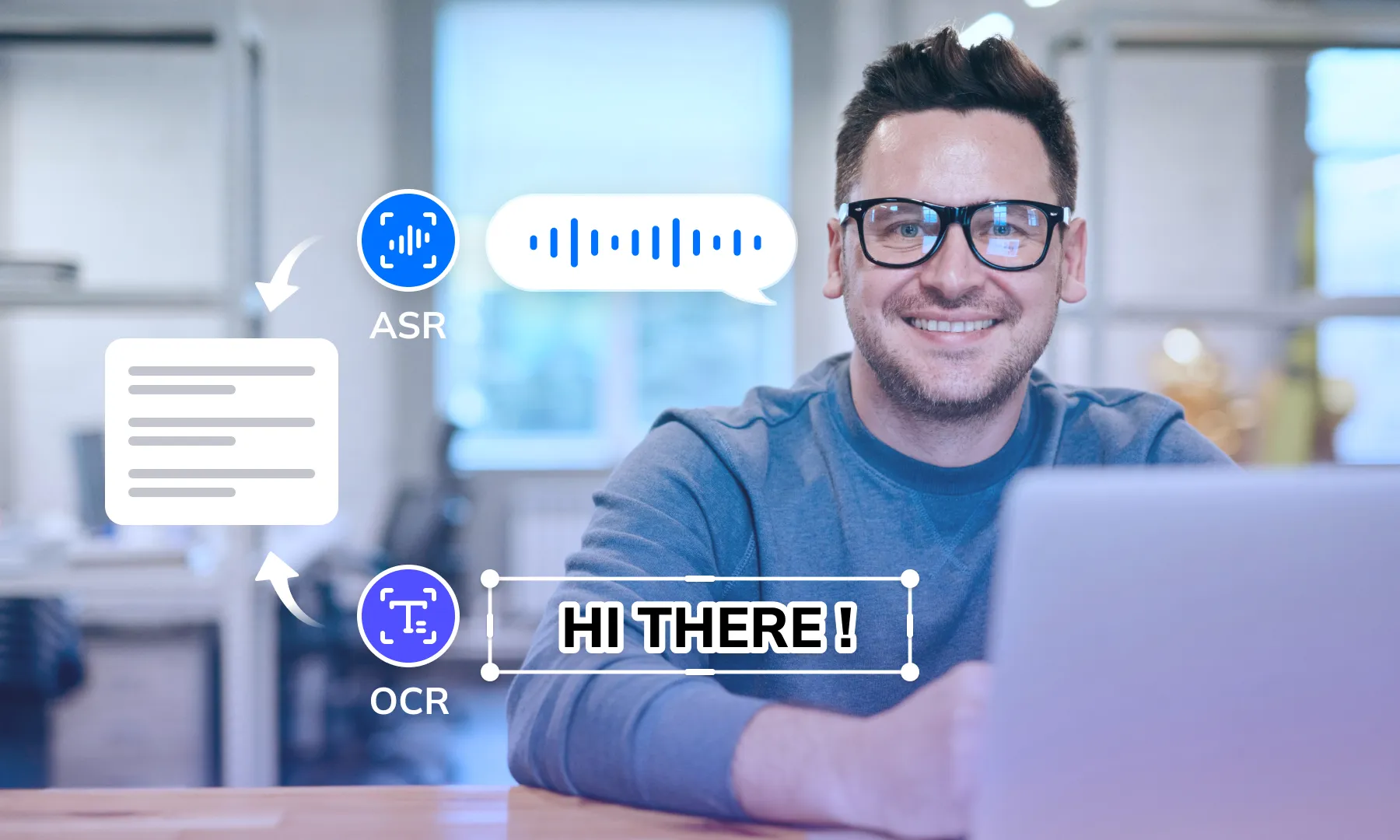

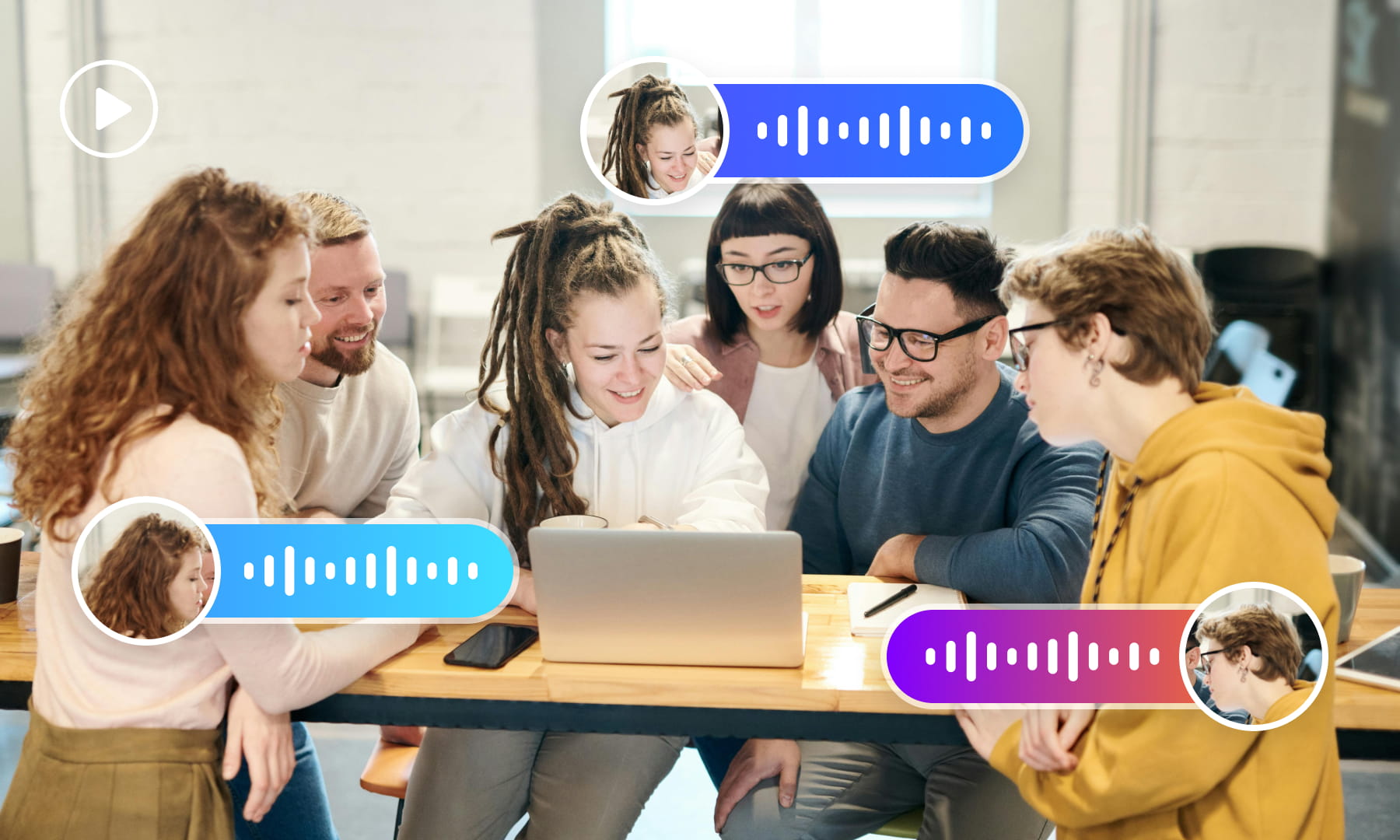
Speaker Labels and Dialogue Review
For Maltese interviews and dialogue, review speaker labels alongside the transcript. Check overlapping speech and speaker changes before handing subtitles to an editor or dubbing workflow.
Generate subtitles nowReview Speech Against Background Noise
Background music and other noise can affect Maltese speech recognition. Compare the generated transcript with the original audio and correct words that are obscured or unclear.
Generate subtitles now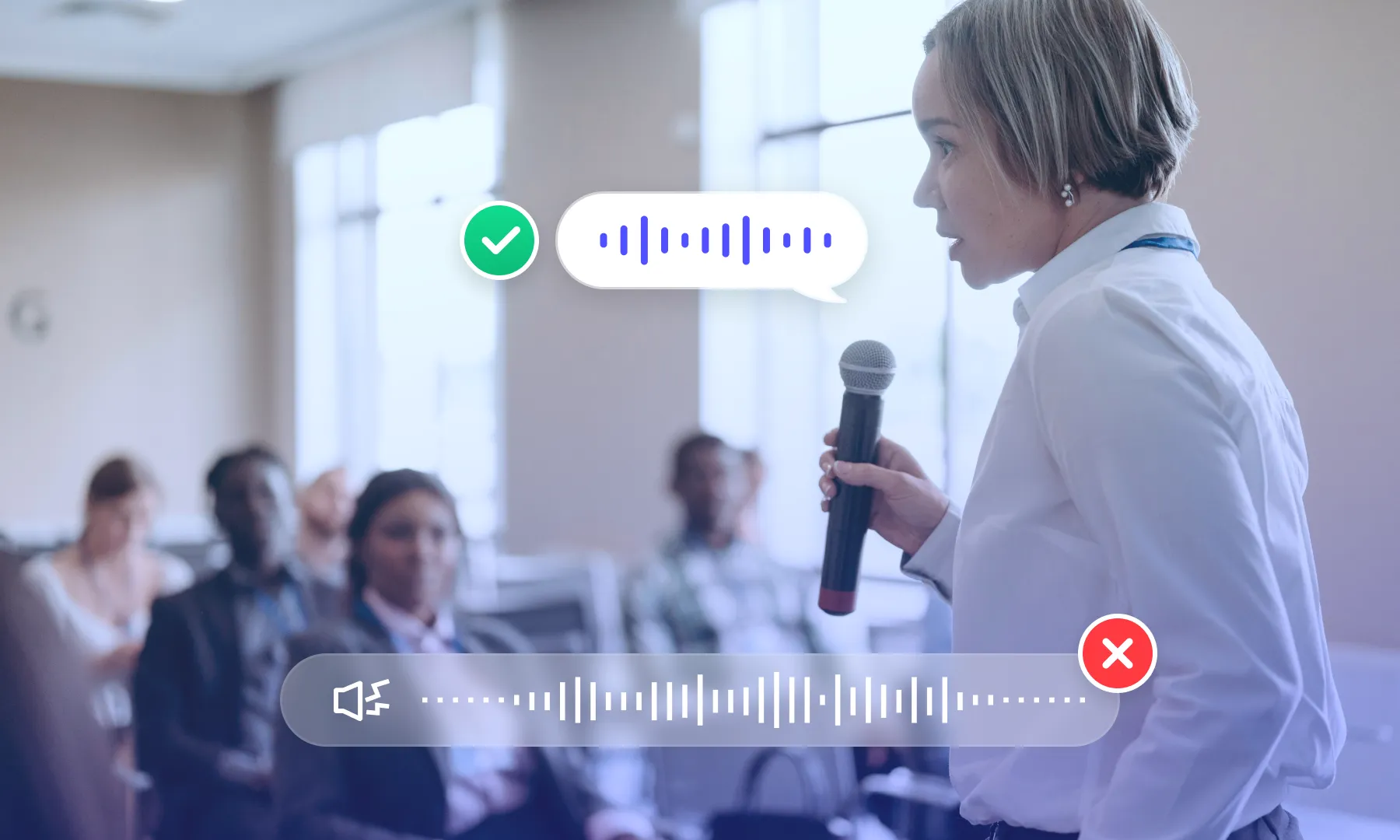
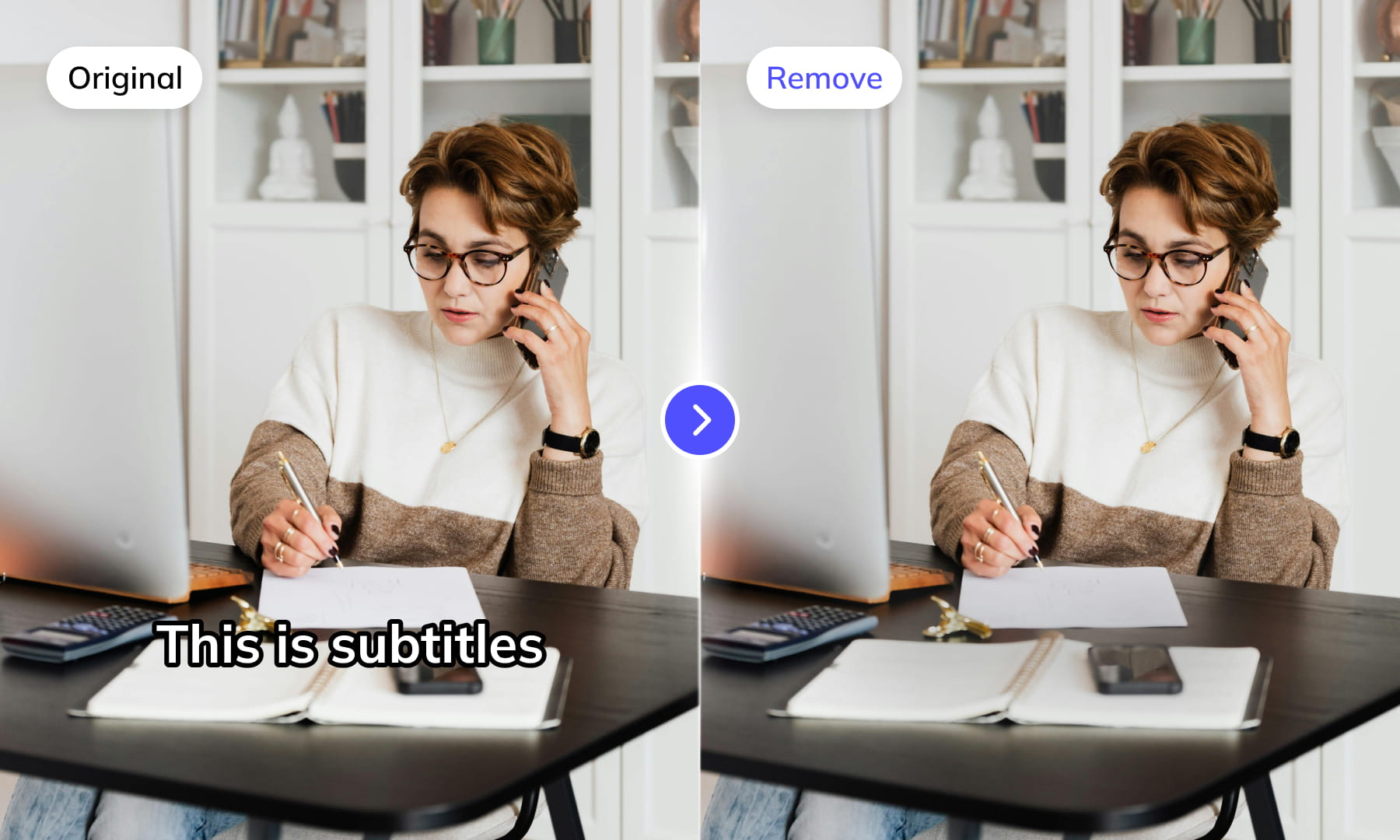
Subtitle Region Selection
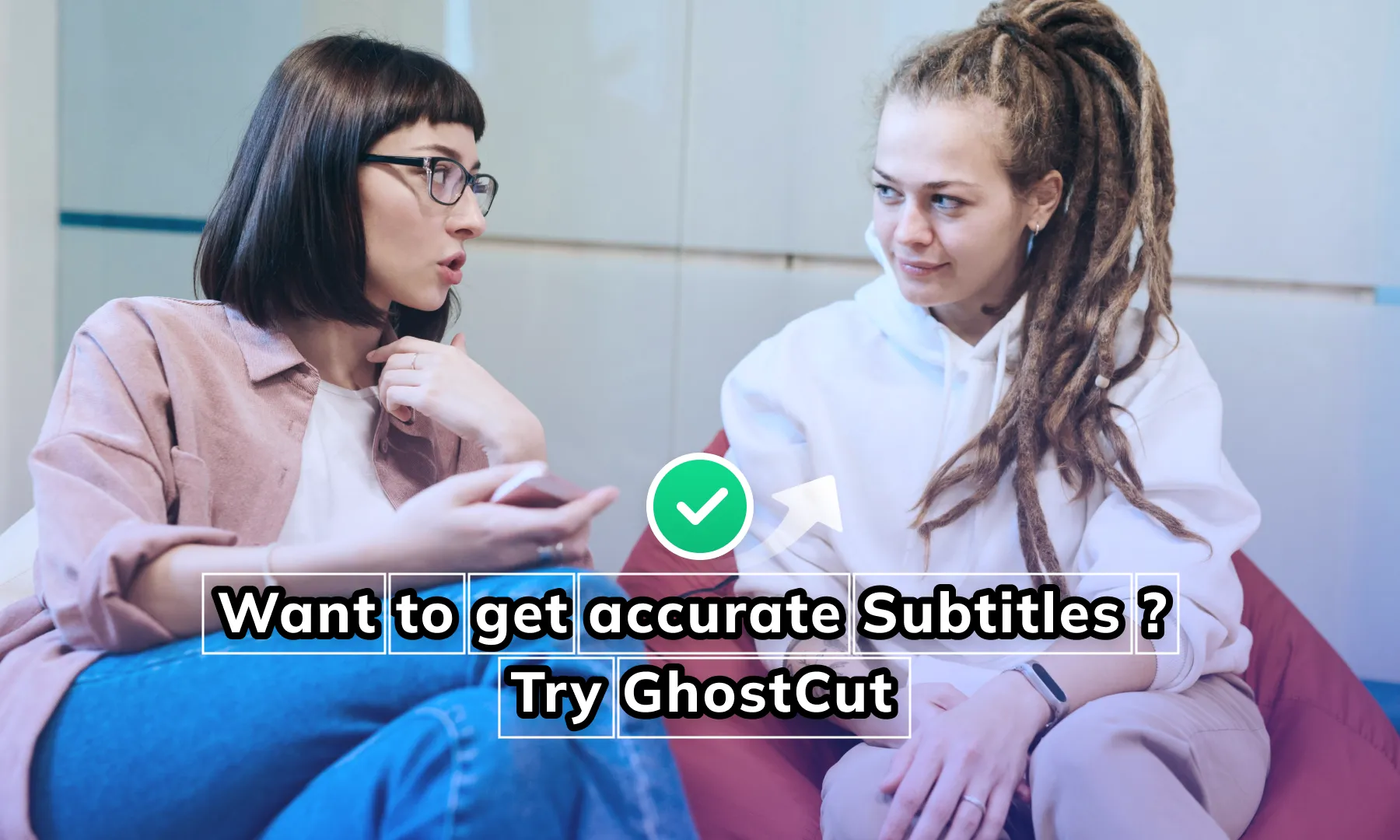
Select the subtitle area in the Maltese video, then check the extracted text for product labels or other scene text that should not be included. Adjust the selection when captions move or overlap other content.
Generate subtitles nowMulti-line Subtitle Review
Review multi-line Maltese captions as complete subtitle entries. Check that line grouping preserves reading order and that text from neighboring overlays has not been merged into the same cue.
Generate subtitles now
Contextual Subtitle Calibration
Use calibration to review a subtitle draft in context. Compare names, terminology, and ambiguous wording against the source; automated suggestions still require review before publication.
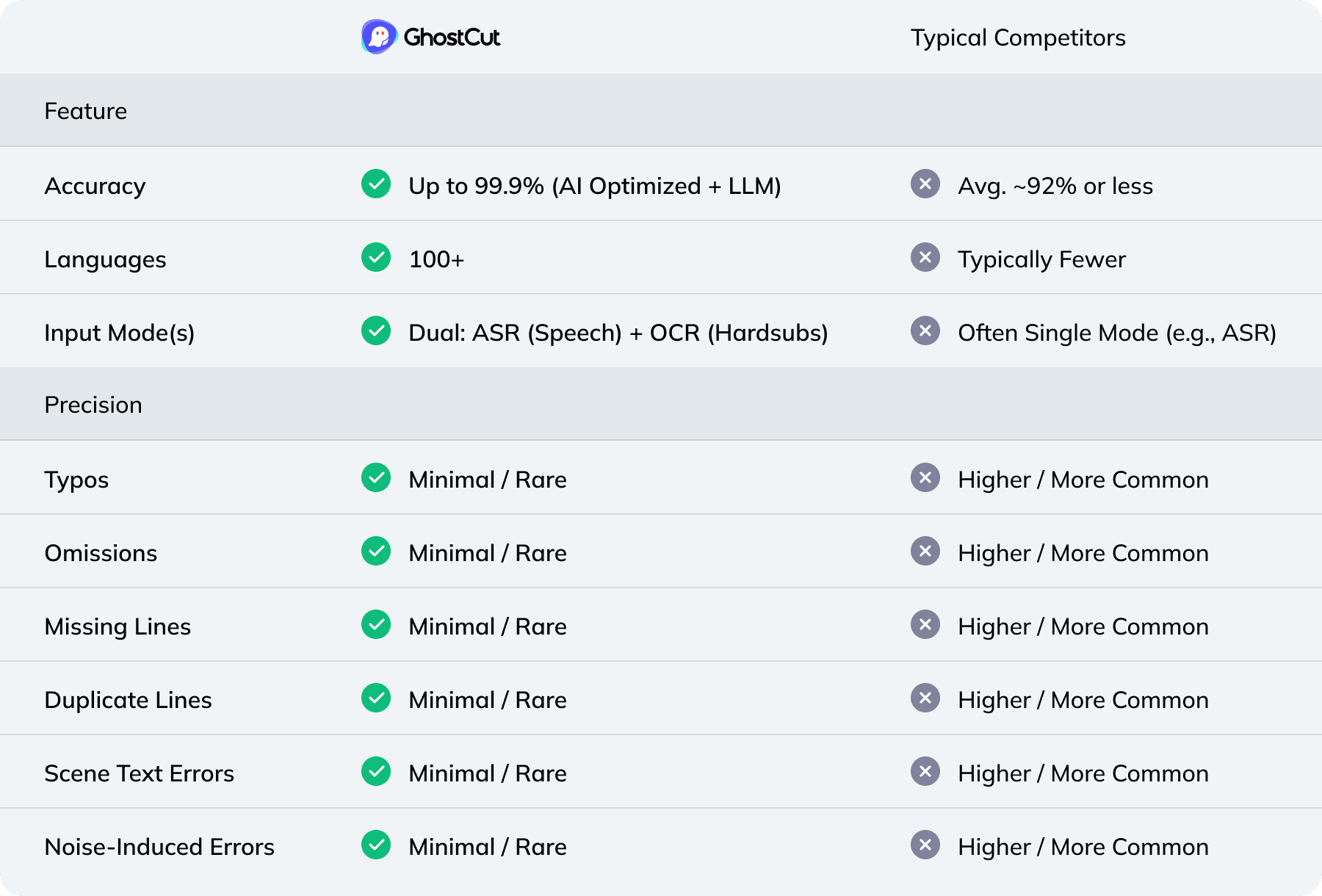
Generate subtitles nowCompare Recognition Modes and Review Options
Weydub: Your one-stop video localization workbench
Prepare subtitles, review translations, and coordinate video localization in one workspace. Choose the tools needed for each source video and check the output before moving to the next step.
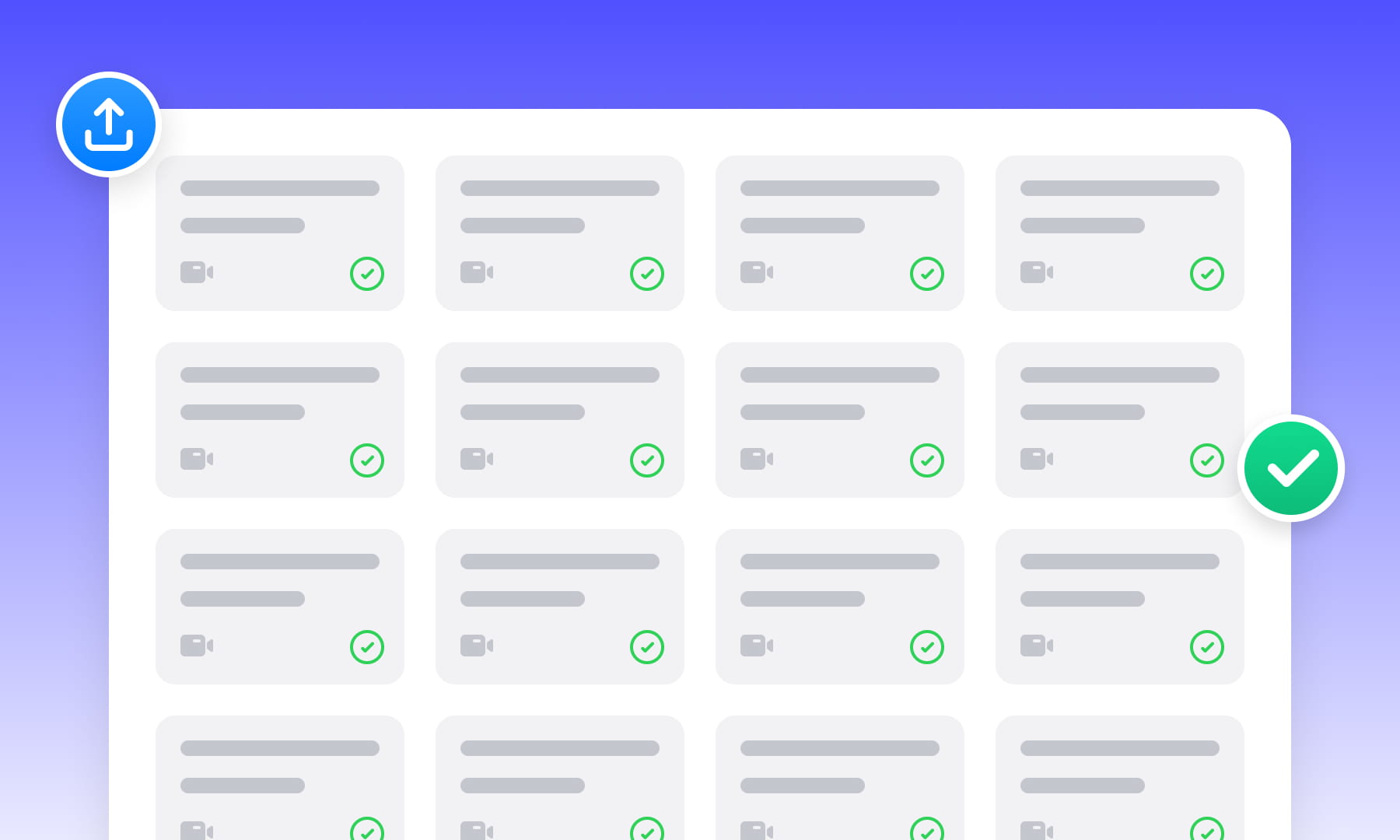
Project Management & Batch Processing
Organize source assets and use batch workflows for related videos. Check task limits, settings, and results for each file before delivery.
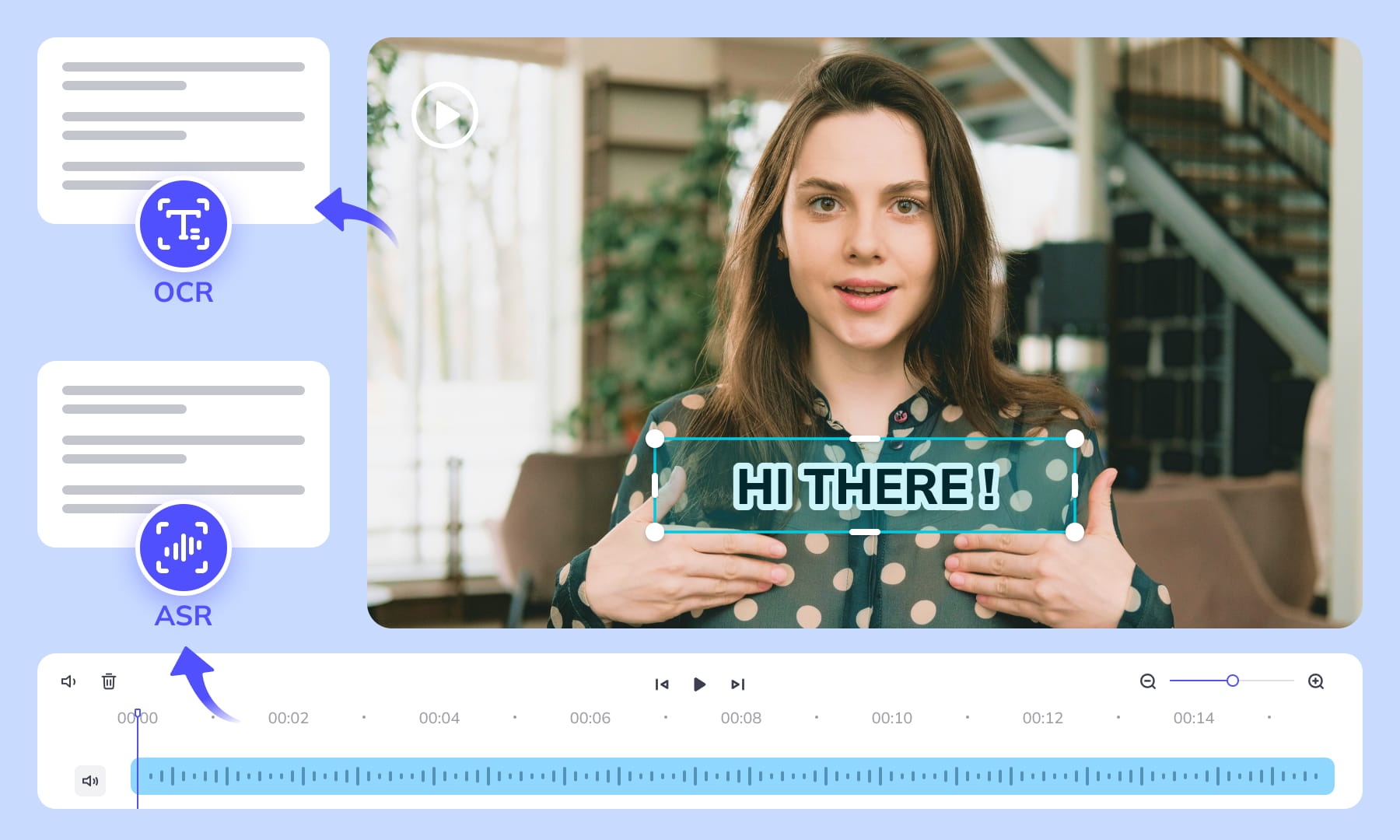
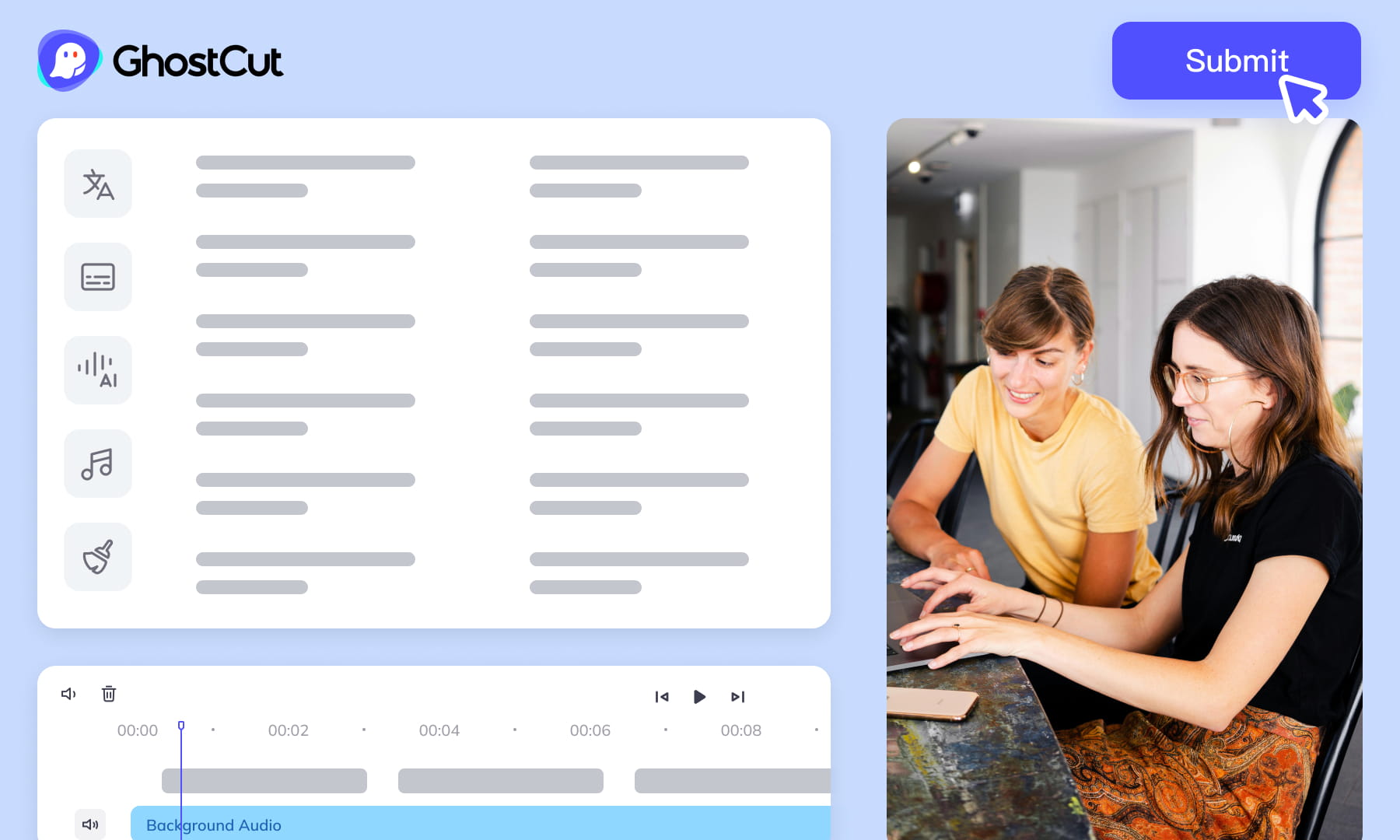
Automated Editing & Export
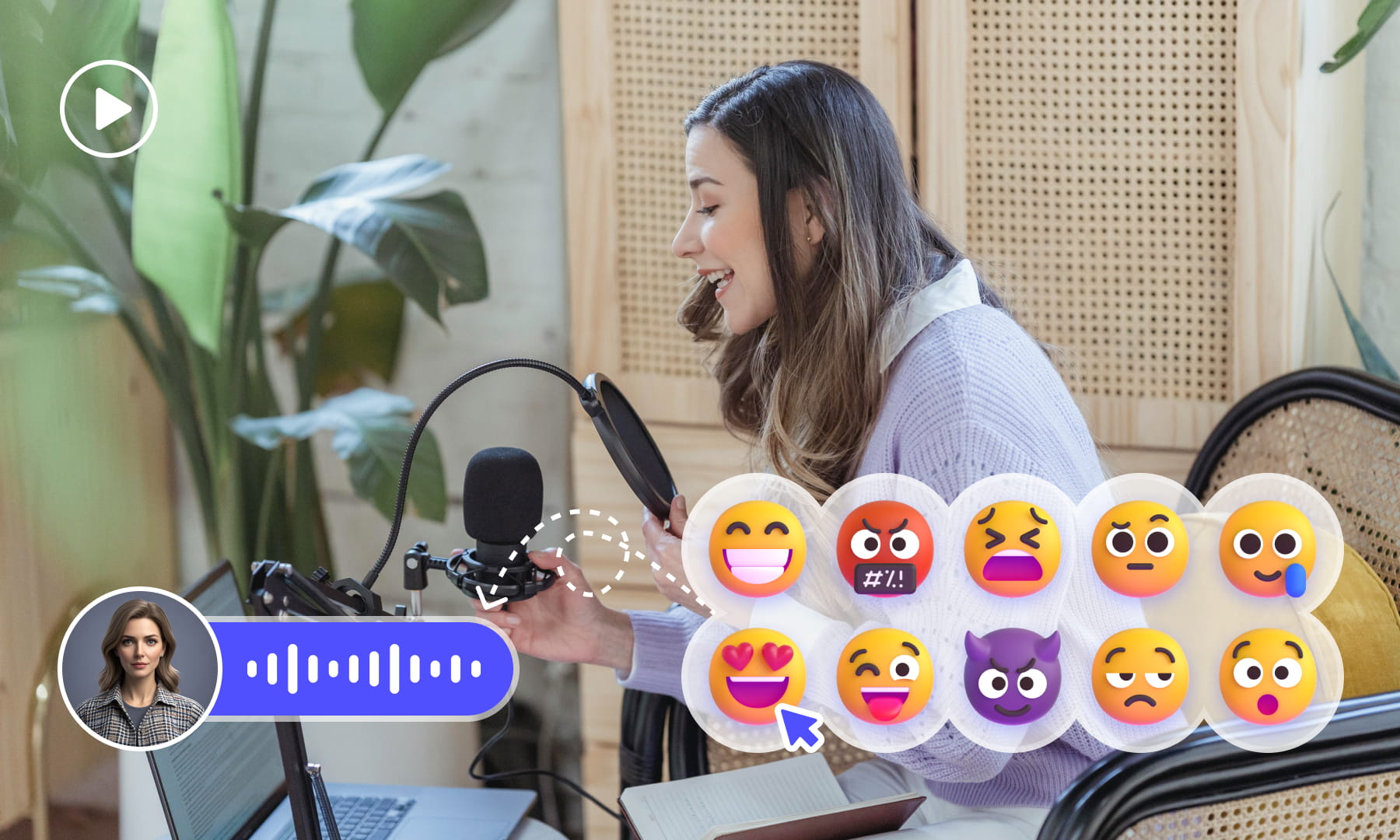
Auto-render and sync video, subtitles, AI dubs, and music. Ensures precise A/V alignment. Export project files compatible with professional NLEs (like Jianying/CapCut).
Meeting All-Scenario, Multilingual Video Subtitle Generation Needs.

Content Creators: Boost Appeal & Widen Reach
Short Drama Production: Powering Efficient Production & Market Expansion

E-commerce: Drive Engagement & Boost Sales Conversions

Animation & Film Entertainment: Accelerate Global Simultaneous Releases

Gaming Industry: Enhance Local Experience & Global Launch Efficiency

Multinational Corporate Communications & Training: Ensure Accurate Information Delivery

News Media & Broadcasting: Improve Timeliness & Public Coverage

Market Research & User Insights: Efficiently Analyze Qualitative Data
Video Tutorial
Frequently Asked Questions
Where can I check pricing and available trial credits?
Check the current Pricing page and your account balance before submitting a task. Available trial credits, paid options, and the cost shown for your selected workflow should guide your decision. Review the task settings and displayed estimate before confirming; this guide does not promise a fixed free allowance or a specific price.How accurate is Weydub's OCR for Maltese video subtitle extraction?
OCR reads visible Maltese captions from video frames, while speech recognition transcribes spoken audio. Review dotted consonants, the barred letter, apostrophes, definite-article attachment, and verb forms rather than accepting simplified English or Italian spellings. Keep approved names and intentional English code-switching, then compare the text with the video before downloading the subtitle file.Can I batch extract subtitles from multiple Maltese videos?
Batch processing can help when several Maltese videos need subtitle generation. For each upload, confirm the intended recognition language and choose OCR for hardcoded picture text or speech recognition for spoken dialogue. After processing, review names, Maltese diacritics, English code-switching, timing, and line breaks in every result instead of treating one file as a quality check for all videos.How do I proofread and edit Maltese subtitles?
Start by checking whether each segment matches the spoken words or visible caption. Correct Maltese dotted consonants, the barred letter, apostrophes, definite-article attachment, and verb forms with a fluent speaker. Preserve approved names and intentional English code-switching, keep connected forms together at line breaks, and inspect timing before downloading the reviewed subtitle file.Do I need professional video editing experience?
Start by choosing a video and the appropriate subtitle workflow. You do not need to prepare a full editing project, but you should review recognized wording, names, timing, and line breaks before publishing. Specialized dialogue may need a knowledgeable reviewer, especially when a small transcription error changes the meaning.What other languages does Weydub support for subtitle timing?
Check the current language choices in the workflow before starting, then select Maltese when the speech or visible text is Maltese. Recognition language affects words, timing, and spelling. For mixed dialogue, review every segment for intentional English code-switching, approved names, apostrophes, and Maltese diacritics rather than assuming the selected language handled each phrase correctly.Is there a video length limit for Maltese videos?
Check the current upload requirements before submitting a Maltese video, since accepted conditions can change. If a file is rejected, do not infer that recognition failed; verify the format and upload guidance first. Once accepted, choose the recognition mode, generate the subtitles, and review timing, text, names, and layout before treating the downloaded file as final.How can I style Maltese subtitles after generation?
First review the generated Maltese subtitle text, timing, and line breaks, keeping connected forms and words intact. Then apply the subtitle file in a compatible downstream video editor or player to set font, size, color, and position. Inspect Maltese diacritics and apostrophes after application, because styling should not alter the underlying subtitle text.How do I extract hardcoded Maltese subtitles?
Choose OCR when the Maltese subtitles are hardcoded into the picture, then submit the video and check the detected text against the frames. Pay close attention to dotted consonants, the barred letter, apostrophes, names, and any English words in the caption. Review segment timing and line breaks, then download the resulting external subtitle file for later use.What's the difference between external and hardcoded video subtitles?
An external subtitle file is separate text that a compatible player or editor can load, while hardcoded subtitles are visible text already inside the video image. A selectable subtitle track is stored within the video container but can still be turned on or off. Use OCR for hardcoded Maltese captions and speech recognition for spoken dialogue when appropriate.What should I check before uploading private or licensed footage?
Use footage you are entitled to process and check the current privacy policy and service terms before uploading sensitive material. For client projects, confirm that the agreed handling of faces, voices, personal details, and licensed media permits this workflow. Ask support about any specific retention or processing requirement rather than assuming a promise from this guide.