
Recap production
How to produce a short-drama recap with narration
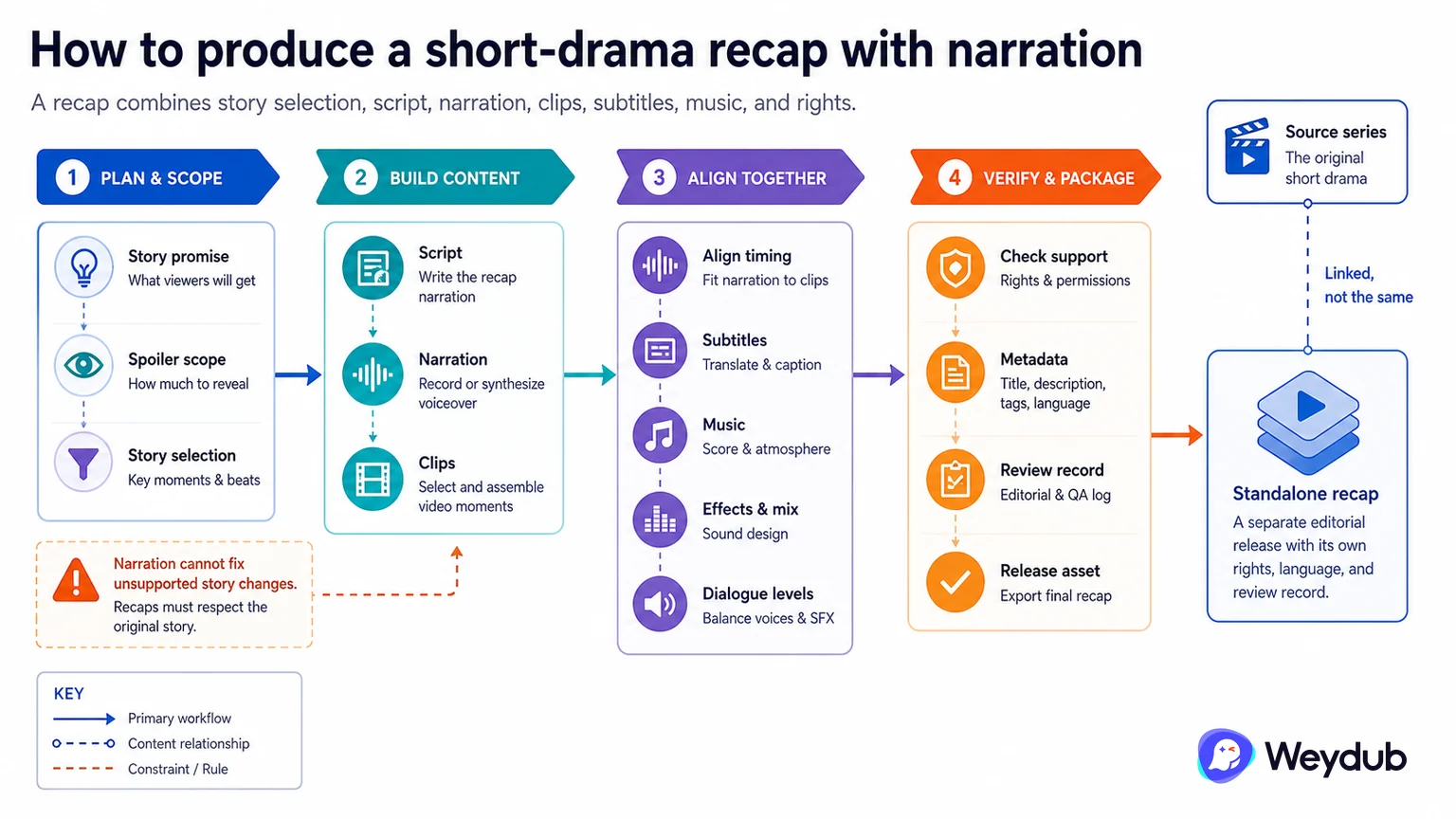
A recap is an editorial version that combines story selection, script, narration, clips, subtitles, music, and rights.
Key conclusions
- Write the recap around a clear story promise and spoiler scope.
- Keep narration, clips, subtitles, and music aligned in the edit.
- Check rights and metadata for the recap as its own release asset.
A recap is not simply a shorter export. The editor decides which events and relationships the audience needs, how much context to explain, and where the narration should give way to the original performance.
The script must match the selected clips and the target language. Narration timing, subtitle density, music, effects, and dialogue levels should be reviewed together. A fluent voice cannot repair a recap that changes the story or implies an event that the footage does not support.
Treat the recap as a version with its own title, thumbnail, rights, language, channel, and review record. Link it to the source series while keeping its editorial decisions visible.
A recap is an editorial release, not an automatic summary
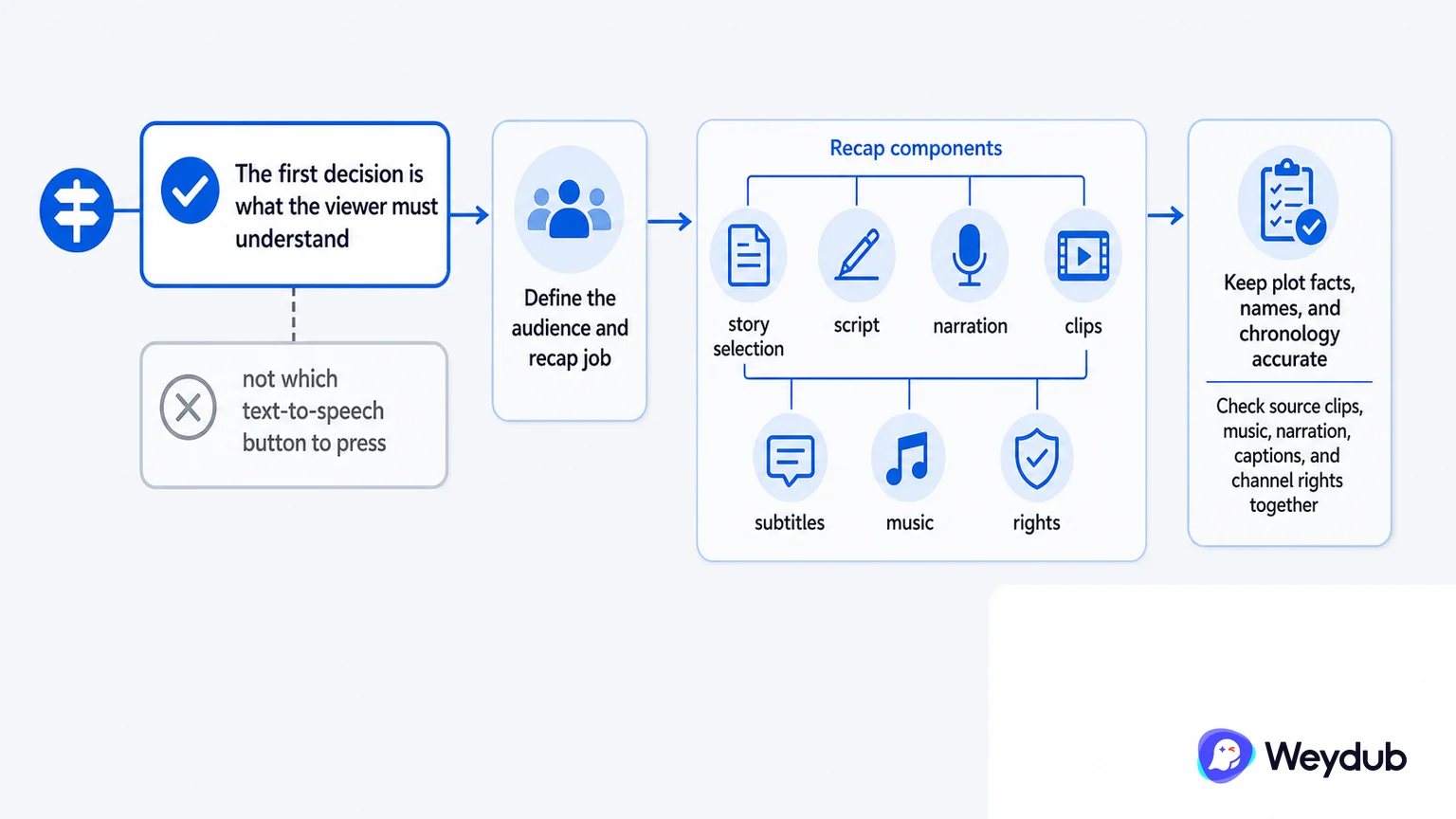
A recap combines story selection, script, narration, clips, subtitles, music, and rights. The first decision is what the viewer must understand, not which text-to-speech button to press.
- Define the audience and recap job.
- Keep plot facts, names, and chronology accurate.
- Check source clips, music, narration, captions, and channel rights together.
Build the narrative and media package
The narration script should match the selected footage and timing. A shortened story can mislead when a clip is removed from its context, so the editor should verify claims, transitions, subtitles, and the first and last explanation.
| Layer | Decision | Acceptance |
|---|---|---|
| Story | Which events and context remain? | Plot and character accuracy |
| Script | What does narration say and when? | Names, claims, duration |
| Picture | Which clips illustrate the line? | Continuity and rights |
| Sound | Narration, original, music, effects | Mix and language clarity |
Review the finished recap as a new version
The recap has its own title, metadata, runtime, rights, and audience promise. Preserve the source relationship, but do not assume the original episode approval covers a new edit or promotional use.
- Write the recap brief and story outline.
- Select rights-cleared clips and music.
- Record narration and align the script.
- Add subtitles, mix, metadata, and artwork.
- Review and approve the new delivery version.
Frequently asked questions
Can a recap be generated from subtitles alone?
Subtitles can help draft a script, but editorial selection, plot context, source footage, rights, and narration review remain necessary.
Does the original episode license automatically cover a recap?
Not necessarily. Editing and promotional rights should be checked for the intended territory and channel.
Related theme: Distribution and delivery
Weydub workflow
Take the next production step
Prepare a localized version with subtitles, voice, timing, and a delivery path that matches the destination.